
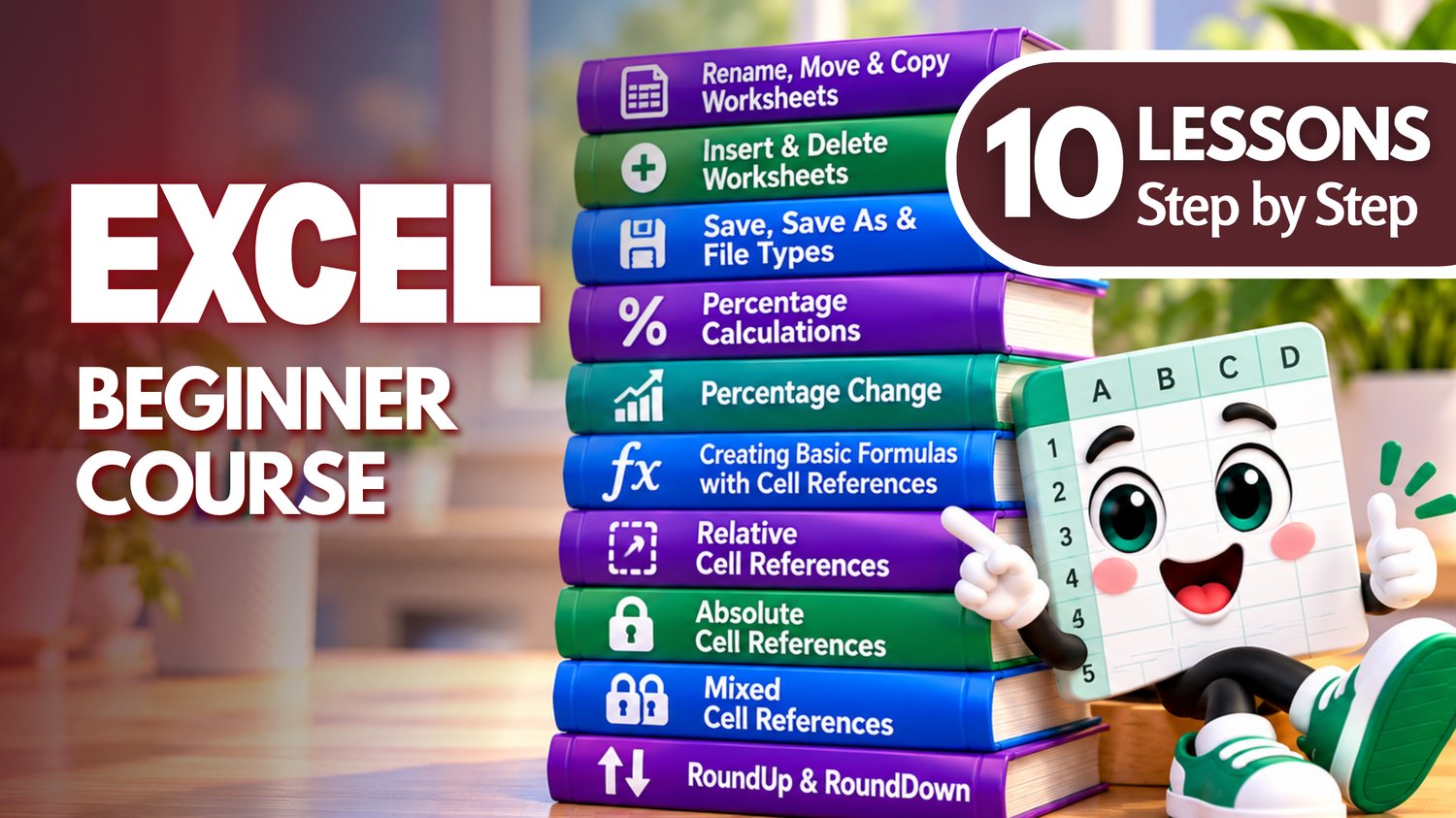
Excel Bundle | Worksheets, Percentages, Cell References & Formulas
Build your Microsoft Excel skills with this beginner-friendly collection of hands-on practice workbooks covering ten essential lessons from Easy Mode Excel Tutorials!
Ready to get more comfortable managing worksheets, calculating percentages, creating formulas, and understanding cell references?
This ten-lesson compilation brings together practical Excel skills that help you organize your workbooks, perform everyday calculations, and create formulas that work the way you expect.
With nine* matching practice workbooks and a free ten-lesson video compilation, you can learn each skill and put it into practice at your own pace.
What You'll Practice
Rename, Move & Copy Worksheets
✓ Rename worksheets to keep your workbook organized
✓ Practice moving and copying worksheets within your workbook
Insert & Delete Worksheets
✓ Add new worksheets when you need more space for information
✓ Practice deleting worksheets you no longer need
*Save, Save As & File Types
✓ Understand the difference between Save and Save As
✓ Practice saving workbooks and exploring common Excel file types using any of the nine included workbooks
Percentage Calculations
✓ Learn how to calculate percentages using Excel formulas
✓ Practice everyday percentage calculations using cell references
Percentage Change
✓ Calculate percentage increases and decreases
✓ Practice comparing original and new values using formulas
Creating Basic Formulas with Cell References
✓ Create formulas using cell references instead of typing numbers directly
✓ Practice calculations that update automatically when cell values change
Relative Cell References
✓ Understand how relative references work in Excel formulas
✓ Practice copying formulas and watching cell references adjust automatically
Absolute Cell References
✓ Learn how dollar signs keep cell references fixed in formulas
✓ Practice using absolute references when copying calculations
Mixed Cell References
✓ Learn how to lock either a row or a column in a formula
✓ Practice controlling which parts of a reference change when copying formulas
RoundUp & RoundDown
✓ Use the ROUNDUP function to round numbers upward
✓ Practice using the ROUNDDOWN function to round numbers downward
What's Included
✓ Nine downloadable Excel practice workbooks (.xlsx)
✓ Hands-on practice covering all ten lessons
✓ A free ten-lesson video compilation covering every topic
✓ Beginner-friendly activities you can complete at your own pace
✓ The Save, Save As & File Types lesson can be practiced using any of the included workbooks
Bundle & Save!
Get all nine practice workbooks for just $15.49 USD!
Purchased separately, these nine workbooks would cost $22.41 USD.
Your bundle savings: $6.92 USD — approximately 31% off!
One convenient purchase gives you the workbooks needed to practice all ten lessons.
Learn by Doing!
Watching a tutorial is helpful, but practicing the skills yourself makes them easier to remember!
Download your workbooks, follow along with the free video compilation, and build your confidence one lesson at a time.
Perfect for Excel beginners! Learn how to manage worksheets, save files, calculate percentages, create formulas, understand different types of cell references, and round numbers up or down.
These practical skills will help you create spreadsheets that are easier to organize, update, and use in everyday situations.
This purchase includes nine downloadable Excel practice workbooks covering ten lessons. The Save, Save As & File Types lesson uses any of the included workbooks and does not require a separate file. Microsoft Excel is recommended for full compatibility with the features demonstrated.
Watch the FREE Video Lesson Compilation
🎥 Excel — Worksheets, Save & Save As, Percentages, Cell References, Formulas, ROUNDUP & ROUNDDOWN