
Change Order Template: Editable One-Page Word Form for Contractors
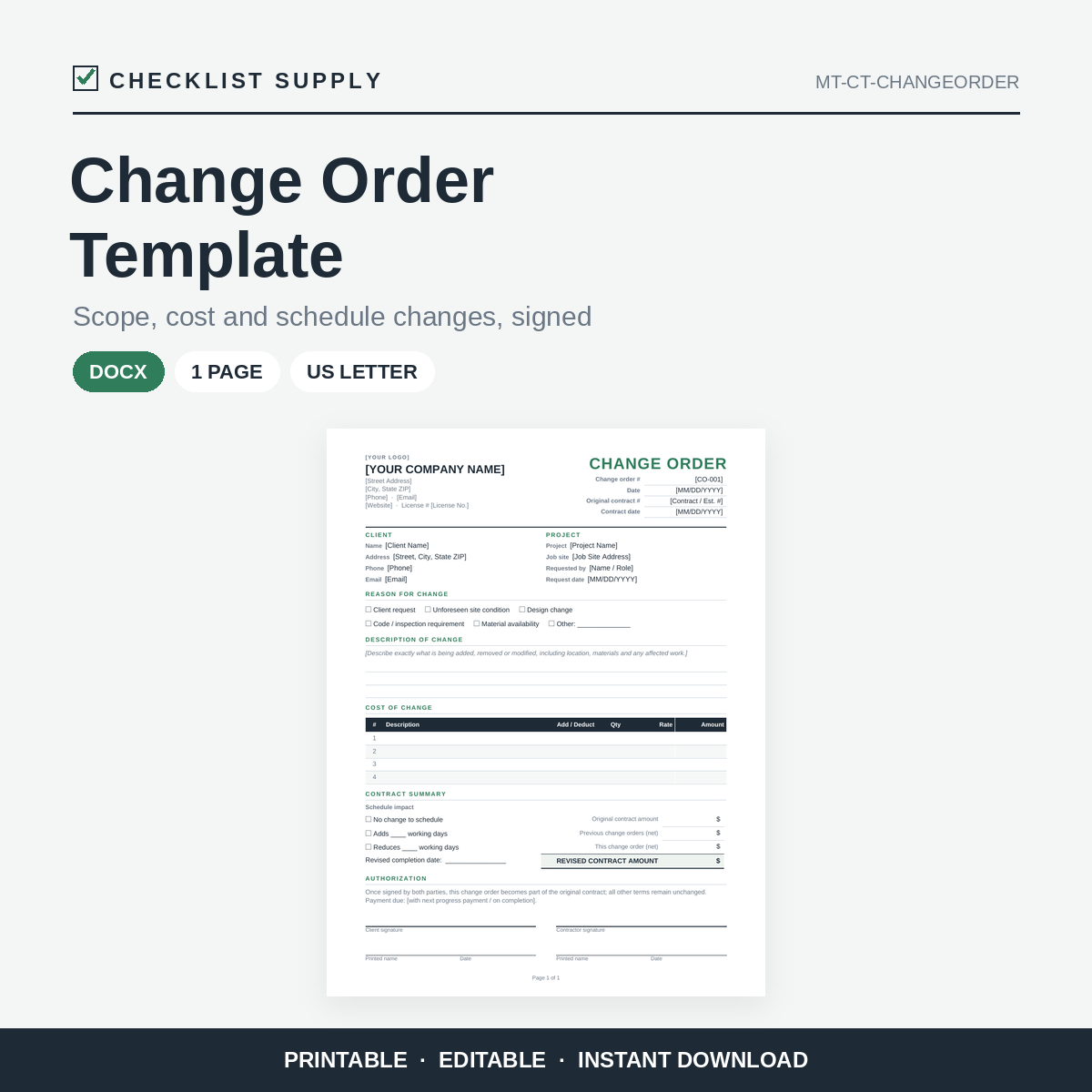
When the scope of a job changes, write it down before the work starts. This one-page change order form records what is changing, why, what it costs and how it affects the schedule, and has space for both parties to sign.
Tick a reason for the change (client request, unforeseen site condition, design change, code requirement and more) and describe the change. Then list each cost as an add or a deduct. The contract summary section tracks the original contract amount, previous change orders, this change and the revised contract amount, along with any added or reduced working days.
Replace the [bracketed] placeholders with your details and add your logo. Print it for on-site signatures or export it to PDF.
What you get:
- Change-Order-Template.docx (Word, one page)
- 1-page PDF quick-start guide
Bullet points:
- One-page, editable Word change order form
- Reason-for-change tick boxes and a description area
- Itemized cost table with add / deduct column
- Contract summary: original amount, previous changes, this change, revised total
- Schedule impact section with revised completion date
- Client and contractor signature and date lines
- Matches the Checklist Supply Estimate and Invoice templates
- US Letter, printer-friendly
- Works with Microsoft Word, Google Docs, LibreOffice and Apple Pages
- Instant digital download
Please note: This is a fill-in form. It is not legal advice, and it does not replace your contract. Requirements for change orders vary by location and contract, so review the wording for your situation. Some formatting may look slightly different outside Microsoft Word. Licensed for use in your own business. Please do not resell or redistribute.