

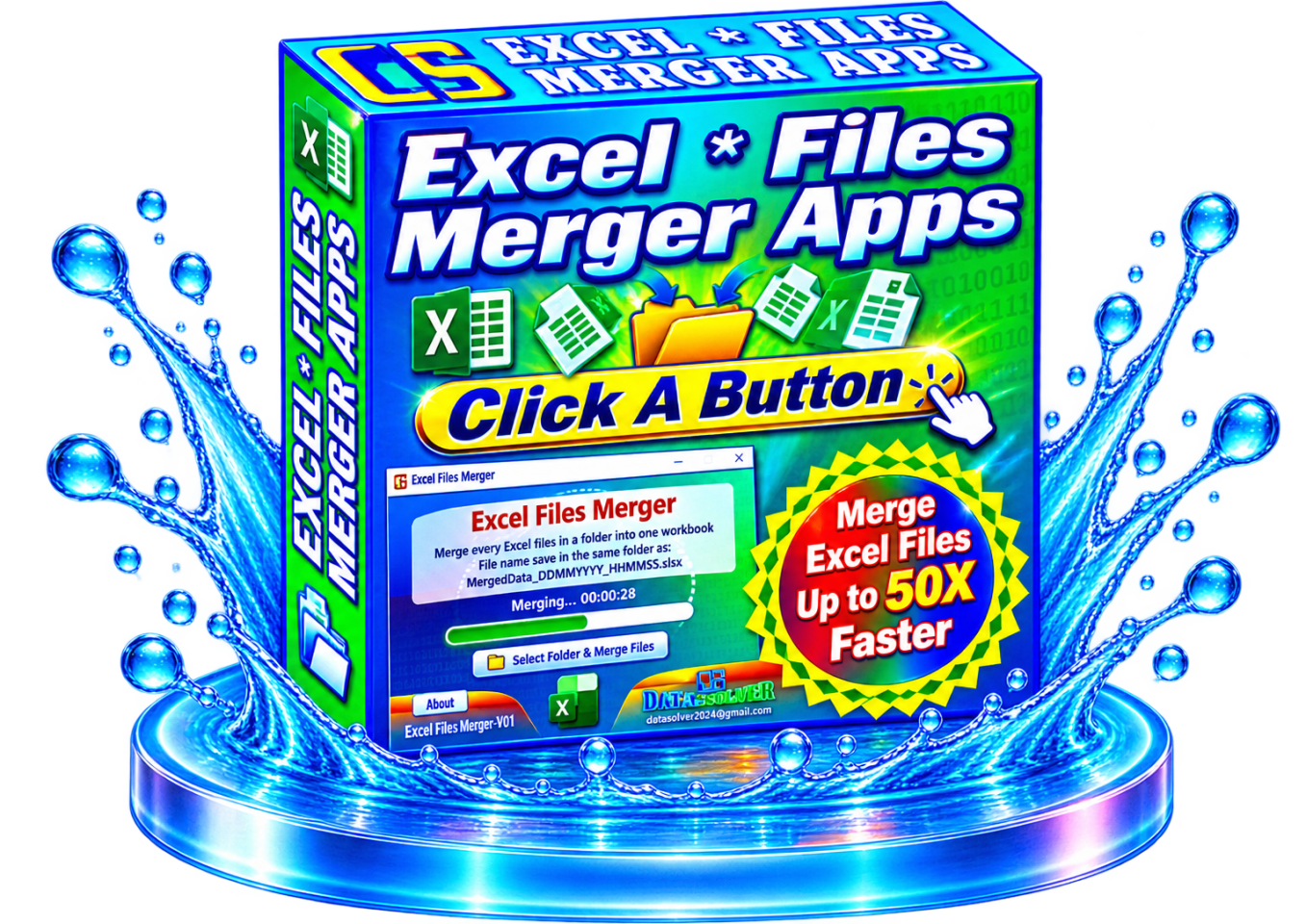


Excel Files Merger Portable Apps
Excel Files Merger Portable Apps
The full version of Excel Files Merger comes with enhanced features designed to make Excel file consolidation faster and easier. With this powerful tool, you can:
✅ Merge multiple Excel workbooks into a single file
✅ Combine worksheets from different Excel files, including older and newer versions
✅ Use simple and intuitive tools for seamless operation
✅ Get results without requiring advanced Excel knowledge
✅ Simplify reporting, data consolidation, and business processes
Whether you’re working with sales reports, inventory records, employee data, or project spreadsheets, Excel Files Merger helps streamline your workflow, save time, and boost productivity.
Stop wasting time manually combining large Excel files. The Excel Files Merger Portable App is designed to handle massive datasets, allowing you to merge over 1 million rows of records quickly and efficiently in just minutes.
Take advantage of this limited-time promotional offer and get your copy today at a special discounted price.
Watch a video demo of Excel Merger Portable Apps in action!
Advantages of EFMP Apps
- No Installation Required – EFMP Apps are designed to run directly without installation, eliminating the need for software deployment or system modifications.
- Portable and Flexible – Applications can be executed directly from a USB flash drive, enabling users to carry and run them across multiple workstations with ease.
- No Administrator Privileges Needed – Ideal for corporate environments where users have restricted permissions and cannot install software.
- Cross-Platform Compatibility – Supports Windows and other operating systems, providing a consistent user experience across diverse IT environments.
- Suitable for Secure and Private Networks – Operates effectively within isolated, private, or highly controlled network environments where software installation and internet access may be restricted.
- Reduced IT Overhead – Simplifies deployment and maintenance by removing installation, configuration, and upgrade requirements on individual devices.
- Rapid Accessibility – Users can launch and use the applications immediately, improving productivity and minimizing setup time.