





Free Sinking Funds Tracker Spreadsheet — Savings Goal Starter for Excel
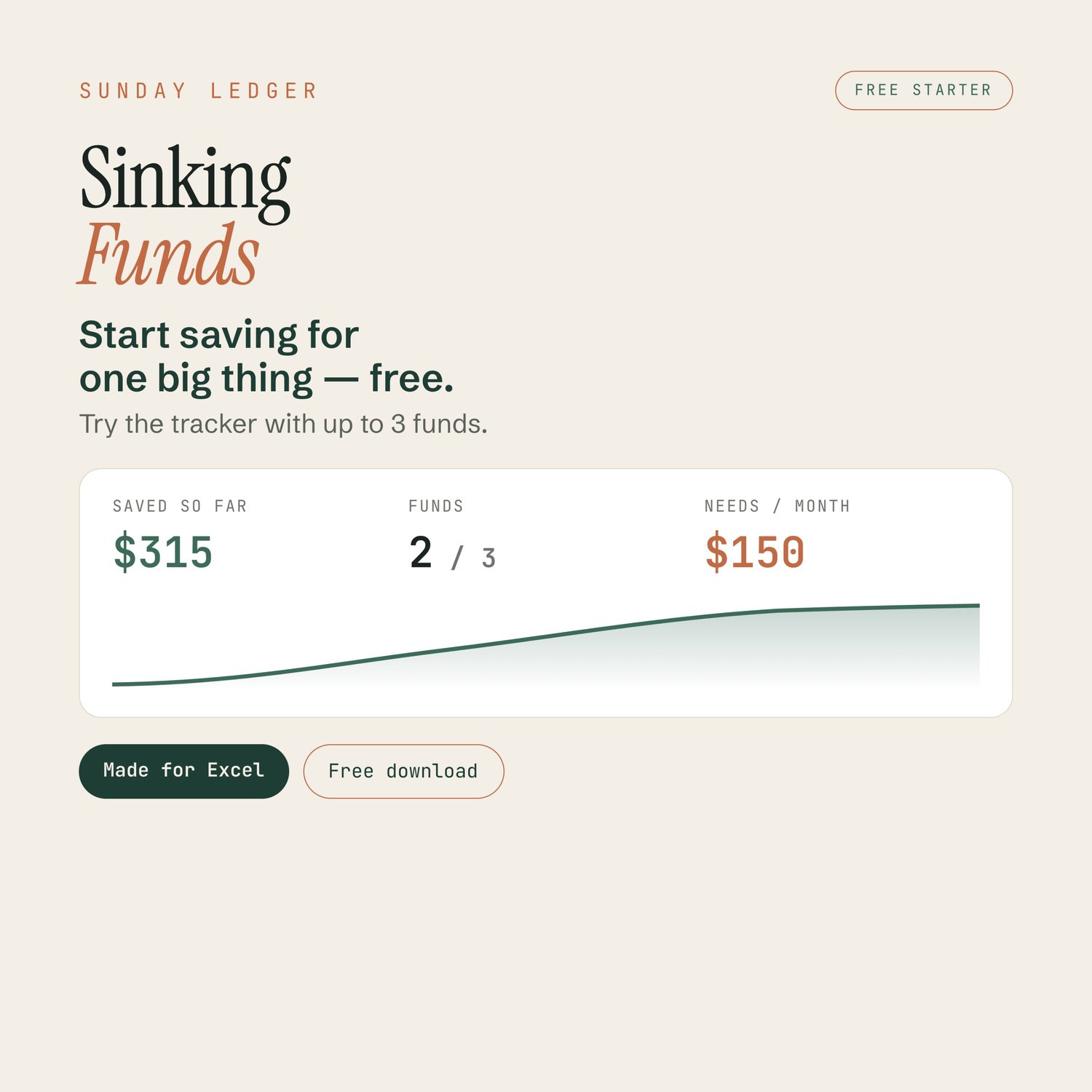
Start saving for one big thing — free.
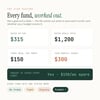
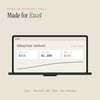
Sinking funds are simple: set aside a little each month, so the big expenses never catch you out. This free starter from Sunday Ledger lets you try the whole idea at no cost. Name a fund — a vacation, car maintenance, a holiday — set a target and a date, and the spreadsheet tells you exactly how much to put aside each month. Track up to three funds, and see everything add up on one calm dashboard.
✦ What’s included
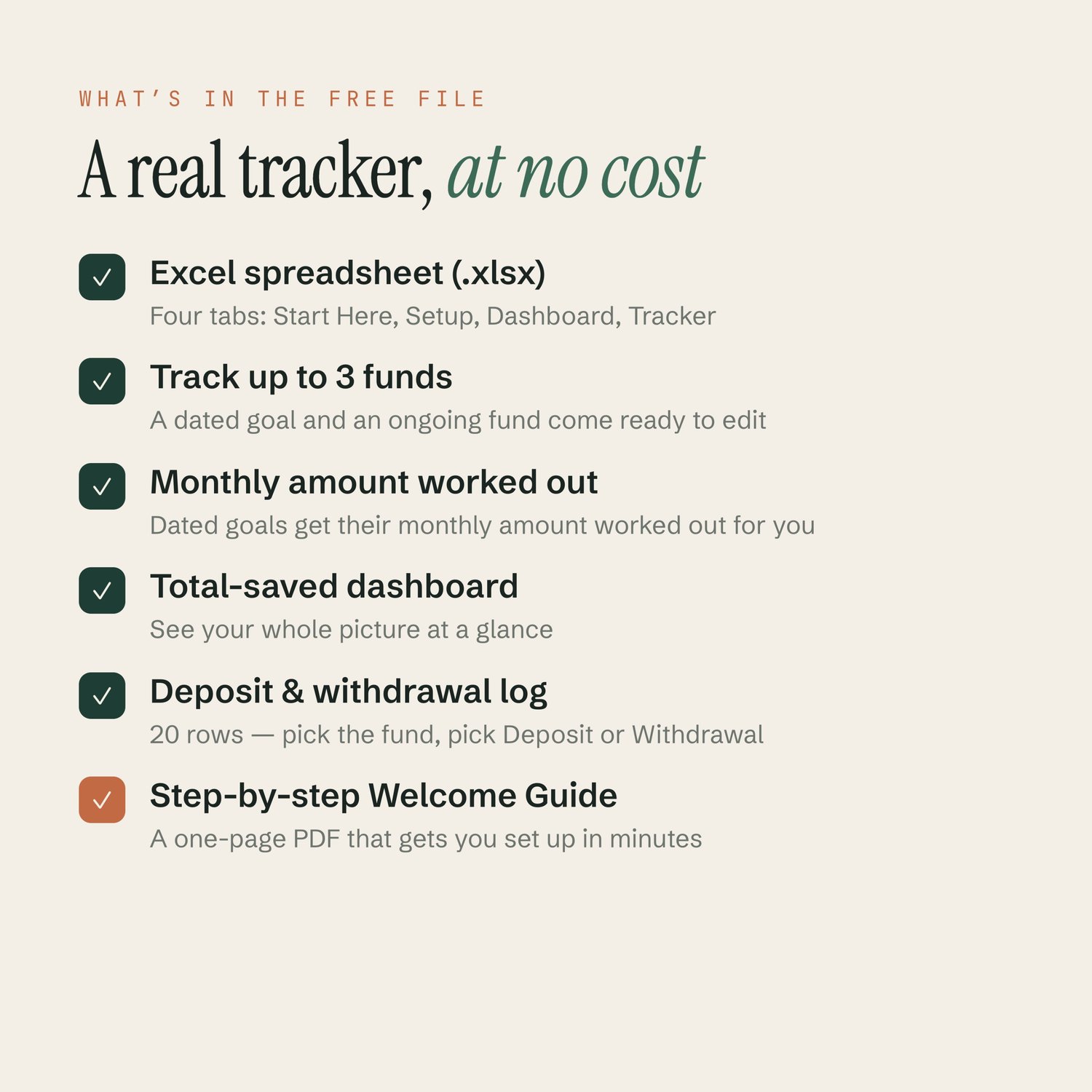
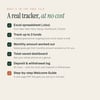
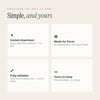
• Sinking Funds Starter in Excel (.xlsx) — free, no strings
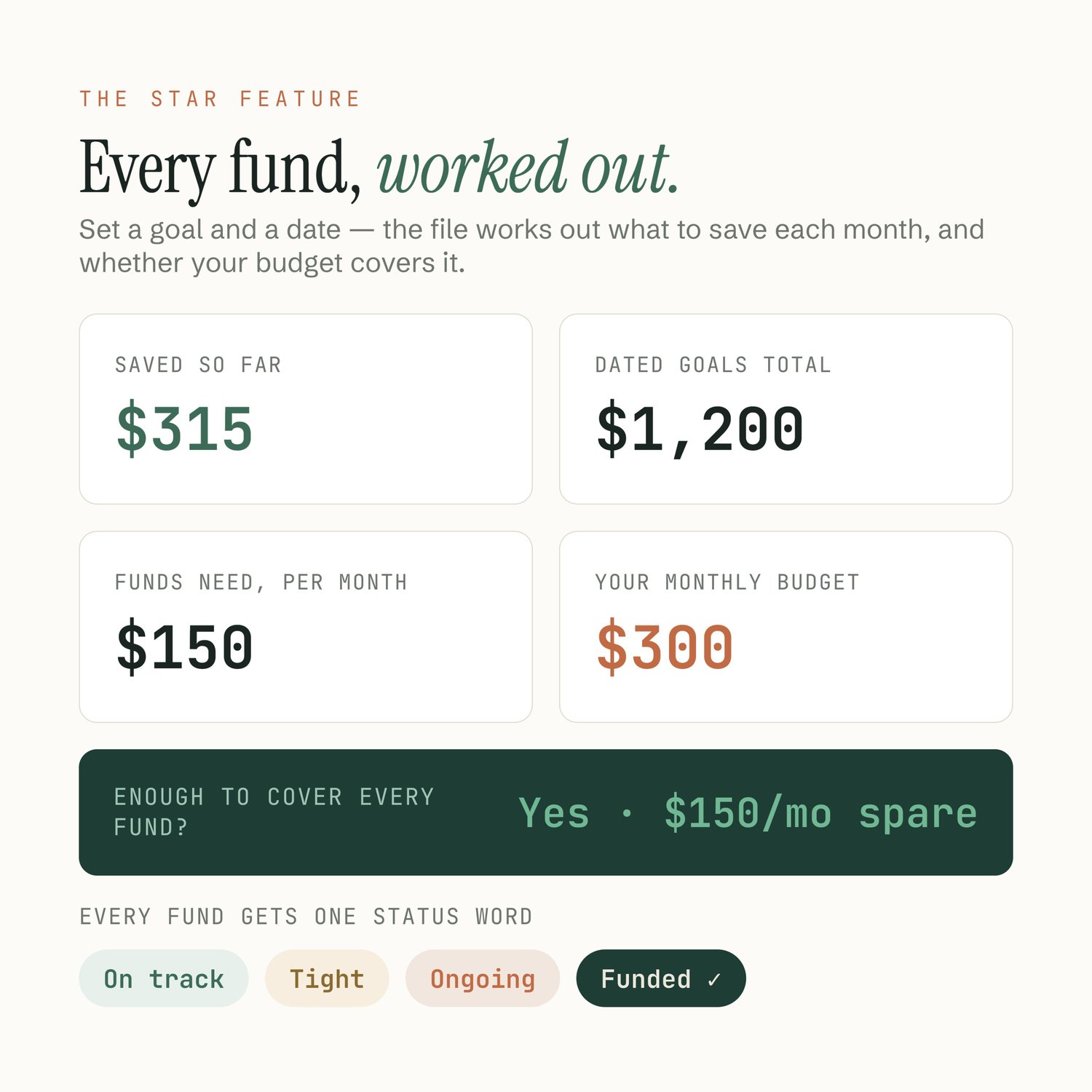
• Track up to 3 funds, each with its own status, and an on-pace date for every dated goal
• Auto “save this much per month” for every dated goal
• Target amounts and dates, tracked to the dollar
• Dropdown menus where it counts — pick the fund, pick Deposit or Withdrawal
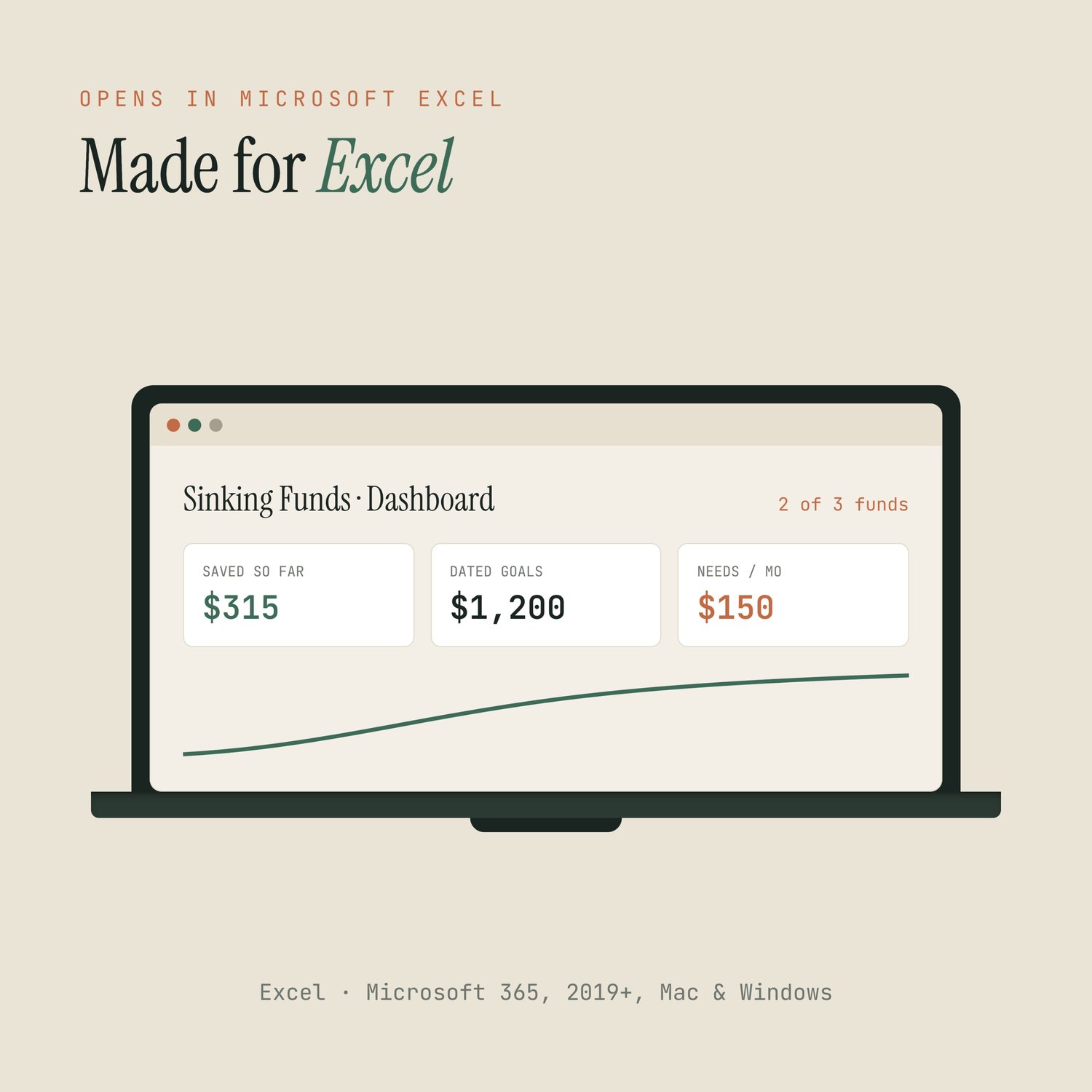
• A total-saved dashboard across all your funds
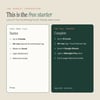
• Four tabs: Start Here, Setup, Dashboard, Tracker
• A one-page Welcome Guide (PDF) to get you set up in minutes
✦ How it works
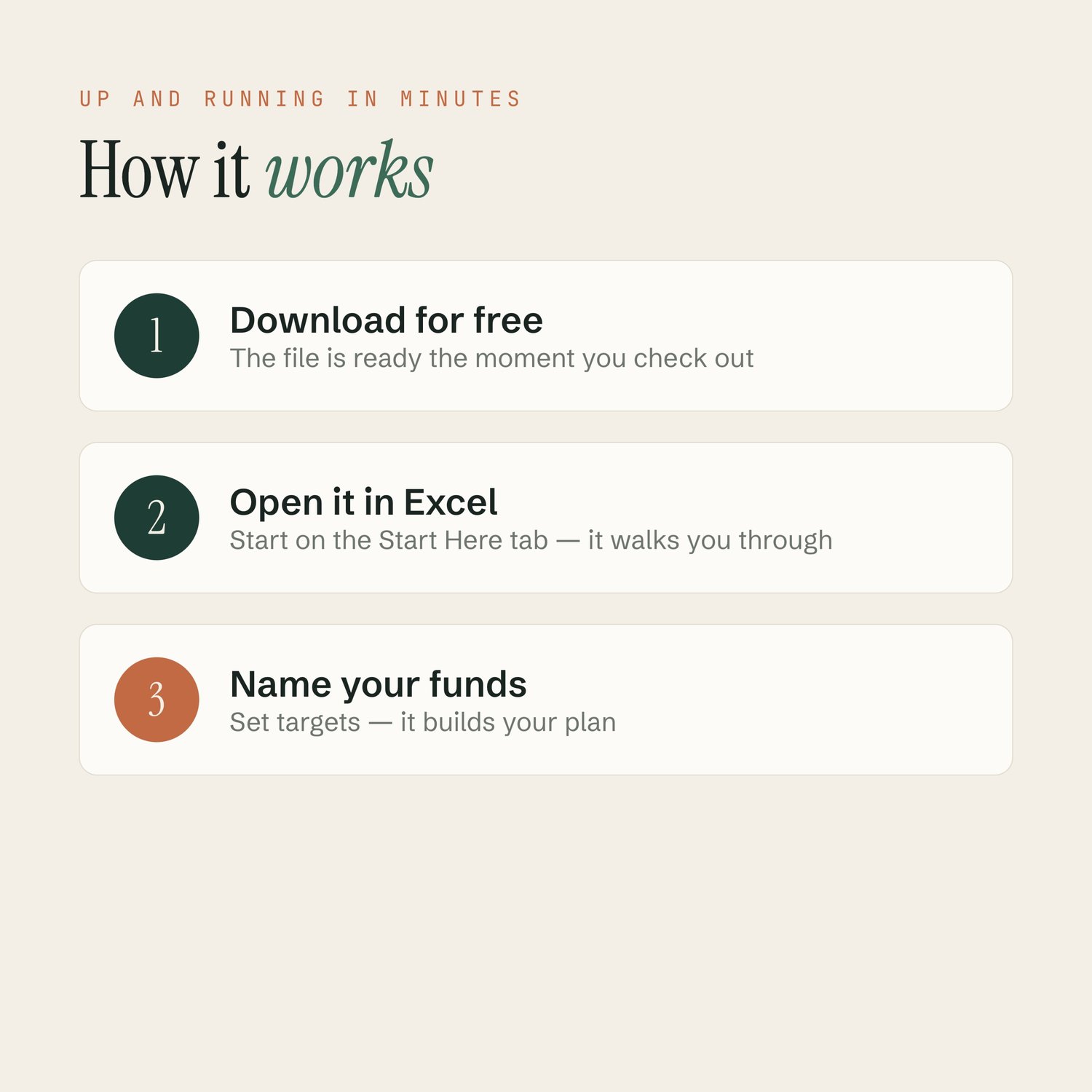
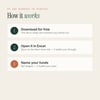
1. Enter your email at checkout and download it free
2. Open the .xlsx in Excel and start on the Start Here tab
3. Name each fund, set a target and a date in the clay-outlined cells
4. The tracker shows what to save each month — automatically
✦ Who it’s for
Anyone who wants to try sinking funds without spending a cent — savers with one or two big things coming up, and budgeters who like a plan they can actually see. If you can type a number, you can use this.
✦ Why you’ll like it
Most free spreadsheets are a bare grid. This one is a designed studio piece — calm colors, clear typography, and a real dashboard — so saving feels like a quiet Sunday morning, not a chore. It’s a genuine working tool, not a locked demo. Every dated goal even shows an “on pace for” date — the honest date, not the wishful one.
✦ Compatibility
• Made for Excel (Microsoft 365, 2019+, Mac & Windows)
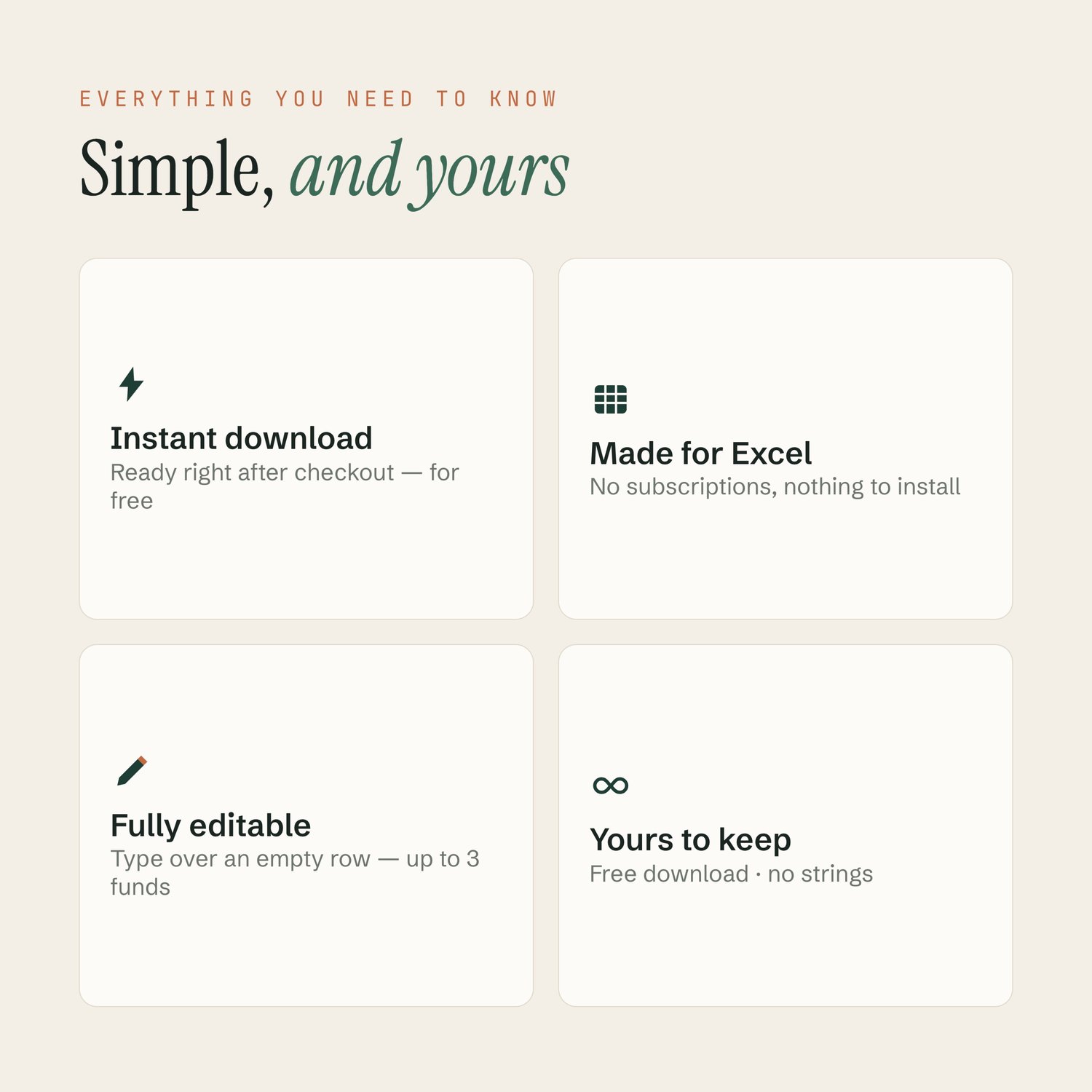
• No extra software, no subscriptions, nothing to install
✦ FAQ
Q: Is it really free? — Yes. Enter your email at checkout and download it, no cost.
Q: Do I need Excel? — Yes, this free starter is built for Excel.
Q: How many funds can I track? — Up to 3, and you can rename each one.
Q: Can I edit it? — Absolutely, it’s fully editable.
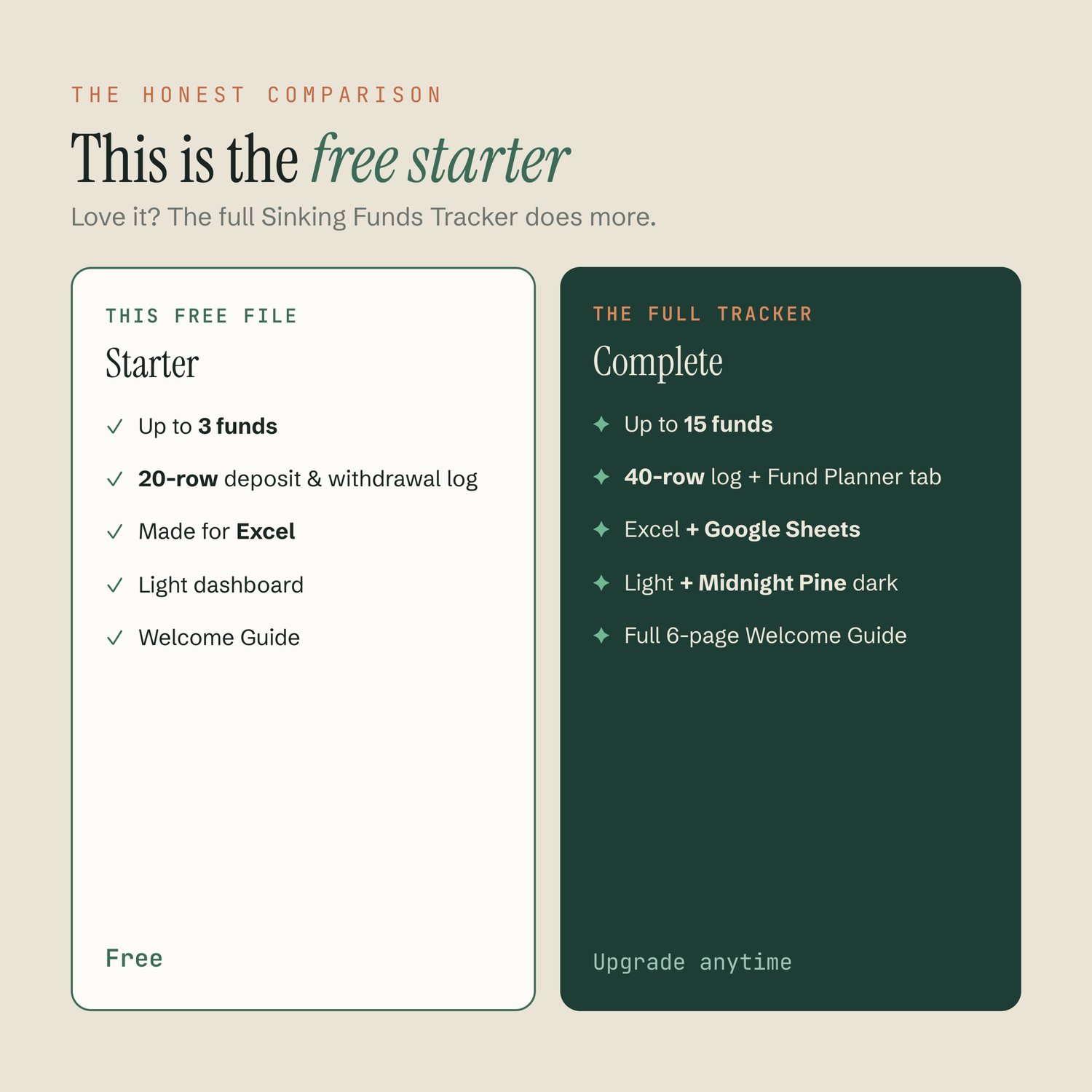
Q: Can I get more later? — Yes. The full Sinking Funds Tracker adds up to 15 funds, a 40-row log, Google Sheets and a Midnight Pine dark mode.
⬇ Instant download
This is a free digital product — nothing ships. Enter your email at checkout and two files land in your order email and your Payhip account: the Excel .xlsx and a one-page Welcome Guide PDF.

Terms of use
For personal use only. Please do not resell, redistribute, share, or claim this template or its files as your own. All designs © Sunday Ledger. Thank you for respecting a small shop.
Money, sorted on a Sunday.
Questions? Message the shop — happy to help. — Sunday Ledger