
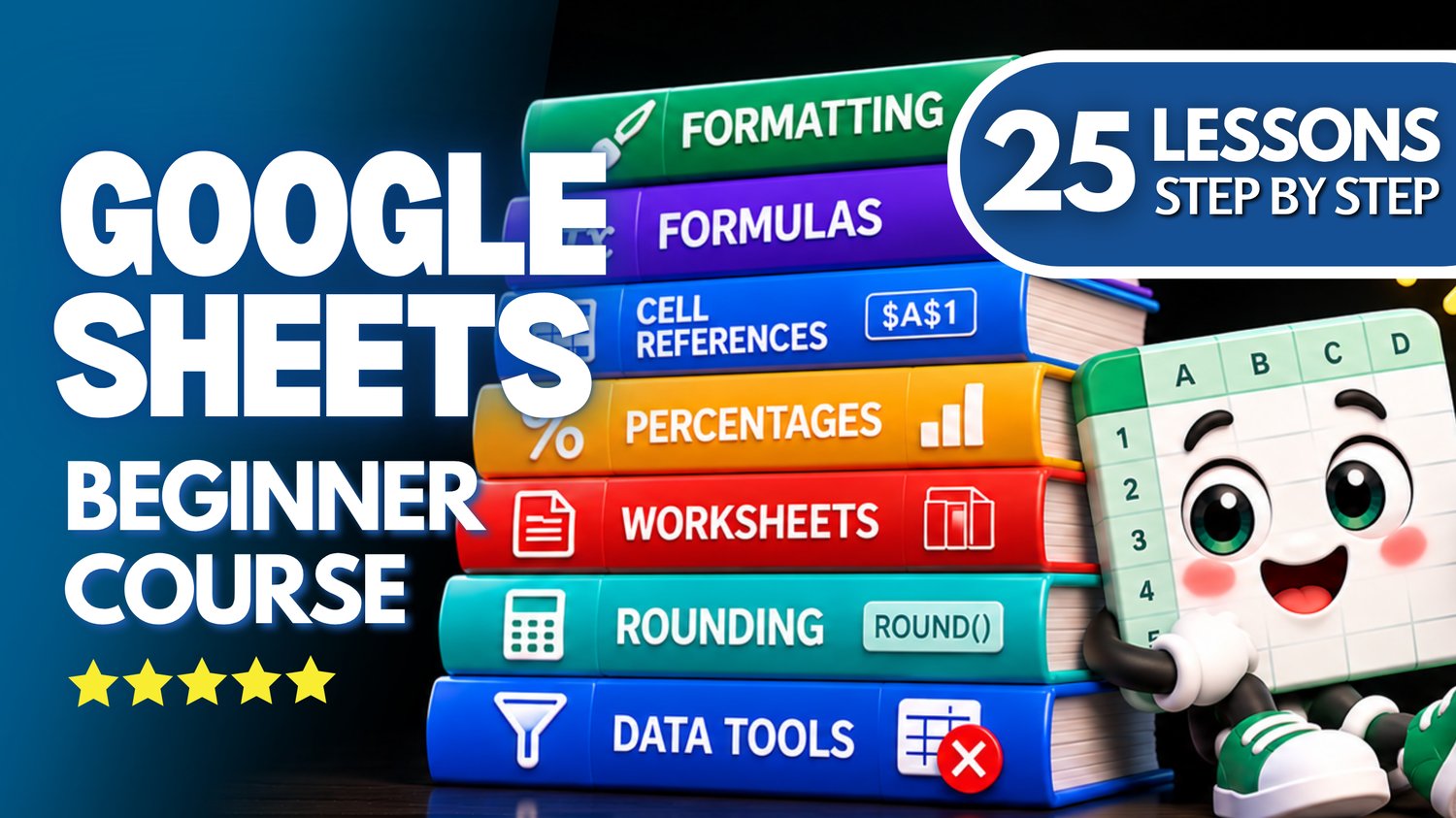
Google Sheets Bundle | 25 Lessons: Formulas, Formatting & Data Management
Build your Google Sheets skills with this beginner-friendly collection of 24 hands-on practice workbooks covering 25 essential lessons from Easy Mode Excel Tutorials!
Ready to take your spreadsheet skills further? This comprehensive bundle brings together practical lessons on spreadsheet formatting, editing, formulas, data organization, worksheet management, percentages, and cell references.
Whether you're learning Google Sheets for work, personal projects, or everyday tasks, these exercises help you build confidence one skill at a time.
Each practice workbook accompanies our free 25-lesson Google Sheets video compilation, so you can watch, follow along, and practice at your own pace.
What You'll Practice
Format Painter
✓ Copy formatting from one cell or range to another
✓ Practice applying consistent formatting without recreating it manually
Clear Contents & Formatting
✓ Remove cell contents while keeping formatting intact
✓ Practice clearing formatting and understanding the different clearing options
Alignment & Indentation
✓ Adjust horizontal and vertical alignment in cells
✓ Practice using indentation to organize spreadsheet information
Number, Date & Time Formatting
✓ Apply number, date, and time formats to spreadsheet values
✓ Practice displaying information in clear, readable formats
Decimal Places
✓ Increase and decrease the number of displayed decimal places
✓ Practice formatting numbers without changing their underlying values
ROUND Basic Function
✓ Use the ROUND function to round numbers to specified decimal places
✓ Practice writing ROUND formulas and understanding their results
Themes
✓ Explore Google Sheets' built-in themes
✓ Apply and customize themes to create coordinated spreadsheet formatting
Formula Bar
✓ Use the Formula Bar to view and edit cell contents
✓ Practice working with formulas and information directly in the Formula Bar
Editing Cell Contents
✓ Change and correct information in spreadsheet cells
✓ Practice editing existing cell contents without replacing everything
Zoom & View
✓ Adjust zoom levels to make spreadsheet information easier to read
✓ Explore Google Sheets' View options to customize your workspace
Drag & Drop
✓ Move spreadsheet information using drag-and-drop techniques
✓ Practice repositioning cells and data within a worksheet
Transpose Data
✓ Change data arranged in rows into columns, and columns into rows
✓ Practice reorganizing spreadsheet information using Transpose
Remove Duplicates
✓ Identify and remove duplicate entries from spreadsheet data
✓ Practice cleaning up lists to keep information organized
Hide & Unhide Rows and Columns
✓ Hide rows and columns without deleting their contents
✓ Restore hidden rows and columns when you need them again
Hide & Unhide Worksheets
✓ Hide worksheets to keep your spreadsheet organized
✓ Unhide worksheets when you need to access them again
Rename, Move & Copy Worksheets
✓ Rename worksheets to keep information organized
✓ Practice moving and copying worksheets
Insert & Delete Worksheets
✓ Add new worksheets when you need more space for information
✓ Practice deleting worksheets you no longer need
Save, Save As & File Types
✓ Understand how Google Sheets automatically saves your work and how to create additional copies
✓ Practice making copies and exploring file download formats using any of the included workbooks
Percentage Calculations
✓ Calculate percentages using Google Sheets formulas
✓ Practice everyday percentage calculations with cell references
Percentage Change
✓ Calculate percentage increases and decreases
✓ Practice comparing original and new values using formulas
Creating Basic Formulas with Cell References
✓ Create formulas using cell references instead of typing numbers directly
✓ Practice calculations that update automatically when cell values change
Relative Cell References
✓ Understand how relative references work in Google Sheets formulas
✓ Practice copying formulas and watching references adjust automatically
Absolute Cell References
✓ Learn how dollar signs keep cell references fixed in formulas
✓ Practice using absolute references when copying calculations
Mixed Cell References
✓ Learn how to lock either a row or a column in a formula
✓ Practice controlling which parts of a reference change when copying formulas
RoundUp & RoundDown
✓ Use the ROUNDUP function to round numbers upward
✓ Practice using the ROUNDDOWN function to round numbers downward
What's Included
✓ 24 Google Sheets practice workbooks
✓ Hands-on practice covering all 25 lessons
✓ Links to create your own editable copies in Google Sheets
✓ Beginner-friendly exercises you can complete at your own pace
✓ Practical activities covering formulas, formatting, editing, and worksheet management
✓ A free 25-lesson video compilation to follow along with
✓ The Save, Save As & File Types lesson can be practiced using any of the included workbooks
Bundle & Save!
Get all 24 practice workbooks for just $33.99 USD!
Purchased separately, these 24 workbooks would cost $59.76 USD.
Your bundle savings: $25.77 USD — approximately 43% off!
One convenient purchase gives you the workbooks needed to practice all 25 lessons.
Learn by Doing!
Watching a tutorial is helpful, but practicing the skills yourself makes them easier to remember!
Open your workbooks, follow along with the free video compilation, and build your confidence one lesson at a time.
Perfect for Google Sheets beginners! Learn how to format spreadsheets, edit information, manage worksheets, organize data, calculate percentages, create formulas, and understand different types of cell references.
These practical skills will help you create spreadsheets that are easier to organize, update, and use in everyday situations.
Whether you're starting from scratch or refreshing your knowledge, this collection gives you plenty of opportunities to practice essential Google Sheets skills.
After purchasing, you'll receive links to create your own editable copies of all 24 Google Sheets practice workbooks.
This purchase includes access to 24 Google Sheets practice workbooks covering 25 lessons. The Save, Save As & File Types lesson uses any of the included workbooks and does not require a separate file. A Google account may be required to create and edit your own copies.
Watch the FREE Video Lesson Compilation
🎥 Google Sheets — 25 Beginner Lessons: Formatting, Formulas, Editing, Data Management, Worksheets & Percentages