

Interactive Self-Assessment PowerPoint – Click-to-Mark Faces Template
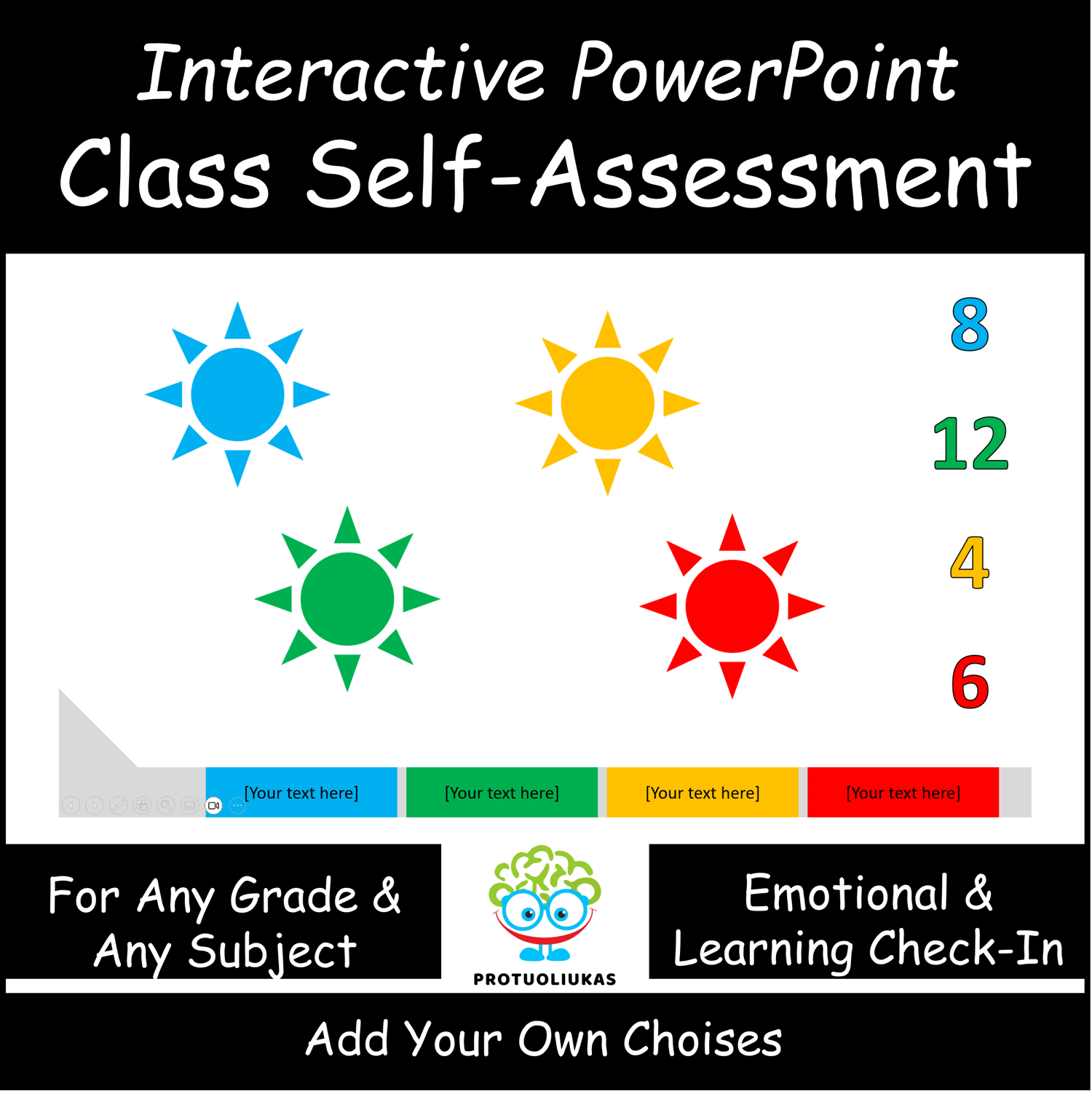
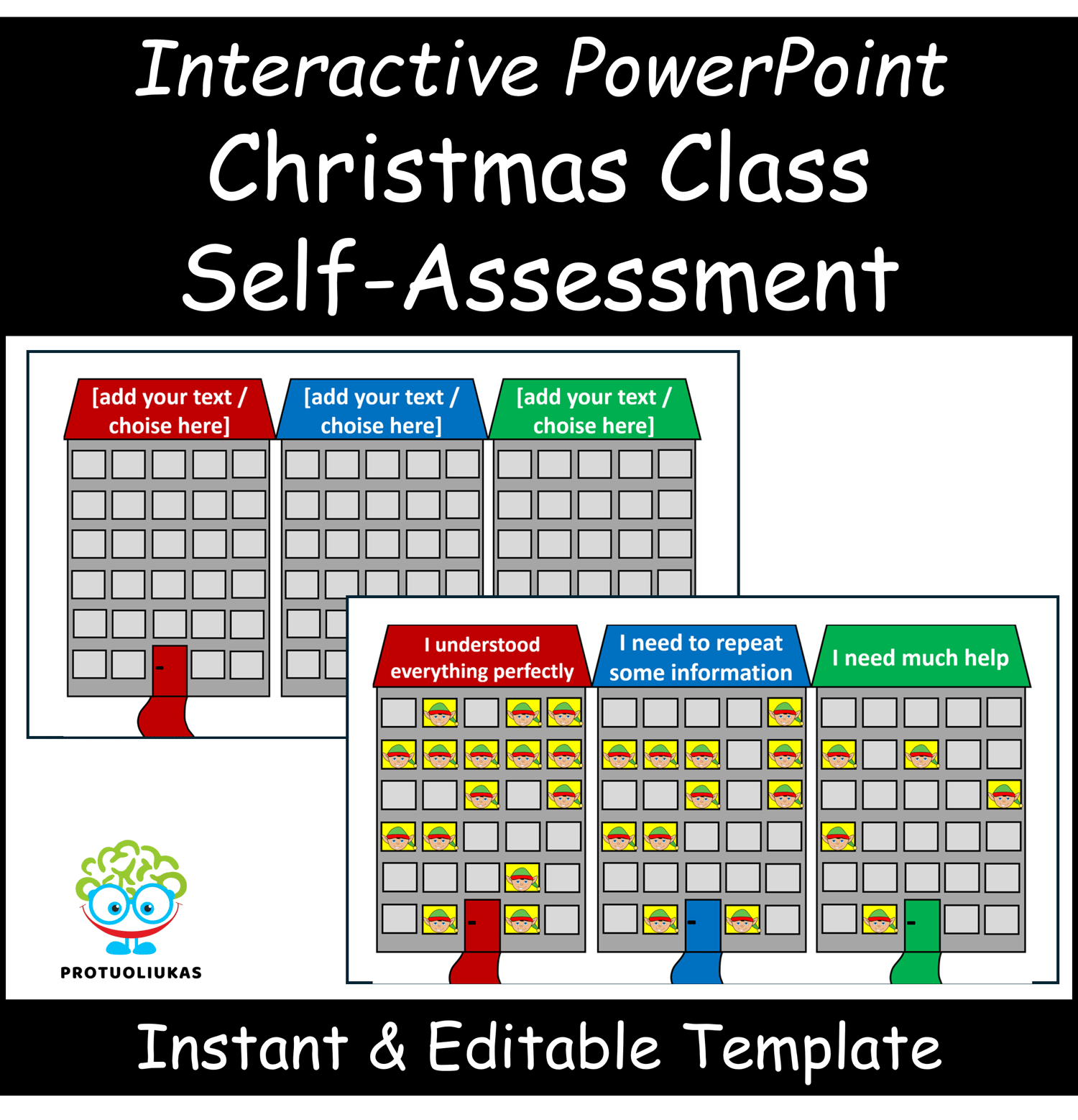
Create fast, clear, and visual self-assessments in any lesson with this interactive PowerPoint template. Students simply click the face that represents their response, and a “hair spike” marker appears instantly, building a class-wide snapshot of understanding in real time.
All selections reset automatically when presentation mode is closed, so the activity is always ready for the next lesson—no prep, no cleanup, and no tracking needed. With fully editable labels, the template works for any subject, grade level, or reflection prompt throughout the school year.
What’s Included:
• Interactive self-assessment slide with click-to-mark faces
• Automatic reset after presentation mode
• Editable text labels
• Fully reusable PowerPoint template
Skills Developed:
• Self-reflection and metacognitive thinking
• Explaining ideas and choices
• Understanding personal learning needs
• Interpreting class-wide visual data
Perfect For:
• All grade levels
• All subjects and lesson types
• Emotional check-ins, warm-ups, exit tickets, progress monitoring, or daily reflections
How to Use:
Open the file in presentation mode, let students select the face that matches their response, and observe the visual pattern that appears. Edit labels as needed to fit your lesson or topic.
⚠️ For personal classroom use only. Redistribution, copying, or resale is prohibited.