


Interactive Self-Assessment PowerPoint – House Check-In Template
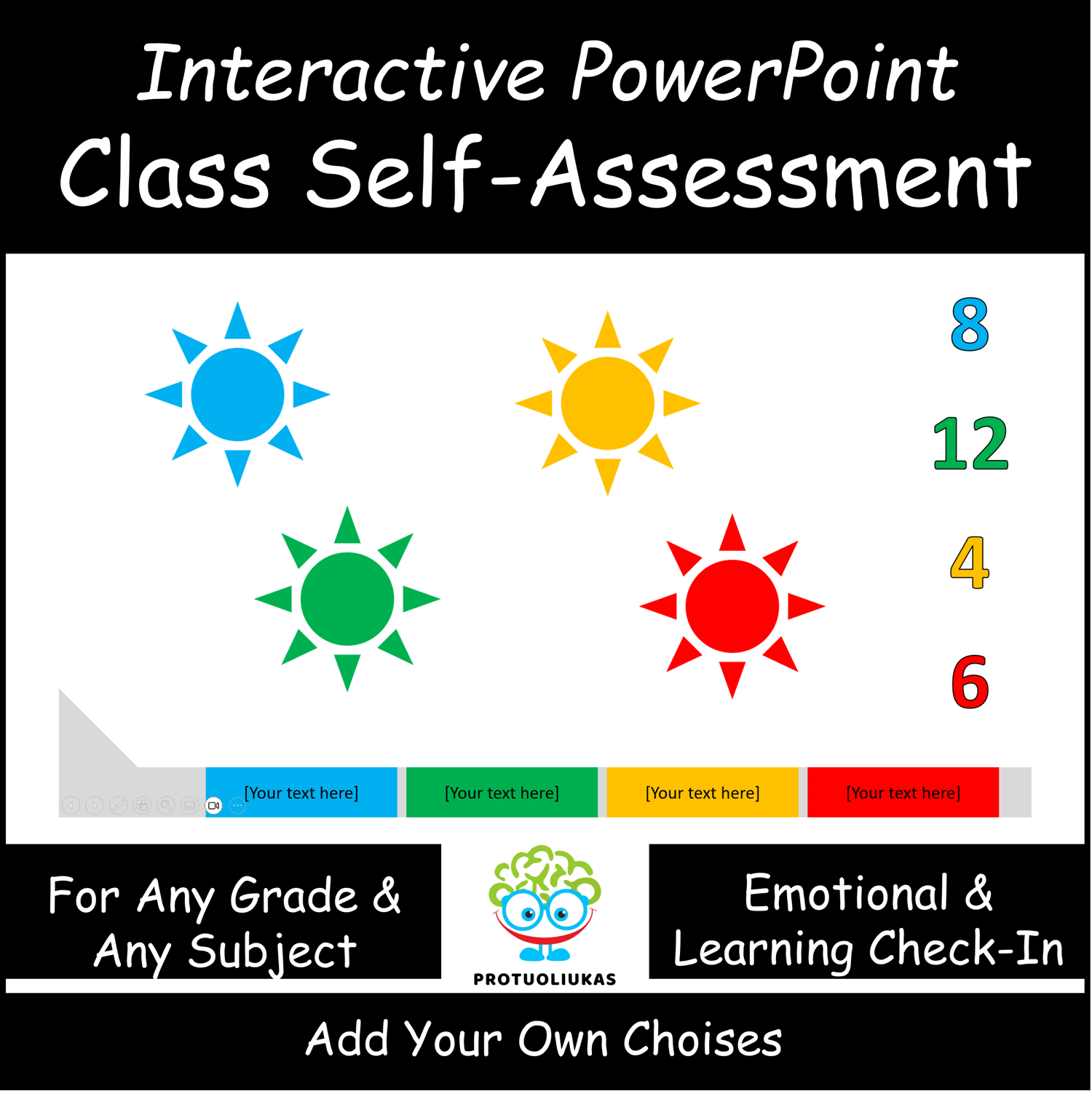
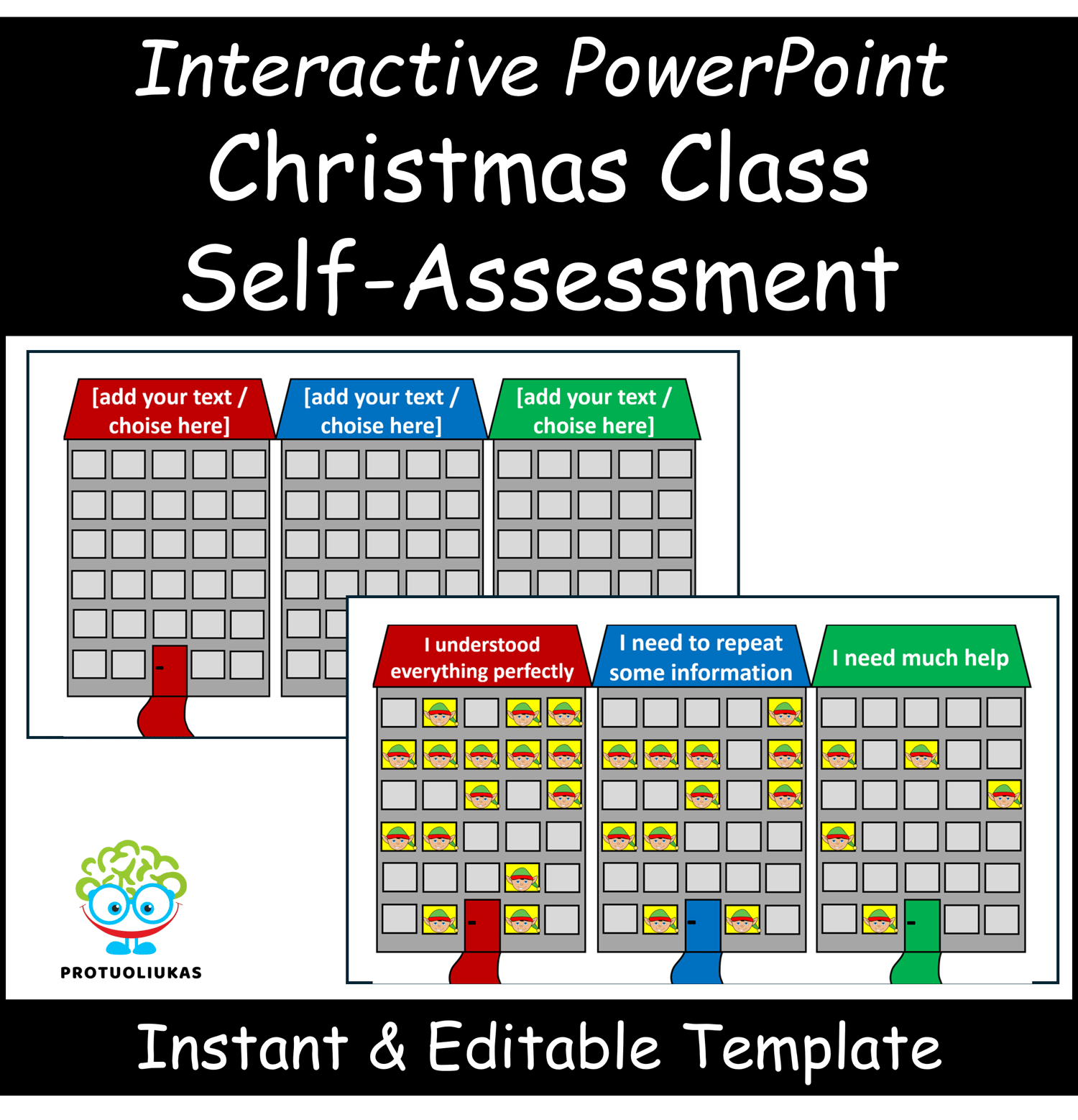
Make quick, visual self-assessments easy with this interactive PowerPoint template. Students select the option under the house that best represents their choice, briefly explain their reasoning, and the teacher can instantly see the overall class distribution.
The activity automatically resets when the presentation is closed, so it’s ready for repeated use without prep or data clearing. Fully editable labels allow adaptation to any subject, lesson, or grade level. This template is perfect for fostering self-reflection, discussion, and student participation.
What’s Included:
• Interactive self-assessment slide with house icons
• Editable text labels
• Automatic reset after presentation mode
• Fully reusable PowerPoint template
Skills Developed:
• Self-reflection and metacognitive thinking
• Understanding personal learning needs
• Communication and explanation skills
• Quick visual overview of class understanding
Perfect For:
• All grades
• Any subject area
• Lesson warm-ups, exit tickets, formative assessments, or check-ins
How to Use:
Open the PowerPoint in presentation mode, have students select the house that reflects their response, and observe the class-wide overview. Edit labels as needed for any lesson or topic.
⚠️ For personal classroom use only. Redistribution, copying, or resale is prohibited.