
SC_Transform Fuse (SCxf)
On Sale
$0.00
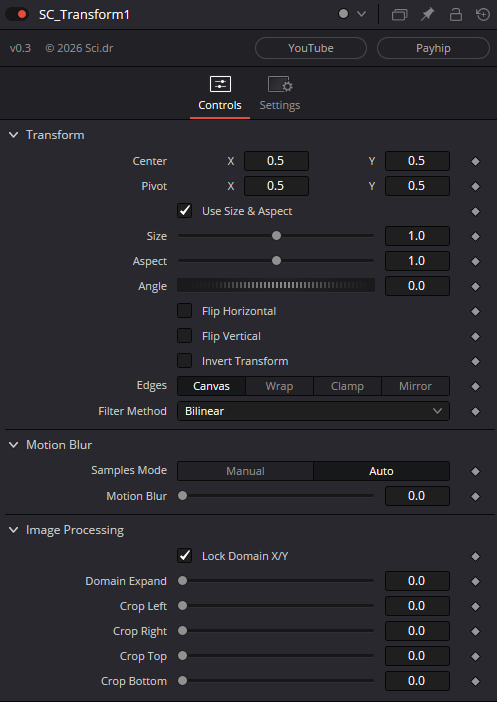
A 2D transform that is similar to Fusion's native Transform with multi-sample motion blur (similar to the non-XF/OFX transform in Fusion) while maintaining the ability to concatenate. A Transform(XF) with better, faster motion blur.
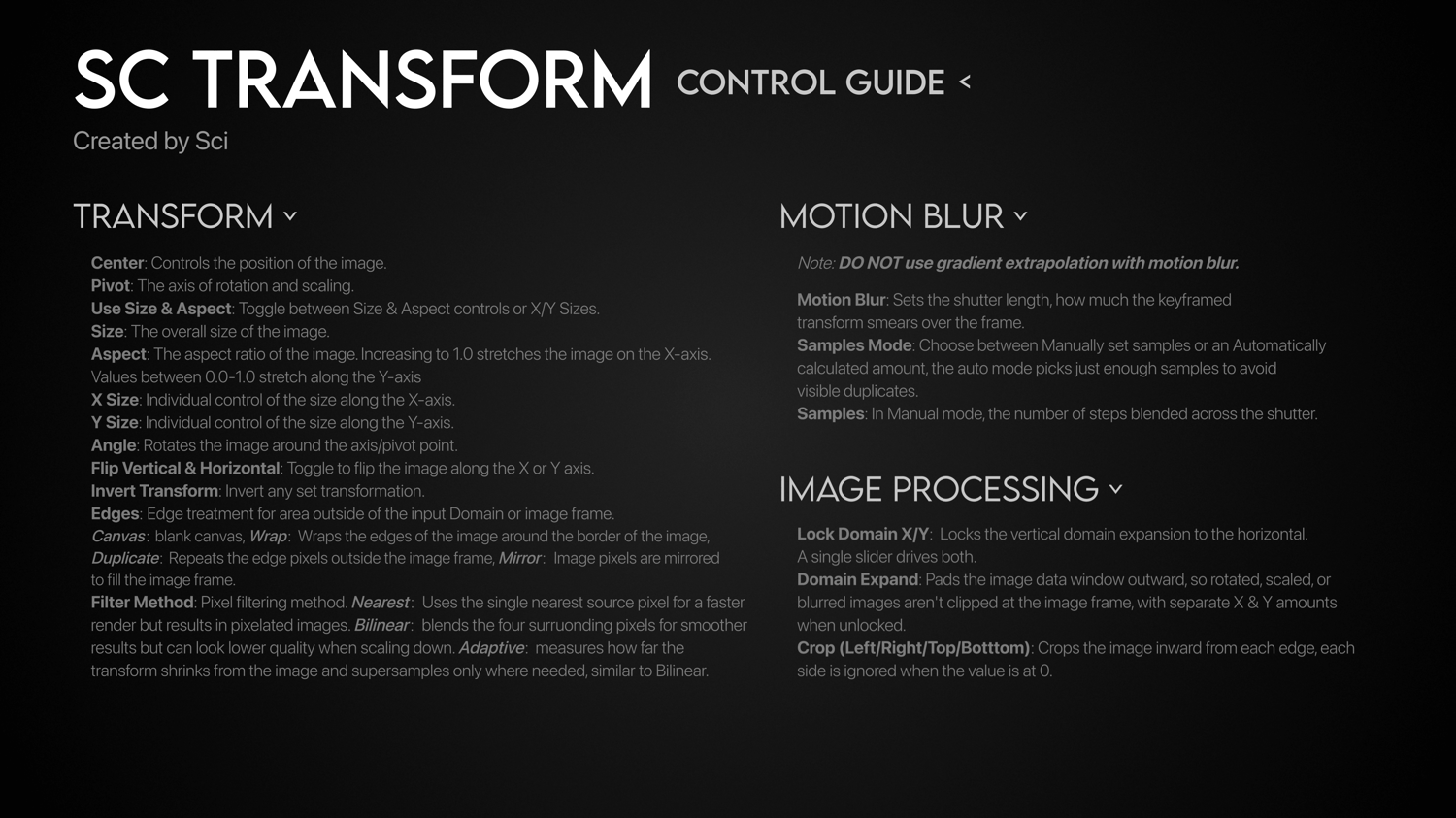
Reference the attached Control Guide if you are having any issues.
How To Install Fuses:
- Install Fuse File from Payhip
- Find Fuse Installation Path
- Windows: C:\ProgramData\Blackmagic Design\DaVinci Resolve\Fusion\Fuses\
- MacOS: /Library/Application Support/Blackmagic Design/DaVinci Resolve/Fusion/Fuses/
- Linux: ~/.local/share/DaVinciResolve/Fusion/Fuses/
- Restart DaVinci Resolve and locate the effect using the toolbox in Fusion, by typing SCxf or SC_Transform.