







Property Inventory
Walk round the property, tap the condition and cleanliness of each item, add dated photos, and get the tenant to sign on the screen. At check-out, anything worse than at check-in is highlighted and your proposed deposit deductions add up with reasons and evidence. Property Inventory is an offline check-in and check-out report app for UK landlords and small letting agents, now with a portfolio dashboard.
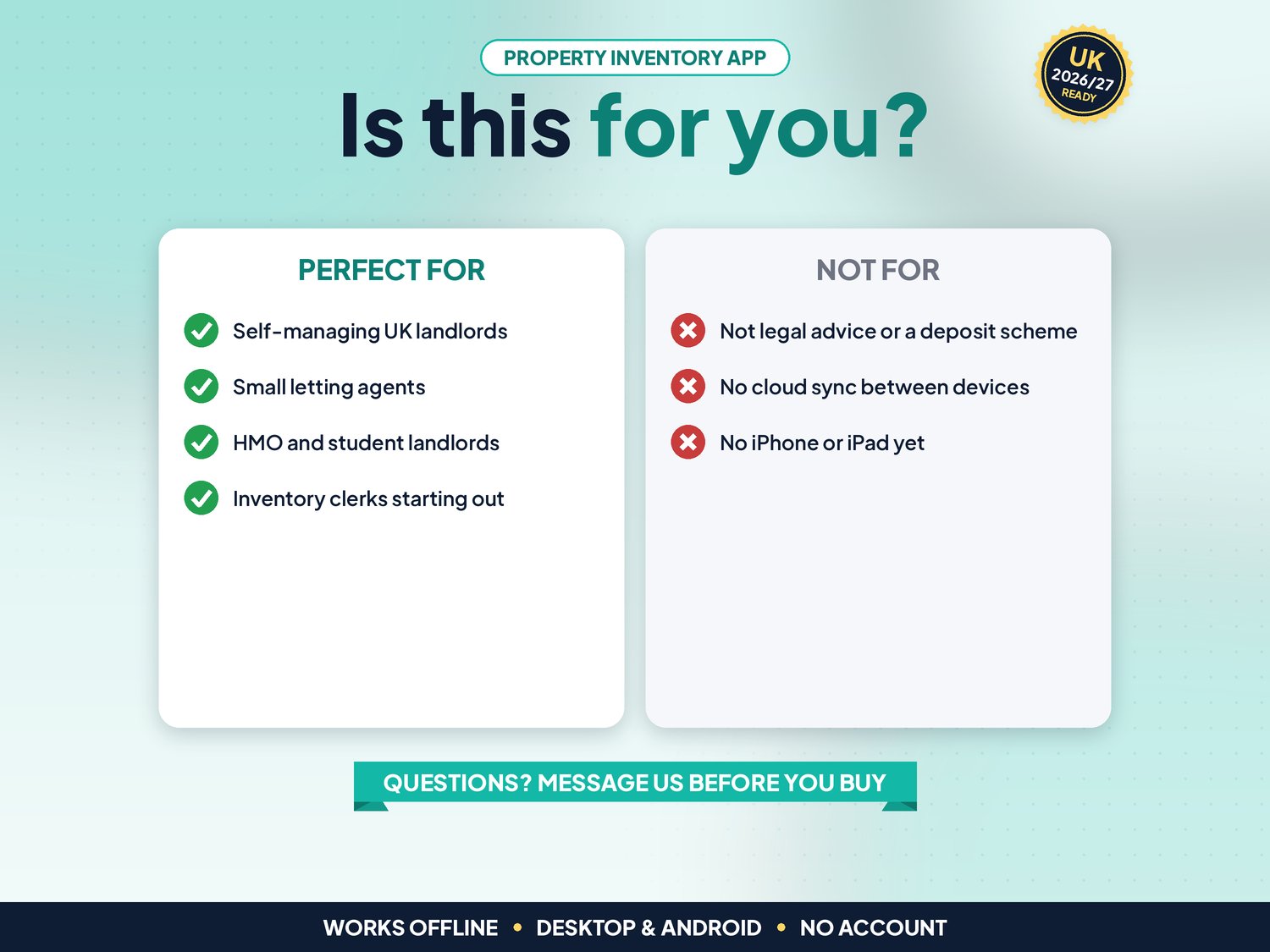
For self-managing UK landlords, small letting agents, HMO and student landlords and inventory clerks starting out. Not for you if you need reports synced between several devices or staff, a cloud archive, AI-written descriptions, or an app on iPhone or iPad.
▶ Easy Start Here guide included – video tutorial coming to our YouTube channel
Works offline in any desktop browser (Windows, Mac, Chromebook) and on Android. iPhone and iPad are not supported yet.
What it does for you
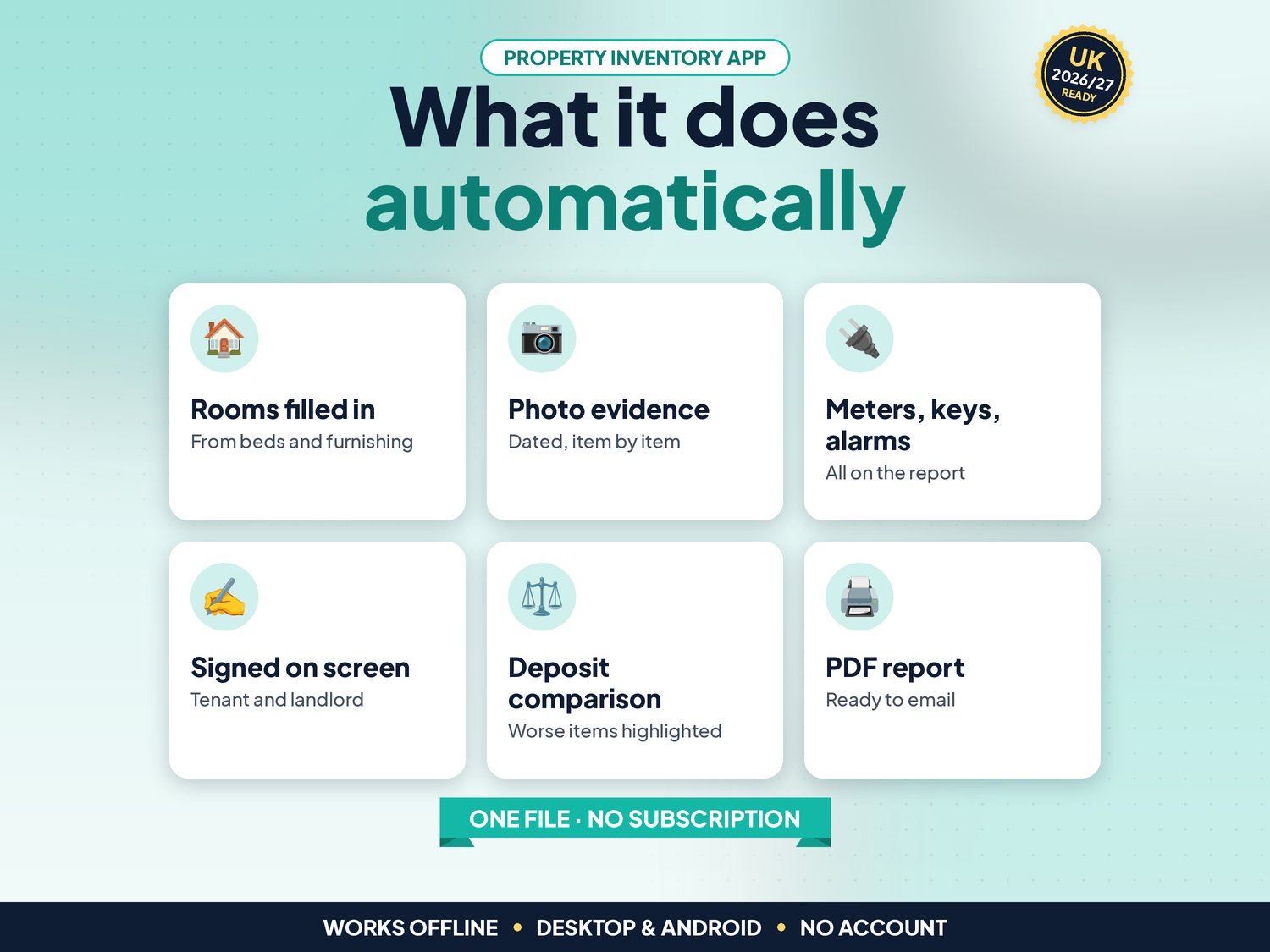
- Properties with address, postcode check, type, bedrooms and furnishing; rooms and items are filled in from those and you can add, rename or delete anything
- Inventory and check-in, mid-term inspection and check-out reports for each property
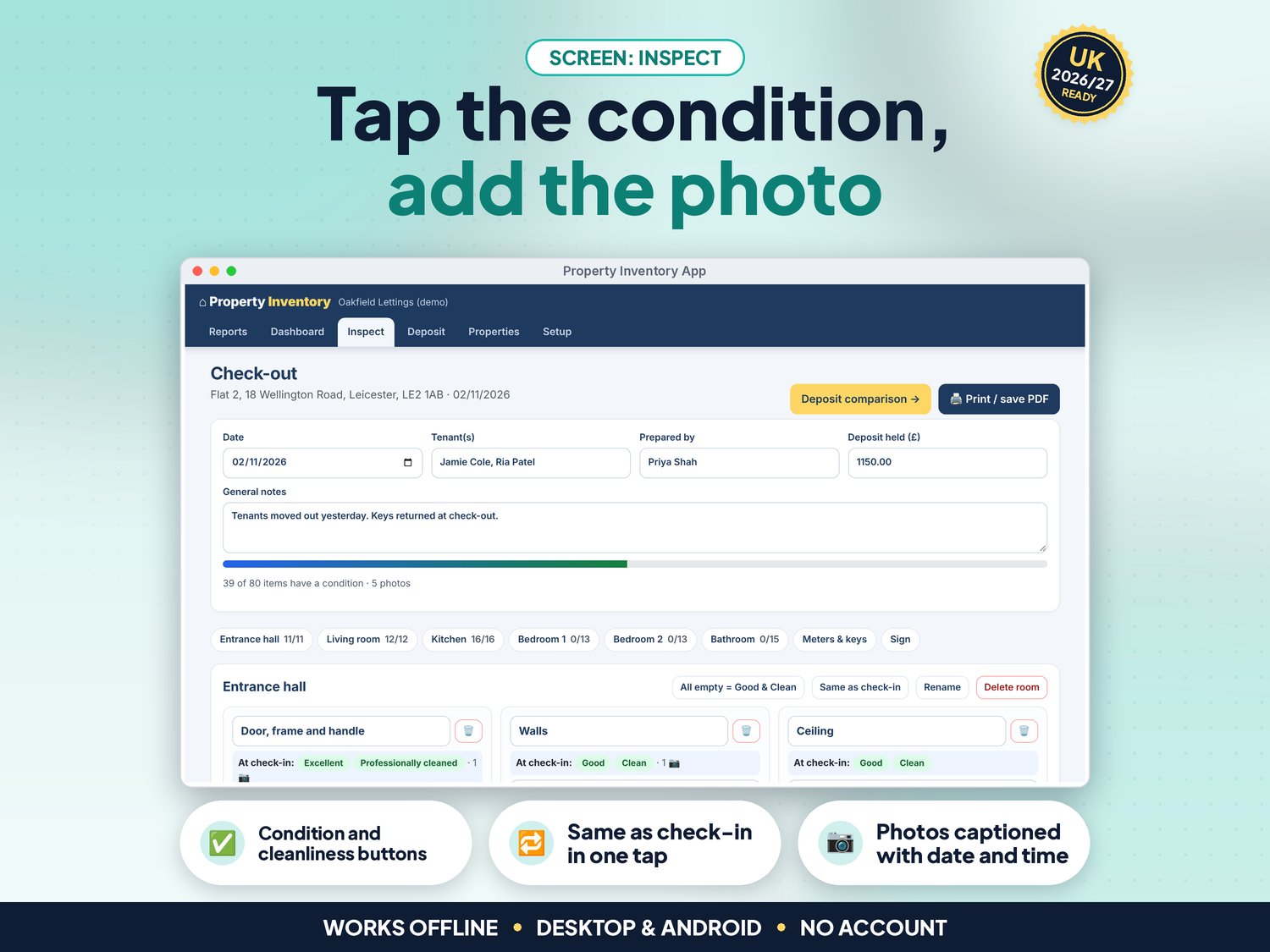
- Condition (Excellent, Good, Fair, Poor, Damaged, Missing) and cleanliness buttons, a description and notes for every item, and All empty = Good & Clean for a fast start
- Photos for every item and meter, shrunk to save space and captioned with the date and time from the file; on Android, Add photos can use the camera
- Meter readings with serial numbers and photos, keys handed over, smoke and CO alarm tests
- On-screen signatures for the tenant and the landlord or agent, with an editable declaration
- Print or save as PDF: the full report with photos, captions and signatures, ready to email to the tenant
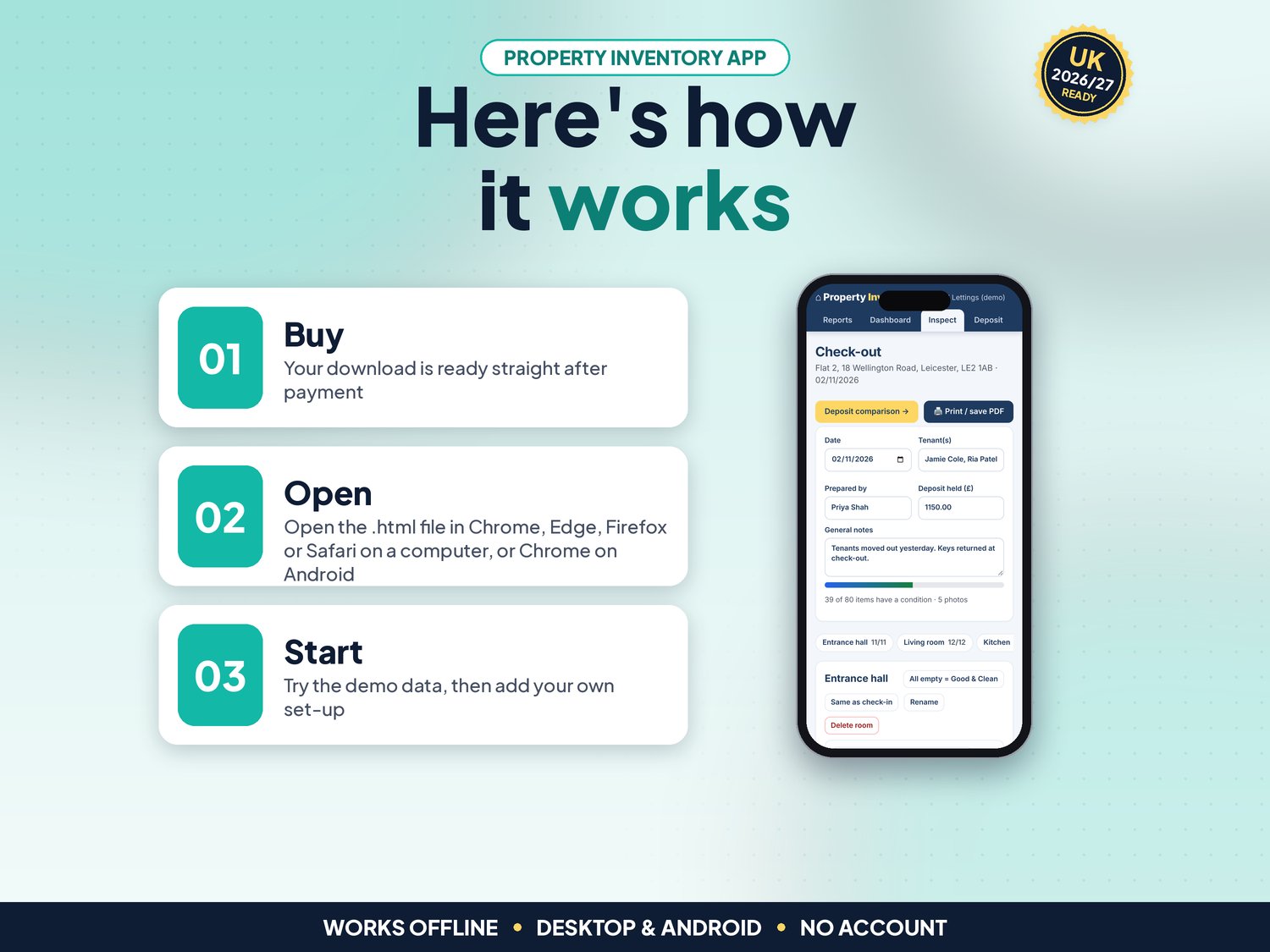
- Check-out and mid-term show the check-in condition next to each item (Same as check-in in one tap) and highlight anything worse
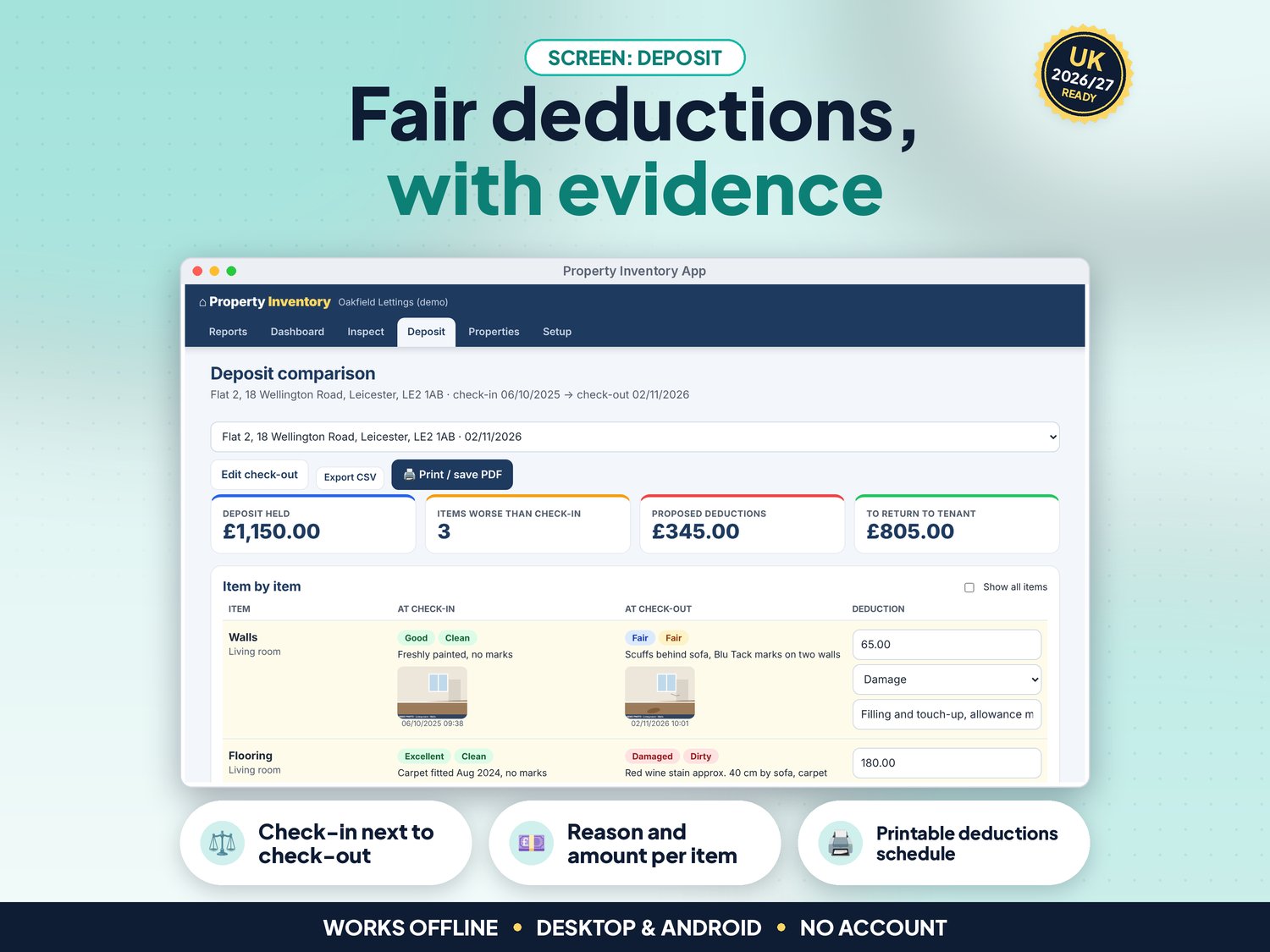
- Deposit tab: worse items side by side with check-in and check-out photos, proposed deductions with reason and note, other charges, the amount to return, a printable deductions schedule and CSV
- Checks for future dates, a check-out with no check-in, bad postcodes and amounts, duplicate rooms and properties
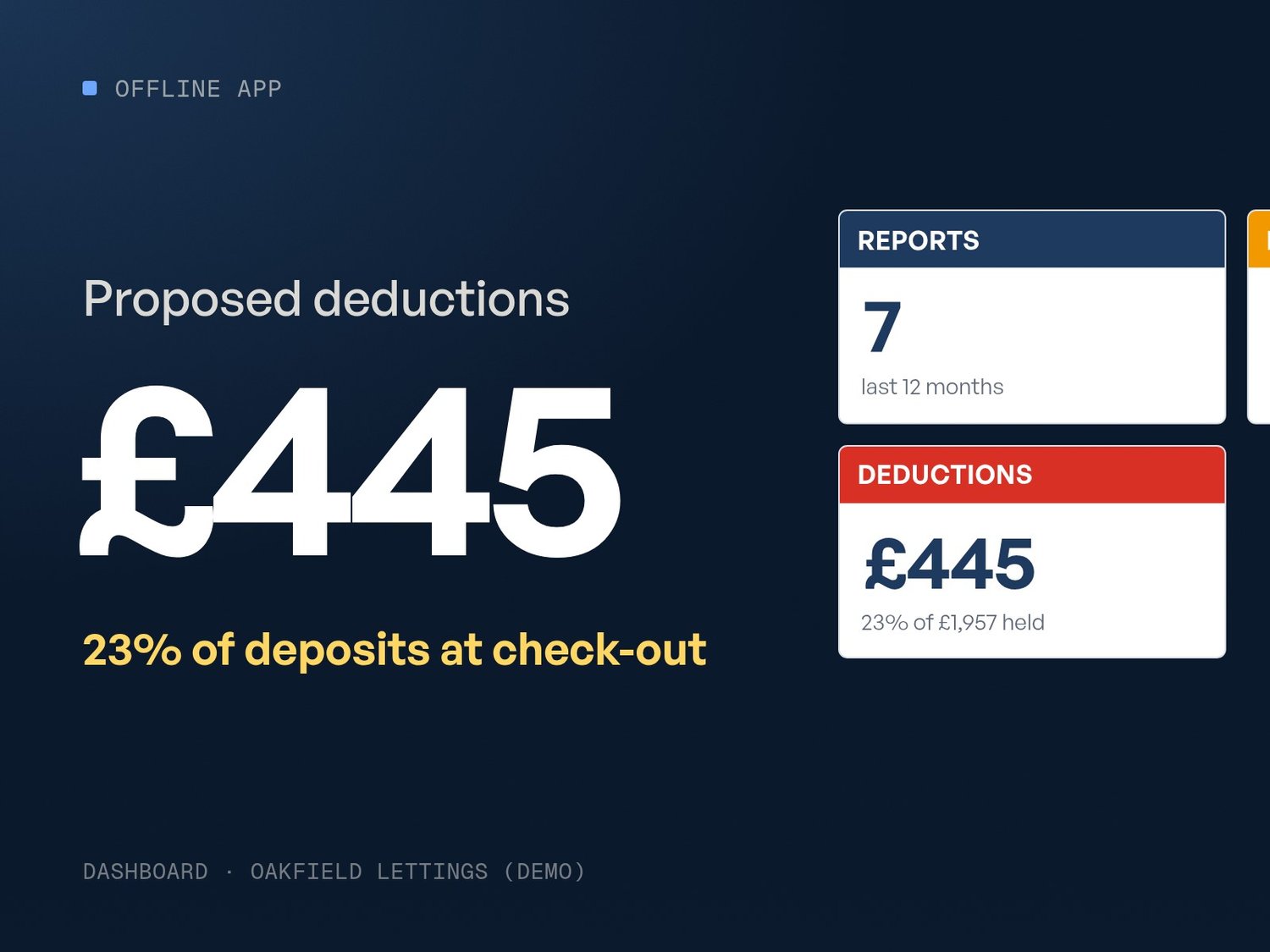
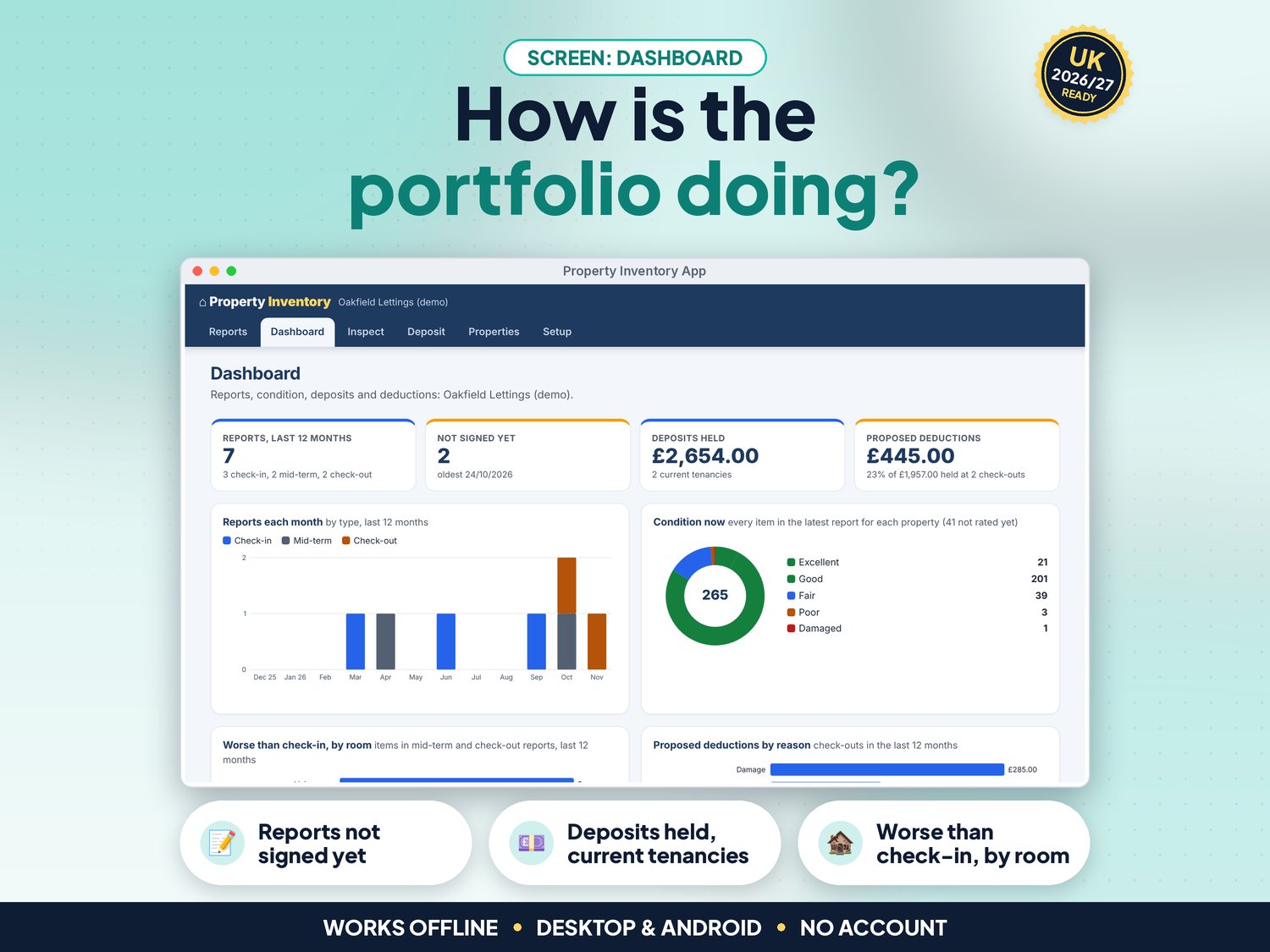
- NEW in v5: Dashboard with reports in the last 12 months, reports not signed yet, deposits held for current tenancies and proposed deductions, plus charts of reports each month, condition now, items worse than check-in by room and deductions by reason. Every chart has a text version for screen readers
- NEW in v5: Full keyboard use, screen-reader labels, a skip link and high-contrast colours (tested against WCAG 2.2 AA with axe)
- CSV export of reports and deductions, print, full backup with photos and restore
- Demo data (a letting agent with four properties and eight reports) to try it first
How it works (3 steps)
- Open the app, try the demo, then press Use my data. In Setup enter your agency or landlord name and who prepares the reports, then add your properties (about 5 minutes)
- At the start of a tenancy, press New check-in, walk round tapping condition and cleanliness, add photos, meters, keys and alarms, and get the tenant to sign. Print or save the PDF and email it
- At the end, press Check-out, tap Same as check-in where nothing changed, mark what is worse, then open Deposit to propose deductions and print the schedule
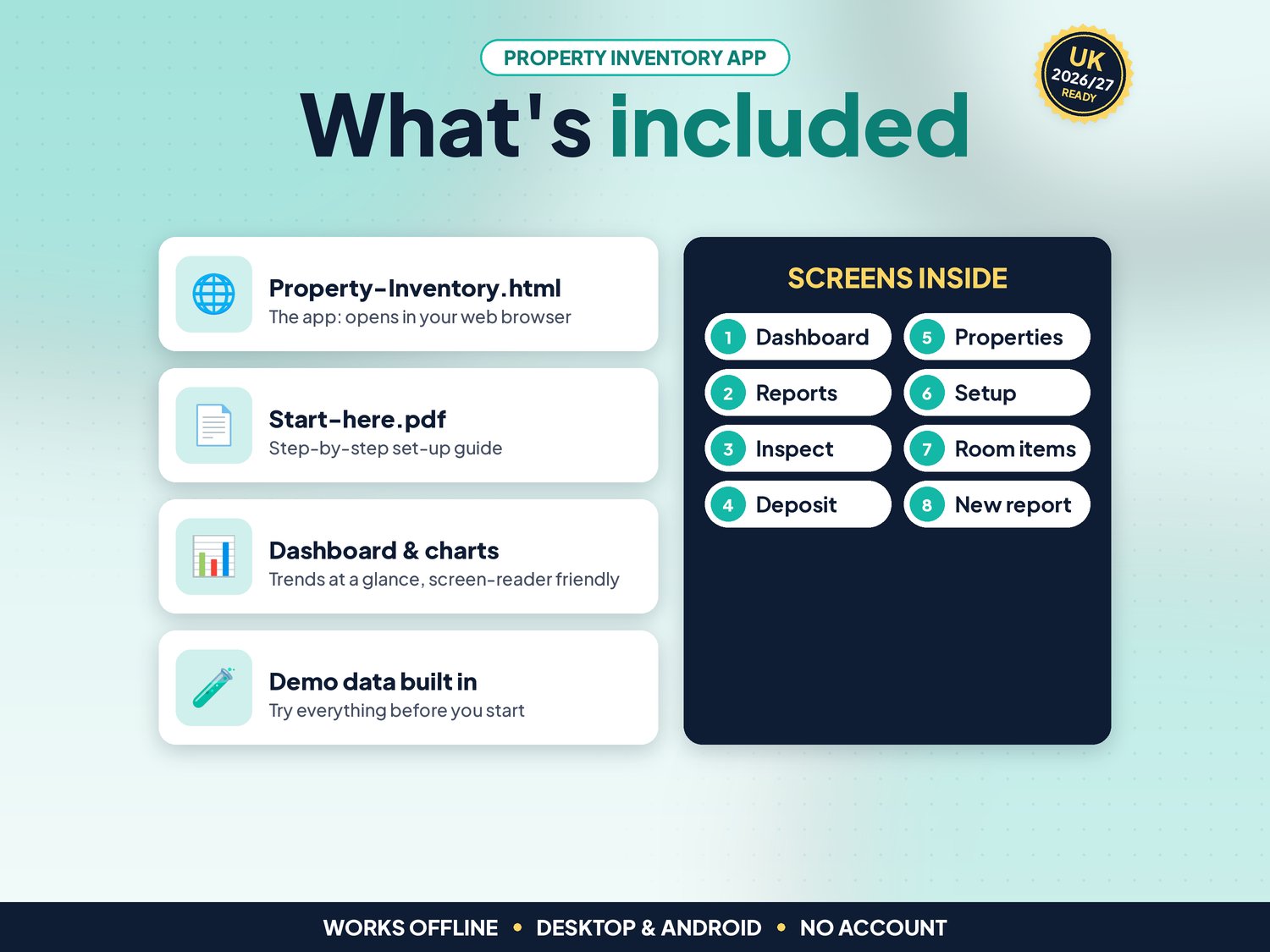
What's included
- Property-Inventory.html: the app. One file, opens in your web browser, works offline
- Start-here.pdf: quick-start guide with the 3-step plan and backup tips
- Demo data built in, so you can try everything first
Compatibility
- Tested in Google Chrome on a desktop (1440 px wide) and on Android phone sizes (390 px and 360 px wide)
- Also runs in current Edge and Firefox, and Safari on Mac
- Not iPhone or iPad yet: Safari on iOS cannot keep the app data from a downloaded file reliably, so we do not support it
- One self-contained file: no installation, no account, no subscription, nothing is sent over the internet
Instant download
This is a digital product. Nothing physical will be shipped. Your download link appears straight after checkout and is also emailed to you. Stuck or have a question? Email info@phkmedia.co.uk and I'll gladly help you set it up.
Good to know
- Reports and photos are saved in the browser on the device you use. Each device keeps its own reports. Download a full backup (with photos) regularly; with many photos the file can be tens of MB
- Clean and Professionally cleaned count as the same standard in the comparison, so only real changes are flagged
- Dates show as DD/MM/YYYY and amounts in pounds. Licence: one business, on as many devices in your business as you like
- FAQ: Is a report I make myself valid? Yes, there is no rule that you must use a clerk. A detailed, dated, photographed report signed by the tenant is good evidence if there is a deposit dispute. The app does not give legal advice.
- FAQ: Can I charge for fair wear and tear? No. The Deposit tab reminds you of that. If you and the tenant cannot agree, the deposit scheme's free dispute service decides.
- FAQ: Can I use it on my phone at the property? Yes, on an Android phone or tablet, and Add photos can use the camera. Back up and restore to move reports to a computer.
DISCLAIMER
Property Inventory is a record-keeping aid. It is not legal advice, it does not protect or register deposits and it is not connected to any deposit scheme. Fair wear and tear can't be charged to a tenant. All agents, properties and people in the demo data are fictional, and demo photos are drawings.
Licence: Licensed for use within one business. Please do not resell, share or redistribute the files.
AI disclosure: This app and its listing images and video were designed by PHK MEDIA LTD with the help of AI tools. The video voiceover is synthetic. Everything was tested, reviewed and finalised by the seller.
© PHK MEDIA LTD
Licence: Licensed for use within one business or household. You may edit and print the files for that business. You may not resell, share or upload them for others.