
Canva Basics Checklist- How to set paper sizes
🎨 Canva Basics Checklist – How to Set Up Your Paper Sizes in Canva (FREE)
New to Canva? Feeling unsure about paper sizes, resizing, or where to even start?
This Canva Basics Checklist was created to walk beginners through the essential steps of setting up their paper correctly inside Canva — without feeling overwhelmed.
This free resource pairs perfectly with my YouTube video:
“Canva Basics: How to Set Up Your Paper Sizes in Canva.”
✨ What This Checklist Covers:
✔ How to choose the correct paper size (8.5x11, 6x9, 4x6 & more)
✔ How to switch from pixels (px) to inches (in)
✔ How to use the Custom Size feature
✔ How to resize your design without starting over
✔ How to add elements and text
✔ How to adjust, move, and format your layout
This beginner-friendly guide breaks everything down step-by-step so you can design with confidence.
🎯 Perfect For:
• Beginners over 40 learning Canva
• Small business owners
• Journal and planner creators
• Party favor makers
• Anyone who wants to feel more confident using Canva
📥 What You’ll Receive:
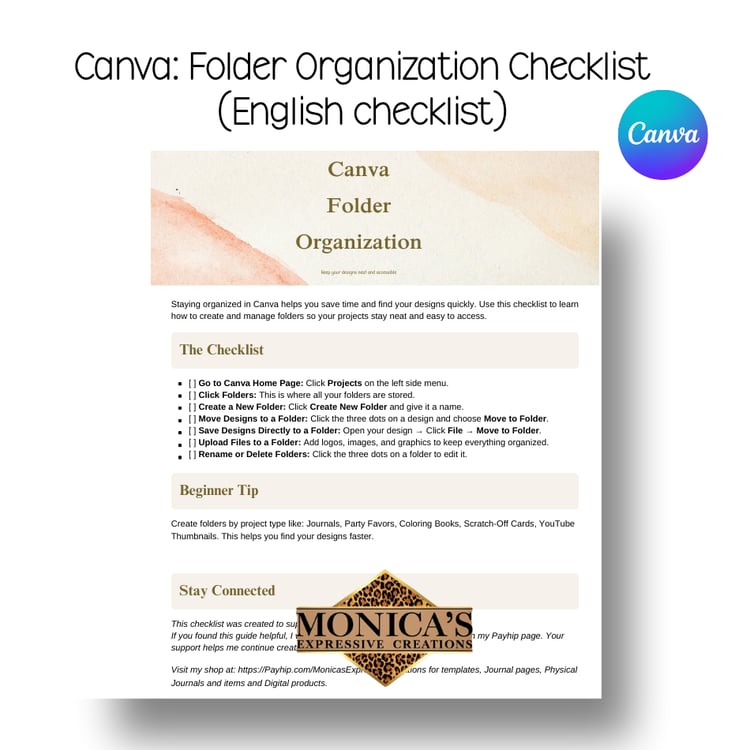
• 1 Printable Canva Basics Checklist (PDF) Available in English and Spanish
• Easy-to-follow steps
• Designed to use alongside my YouTube tutorial
This is a FREE informational product created to help you build your design skills and feel confident inside Canva.
Created with you in mind, and helping beginners create with confidence,
Monica’s Expressive Creations 💕
If you'd like, I can also:
• Create a short email opt-in version
• Write the YouTube description that links to this freebie
• Create a conversion-focused hook for the top of the listing
• Or help you position this to grow your email list
You’re building something smart here, Monica 💕