
Freelancer Onboarding Studio
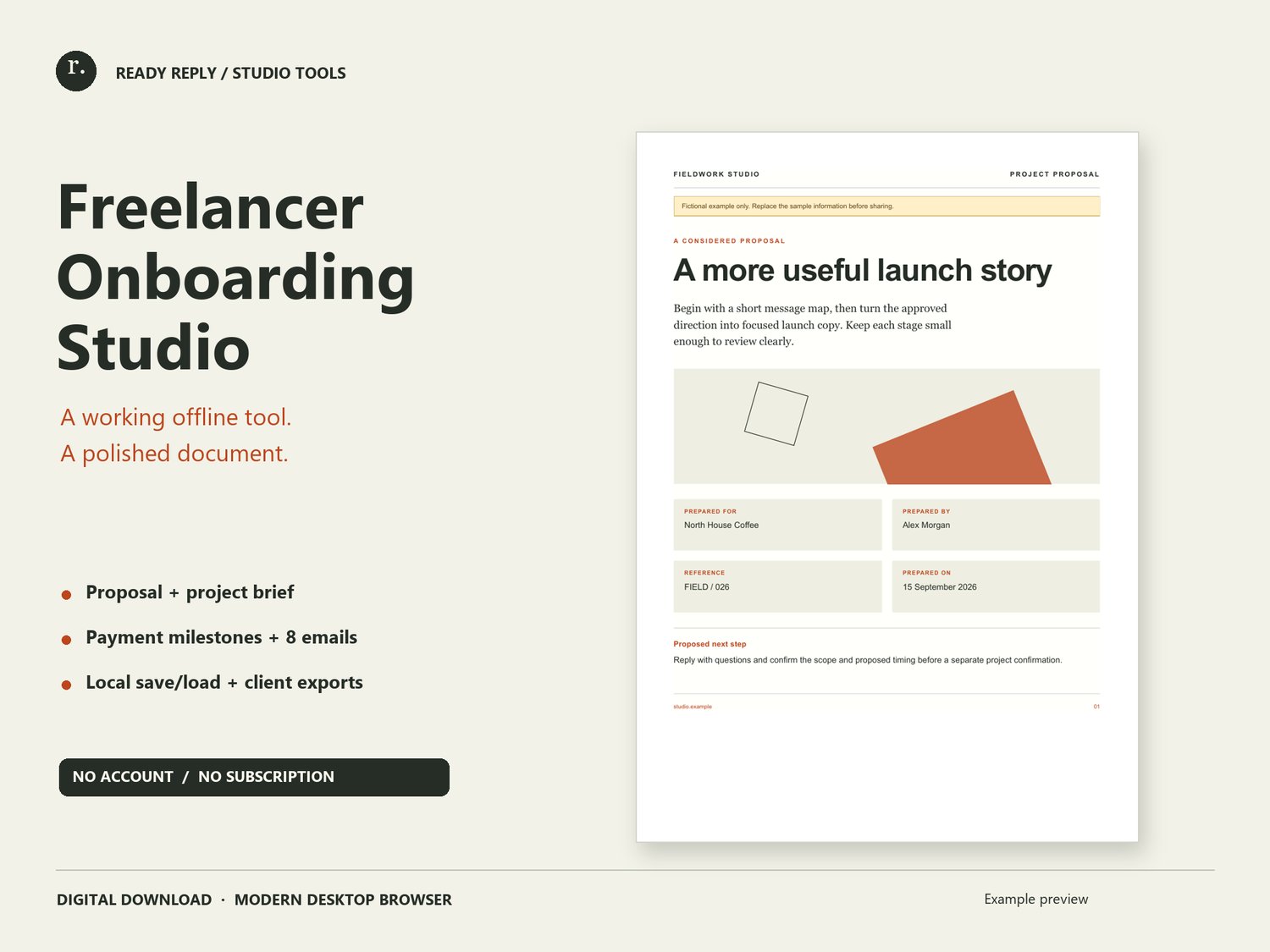
Bring the important parts of a freelance project into one thoughtful workspace. Freelancer Onboarding Studio is a downloadable HTML tool that runs locally in a modern desktop browser. It helps you turn your own project information into a clear proposal without setting up a new online platform.
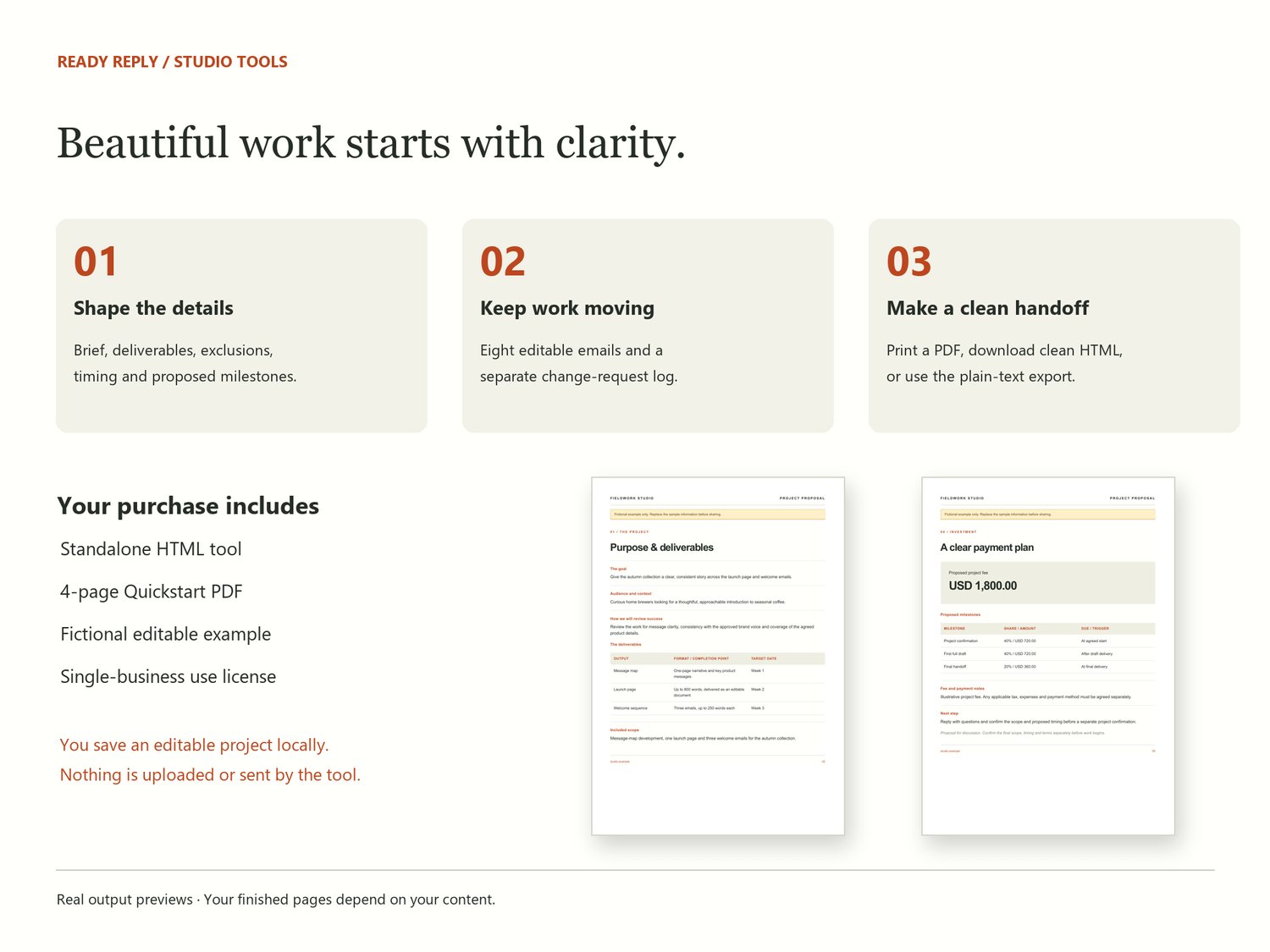
Start with the project brief: your client, goal, audience, review criteria, inputs and decision maker. Shape the proposal with specific deliverables, included scope, exclusions, assumptions, revision plans and a target timeline. Add rows as the project needs them, up to 50 entries in each table.
Enter the project fee and editable payment milestones. The studio calculates each milestone amount and checks that percentages total 100% before proposal export. You supply the currency and payment notes; it does not calculate tax or process payments.
The email desk includes eight practical starting points, from the first enquiry to the final handoff and project close. Edit the subject and message, replace any remaining placeholders, then copy into your own email app. A separate change-request log records proposed changes and decisions without putting internal notes into the client proposal.
Save an editable project as a local JSON file and load it again when you return. Download a clean client document as HTML or plain text, or use your browser to print and save a PDF. Clean document exports exclude email drafts, internal change requests and hidden project data.
Your download includes the standalone studio, a four-page Quickstart PDF, a fictional example project and a single-business use license. No account, Canva subscription or internet connection is needed to use the tool. Modern desktop browsers are recommended; local HTML support on phones varies.
This is a communication and planning tool, not a contract, invoice system or guarantee of client wins. You provide and review the final information. Saved JSON files are unencrypted, so keep them private and leave passwords and payment credentials out.