
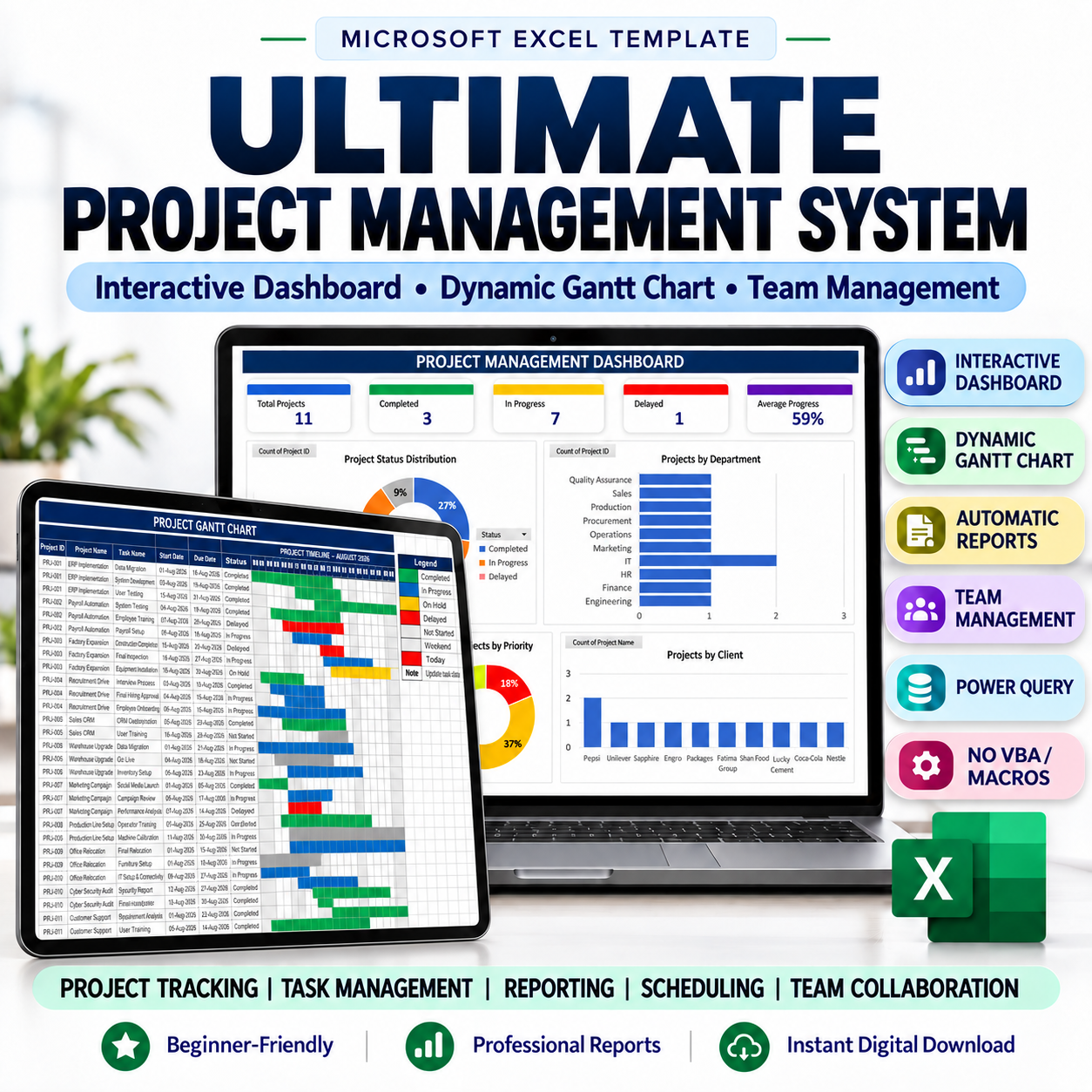

Project Management Dashboard Template for Microsoft Excel
Professional Project Management Dashboard Template for Microsoft Excel
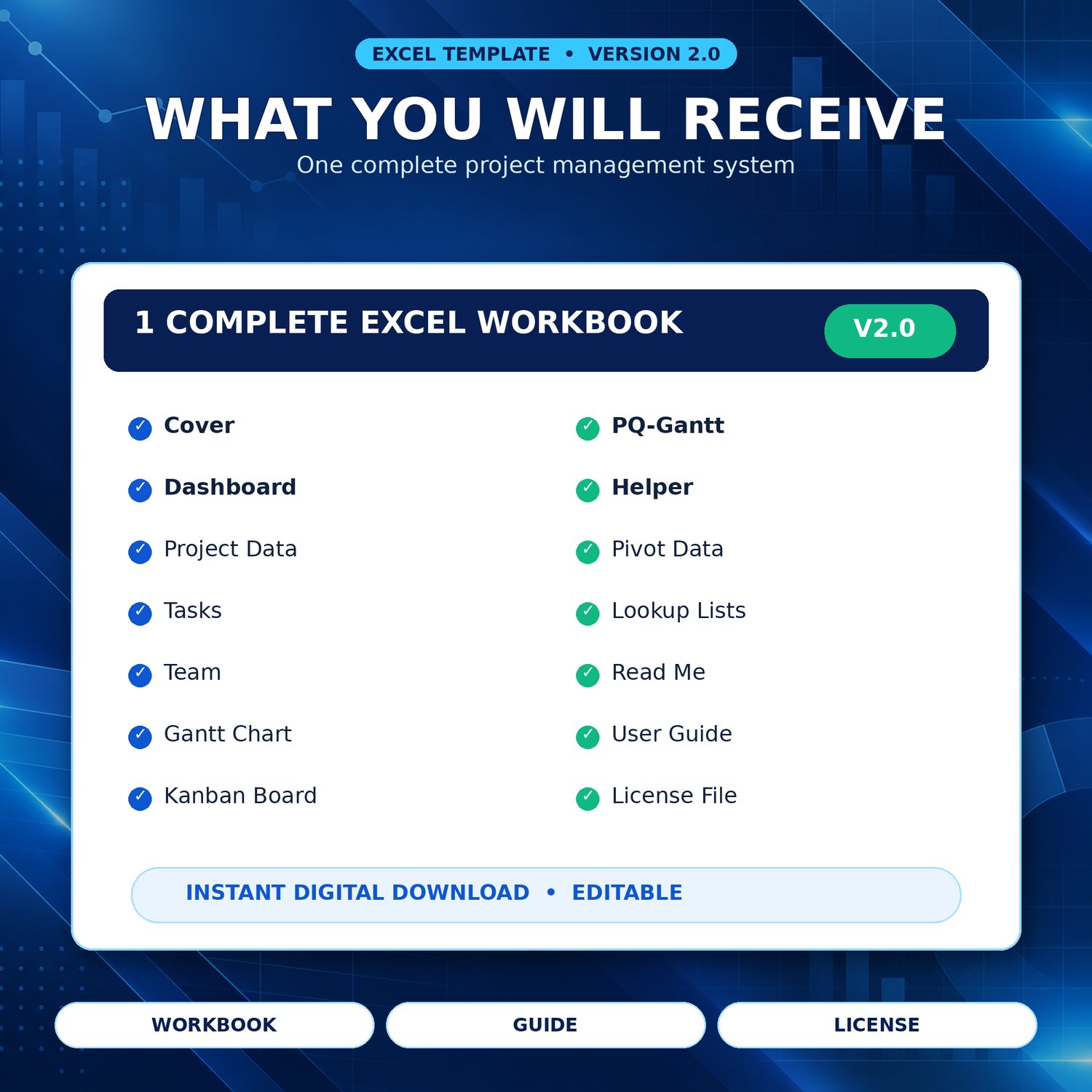
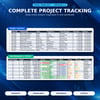
Take control of your projects, tasks, deadlines, and team performance with this professional Project Management Dashboard Template for Microsoft Excel.
This ready-to-use Excel project management system helps project managers, business owners, consultants, freelancers, and teams organize multiple projects in one structured workbook.
Track projects, assign tasks, monitor deadlines, analyze progress, manage team information, and create professional reports all without coding, VBA, or complicated project management software.
Simply enter your project and task information, and the workbook automatically organizes your data into dashboards, KPIs, charts, reports, progress indicators, status summaries, and project management views.
---
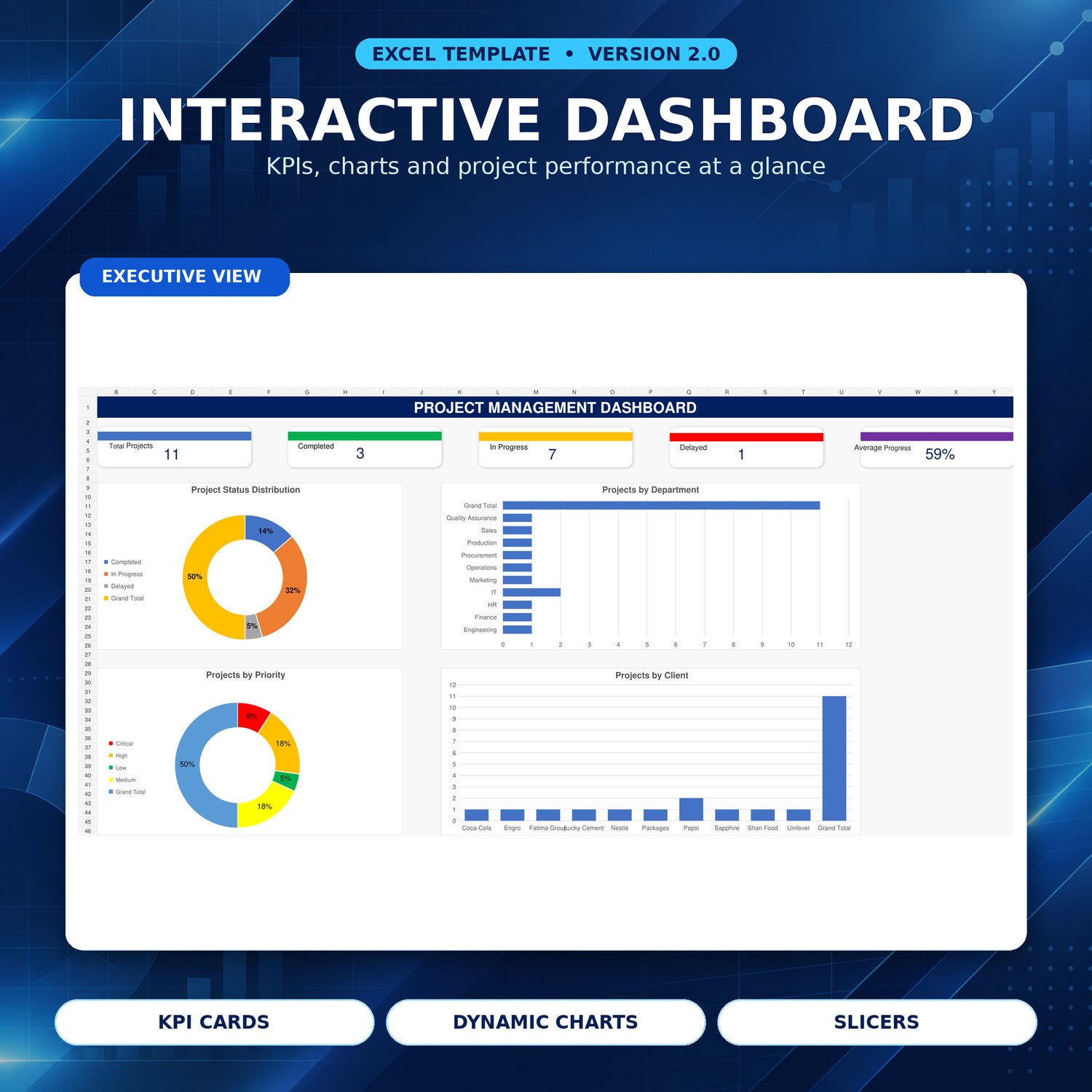
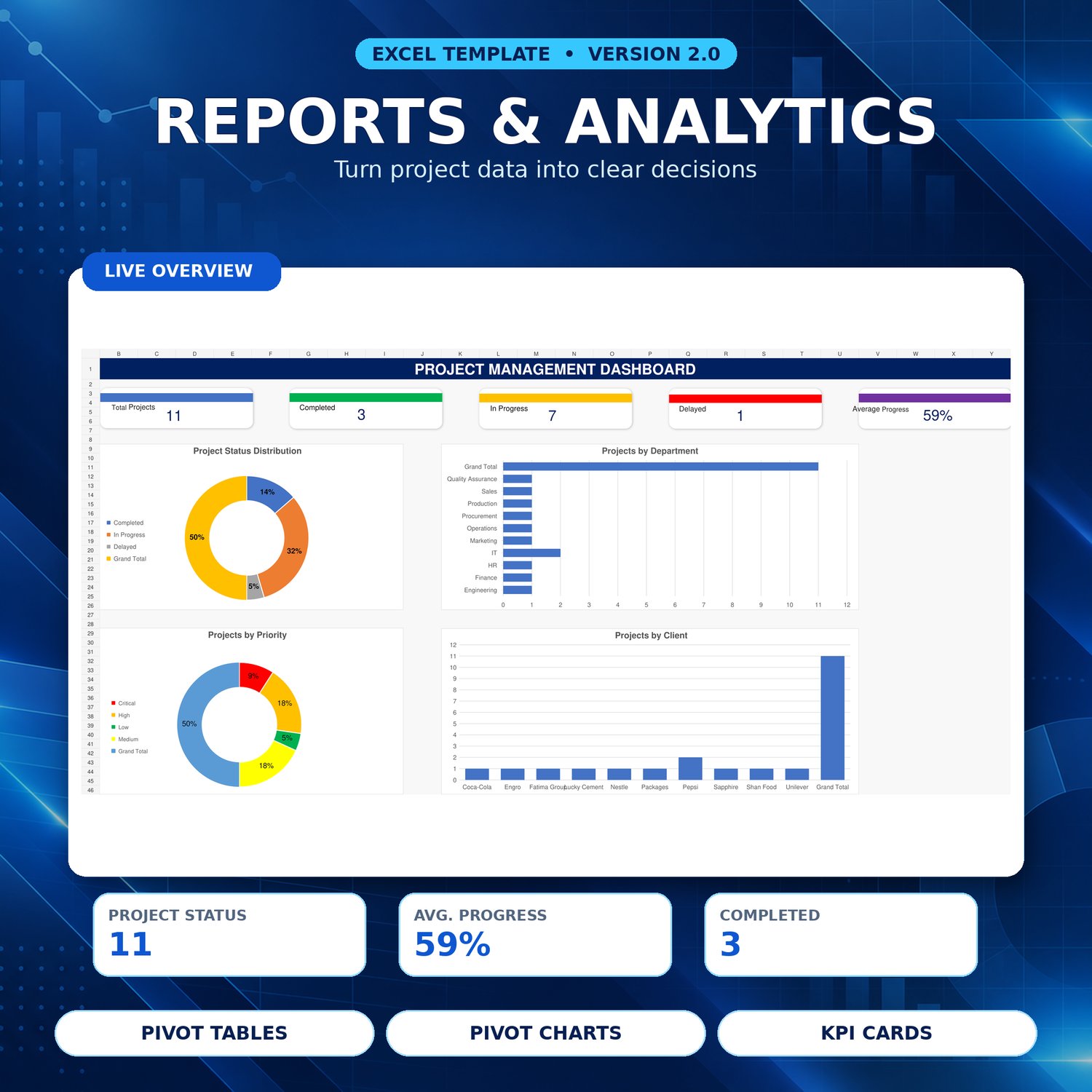
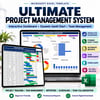
📊 INTERACTIVE PROJECT DASHBOARD
Get a clear overview of your projects and tasks through a clean and professional executive dashboard.
Dashboard features include:
• Project summary cards
• Professional KPI cards
• Dynamic charts
• Interactive slicers
• Project progress overview
• Task completion summary
• Department performance analysis
• Status and priority analysis
• Automatic performance summaries
---
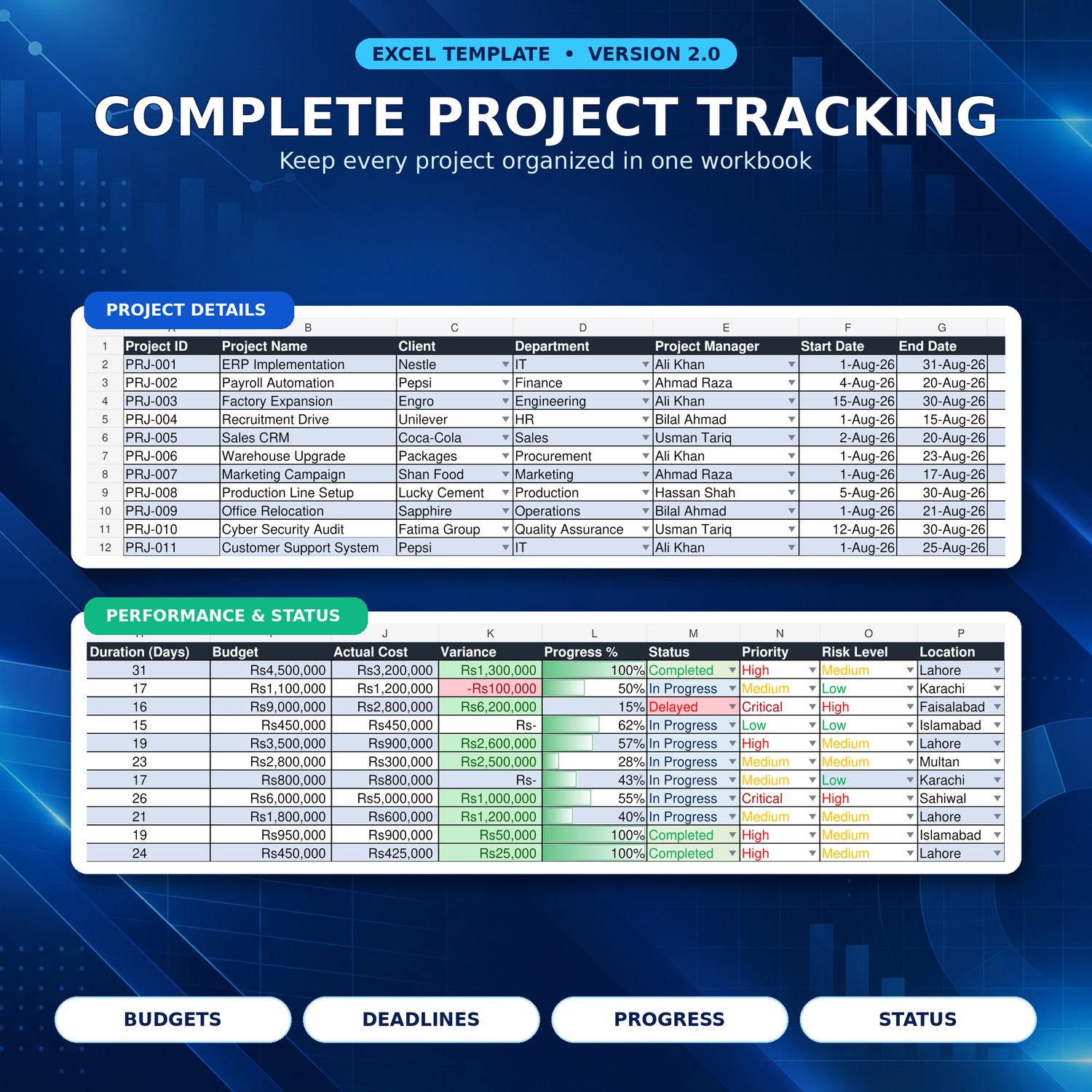
📁 COMPLETE PROJECT MANAGEMENT SYSTEM
Keep your project information organized in one central workbook.
You can manage:
• Project IDs
• Project names and details
• Project start dates
• Project due dates
• Project duration
• Project managers
• Departments
• Project priorities
• Project status
• Planned progress
• Actual progress
• Due-date performance
---
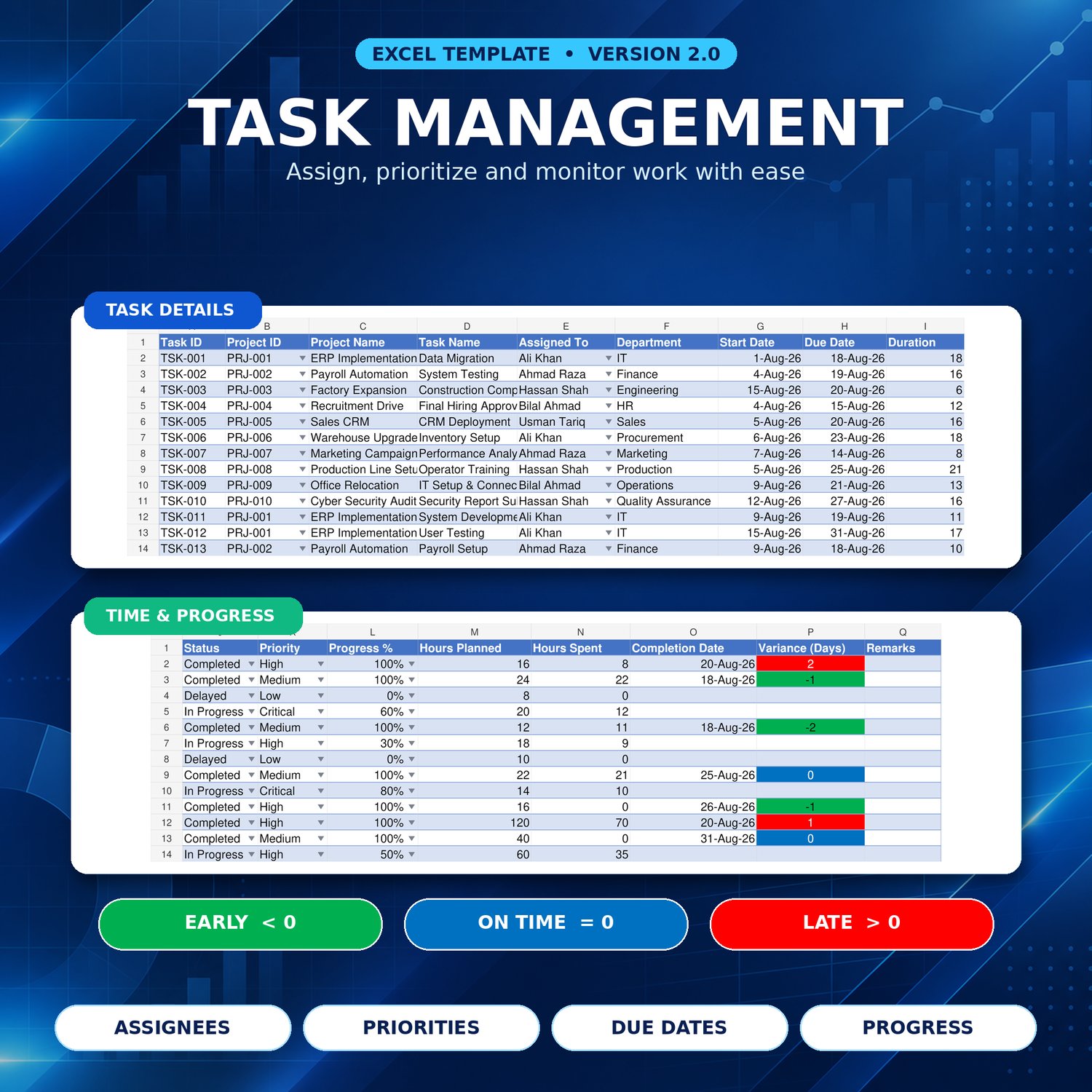
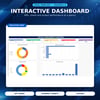
✅ TASK MANAGEMENT
Create, assign, and monitor tasks across different projects and departments.
Track:
• Task IDs
• Assigned projects
• Task owners
• Team members
• Departments
• Task start dates
• Task due dates
• Task priorities
• Task status
• Completion percentage
• Delayed tasks
• Overdue tasks
---
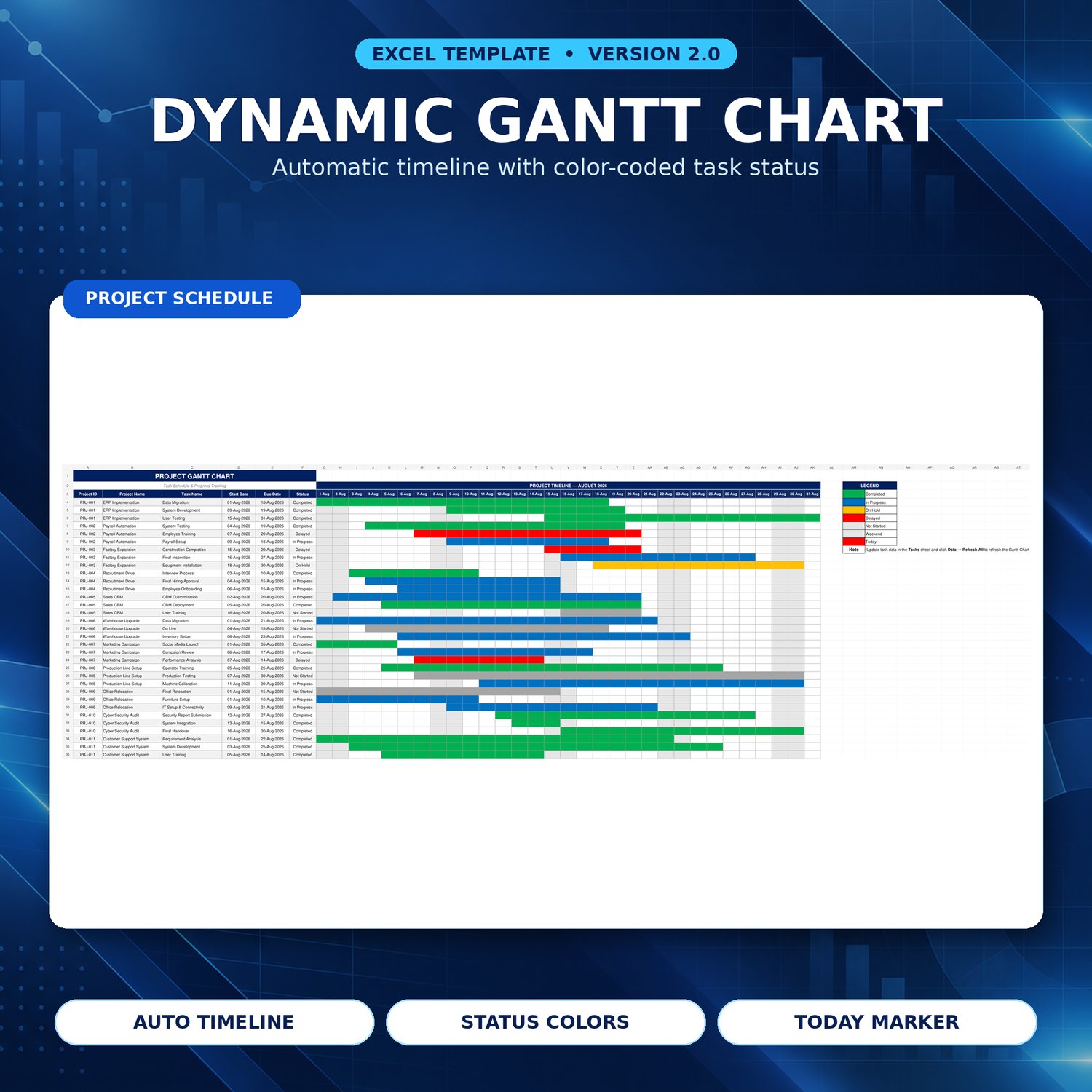
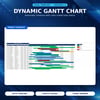
📅 DYNAMIC GANTT CHART — VERSION 2
Visualize your project schedule with a dynamic Gantt Chart designed to make project planning and monitoring easier.
The Gantt Chart includes:
• Automatic timeline generation
• Date-based task visualization
• Color-coded task status bars
• Weekend highlighting
• Today's date highlighting
• Project schedule monitoring
• Task progress tracking
• Due-date monitoring
The Gantt Chart uses your project and task information to provide a clear visual representation of your schedule.
---
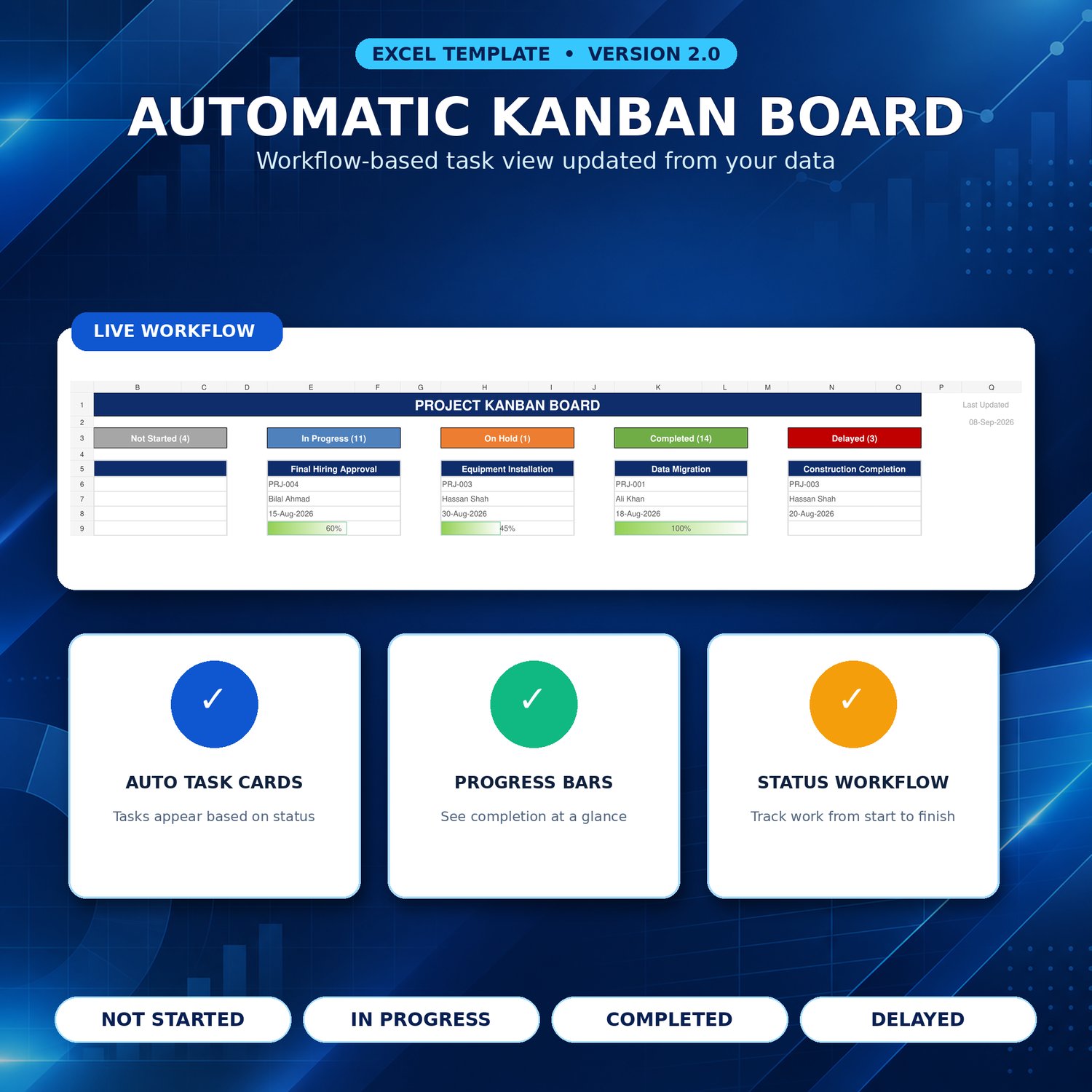
📌 AUTOMATIC KANBAN BOARD — VERSION 2
View your tasks in a clear workflow-based Kanban Board.
Tasks are automatically organized according to their status:
• Not Started
• In Progress
• On Hold
• Delayed
• Completed
• Cancelled
The Kanban Board automatically displays tasks based on the information entered in the Tasks sheet, so you do not need to manually move task cards between status sections.
---
⚡ POWER QUERY INTEGRATION — VERSION 2
Version 2 includes Power Query integration to help process and prepare data used by the Gantt Chart.
Features include:
• One-click refresh
• Power Query data processing
• PQ-Gantt data sheet
• Automated data preparation for the Gantt Chart
• Reduced manual data copying and pasting
• Organized data workflow
---
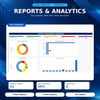
📈 AUTOMATIC REPORTS AND PIVOT TABLES
Analyze project and task performance using structured reports and Pivot Tables.
Reports and analysis include:
• Project progress
• Task completion
• Department performance
• Project status summary
• Task status summary
• Priority analysis
• Pivot Tables
• Pivot Charts
• Dashboard reports
---
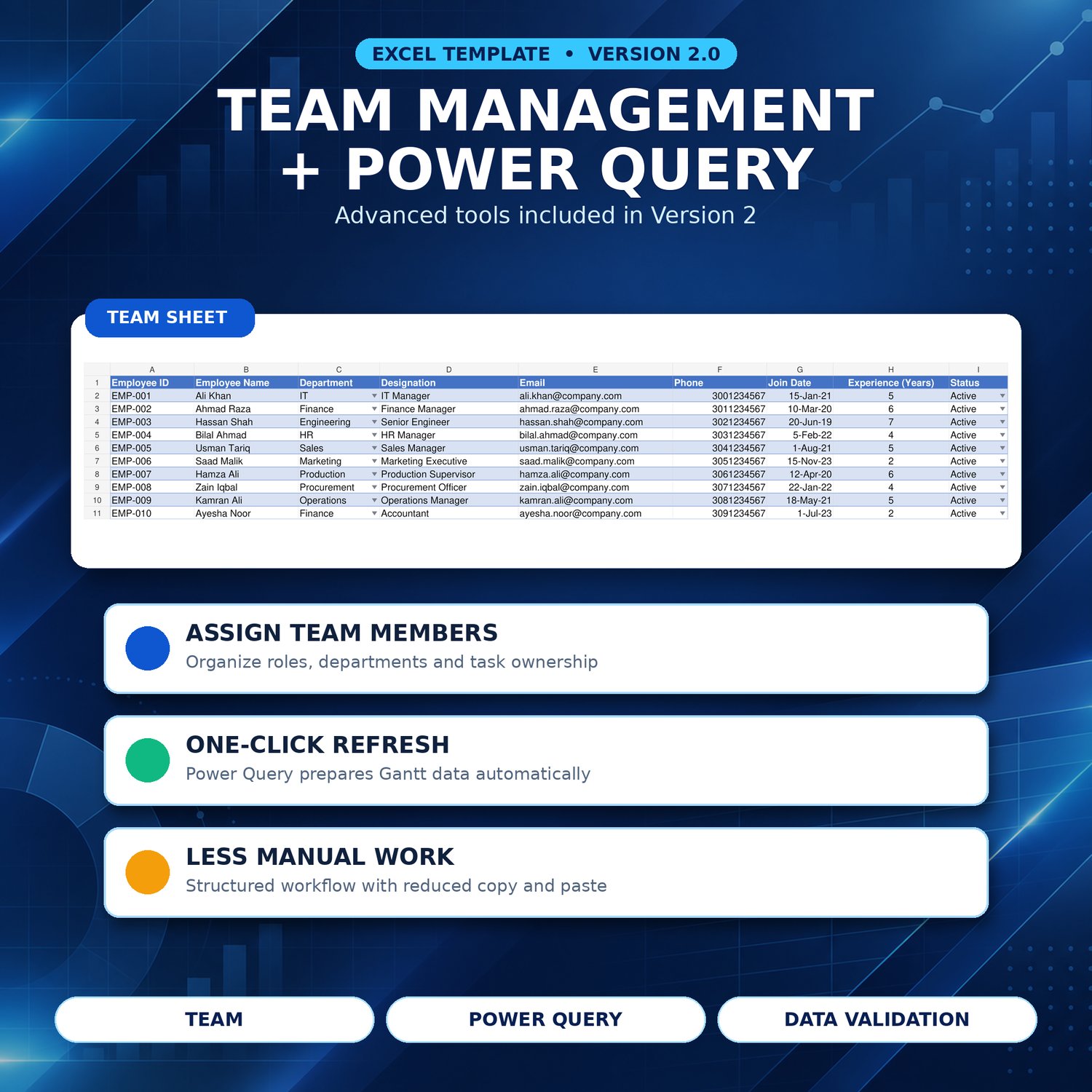
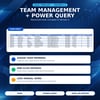
👥 TEAM MANAGEMENT — VERSION 2
Manage your project team through a dedicated Team sheet.
Features include:
• Add and manage team members
• Assign team members to tasks
• Track departments
• Organize employee roles
• Improve task ownership
• Review team workload and performance
---
🎨 PROFESSIONAL AND BEGINNER-FRIENDLY DESIGN
The workbook is professionally formatted and designed to be easy to use, even for users who are not advanced Excel professionals.
Features include:
• Clean business layout
• Clearly marked input areas
• Drop-down lists
• Automatic formulas
• Conditional formatting
• Status-based formatting
• Progress indicators
• Data validation
• Print-friendly reports
• Simple workbook navigation
---
🔒 FORMULA AND DATA PROTECTION
Calculation cells are protected to help prevent accidental changes to formulas, while designated input areas remain available for data entry.
Protection features include:
• Protected formulas
• Locked calculation cells
• Clearly marked input areas
• Reduced risk of accidental formula changes
• Improved workbook reliability
---
📂 INCLUDED WORKSHEETS
The complete workbook includes the following worksheets:
• Cover
• Dashboard
• Project Data
• Tasks
• Team
• Gantt Chart
• Kanban Board
• PQ-Gantt
• Helper
• Pivot Data
• Lookup Lists
• Read Me
• User Guide
---
🚀 VERSION 1 — ESSENTIAL PROJECT DASHBOARD
Version 1 represents the core project management features included in the workbook.
It includes:
• Interactive Dashboard
• KPI Cards
• Dynamic Charts
• Interactive Slicers
• Project Database
• Task Management
• Project Progress Tracking
• Project Duration Calculations
• Pivot Tables
• Pivot Charts
• Dashboard Reports
• Drop-down Lists
• Conditional Formatting
• Automatic Formulas
• Cover Sheet
• Read Me
• User Guide
• Professional Print-Ready Design
---
🚀 VERSION 2 — ADVANCED PROJECT MANAGEMENT FEATURES
Version 2 adds advanced planning, workflow, team management, and Power Query features to the same project management system.
Additional Version 2 features include:
• Dynamic Gantt Chart
• Automatic Timeline
• Color-Coded Status Bars
• Weekend Highlighting
• Today's Date Highlighting
• Automatic Kanban Board
• Six Task Status Options
• Power Query Integration
• One-Click Refresh
• PQ-Gantt Sheet
• Automated Data Preparation
• Dedicated Team Management Sheet
• Improved Data Validation
• Dynamic Lookup Formulas
• Status Synchronization
• Enhanced Formula Logic
• Updated Read Me and User Guide
• License File
• Optimized Print Layout
---
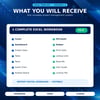
📦 ONE COMPLETE EXCEL WORKBOOK
You receive one complete Excel workbook containing the core Version 1 features together with the advanced Version 2 features.
Version 2 is an enhanced version of the same project management system, not a separate workbook.
The workbook is designed to provide project tracking, task management, reporting, scheduling, workflow management, and team management in one organized Excel solution.
---
💼 PERFECT FOR
This project management Excel template can be useful for:
• Project Managers
• Construction Companies
• Manufacturing Businesses
• Engineering Firms
• IT Companies
• HR Departments
• Marketing Teams
• Consultants
• Freelancers
• Agencies
• Small Businesses
• Operations Teams
---
⭐ KEY CUSTOMER BENEFITS
• Manage multiple projects from one organized workbook
• Save time on manual project reporting
• Monitor project and task progress
• Identify delayed and overdue tasks quickly
• Improve team accountability
• Analyze project and department performance
• Create professional reports and dashboards
• Reduce manual data-entry errors
• Customize the workbook for your business needs
• No coding knowledge required
• No VBA or macros required
---
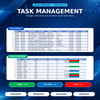
📥 WHAT YOU WILL RECEIVE
Your purchase includes:
• One Complete Project Management Excel Workbook
• Read Me Instructions
• Detailed User Guide
• License File
• Instant Digital Download
The single workbook includes both the Version 1 core features and Version 2 advanced features described above.
---
💻 SOFTWARE COMPATIBILITY
Compatible with:
• Microsoft Excel 2021
• Microsoft Excel for Microsoft 365
Additional information:
• No VBA or macros required
• Power Query is used in Version 2
IMPORTANT COMPATIBILITY NOTE
For the best experience, use the desktop version of Microsoft Excel for Windows.
Some features, including Power Query, Slicers, Pivot Tables, and certain interactive workbook functions, may have limited functionality or behave differently in Excel Online, Excel mobile applications, Google Sheets, or some versions of Excel for Mac.
This product is designed primarily for Microsoft Excel and is not advertised as a Google Sheets template.
---
📌 IMPORTANT INFORMATION
• This is a digital product only.
• No physical product will be shipped.
• Microsoft Excel is required.
• Sample data may be included for demonstration purposes.
• You can replace the sample data with your own business information.
• Basic Excel knowledge is helpful but not required.
• Features are included in one complete workbook as described in this listing.
• Digital products cannot be returned once downloaded.
---
MANAGE YOUR PROJECTS WITH CONFIDENCE
Organize your projects, monitor tasks and deadlines, improve team accountability, and turn project data into clear dashboards and professional reports—all from one powerful Microsoft Excel workbook.
This complete project management system combines essential project tracking features with advanced Gantt Chart, Kanban Board, Team Management, and Power Query functionality in one organized Excel solution.