



Self-Published Author Income Tracker
Self-Published Author Income Tracker Excel — books & formats, income log, expenses, and a monthly P and L dashboard. Know what every line actually pays — and whether the month actually made money.
Built for Self-published authors with paperbacks, ebooks, planners, and audiobooks across platforms who get one blended royalty number and no idea which title paid for its editing and cover.
WHAT'S INCLUDED (6 sheets):
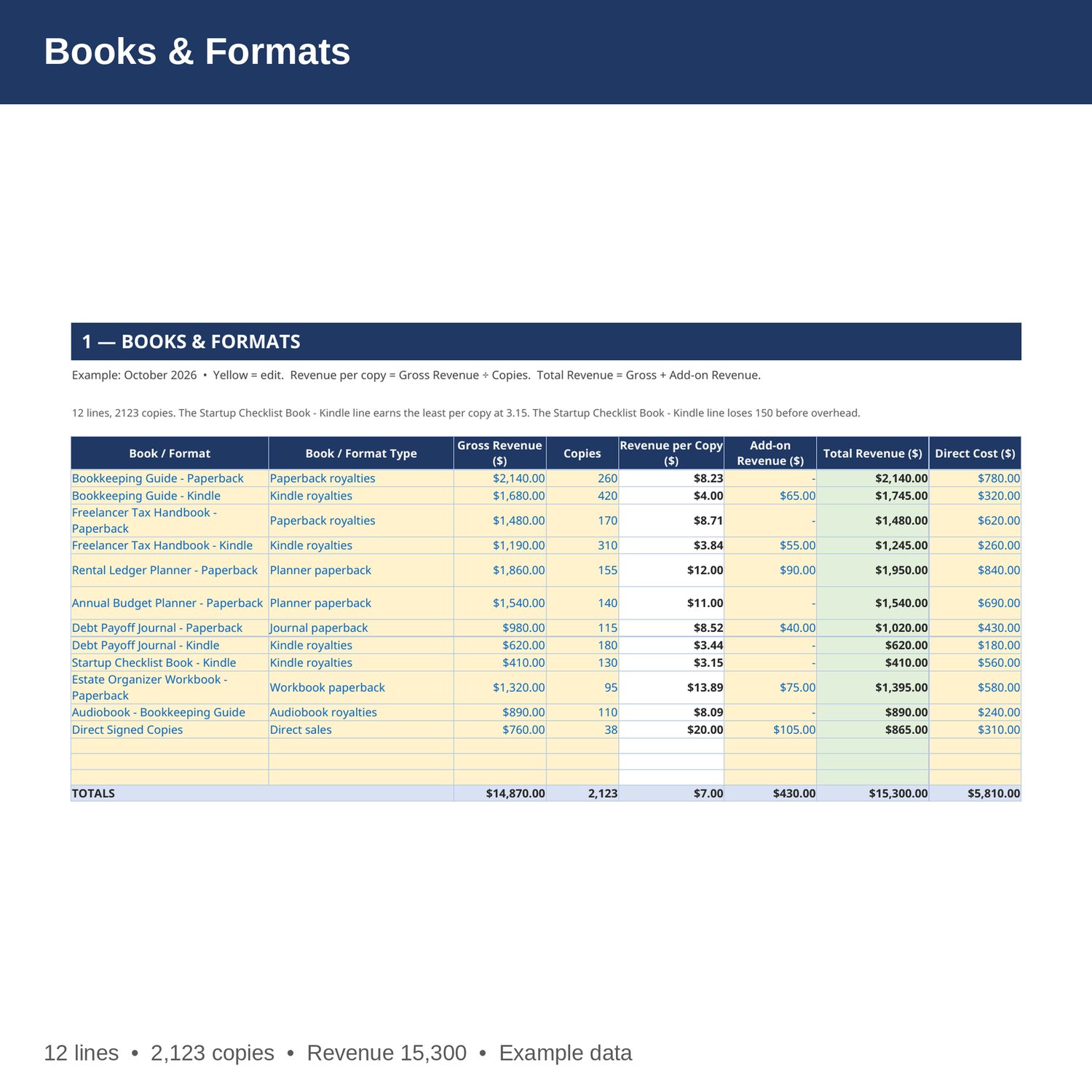
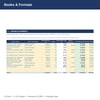
- Books & Formats — Every book and format: gross royalties, copies sold, royalty per copy, add-on revenue from direct and signed sales, total revenue, and direct editing, cover, and production cost allocated to that title. Change a royalty and the totals update.
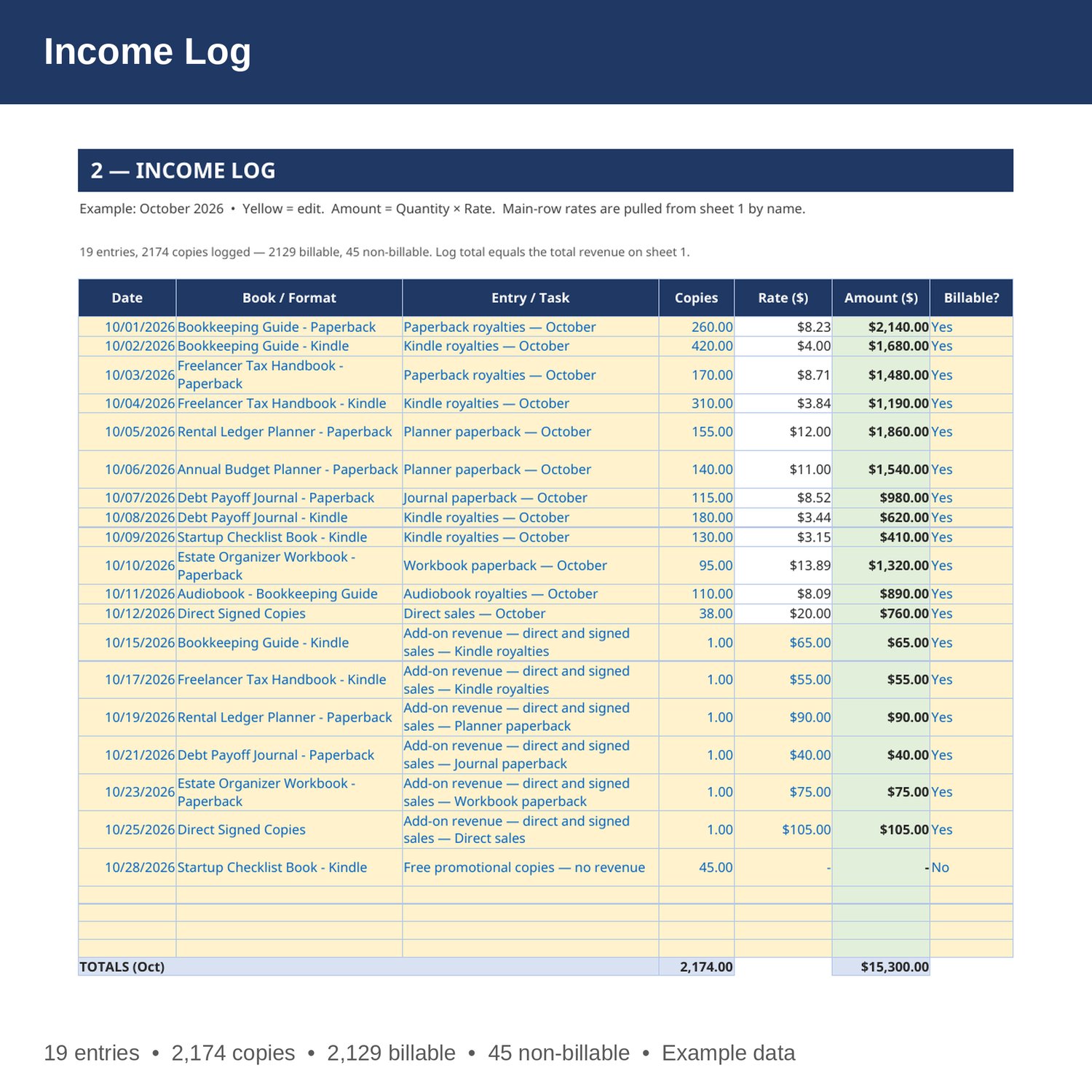
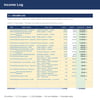
- Income Log — Every book line: date, book, entry, copies, rate pulled from sheet 1 by formula, amount, and whether it was billable. Add-on rows are priced per entry, and free promotional copies are logged as non-billable.
- Expenses — every overhead cost by category (Ads, Editing, Design, Software, Printing, Fees, Other), with quantity, cost per unit, and a monthly cost for each.
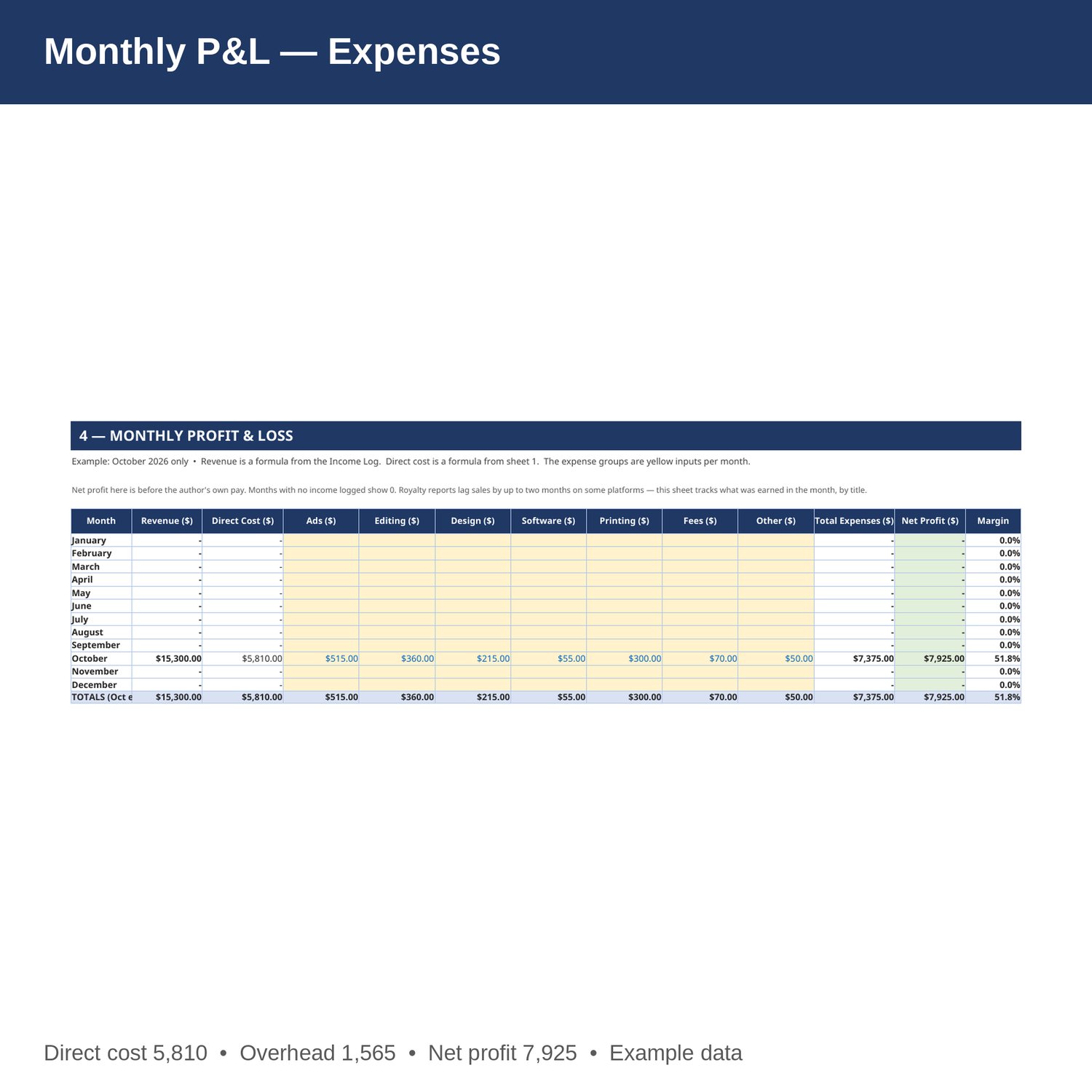
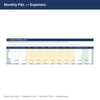
- Monthly P and L — revenue, direct cost, ads, editing, design, software, printing, fees, other and other expenses by month, Jan-Dec, with net profit and margin. Revenue is a formula from the Income Log; direct cost is a formula from sheet 1.
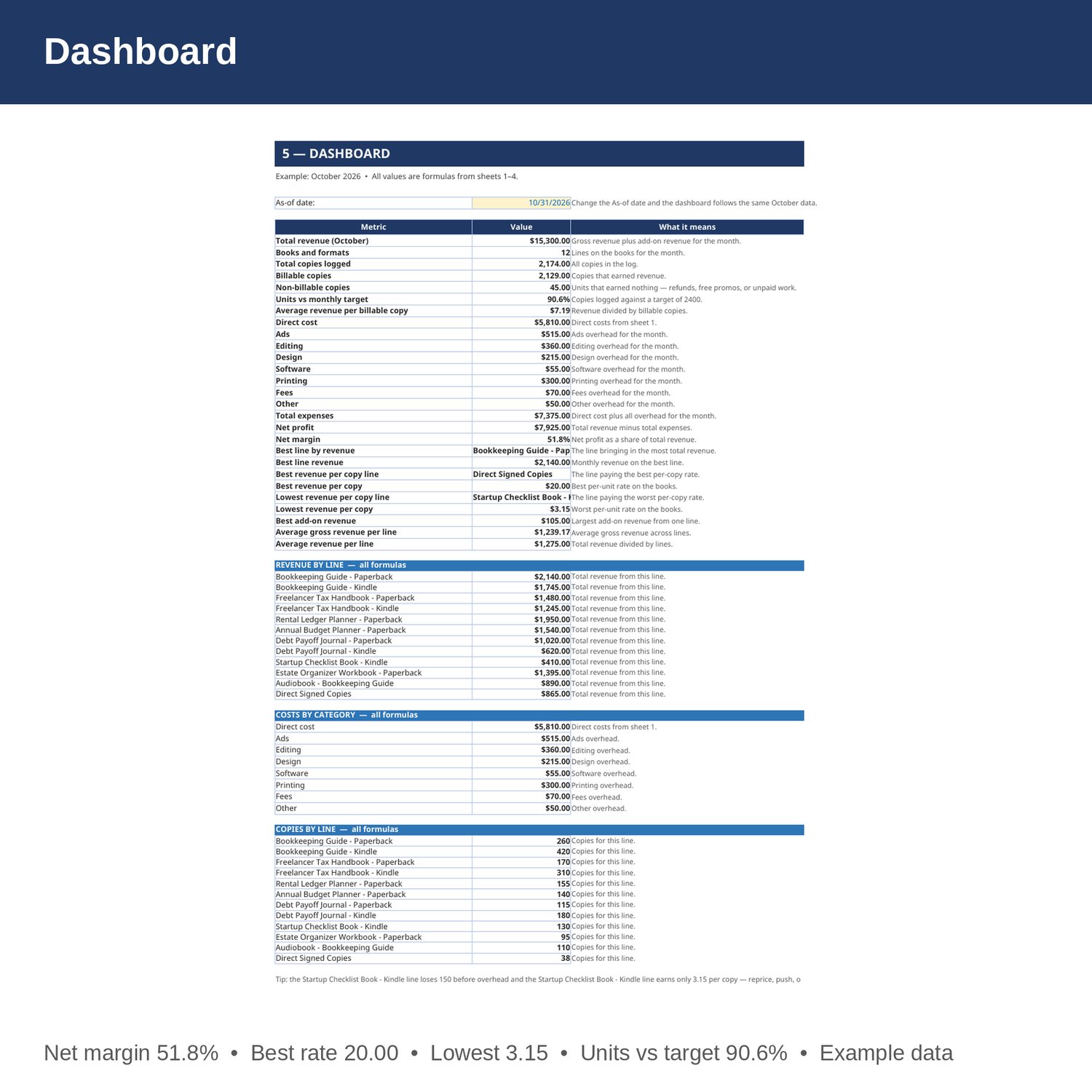
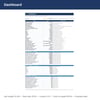
- Dashboard — total revenue, books and formats, units, billable vs non-billable units, units vs target, average revenue, direct cost, expenses, net profit and margin, best and weakest lines, revenue by line, costs by category, and units by line.
- Cover and How to Use — start here. Yellow cells are the only ones you edit.
EXAMPLE DATA (October 2026 — replace with your own numbers):
- 12 lines; gross revenue 14,870; add-on revenue 430; total revenue 15,300; direct cost 5,810.
- 2,123 copies on sheet 1; 2,174 logged (2,129 billable, 45 non-billable); units vs target 90.6 percent of a 2,400 target; average revenue per billable copy 7.19.
- ads 515; editing 360; design 215; software 55; printing 300; fees 70; other 50; overhead 1,565; total expenses 7,375; net profit 7,925; net margin 51.8 percent.
- Best line by revenue: Bookkeeping Guide - Paperback, 2,140. Best revenue per copy: Direct Signed Copies, 20.00. Lowest revenue per copy: Startup Checklist Book - Kindle, 3.15. Losing line: Startup Checklist Book - Kindle at -150 before overhead.
HOW IT WORKS:
1. Download the Excel file instantly after purchase.
2. On sheet 1, enter each line's gross revenue, copies, add-on revenue, and direct cost. Revenue per copy and total revenue fill in by formula.
3. On sheet 2, add a row per entry: date, name (spelled exactly as on sheet 1), entry, copies, rate, and whether it was billable. Amount fills in by formula. Main rows pull the rate from sheet 1.
4. On sheet 3, enter each month's overhead costs.
5. On sheet 4, enter expenses each month, then check units vs target, direct cost, and net profit on the Dashboard.
HOW THE NUMBERS WORK:
Revenue per copy is gross revenue divided by copies. Total revenue is gross revenue plus add-on revenue. Average revenue per billable copy is total revenue divided by billable copies. Units vs target is units logged divided by a target of 2,400. Net profit is revenue minus direct cost and all overhead categories. Net profit here is before the author's own pay. Months with no income logged show 0. Royalty reports lag sales by up to two months on some platforms — this sheet tracks what was earned in the month, by title.
PLEASE NOTE:
- Instant digital download. No physical item ships.
- Works in Microsoft Excel and Google Sheets (upload to Google Drive to open in Sheets).
- Example data is included so you can see how it works. Replace the yellow cells with your own numbers — yellow cells are the only ones you edit.
- This is a bookkeeping tool, not tax, legal, or CPA advice.
- Built by an accountant: B.S. Accountancy, ASU W. P. Carey, with revenue-reconciliation experience at Marriott and audit work at PwC.