

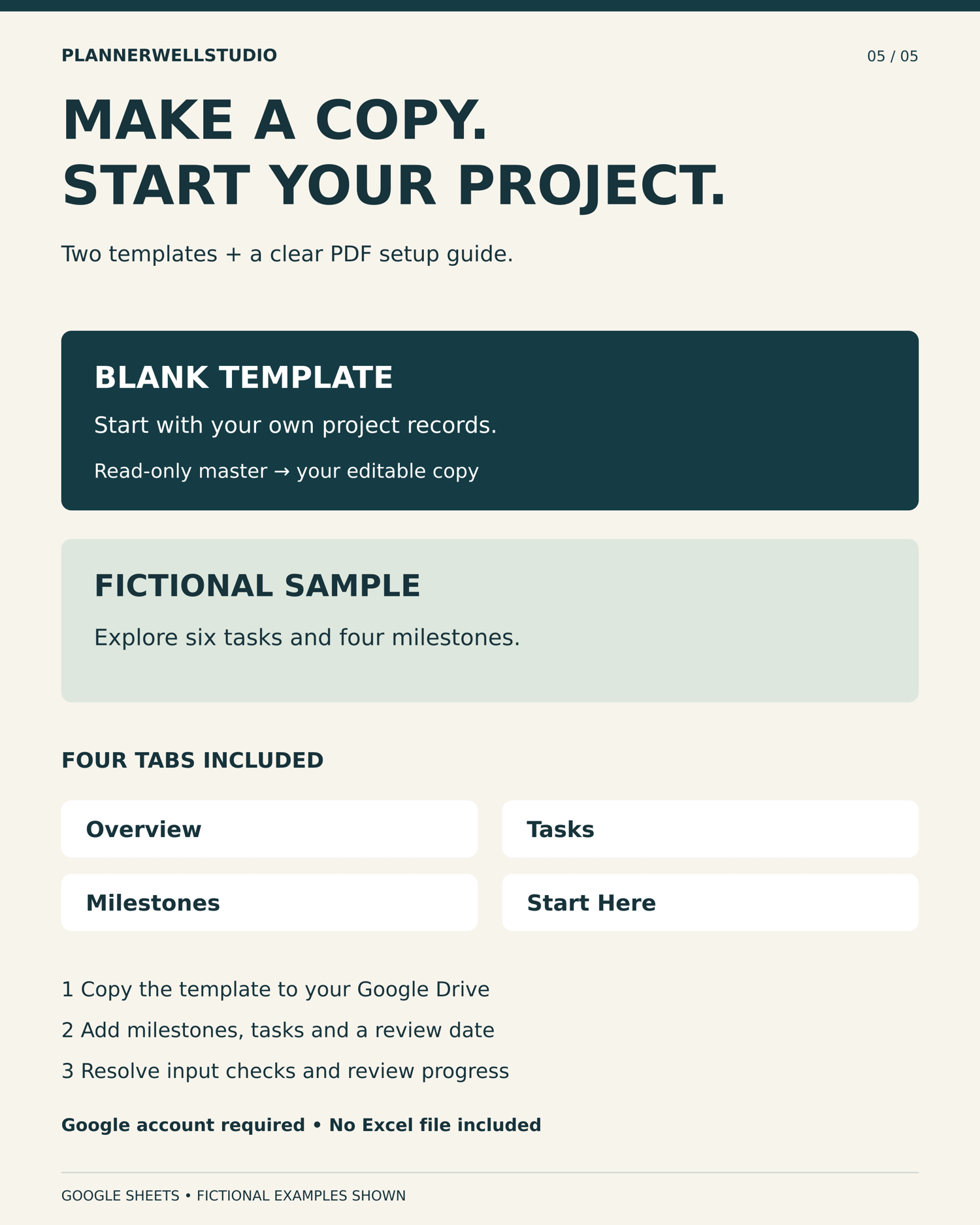
Project Management Spreadsheet for Google Sheets, Task and Milestone Tracker with Overview Dashboard
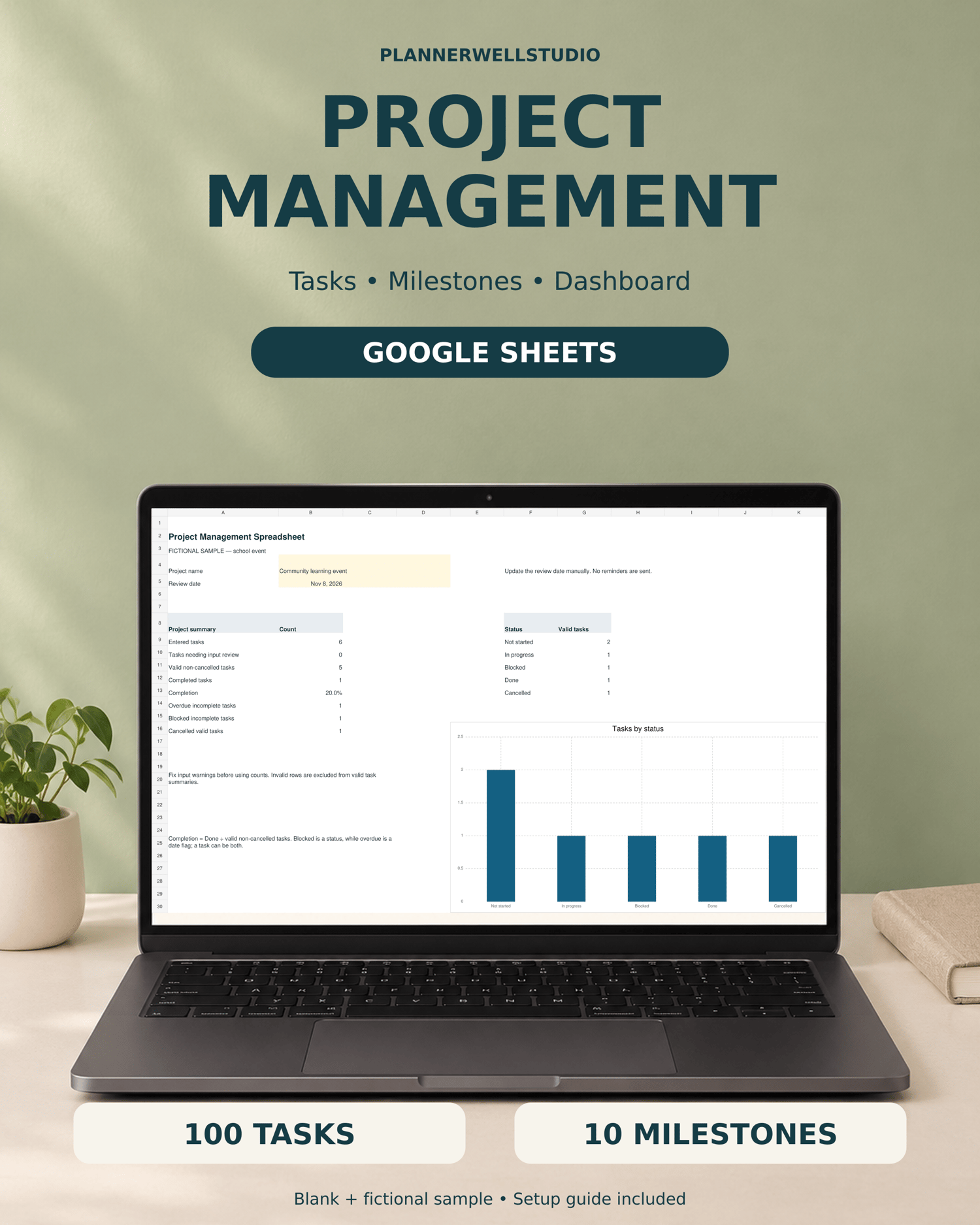
Keep project tasks, milestone targets and next actions together with this Project Management Spreadsheet for Google Sheets. Plan one project per copy, record up to 100 tasks and 10 milestones, and review progress from the Overview.
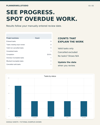
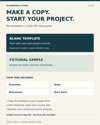
Blank and fictional sample templates are included, with a three-page PDF setup guide. The masters are read-only; use the included links to save editable copies to your own Google Drive.
WHAT YOU RECEIVE
One ZIP download containing:
• Project-Management-Setup-Guide.pdf — 3 pages with clickable template links, setup steps, explanations and use terms
• Template-Links-and-Start-Here.txt — the same blank and fictional sample links in plain text
The spreadsheet templates open online in Google Sheets. A Google account is required to save your own copies. No XLSX workbook, printable project planner or physical item is included.
FOUR INCLUDED TABS
Overview
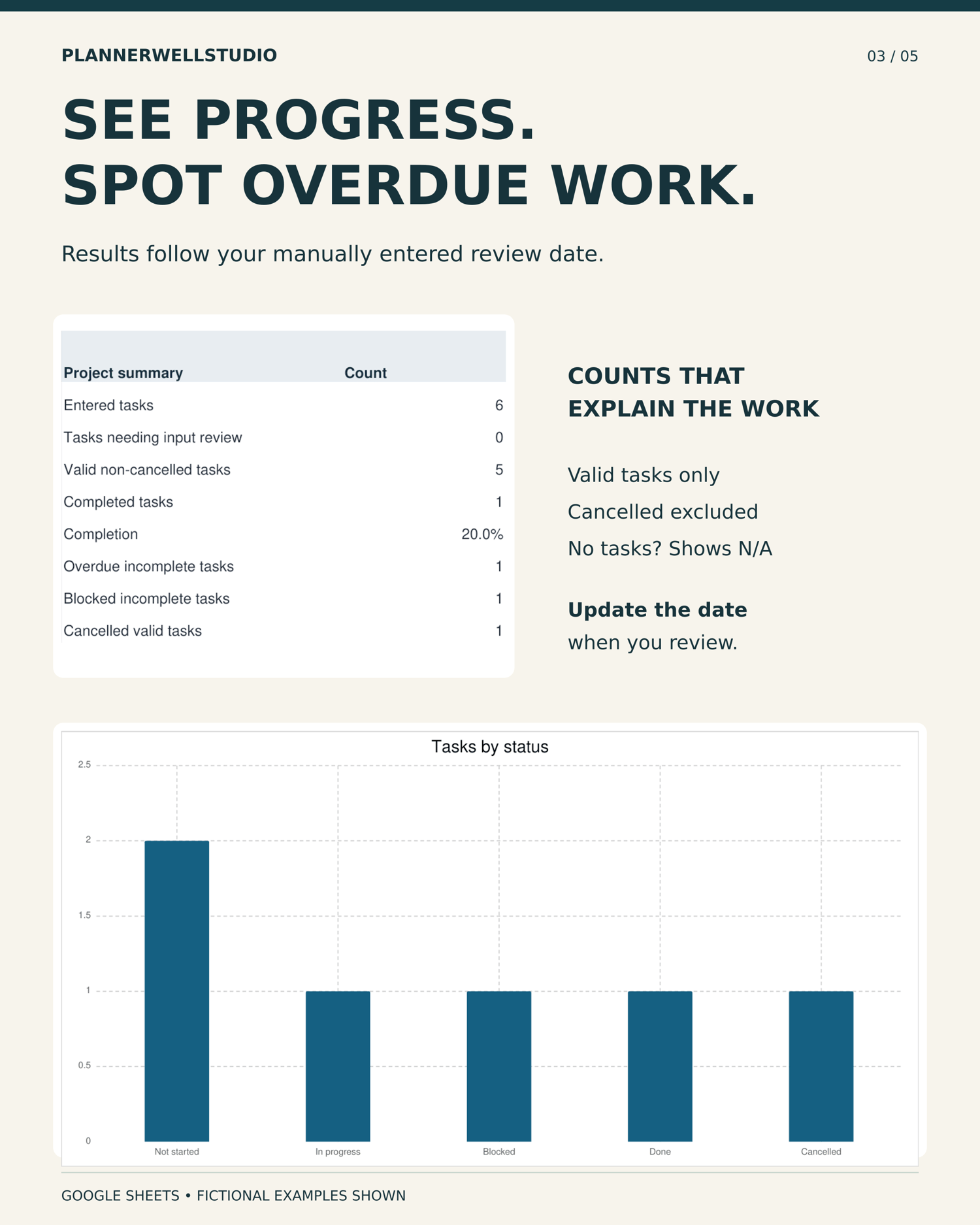
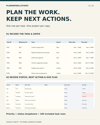
Enter your project name and review date. Review entered tasks, input warnings, valid non-cancelled tasks, completed tasks, completion percentage, overdue work, blocked work and cancelled tasks. A chart shows valid task counts by status.
Tasks
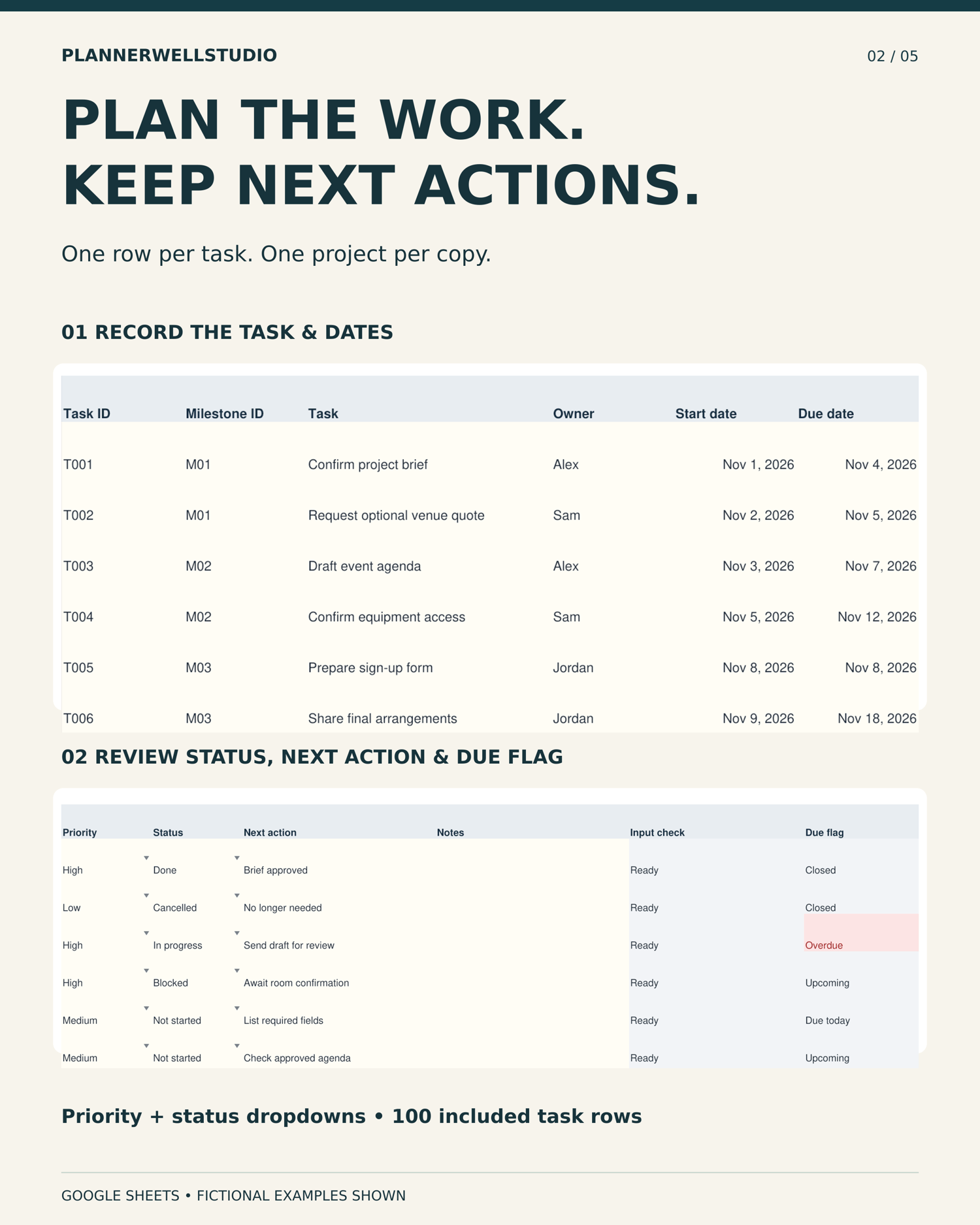
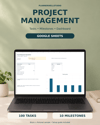
Record task ID, milestone ID, task name, owner, start date, due date, priority, status, next action and notes. Owner, start date and notes are optional. A next action is required for incomplete tasks. Priority and status dropdowns help keep entries consistent.
Milestones
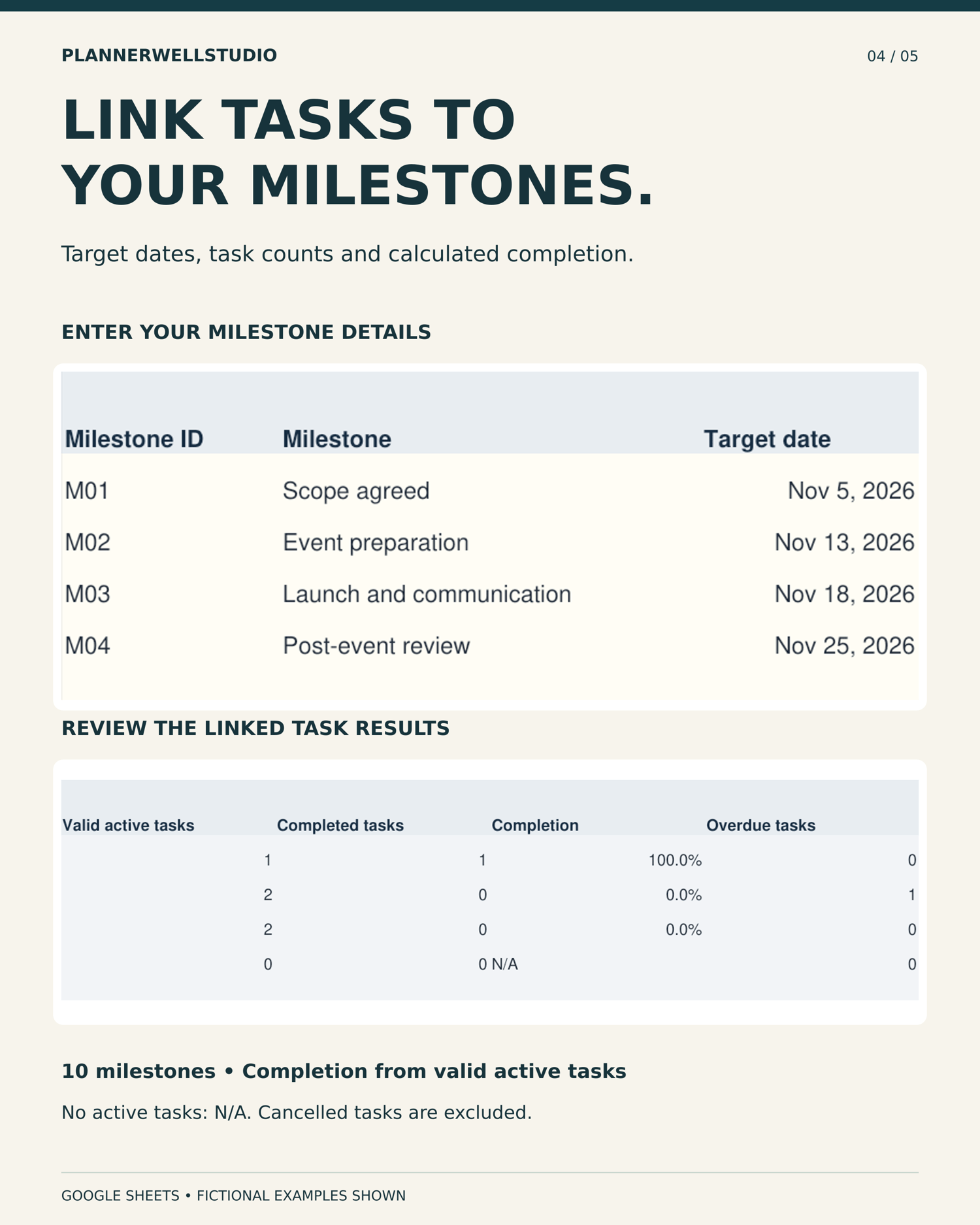
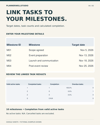
Record a unique milestone ID, name and target date. The linked summaries calculate valid non-cancelled task counts, completed tasks, completion and overdue work for each milestone.
Start Here
Follow the built-in setup and use instructions. Review the included status and priority choices, fixed capacity, software details and use terms.
INPUT CHECKS AND DUE FLAGS
Input checks flag missing details, duplicate task IDs, unknown or ambiguous milestone links, invalid milestone records, invalid dates and a start date after its due date. Each row shows its first issue; correct it and check again until the row reads Ready.
Valid open tasks show Overdue, Due today or Upcoming based on your review date. Done and Cancelled tasks show Closed. Resolve input warnings before using the calculated results.
THE REVIEW DATE IS MANUAL
The review date does not advance automatically. Update it when you review the project. Due dates before that date count as overdue; dates equal to it are due today.
This spreadsheet does not send reminders, schedule notifications or contact anyone. It does not include a Gantt chart, task dependencies, budgeting or time tracking.
HOW COMPLETION WORKS
Completion is the number of Done tasks divided by valid non-cancelled tasks. Cancelled tasks and records with unresolved input errors are excluded. If no active tasks qualify, completion shows N/A.
Blocked is a status; overdue is a date flag. A task can be both, so these counts overlap. Milestone target dates do not override individual task due dates.
FIXED CAPACITY
• 100 task rows, rows 7–106
• 10 milestone rows, rows 7–16
• One project per copy
Keep the existing rows. Formula ranges do not automatically extend beyond the included capacity. Make another copy for your next project. Formula areas have warning protection; preserve them when clearing sample inputs or entering records.
GETTING STARTED
1. Download and extract the ZIP, then read the PDF guide.
2. Sign into your Google account and open a template link.
3. Select Make a copy to save your own editable version.
4. Explore the fictional sample, then start with the blank template.
5. Enter your project name, review date and milestone records.
6. Add tasks, resolve input checks and review the Overview.
SOFTWARE
Native Google Sheets templates. Calculations and the template-copy workflow were tested in Google Sheets. Both blank and sample copies were also created using a separate Google account.
No independently tested Excel edition is included. Appearance may vary by device; a wider desktop screen is helpful for the task table. Software and account subscriptions are not included.
PLEASE NOTE
Downloadable files and online template access only. No physical item will be shipped. Devices and styling props in previews are not included. Worksheet previews use fictional records; application appearance may vary.
This is an organizational resource. It does not replace your organization's official project records or professional judgment. Follow your organization's rules when storing project or personal information.
USE TERMS
For one purchaser's own work. You may make copies for your own projects. Resale, redistribution, sharing blank templates, public uploads and team-wide distribution are not included.
NEED FILE HELP?
Message PlannerWellStudio through Etsy with the tab name, cell reference and a description of the issue. Please do not send confidential project records or personal information.
PlannerWellStudio
Practical planning tools for school, work, and everyday life.