
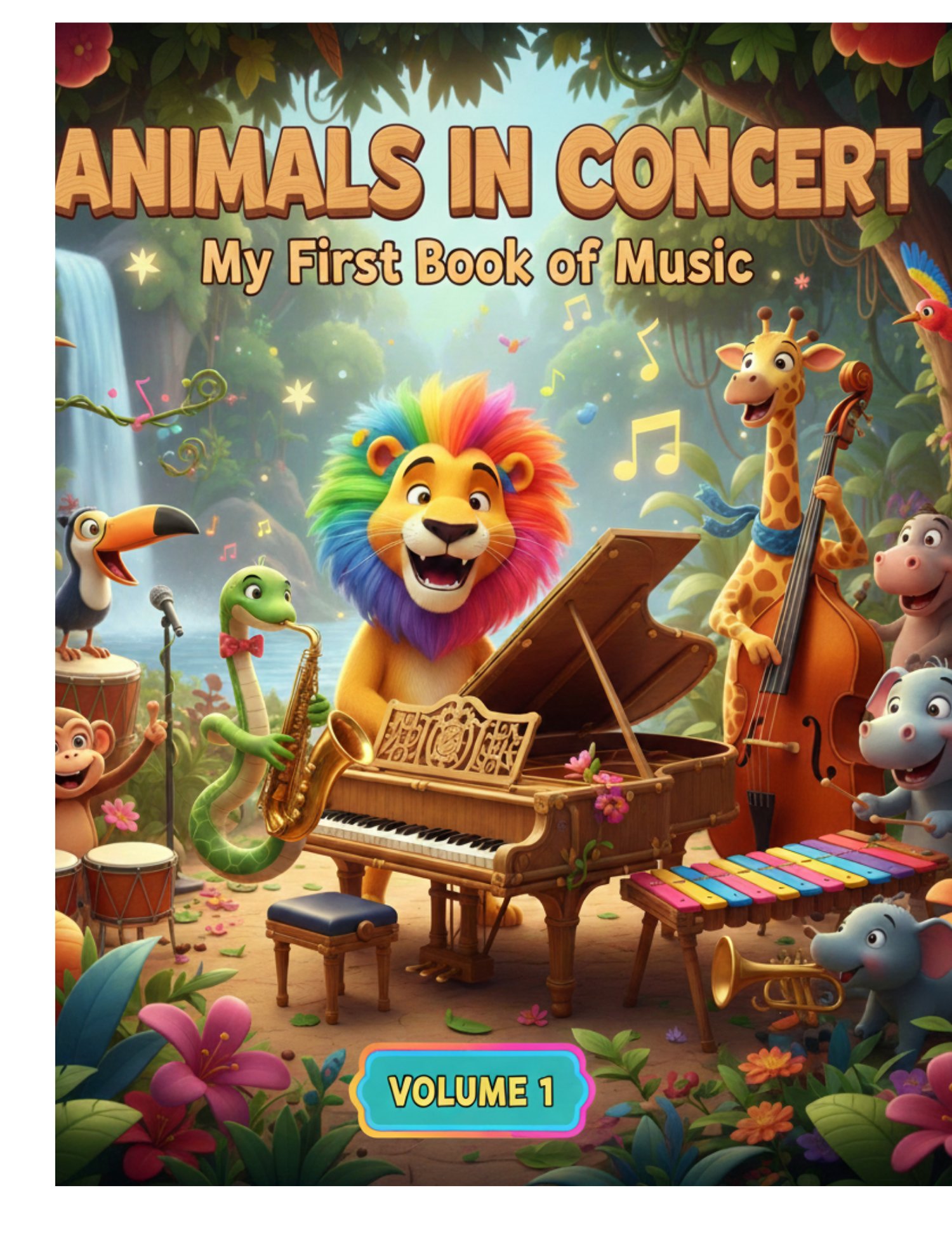
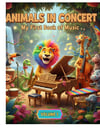
Animals In Concert
Unleash the Rhythm with Musical Animals!
Does your child love animals? Do they tap their toes to every beat? Dive into a world where the wild meets the orchestra in this bold and minimalist coloring book designed specifically for young artists!
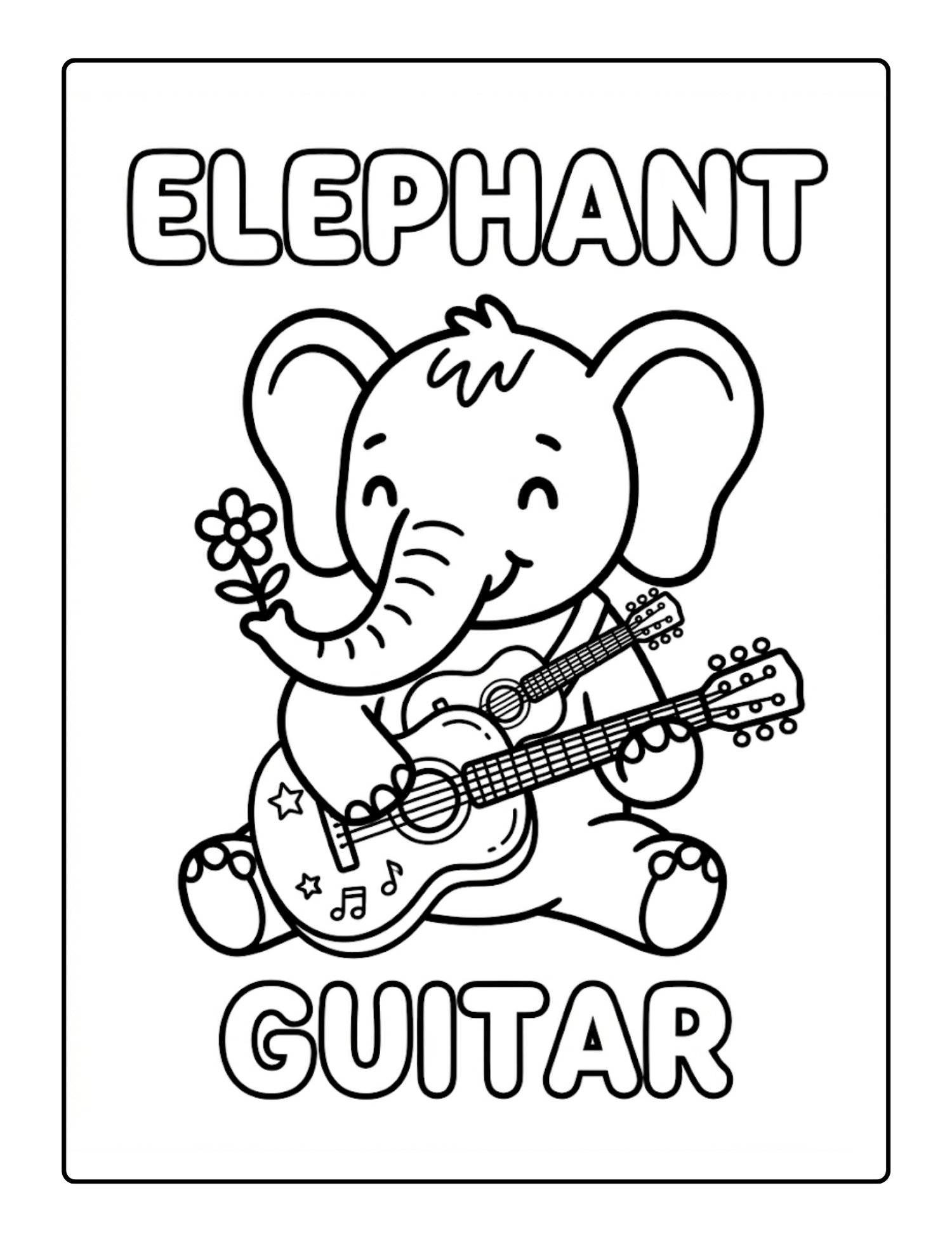
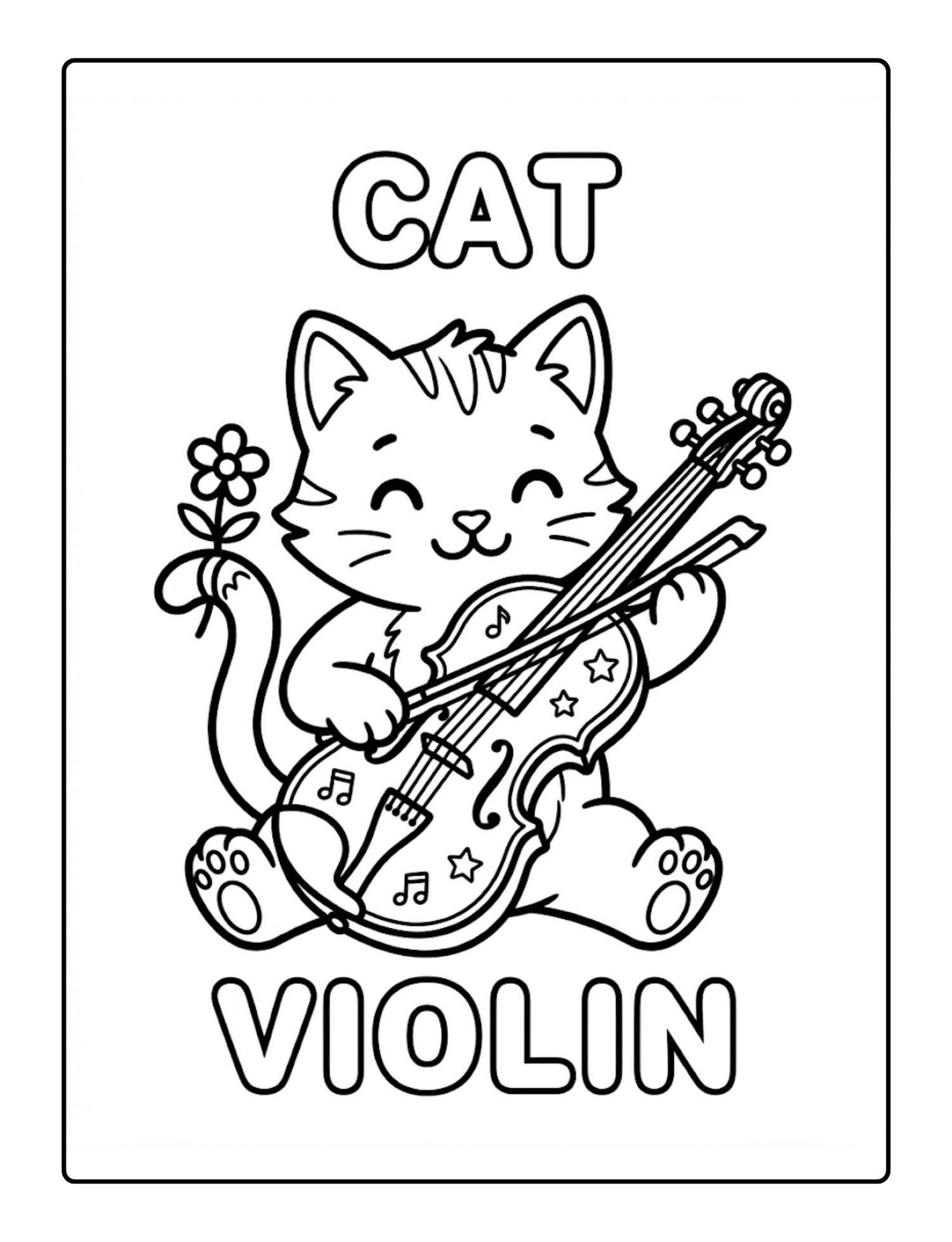
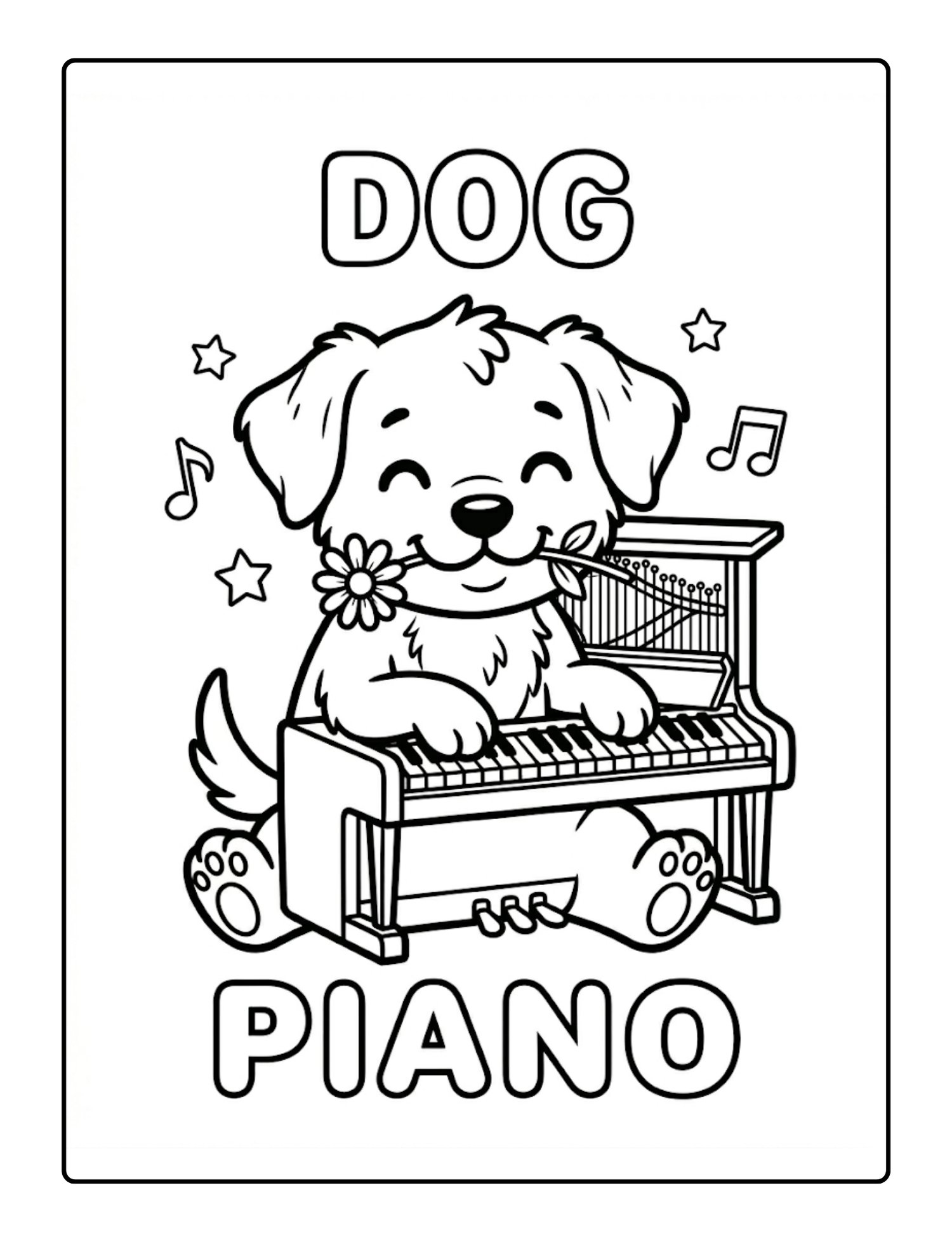
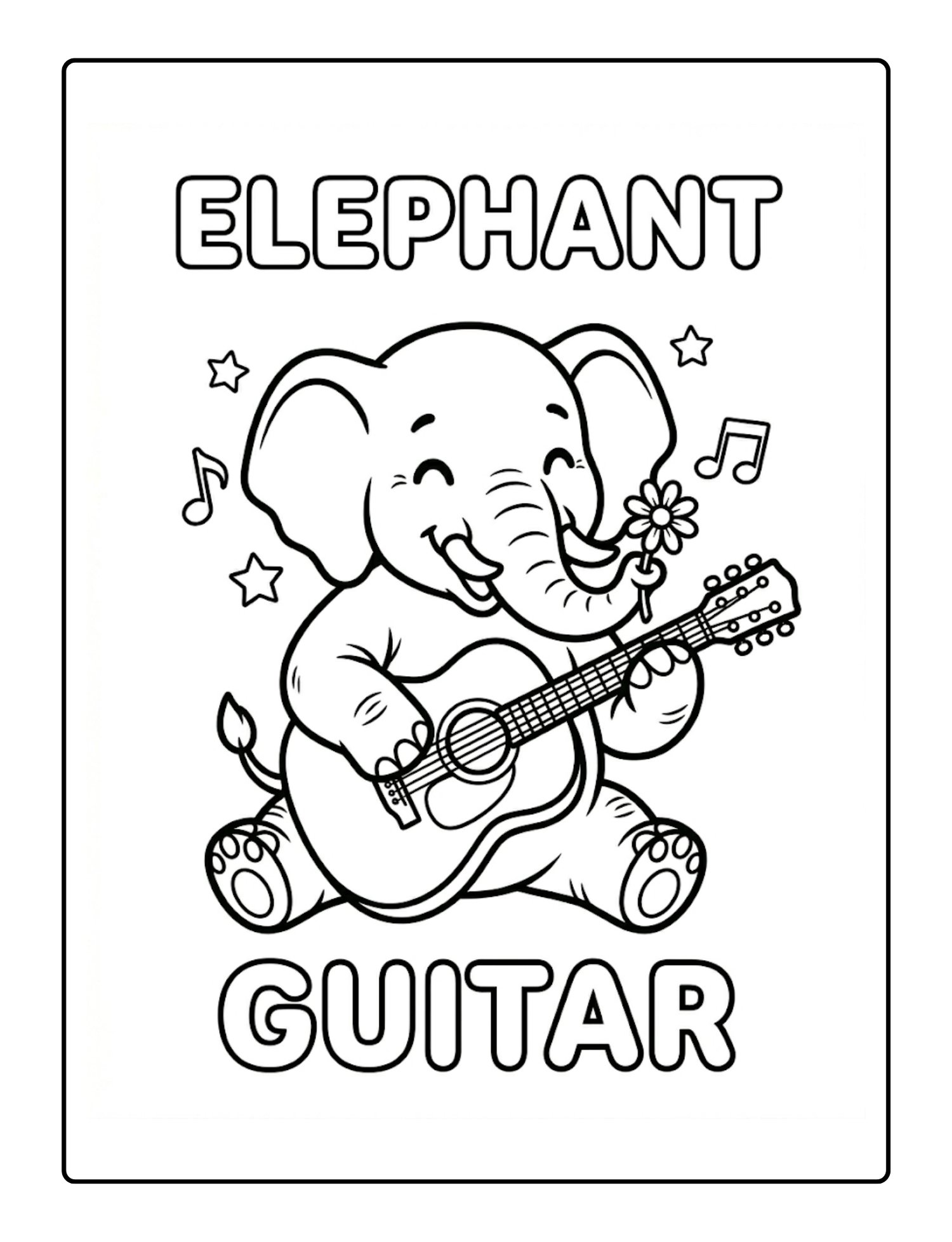
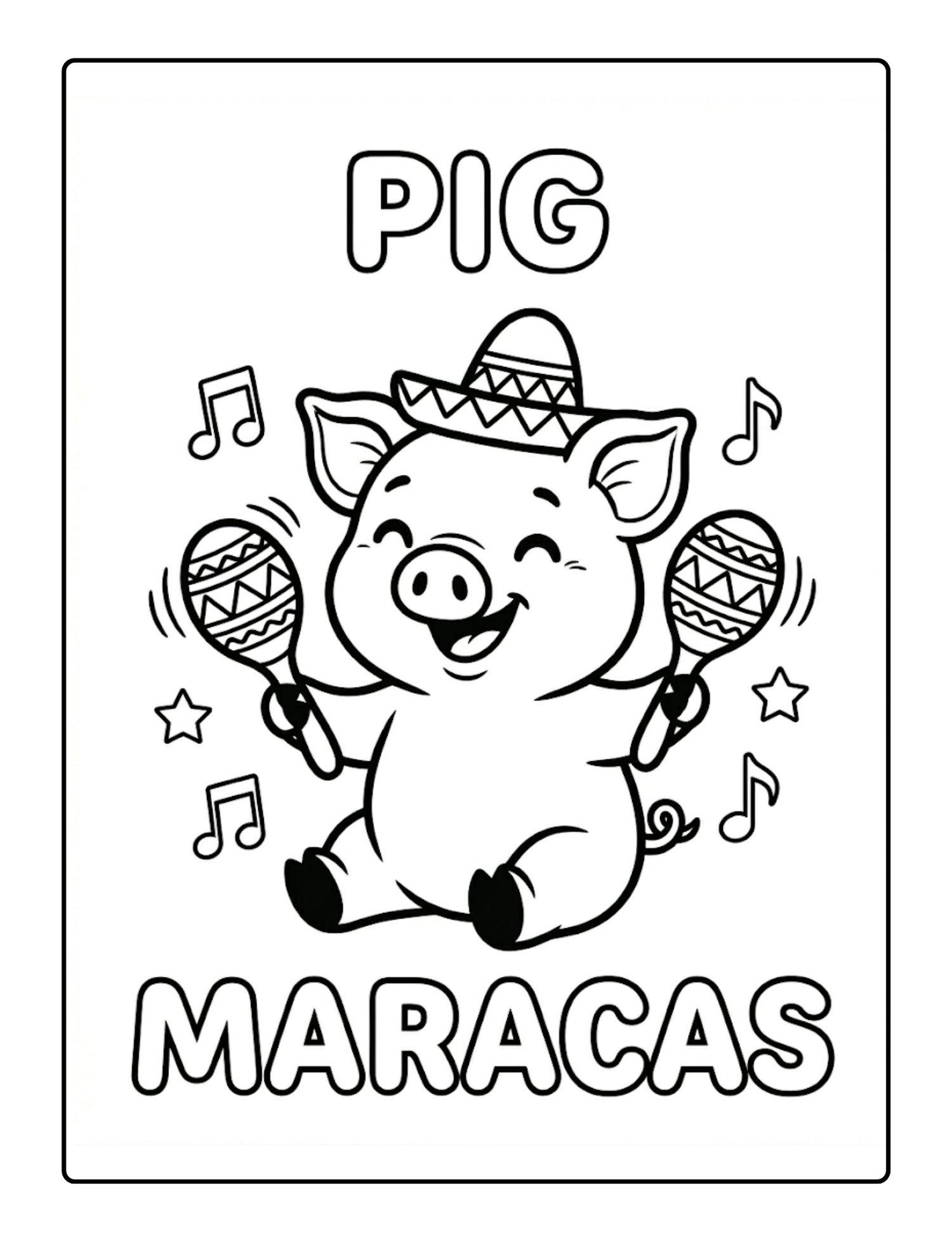
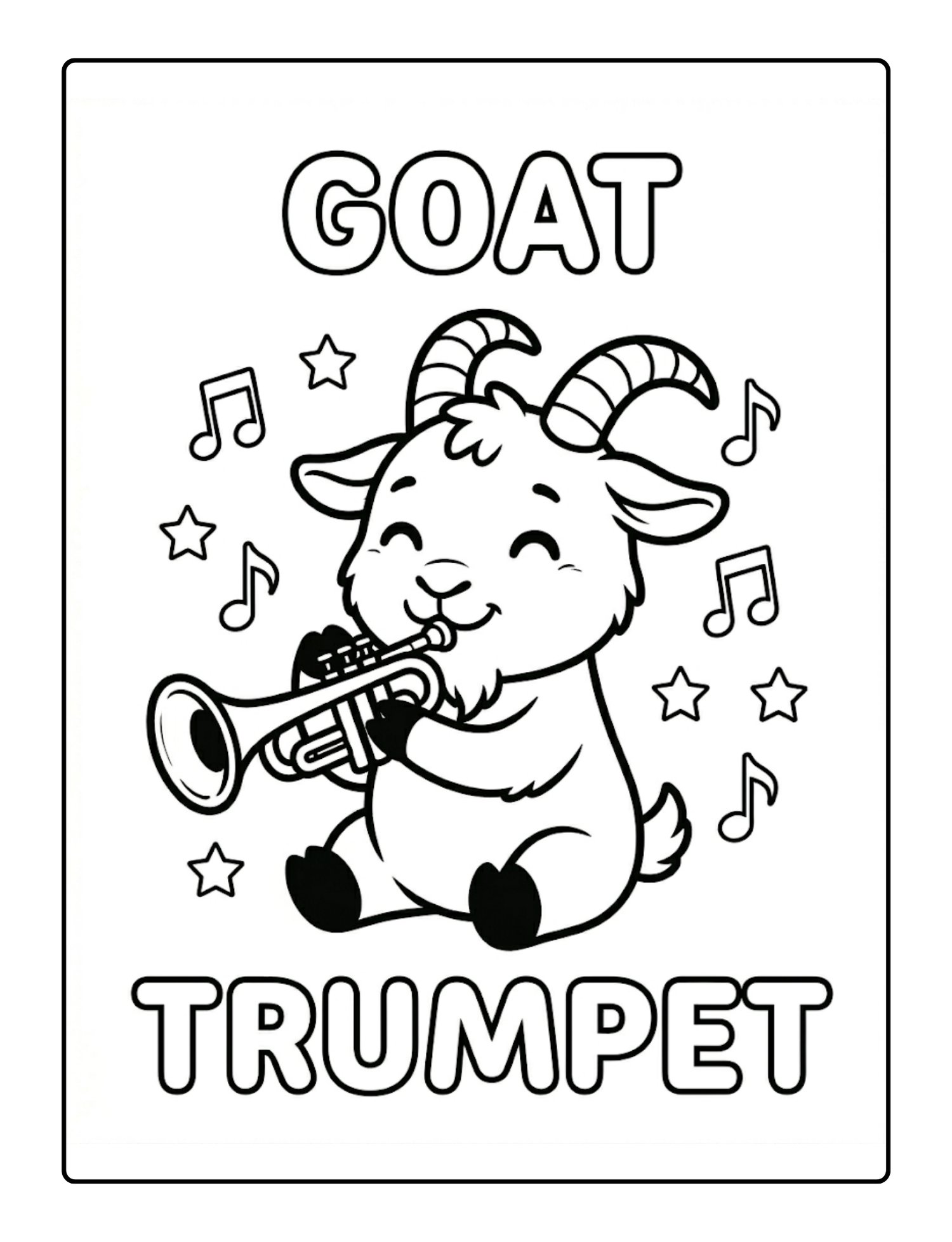
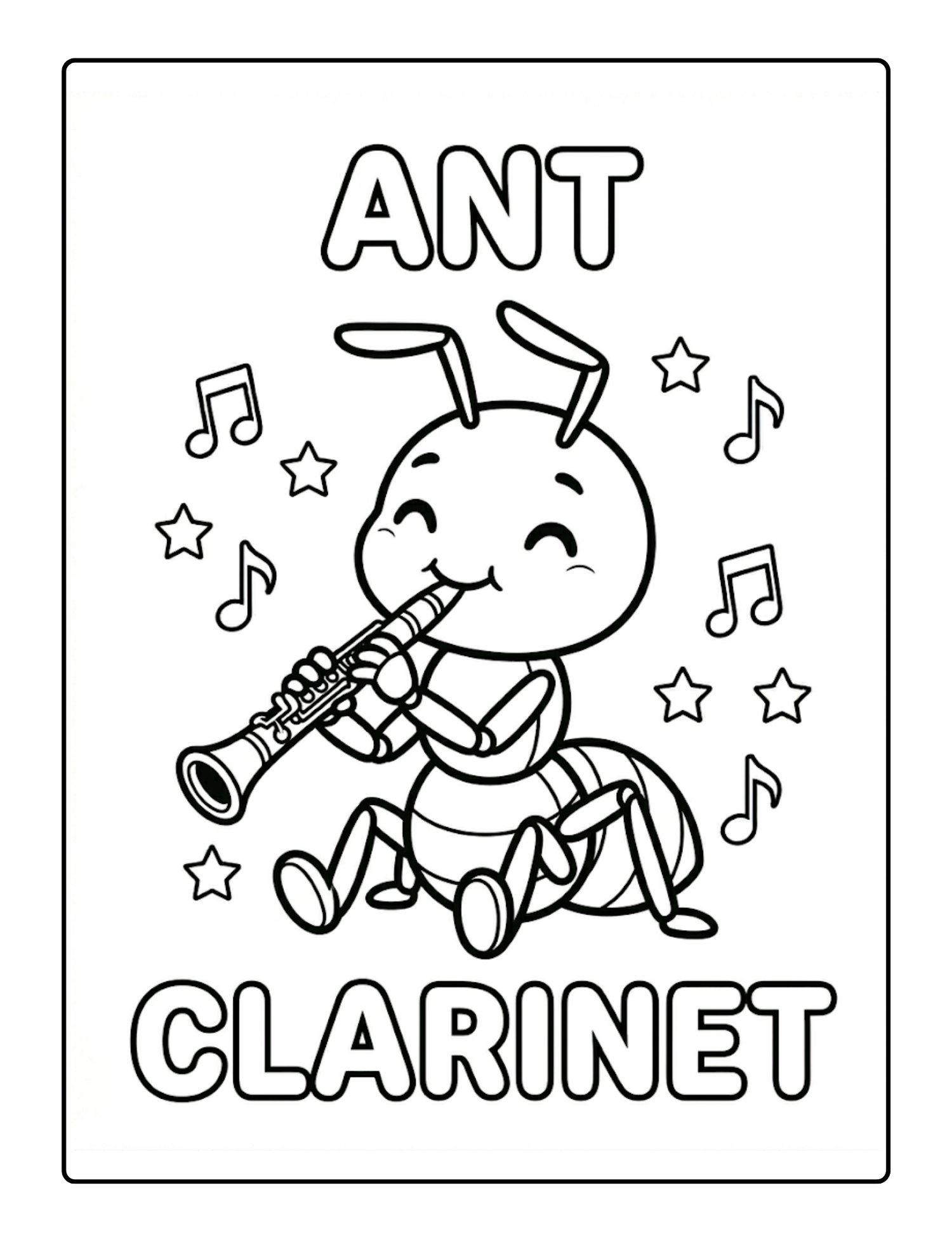
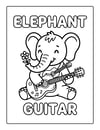
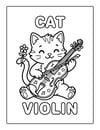
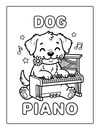
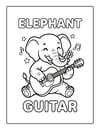
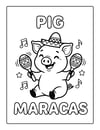
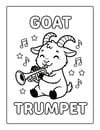
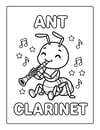
From an Eagle playing the French Horn to a Caterpillar rocking the Banjo, each page features a whimsical animal masterfully playing a musical instrument. It’s the perfect way to introduce your little one to the magic of music while they explore their creativity.
Why You’ll Love This Book:
- Bold & Simple Designs: Extra-thick black outlines make it easy for toddlers and preschoolers to stay within the lines.
- Minimalist Style: No cluttered backgrounds—just the animal, the instrument, and pure coloring fun.
- Educational & Fun: Each page includes the name of the animal and the instrument in big, colorable letters to help with word recognition.
- Single-Sided Pages: Every illustration is on its own sheet to prevent bleed-through, making it perfect for markers, crayons, or colored pencils.
- High-Quality Art: Clean, professional illustrations that look great on any refrigerator!
Whether you’re looking for a quiet afternoon activity or the perfect gift for a birthday, Musical Animals is sure to hit all the right notes.
Grab your copy today and let the concert begin!
Note: This coloring book features unique, high-quality illustrations that are AI-generated, ensuring a consistent, clean, and professional style across every page to provide the best experience for young artists.
- Digital files provided upon purchase.
- This product is delivered electronically.
- No physical materials are included.
Printing Your Digital Download
Thank you for your purchase! To get the best results from your digital file, please follow these simple steps:
- Download on a Computer: For the best experience, download and save your files to a desktop or laptop rather than a mobile device.
- Use Adobe Acrobat: Open your PDF using the free Adobe Acrobat Reader for the most accurate colors and layout.
- Print Settings: * Scale: Always select "Actual Size" or "100% Scale" in your printer settings. Choosing "Fit to Page" may distort the dimensions.
- Quality: Set your printer to "High Quality" or "Best" for crisp lines and vibrant colors.
- Paper: For best results, we recommend using a heavier weight paper (like cardstock) or high-quality matte paper.
Please note that colors may vary slightly depending on your monitor settings and printer calibration.