

CCNA Switching – Complete Guide
On Sale
$5.00
$5.00
CCNA Switching – Complete Guide
1️⃣ Introduction to Switching
- Switch: Device that connects multiple devices in a LAN.
- Layer 2 device: Works with MAC addresses.
- Functions:
- Forwarding frames
- Filtering traffic
- Learning MAC addresses
2️⃣ Switching Basics
- MAC Address Table: Maps devices to ports.
- Forwarding vs Flooding:
- Forward if destination MAC is known
- Flood if unknown
- Collision Domains: Each port = 1 domain
- Broadcast Domains: VLAN defines it
3️⃣ VLANs (Virtual LANs)
- Separates broadcast domains
- Example: VLAN 10 = HR, VLAN 20 = IT
- Commands:
enable
configure terminal
vlan 10
name HR
exit
interface fa0/1
switchport mode access
switchport access vlan 10
- Trunking: Carry multiple VLANs over 1 link (802.1Q)
interface fa0/24
switchport mode trunk
switchport trunk allowed vlan 10,20
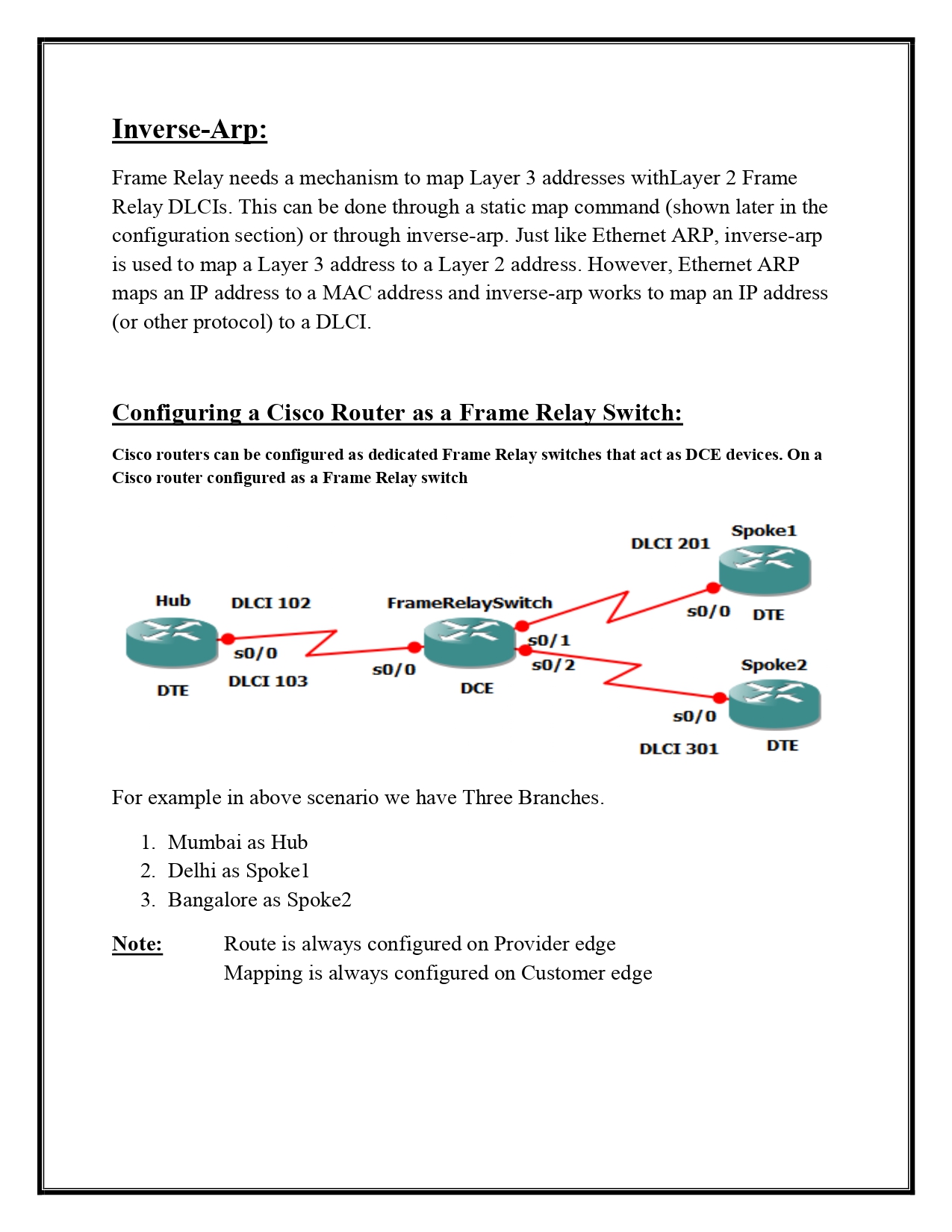
4️⃣ Inter-VLAN Routing
- VLANs need Layer 3 routing to communicate.
- Use Router-on-a-Stick or Layer 3 Switch
- Router-on-a-Stick Example:
interface g0/0.10
encapsulation dot1Q 10
ip address 192.168.10.1 255.255.255.0
5️⃣ STP (Spanning Tree Protocol)
- Prevents loops in network
- Types:
- PVST+ (Per VLAN Spanning Tree)
- RSTP (Rapid STP)
- Commands:
show spanning-tree
spanning-tree vlan 10 priority 4096
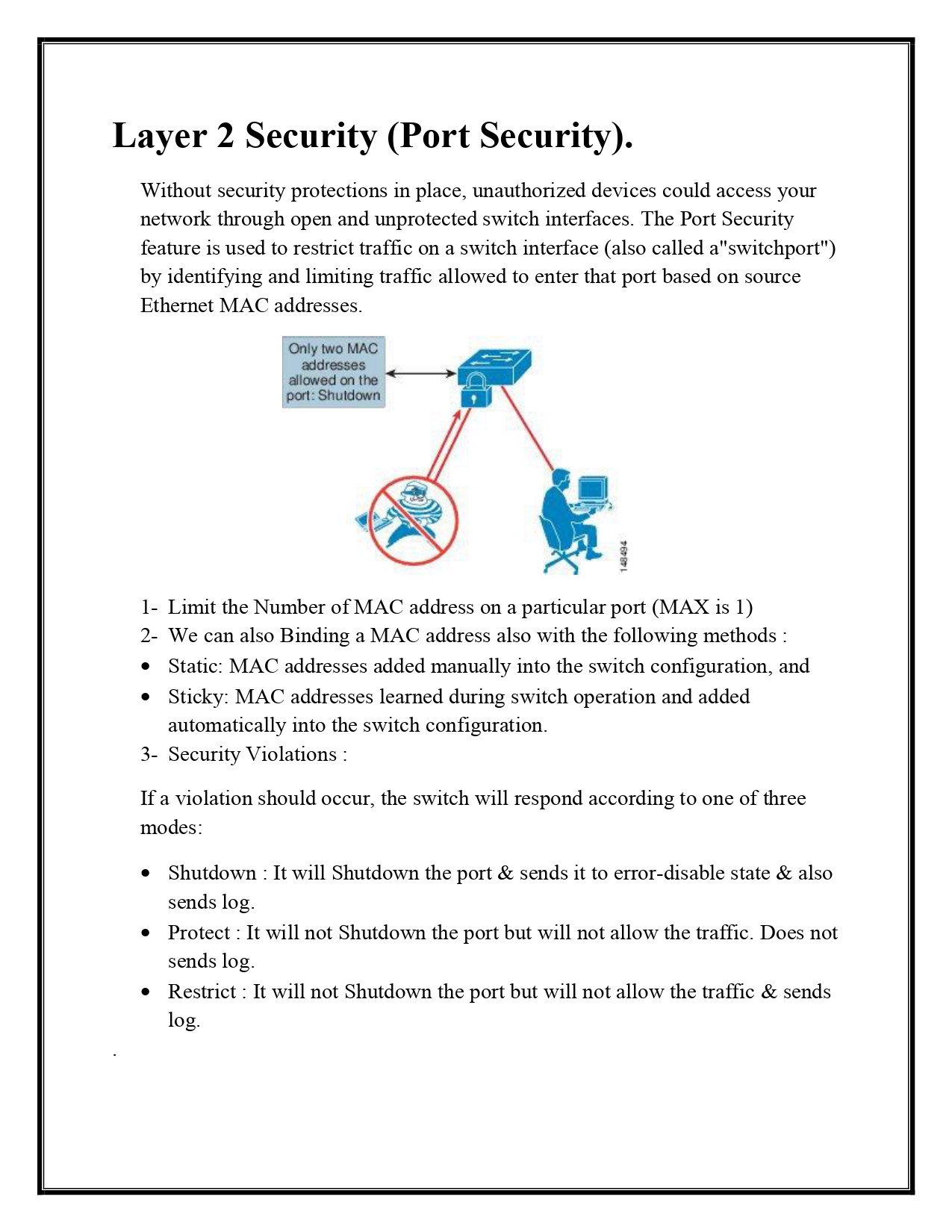
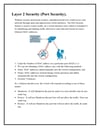
6️⃣ Port Security
- Limit access by MAC addresses
- Protect against MAC flooding
- Commands: