

Ramadan and Eid Household Budget Planner (SAR)
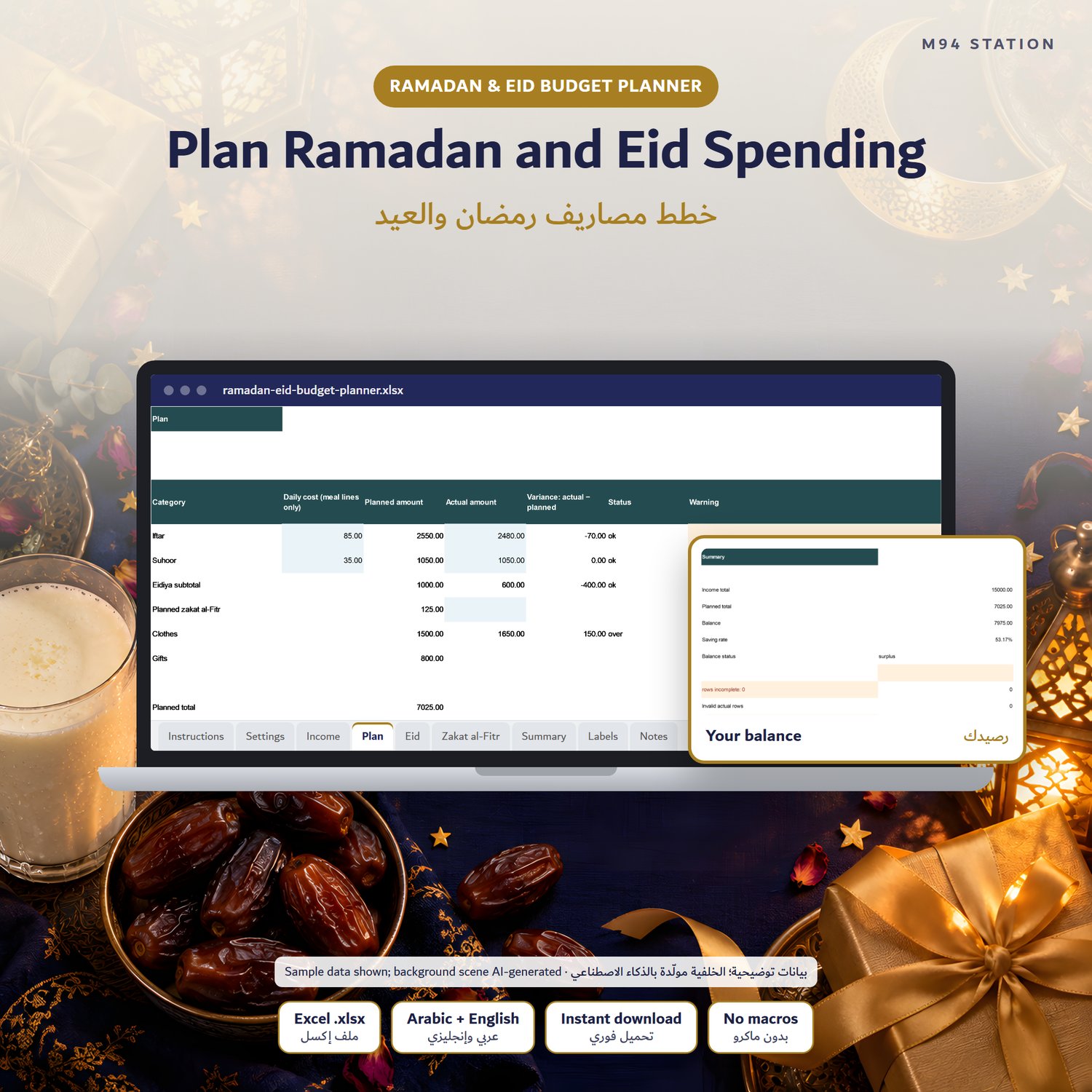
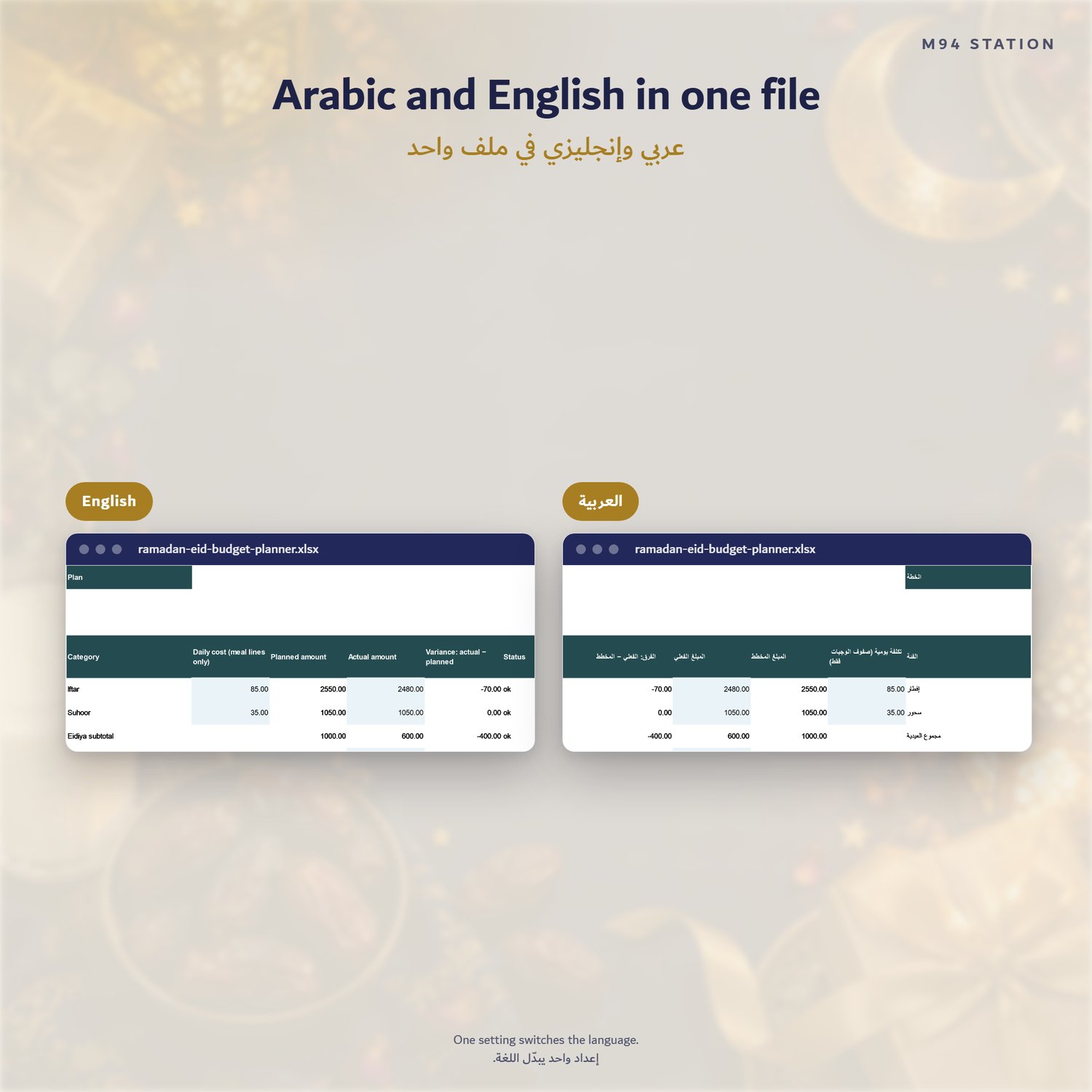
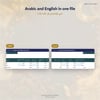
Plan your Ramadan and Eid household budget in SAR in one bilingual (Arabic/English) spreadsheet. See iftar, suhoor, eidiya, clothes, gifts and zakat al-fitr next to your income.
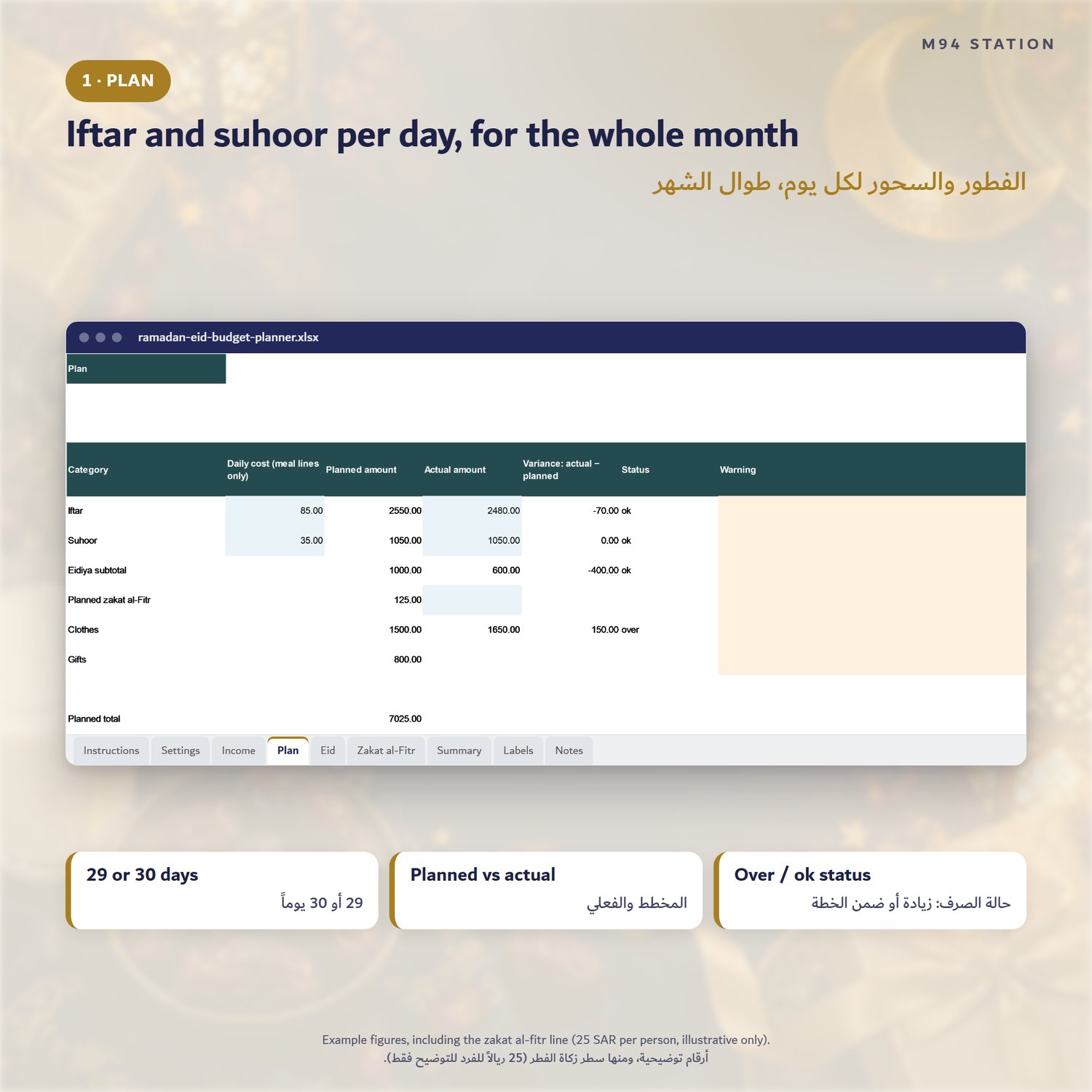
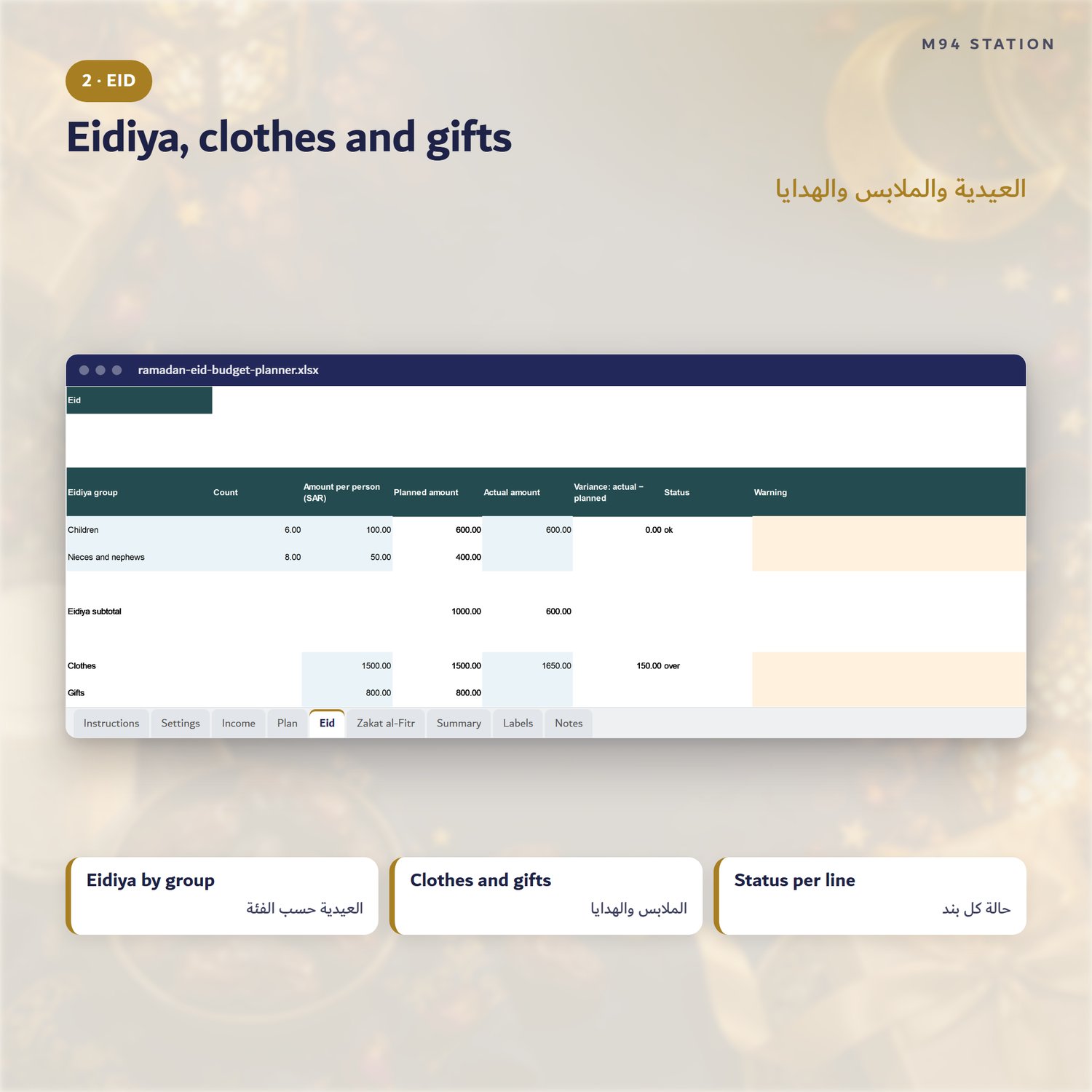
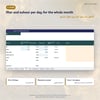
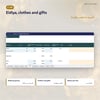
Settings: enter the Ramadan days (29 or 30, default 30) and the number of people in the household. Income tab: up to 20 income lines in SAR. Plan tab: enter the daily iftar and suhoor cost; the sheet multiplies each by the Ramadan days and lists eidiya, zakat al-fitr, clothes and gifts beside them, with planned and actual columns. Eid tab: up to 10 eidiya groups (count times amount per person), plus clothes and gifts rows. Zakat al-Fitr tab: the per-person amount is left blank. Enter the amount announced by the competent authority this year.
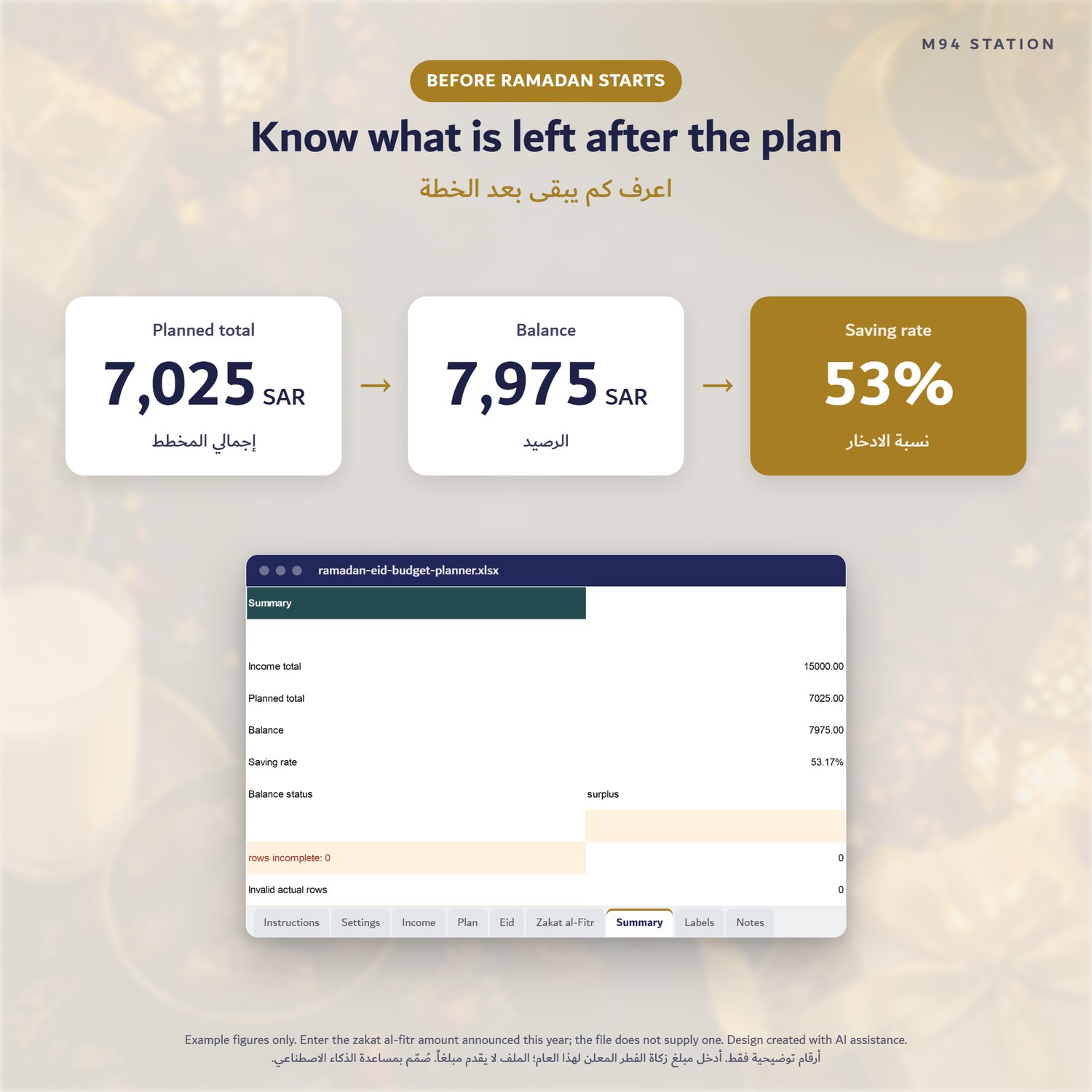
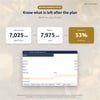
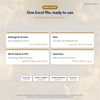
Summary tab: total income, planned total, balance (income minus planned), saving rate, and a deficit, balanced or surplus status. Variance per line is actual minus planned, and it stays blank until you enter an actual amount. A blank actual leaves the variance blank, and a typed 0 is a real value. A blank daily iftar or suhoor cost counts as no plan (0.00). Incomplete income and eidiya rows are excluded and counted with a warning.
Input cells are open and formula cells are locked. The file has no macros. Choose the language (AR or EN) in Settings. Excel format (.xlsx) only.
Planning aid only. It does not state any official zakat amount and is not financial or religious advice. Screenshots use example figures.
Design and formulas created with AI assistance.
What you get
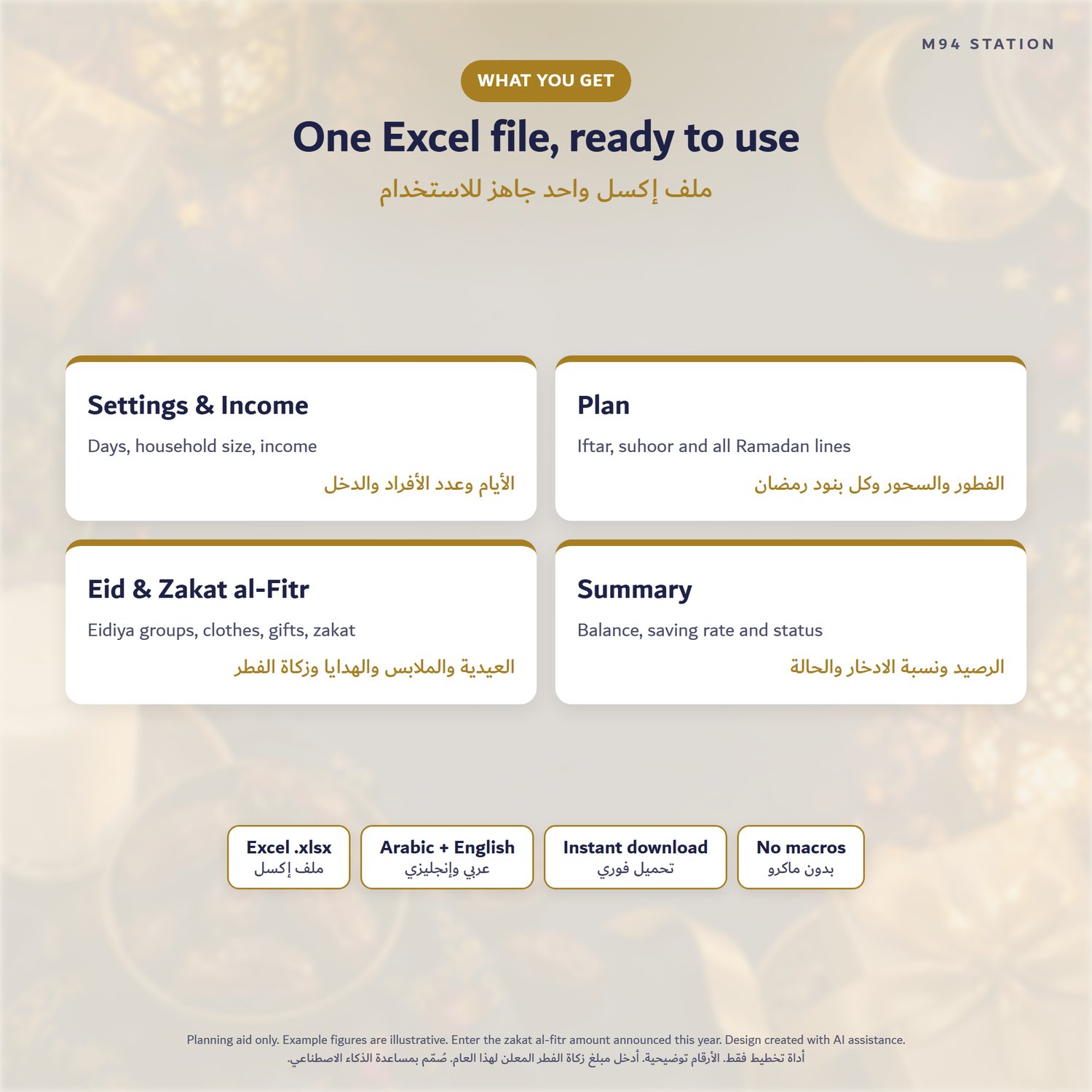
- Excel workbook (.xlsx), no macros, no external data links
- 9 tabs: 7 working tabs in order (Instructions (first), Settings, Income, Plan, Eid, Zakat al-Fitr, Summary) plus Labels (text for the AR/EN switch, locked) and Notes (assumptions and sources)
- Settings: Ramadan days (29 or 30, default 30; any other value uses 30 with a warning), household persons, language AR/EN, currency SAR
- Income: up to 20 income lines, with counted amount and warning column
- Plan: daily iftar and suhoor cost (multiplied by the Ramadan days), eidiya, zakat al-Fitr, clothes and gifts, each with planned, actual, variance and status
- Eid: up to 10 eidiya groups (count times amount per person), clothes and gifts rows, eidiya subtotal
- Zakat al-Fitr: persons times the amount per person; the amount ships blank with a warning
- Summary: total income, planned total, balance, saving rate, balance status, count of incomplete rows and invalid actual rows
- Input cells open, formula cells locked (sheet protection)
Planning aid only. It does not state any official zakat amount and is not financial or religious advice. Screenshots use example figures.
مخطط ميزانية رمضان والعيد للأسرة بالريال
أداة تخطيط للأسرة بالريال: خطّط ميزانية رمضان والعيد في ملف جداول واحد ثنائي اللغة (عربي وإنجليزي). تعرض الأداة الإفطار والسحور والعيدية والملابس والهدايا وزكاة الفطر بجانب دخلك.
ورقة الإعدادات: أدخل عدد أيام رمضان (29 أو 30، والافتراضي 30) وعدد أفراد الأسرة. ورقة الدخل: حتى 20 بنداً للدخل بالريال. ورقة الخطة: أدخل التكلفة اليومية للإفطار والسحور، فيضربها الملف في أيام رمضان، ويعرض معها العيدية وزكاة الفطر والملابس والهدايا بعمودي المخطط والفعلي. ورقة العيد: حتى 10 مجموعات عيدية (العدد × المبلغ للفرد)، وصفّان للملابس والهدايا. ورقة زكاة الفطر: خانة مبلغ الفرد فارغة عند التسليم؛ أدخل المبلغ الذي تعلنه الجهة المختصة لهذا العام.
ورقة الملخص: مجموع الدخل، ومجموع المخطط، والرصيد (الدخل ناقص المخطط)، ونسبة الادخار، وحالة الرصيد (عجز أو متوازن أو فائض). الفرق لكل بند = الفعلي ناقص المخطط، ويبقى فارغاً حتى تدخل مبلغاً فعلياً. الخانة الفارغة للمبلغ الفعلي تترك الفرق فارغاً، والصفر المكتوب قيمة فعلية. تكلفة الإفطار أو السحور اليومية الفارغة تعني عدم وجود خطة (0.00). صفوف الدخل والعيدية الناقصة تُستبعد وتُعد مع تنبيه.
خانات الإدخال مفتوحة والمعادلات مقفلة. الملف بدون ماكرو. اختر اللغة (AR أو EN) من ورقة الإعدادات. ملف Excel (xlsx) فقط.
أداة تخطيط فقط. لا تعرض أي مبلغ زكاة رسمي، وليست استشارة مالية أو شرعية. لقطات الشاشة تستخدم أرقاماً توضيحية.
صُمّم القالب وصيغه بمساعدة الذكاء الاصطناعي.
أداة تخطيط فقط. لا تعرض أي مبلغ زكاة رسمي، وليست استشارة مالية أو شرعية. لقطات الشاشة تستخدم أرقاماً توضيحية.
FAQ / الأسئلة الشائعة
EN
- Which file formats are included? Excel format (.xlsx) only.
- Is the zakat al-fitr amount filled in? No. The per-person cell ships blank. Enter the amount announced by the competent authority this year. The file does not supply an official figure.
- Can I use 29 Ramadan days? Yes. Choose 29 or 30 in Settings. Any other value is set to 30 with a warning.
- Does it decide who pays zakat al-fitr? No. It multiplies the number of persons by the amount you enter. It does not decide who must pay or how much.
- Are blank cells treated as zero? It depends. A blank actual leaves the variance blank (a typed 0 is a real value). A blank daily iftar or suhoor cost counts as no plan, 0.00. Incomplete income and eidiya rows are excluded and counted on the Summary tab.
- Does typing 0 count? Yes. A typed 0 is a real value, so the variance is calculated from it.
- How is the saving rate worked out? Balance divided by total income. It is blank when income is zero or negative, so there is no division error.
- What does "deficit" mean? The balance is below zero: the planned total is higher than the income. The Summary tab shows the status.
- Does it use macros? No. It is a plain .xlsx file with ordinary formulas.
- Can I get a refund? Please see the store policy.
AR
- ما صيغ الملفات المتوفرة؟ ملف Excel (xlsx) فقط.
- هل مبلغ زكاة الفطر معبّأ؟ لا. خانة مبلغ الفرد فارغة عند التسليم. أدخل المبلغ الذي تعلنه الجهة المختصة لهذا العام. الملف لا يقدم رقماً رسمياً.
- هل أقدر أجعل رمضان 29 يوماً؟ نعم. اختر 29 أو 30 من ورقة الإعدادات. أي قيمة أخرى تُعتبر 30 مع تنبيه.
- هل يحدد الملف من يدفع زكاة الفطر؟ لا. يضرب عدد الأفراد في المبلغ الذي تدخله، ولا يحدد من يجب عليه الدفع أو كم يدفع.
- هل الخانة الفارغة تُحسب صفراً؟ حسب الخانة. الفعلي الفارغ يترك الفرق فارغاً (والصفر المكتوب قيمة فعلية). تكلفة الإفطار أو السحور اليومية الفارغة تعني عدم وجود خطة (0.00). صفوف الدخل والعيدية الناقصة تُستبعد وتُعد في ورقة الملخص.
- هل كتابة 0 تُحسب؟ نعم. الصفر المكتوب قيمة فعلية، والفرق يُحسب منه.
- كيف تُحسب نسبة الادخار؟ الرصيد مقسوماً على إجمالي الدخل. تبقى فارغة إذا كان الدخل صفراً أو سالباً، حتى لا يظهر خطأ قسمة.
- ماذا تعني "عجز"؟ الرصيد أقل من صفر، أي أن المخطط أكبر من الدخل. تعرض ورقة الملخص الحالة.
- هل فيه ماكرو؟ لا. هو ملف xlsx عادي بمعادلات عادية.
- هل أقدر أسترجع المبلغ؟ يرجى مراجعة سياسة المتجر.