
How to reduce appointment confusion with reminders
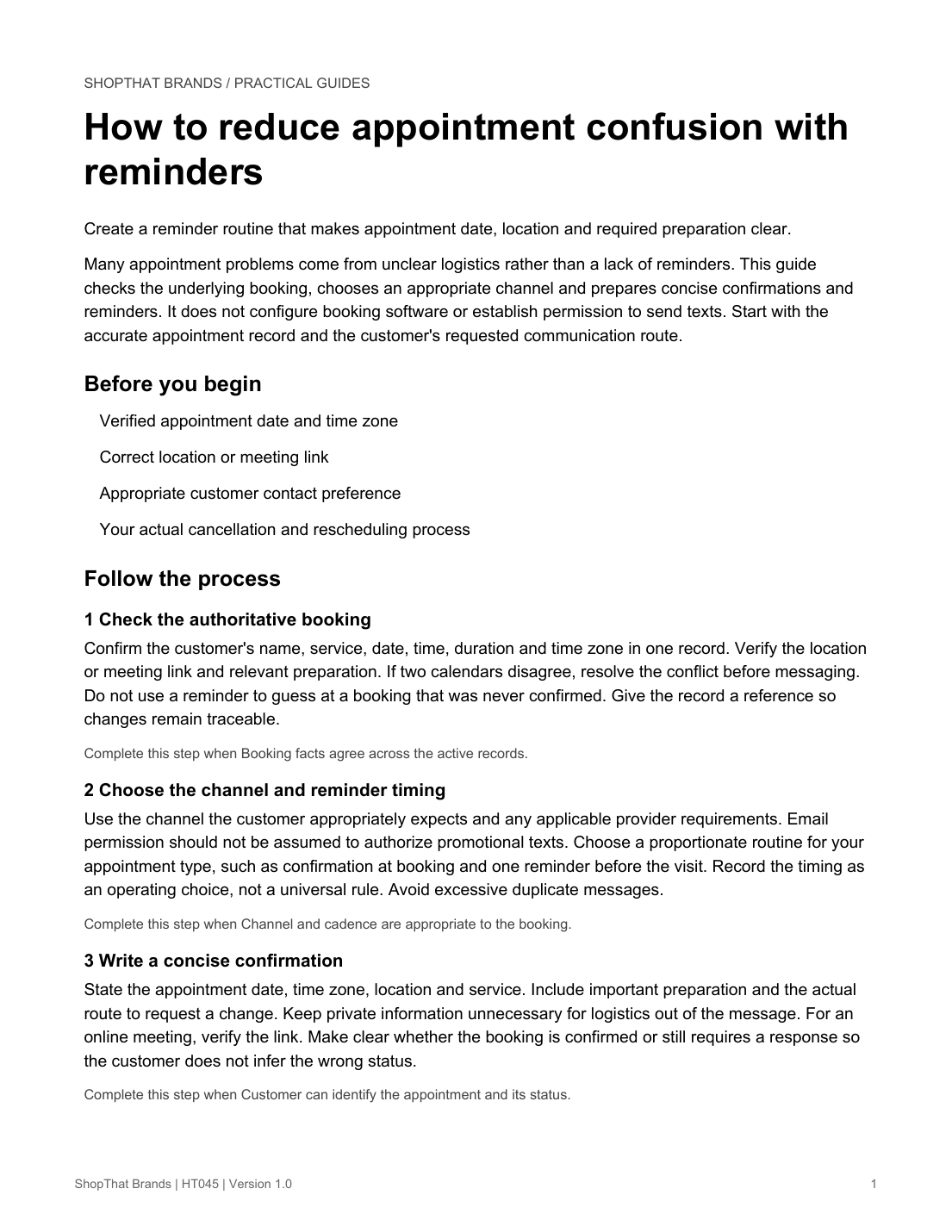
For appointment businesses who want a practical way to complete this specific workflow. This focused guide explains how to check the authoritative booking, choose the channel and reminder timing and write a concise confirmation, then check and improve the result. It includes an original fictional worked example, useful troubleshooting fixes and a completion checklist. Included editable tools: Appointment message facts, Reminder and change log. Each worksheet explains its fields, gives practical instructions and includes a completed fictional example so you can understand the process before using your own information. Adapt the blank fields to your actual situation and existing tools. This is a digital guide and editable template package; it does not include personalized consulting, account setup or done-for-you services. The material supports clearer records and informed operational decisions without promising particular sales, savings or other outcomes. Review the preview and file details to confirm it fits the task you need to complete.
Included files: PDF guide, offline HTML guide, 2 distinct editable tools in HTML and TXT. Extract the ZIP before use. No paid software is required.
Text and template wording were generated with AI and reviewed for clarity and consistency.
License: Personal or internal business use only. You may edit the templates for that use; do not redistribute or resell the supplied files or templates.
HTML tools do not autosave. Use Save filled copy before closing to download and keep your completed entries.