
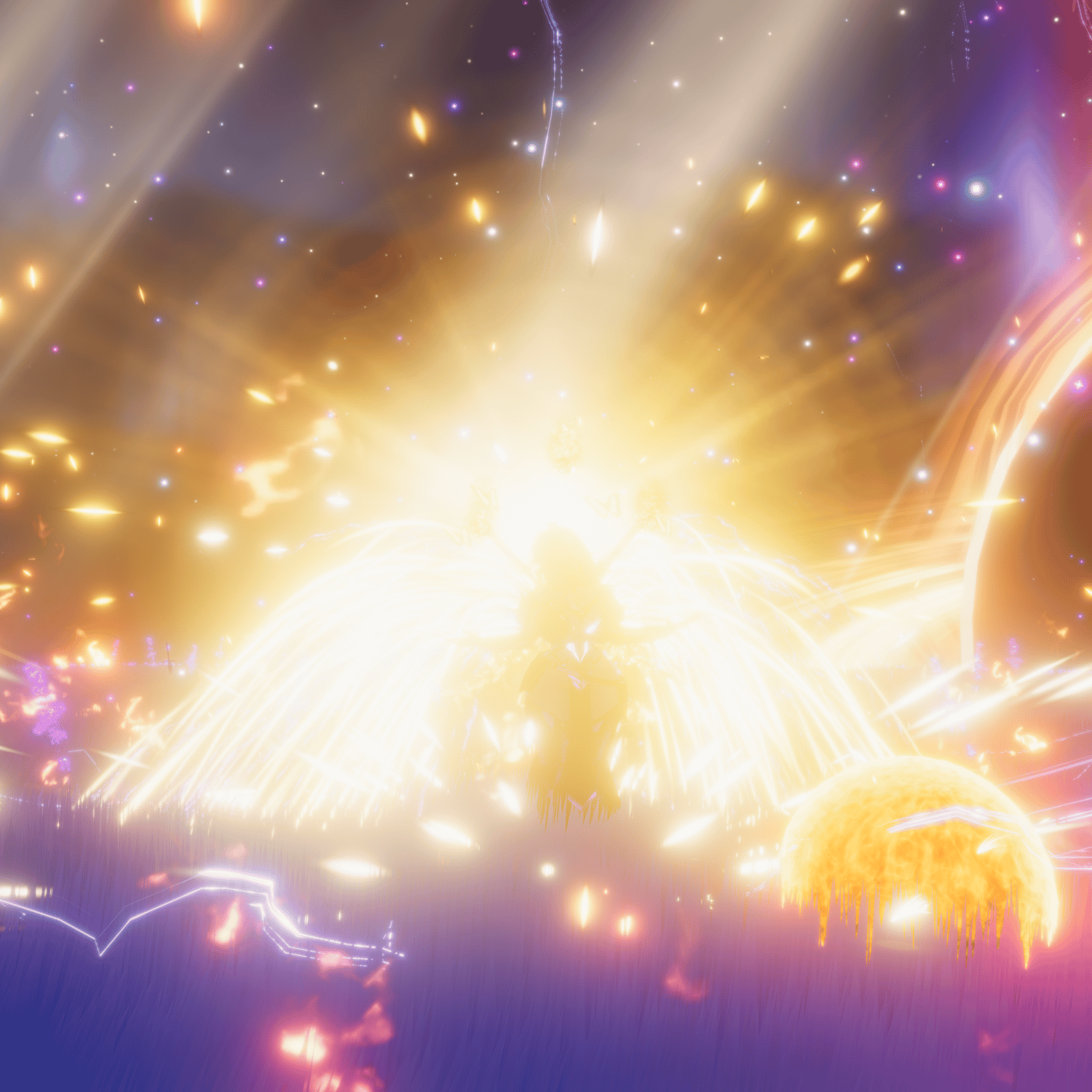
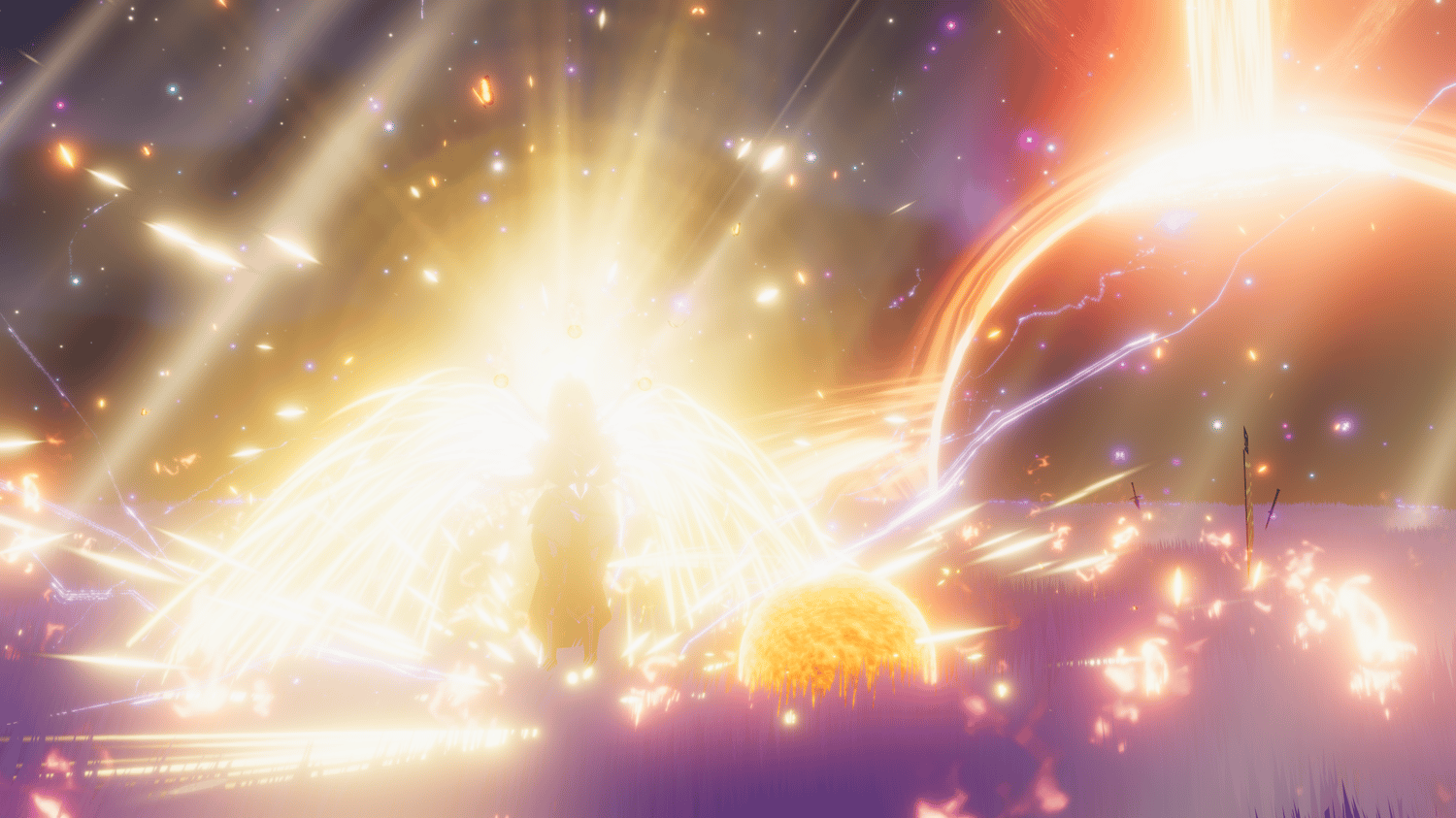


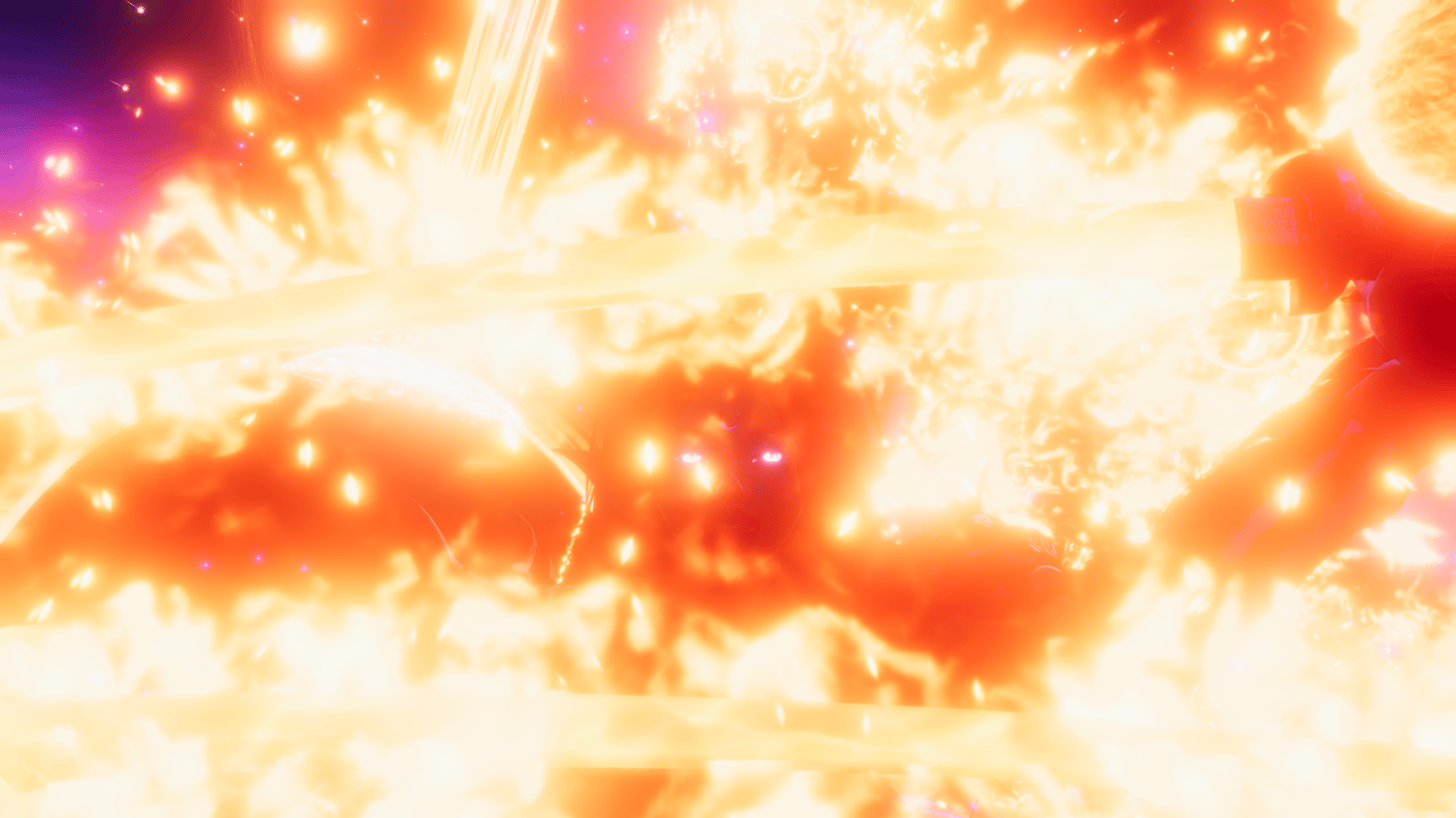




🔥⚡ Fire and Lightning Spells
Unleash true fire-and-lightning spellcaster power on your avatar.
This bundle is a modular, highly customizable VFX system built for VRChat avatars, designed to let you mix, stack, and tune multiple magical effects at the same time — from subtle ambience to overwhelming raid boss visuals.
It includes dozens of effects, multiple orb layers, weapon integration, gesture-driven spells, and full in-game control.
This asset includes a custom setup tool that makes installation fast, safe, and almost impossible to mess up — even for total beginners.
✨ Highlights
- 🔥 Fire + ⚡ Lightning themed VFX bundle
- 🧩 Stackable effects (combine multiple systems at once)
- 🎛️ In-game control via radial menus and gestures
- 🎨 Full customization options like hue shifts / emission strengths / light controls
- ⚙️ Beginner-proof setup with custom placement tool
✅ Requirements
- Unity 2022
- VRChat Avatar SDK
- VRCFury
- Poiyomi Toon shader
- Cancerspace Shader (https://github.com/AkaiMage/VRC-Cancerspace)
🧭 Menus & Options
🔘 Main Menu
- 🔆 Primary (submenu)
- 🔥 Secondary (submenu)
- 🐾 Tertiary (submenu)
- 🦋 Quaternary (submenu)
- 🌈 Hue Shift (slider · 0–100%)
- ✨ Emission Strength (slider · 0–100%)
- 👑 Halo (submenu)
- 🗡️ Katana (submenu)
🔆 Primary Menu
- ☀️ Magic Orbs
- 🔥 Eye Flame
- 🔥 Finger Trails
- ✨ Fire Halo
- ☁️🔥 Fire Aura
- ✨ Sparks Aura
- 💥 Added Sparks
- 🌤️ Depth Light
🔥 Secondary Menu
- 🛡️ Shield Sphere
- ☀️ Solar Domain
- 🌍 World Drop
- 🎨 Hue Shift All (slider)
- 🌀 Glitch Strength (slider)
- 🌈 Post Processing
- 🌈✨ Chromatic Aberration (slider)
- 🎚️ Gamma (slider)
🐾 Tertiary Menu
- 🌻 Large Sun
- 👣 Footsteps Static
- 💥 Footsteps Burst
- 📏 Footstep Scale (slider)
- ☄️ Fire Meteors
- 🌪️ Tornado
- 🌪️✨ Tornado Sparks
- 🔧 Springjoint (submenu)
🔧 Tertiary → Springjoint
- ✨ Multiplication
- 🔥 Fire
- 🔄 Throwing
- 🧲 Gravity (slider)
- 🎾 Bounciness (slider)
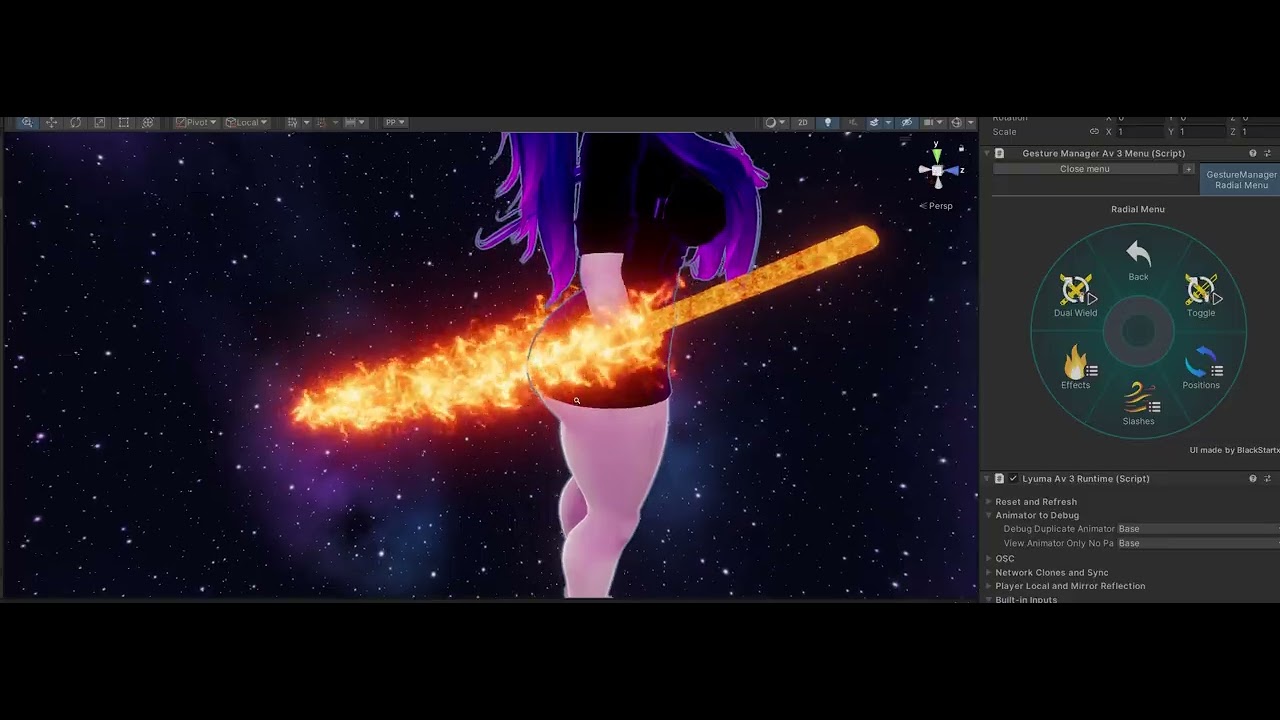
🗡️ Katana Menu
- ⚔️ Dual Wield
- 🗡️ Toggle
- 🔥 Effects (submenu)
- 📍 Positions (submenu)
- 🌪️ Slashes (submenu)
📍 Katana → Positions
- 🔄 Enable Summon
- 🔁 Summon Back
- 🔵 Sheathed Back
- 🔄 Katana Sheathed
- ⬅️ Katana Left
- ➡️ Katana Right
- ⬇️ Katana World
🌪️ Katana → Slashes
- 🌬️ Light Slash
- 🔴 Heavy Slash
- ⚡ Lightning Heavy
- 🟣 Special Heavy
🔥 Katana → Effects
- ⚡ Lightning
- 🔥 Fire
- ✨ Sparks
- 🌋 Lava
- 🌪️ Energy Aura
- 💥 Collision
- 📏 Splash Radius (slider)
- 🌋 Lava Amount (slider)
👑 Halo Menu
- 🌟 God Rays
- ✨ Holy Ground
- 👑 Halo
- 💡 Halo Light
- 🎨 Light Hue (slider)
- 🔆 Light Intensity (slider)
- 📏 Light Range (slider)
- 🧘 Humility (slider)
🦋 Quaternary Menu
- ☁️ Fog
- 🦋 Butterflies
- 😊☀️ Cute Sun
- ⚡ Lightning (submenu)
- 🌞 Solar Wings
- 🦋☀️ Sun Light
- 📏 Sun Scale (slider)
- 🎯 Enable Throwing
⚡ Quaternary → Lightning
- 🎨 Hue (slider)
- 🔆 Emission (slider)
- 🪽 Wings
- ⚡ Spells
- ⚡☁️ Sky
- ⚡🌍 Ground
✋ Gesture Controls
Hand gesture controls for spells, weapons, and interactions.
A detailed gesture reference is included as a .txt file in the asset folder (right next to the prefab), so you can always look things up later.
🔮 Hand Flames & Springjoint
- ✊ Fist (while in shoulder orb left/right)
- → Enable Hand Flame
- ✌️ Peace (while in shoulder orb left/right)
- → Enable Springjoint
- 👉 Finger Point (while Springjoint is enabled)
- → Throw the Springjoint
- 🤘 Rocker (while Springjoint is thrown)
- → Recall Springjoint to hand
- ✋ Open Hand (while in shoulder orb left/right)
- → Disable Hand Flame and Springjoint
🗡️ Katana Controls
- 🖐️ Weapon is fully grabbable
- 🔥 Lava clone mirrors the main weapon
- ✊ Fist (hand near sword hilt)
- → Grab sword with that hand
- ✋ Open Hand (while holding sword)
- → Drop sword into world space
- ✋ Open Hand (while holding sword at a sheathed position: hip / back)
- → Sheath sword at that position
- 🤘 Double Rocker Gesture
- → Summon the katana back to its sheathed position
- 🗡️ Swing the sword
- → Perform a slash attack
☀️ Small Sun Controls
- ✊ Fist (left hand)
- → Enable Small Sun interactions
- 👉 Finger Point (right hand)
- → Summon the Small Sun to your hand
- ✋ Open Hand (right hand)
- → Throw the Small Sun into world space
⚡ Lightning Spell Controls
- ✊ Fist (left hand)
- → Chidori spell (left hand)
- ✊ Fist (right hand)
- → Chidori spell (right hand)
- 👉 Finger Point (left hand)
- → Lightning Stream from left hand
- 👉 Finger Point (right hand)
- → Lightning Stream from right hand
🧩 Step-by-Step Setup
This asset includes a custom setup tool that makes installation fast, safe, and almost impossible to mess up — even for total beginners. You can also watch the youtube setup tutorial video.
1. Import all required assets
(VRChat SDK, VRCFury, shaders)
2. Import the provided Unity package
Open the folder:
Assets > _CyberLuna > _Magic Orbs
3. Drag the prefab Magic Orbs onto your avatar in the hierarchy
4. Open the setup tool via the Unity toolbar:
CyberLuna > Asset Creation > Hierarchy Ping Tool
5. In the tool:
- Assign Root Object → the Magic Orbs object on your avatar
- Assign Target Database → the provided instructions asset
(can be selected via the picker or dragged in — it sits right next to the prefab)
- You will now see one button per object that needs placement
- Clicking a button automatically selects the correct object
- Hovering a button shows a tooltip with short placement instructions
(e.g. “Place above your avatar’s head”)
- Simply move the selected object into place
- Repeat until all buttons are done
6. Done!
- Setup is complete
- Menus and parameters install automatically via VRCFury
📜 License & Usage
This asset is licensed for PRIVATE USE ONLY.
✅ You may:
- Use the asset on your own personal VRChat avatars
- Modify it for your own private use
- Upload avatars using this asset to your own VRChat account
❌ You may NOT:
- Share the asset with others
- Re-upload or redistribute the asset, in part or in full
- Include the asset in public, free, or paid avatar packages
- Use the asset in commissions or uploads for other people
- Resell, repackage, or claim the asset as your own work