



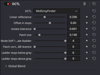


Mid-Grey Finder DCTL
MidGreyFinder
Find middle grey in DaVinci Wide Gamut / Intermediate — no grey card needed.
Middle grey in DaVinci Intermediate is 0.336. It's a constant, not a measurement — it doesn't change with your camera, your footage or your exposure. This DCTL shows you where it lands, and where every whole stop either side of it sits, so you can place Custom Curve control points at known exposures instead of eyeballing them.
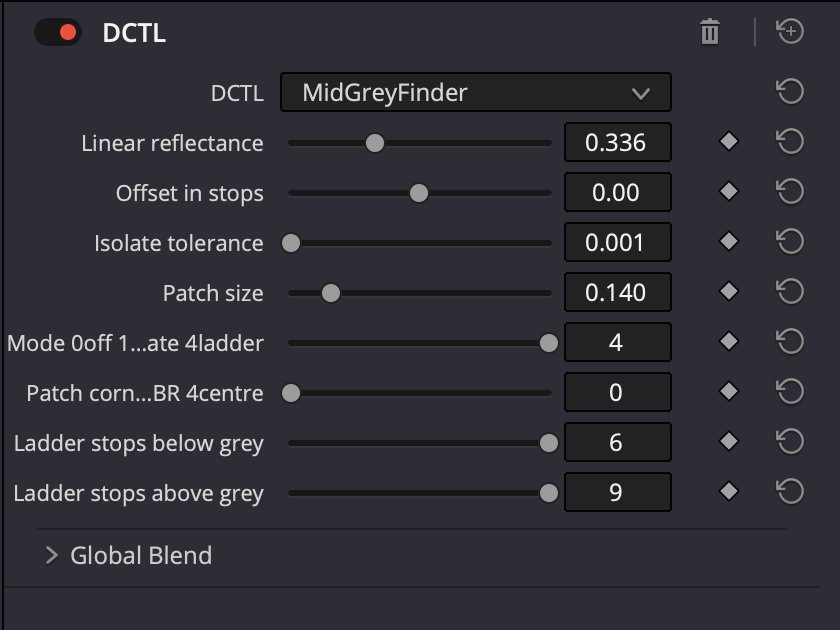
Five modes
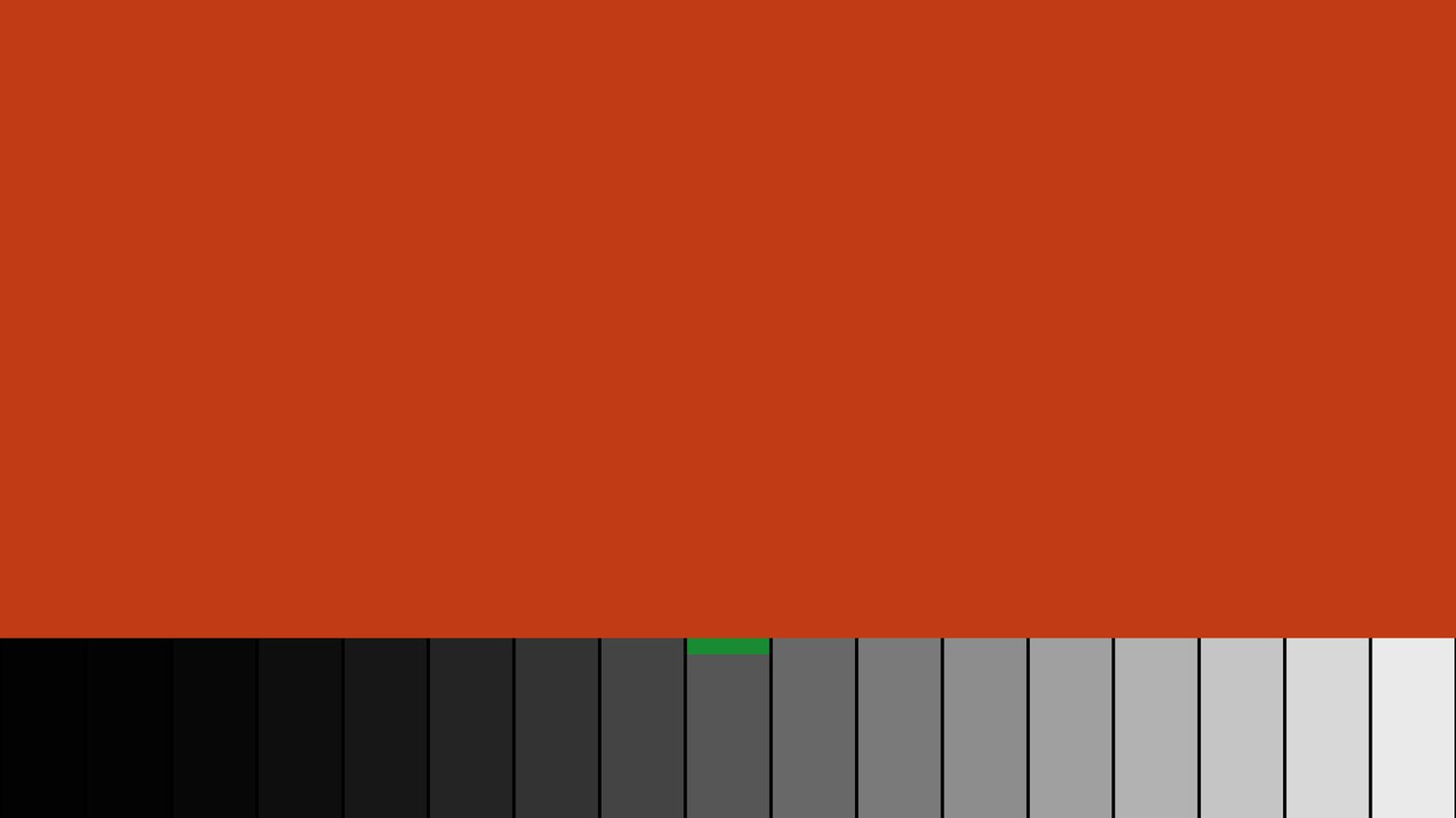
- Flood — fills the frame with the target value; your waveform collapses to a single line
- Patch — drops a synthetic grey card into the corner of frame
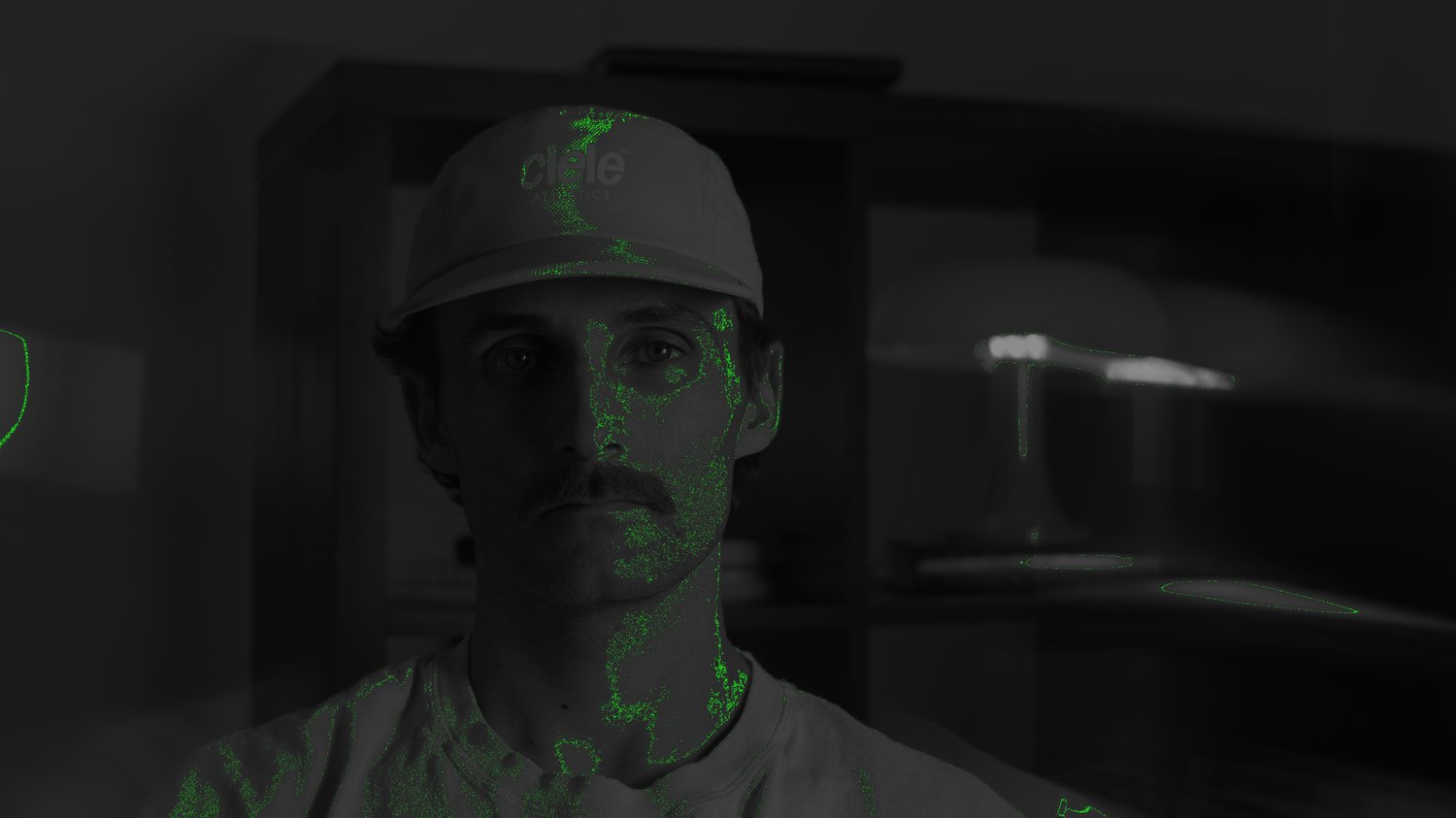
- Isolate — highlights everything in the image sitting at middle grey
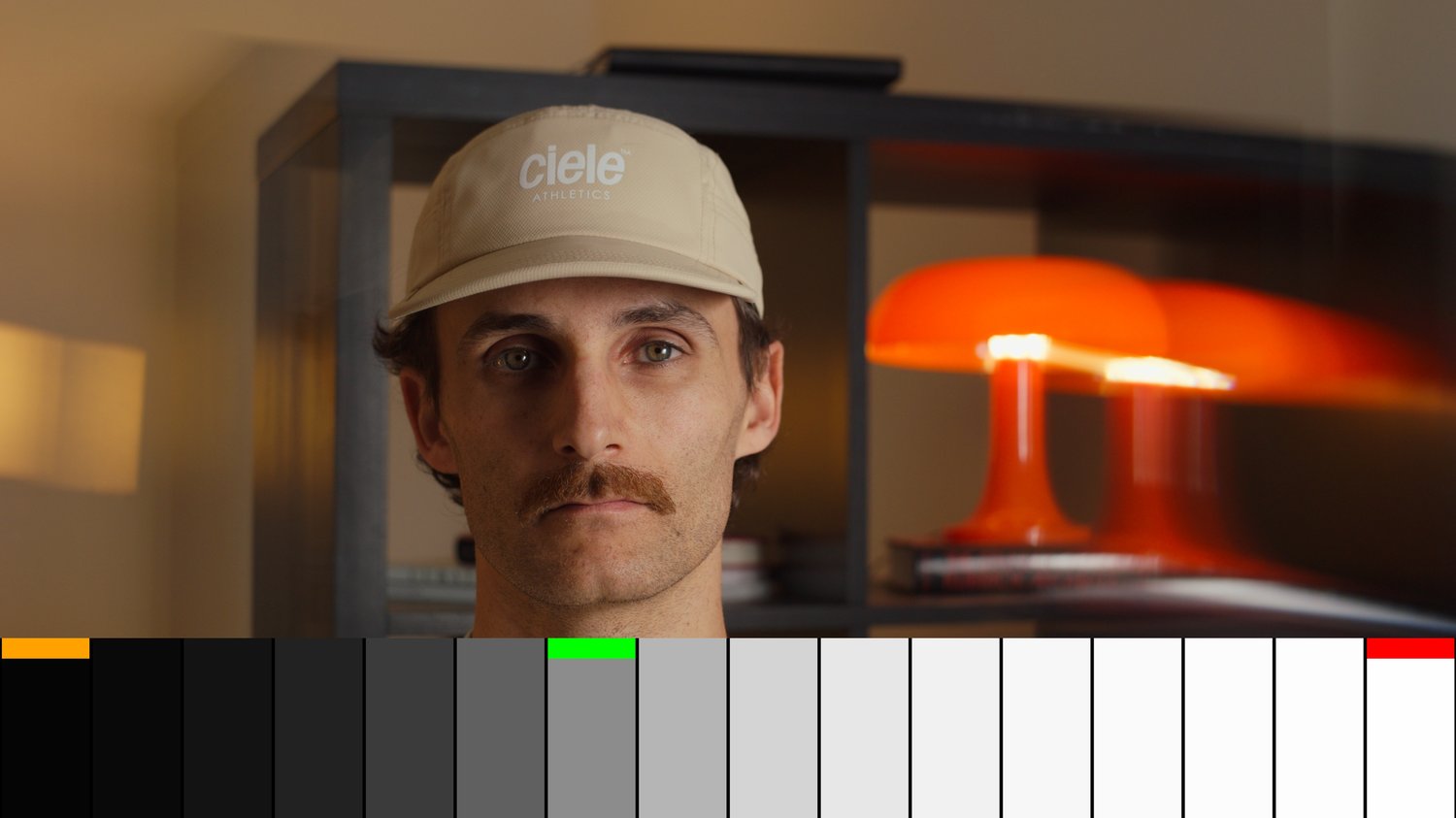
- Ladder — bands at every whole stop, −6 to +9
- Off — bypass without removing the node
The ladder is asymmetric deliberately. DaVinci Intermediate's log segment ends at −6.10 stops and reaches code value 1.0 at +9.12, so a symmetric range would waste bands at one end. −6 to +9 is the full usable window: 15.2 stops.
Reference reflectance (default 18%) and stop offset are both adjustable, so you can target any exposure — set −3 and the patch shows you exactly where a toe control point belongs.