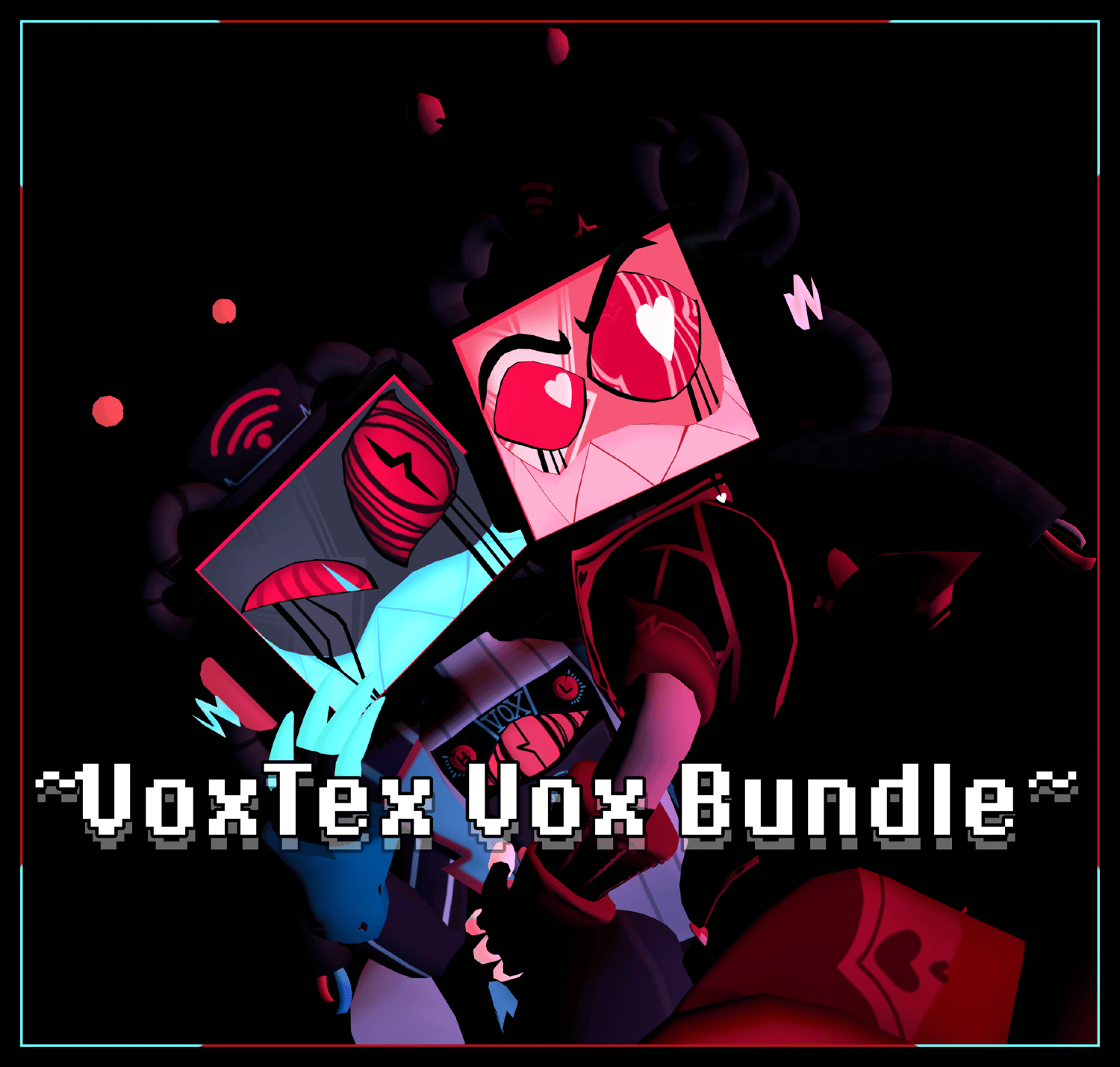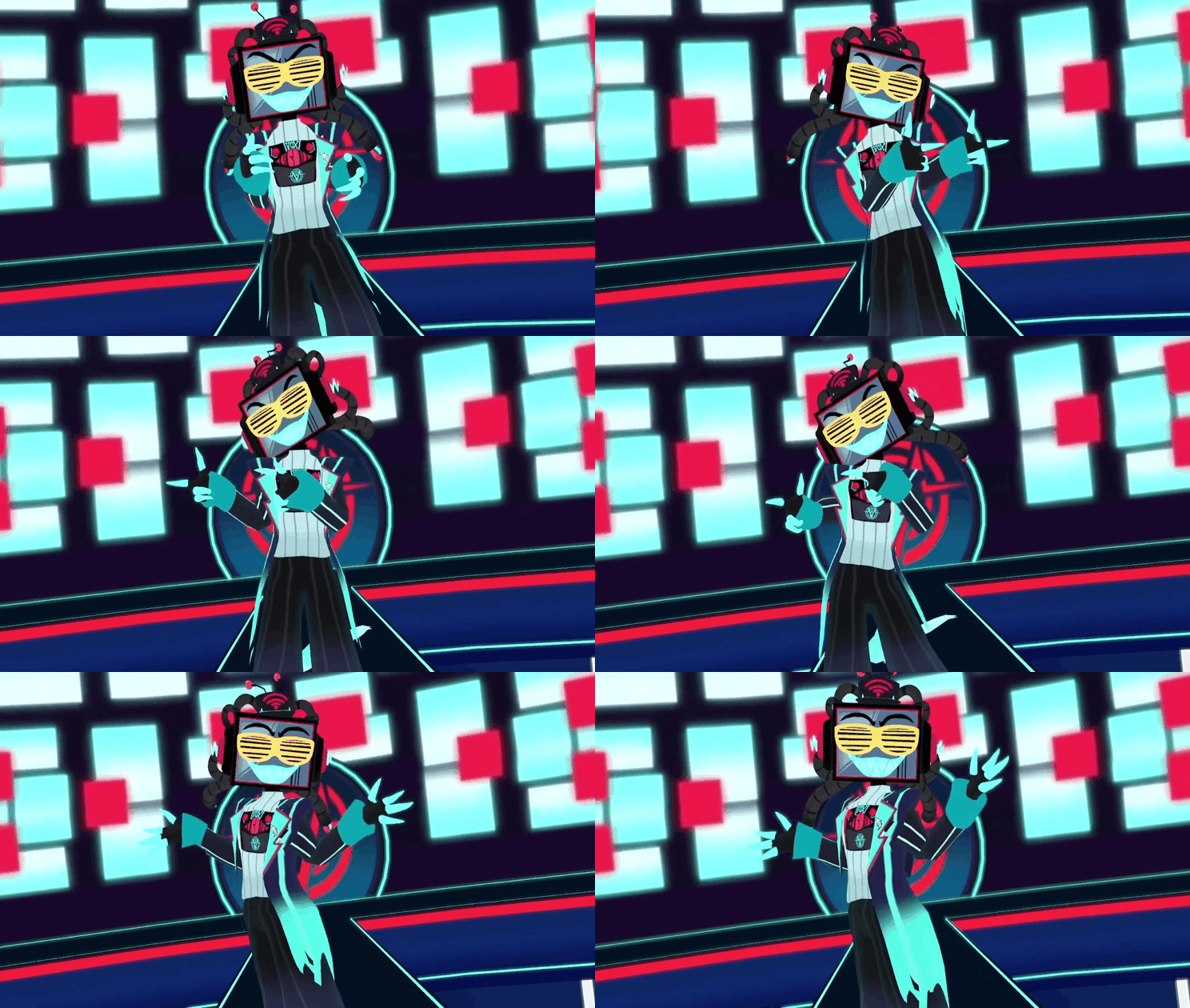
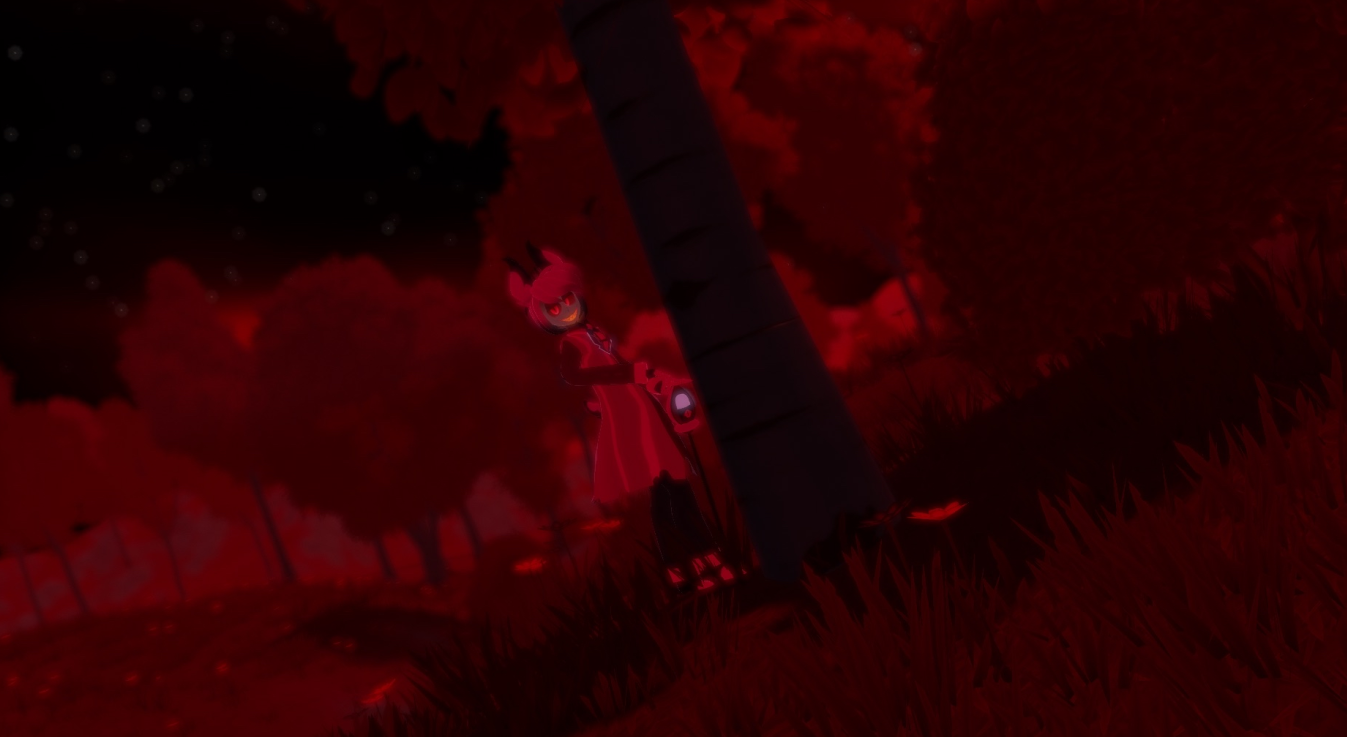
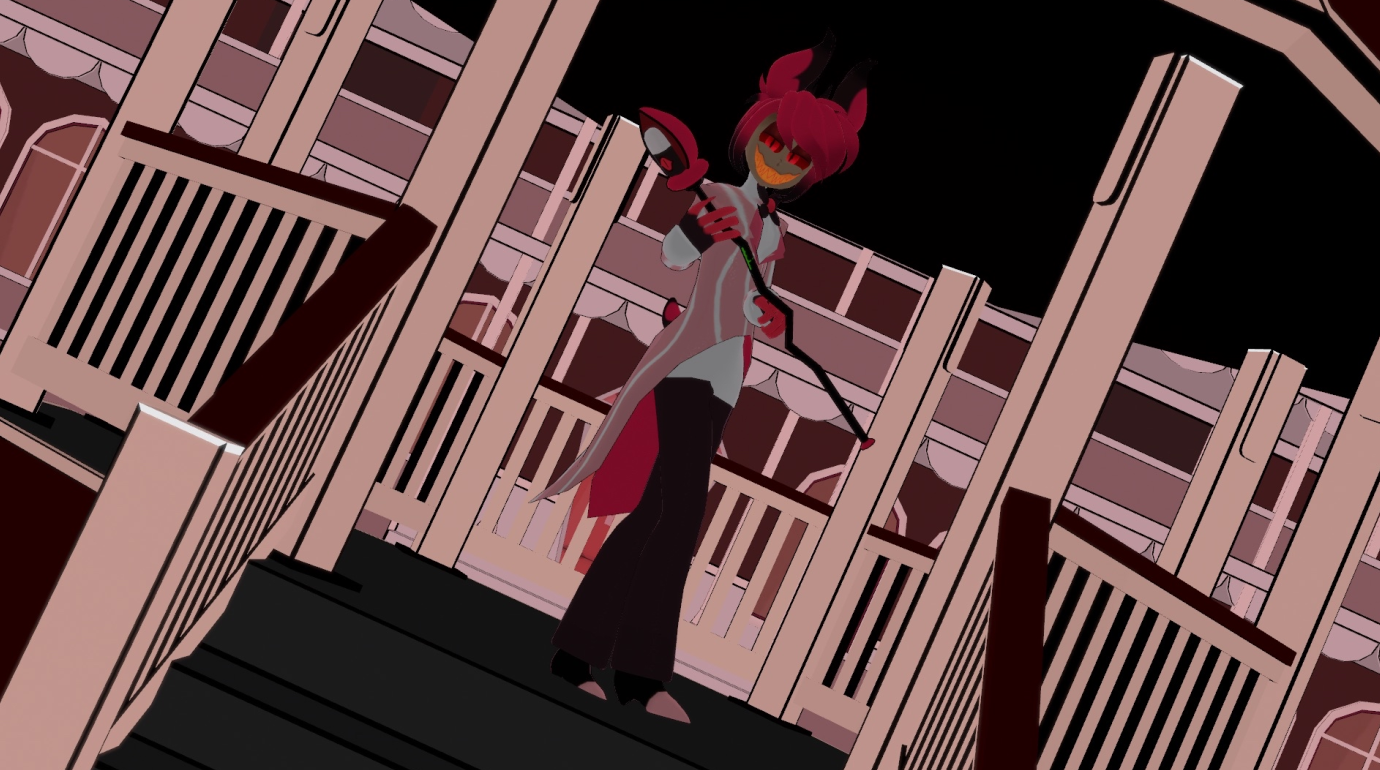








~Alastor~(SFW)
On Sale
$0.00
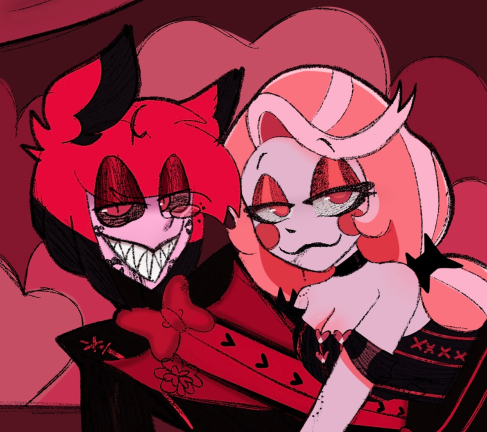
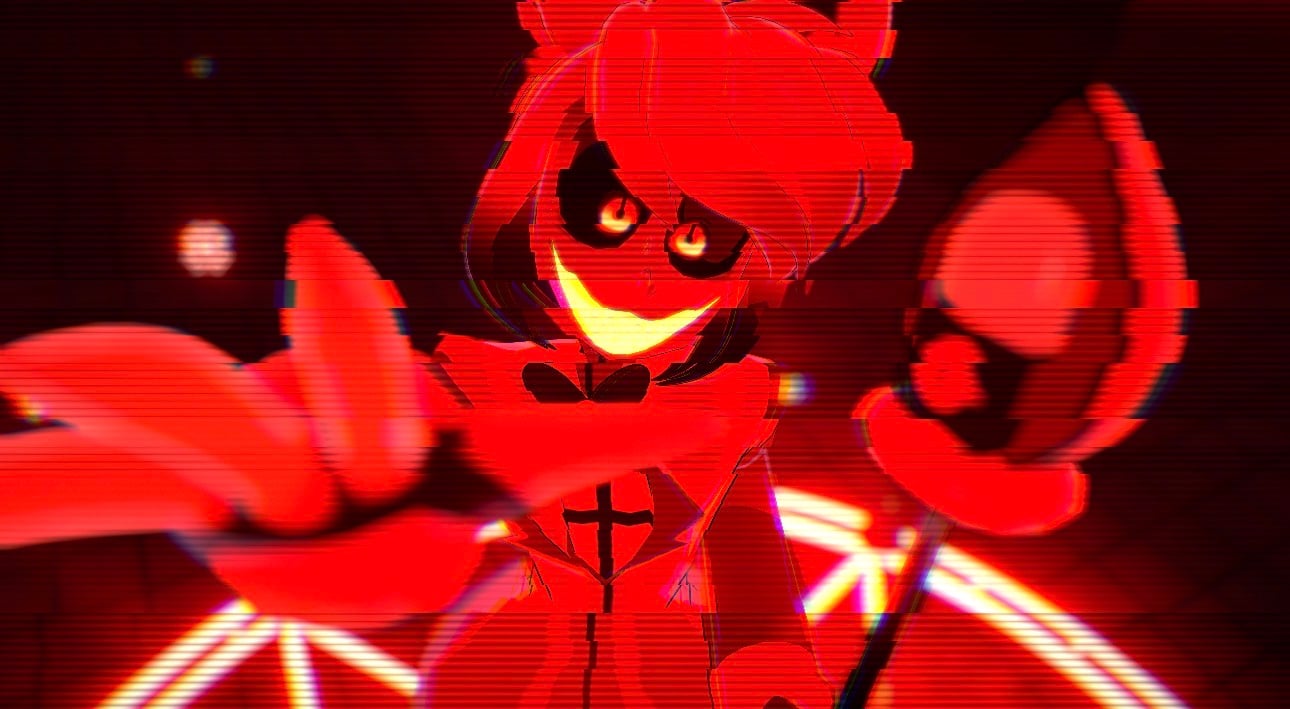
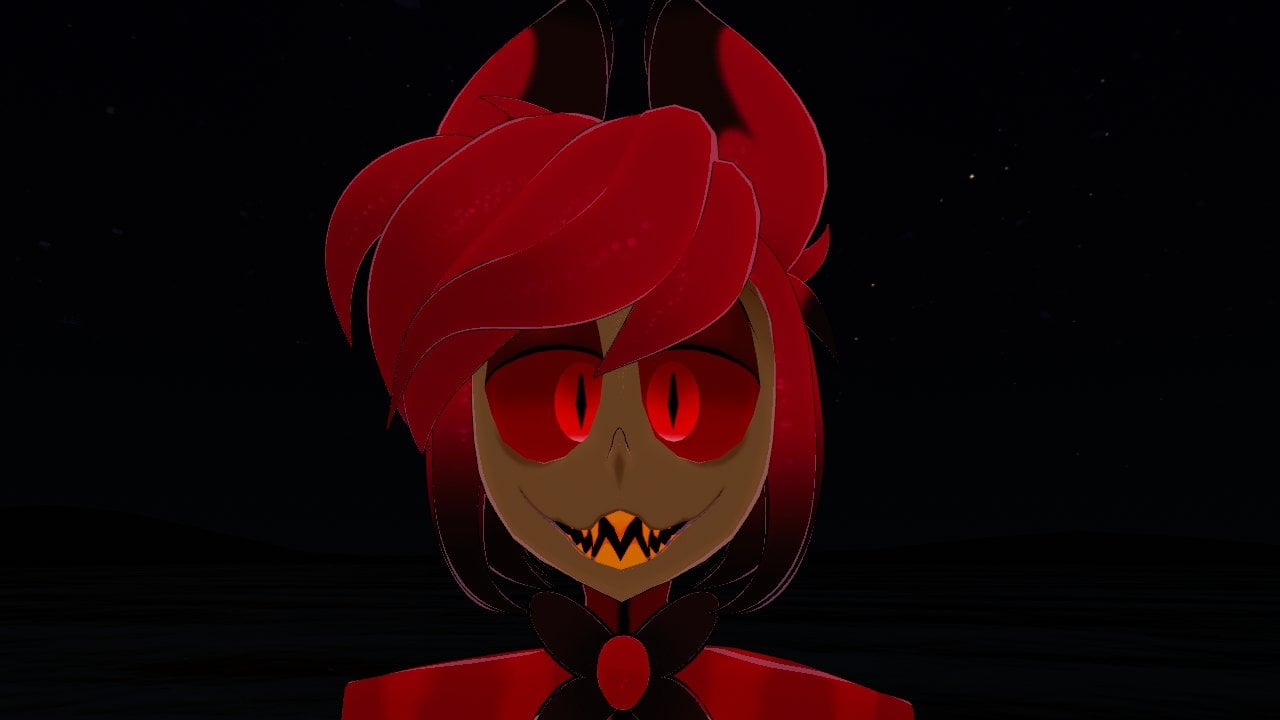
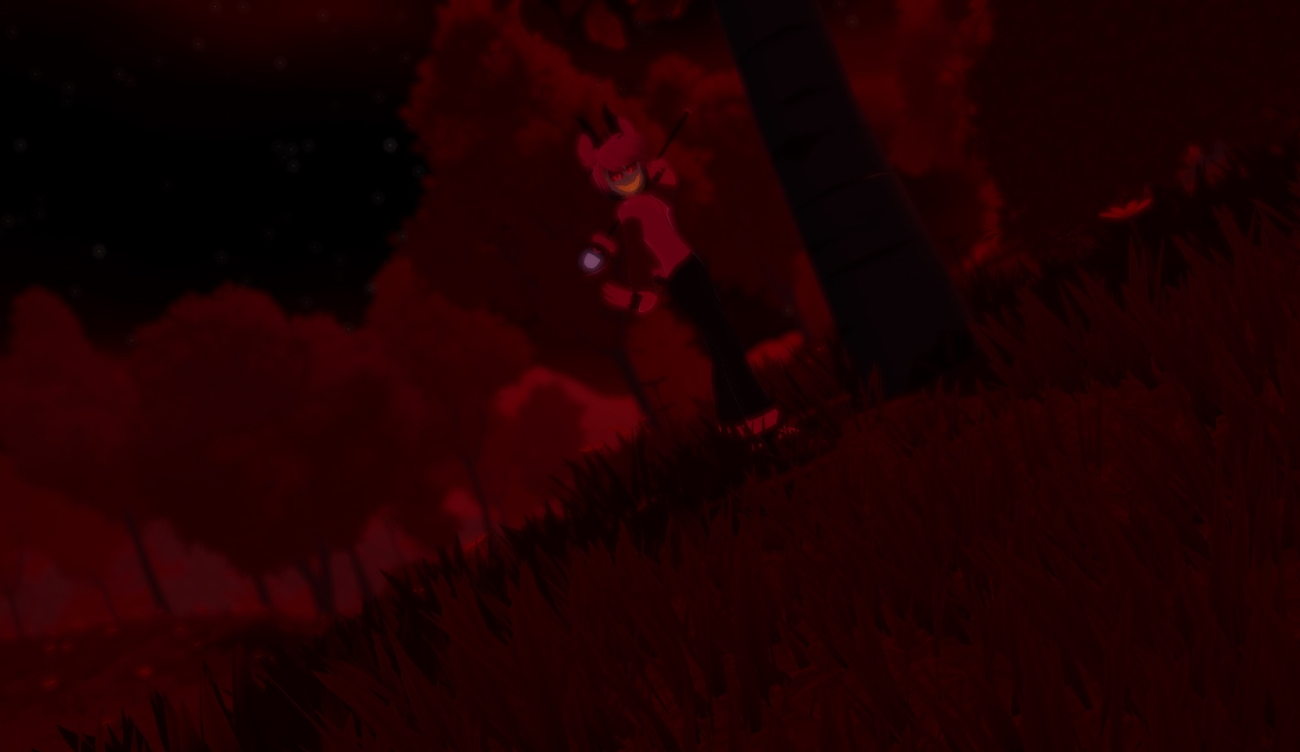
~*Alastor*~
he's kinda sucks </3
he's staff position i tried to fix it and i couldn't get it to fix
𝚃𝚑𝚒𝚜 𝚖𝚘𝚍𝚎𝚕 𝚠𝚊𝚜 𝚜𝚌𝚛𝚊𝚝𝚌𝚑 𝚖𝚊𝚍𝚎 𝚋𝚢 𝙼𝙴 𝙺𝚁𝙰𝚉𝚈!!
𝚘𝚐 𝚌𝚑𝚊𝚛𝚊𝚌𝚝𝚎𝚛 𝚋𝚢 𝚂𝚙𝚒𝚗𝚍𝚕𝚎𝙷𝚘𝚛𝚜𝚎 𝚃𝚘𝚘𝚗𝚜
𝙳𝚎𝚜𝚐𝚒𝚗 𝚋𝚢 𝚖𝚎 𝚔𝚛𝚊𝚣𝚢!
~'he comes with'~
~Gogo loco~
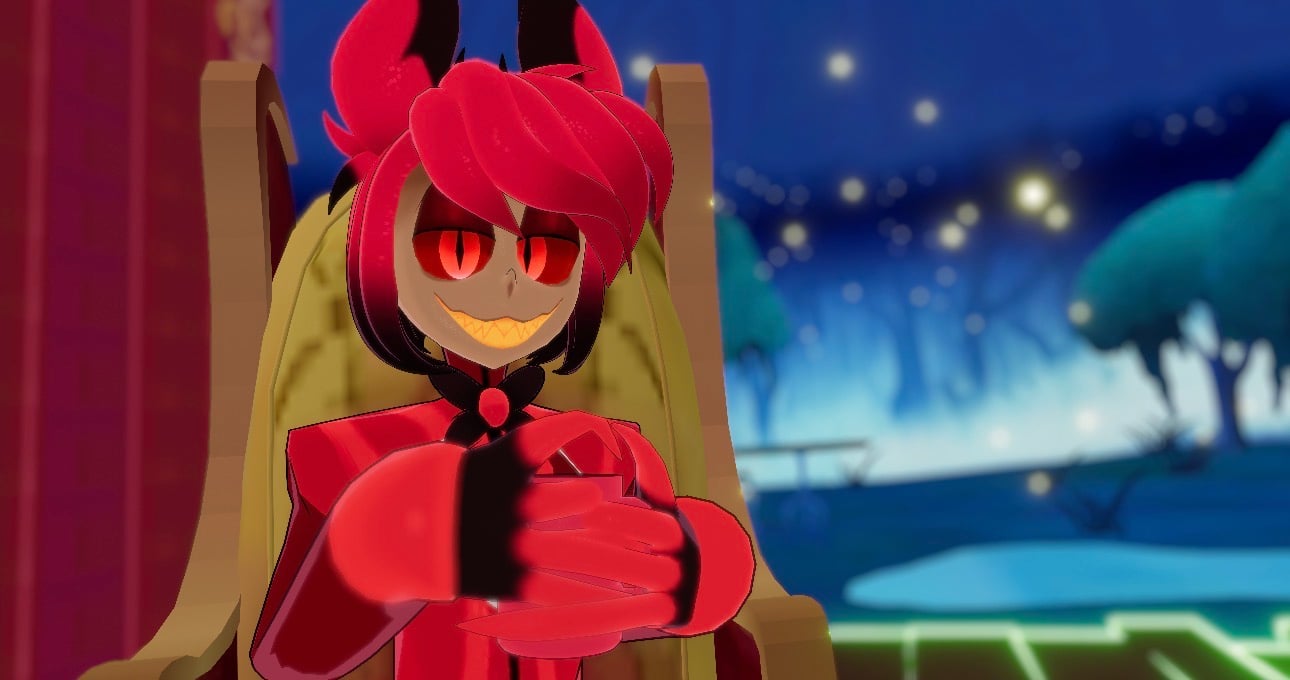
~Coffee mug~
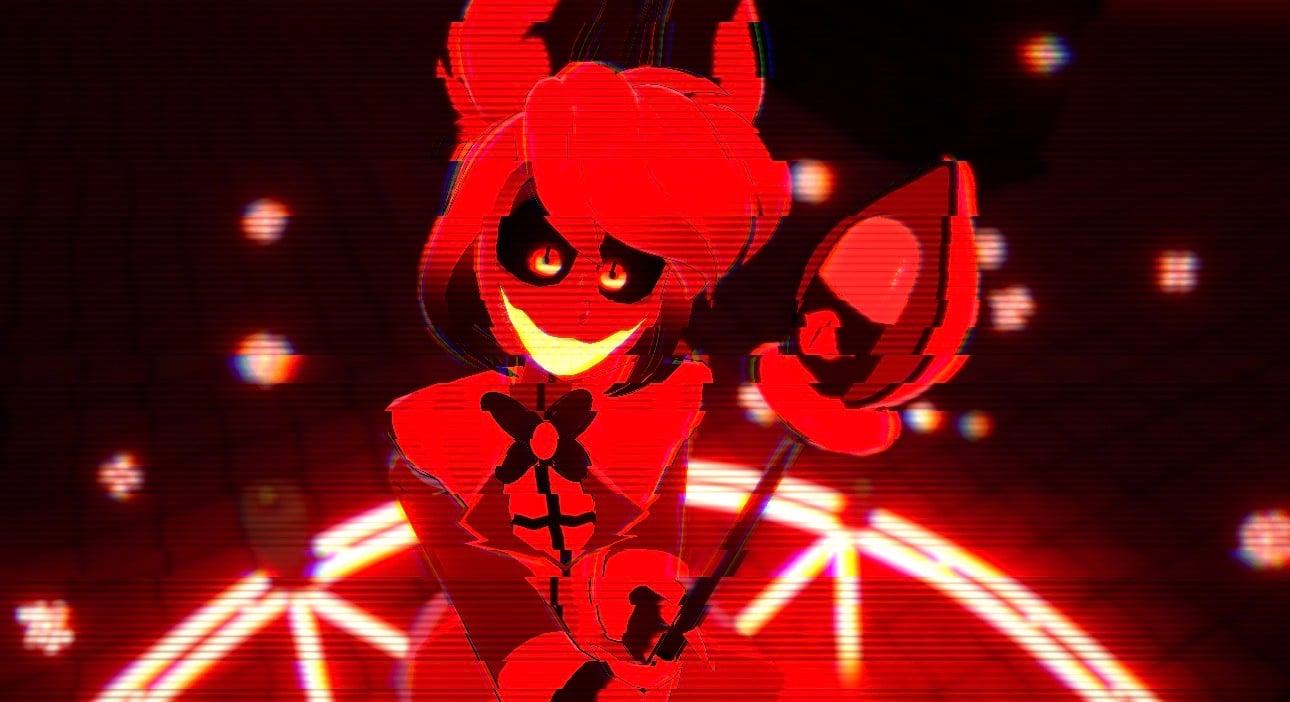
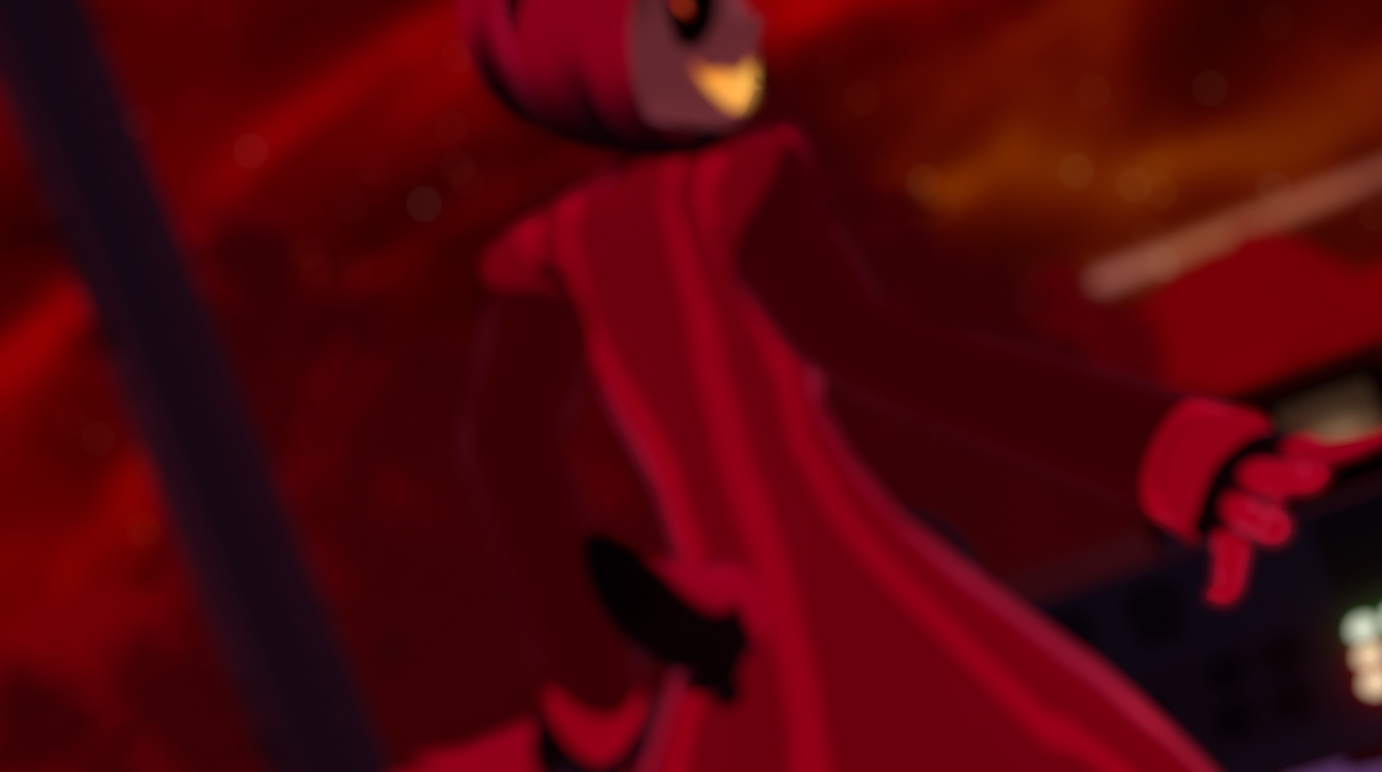
~Staff~
-move up
-cane mode
-broken mode
~3 outfit~
-main outfit cut
-Cannibal fit
-Dapper lookin
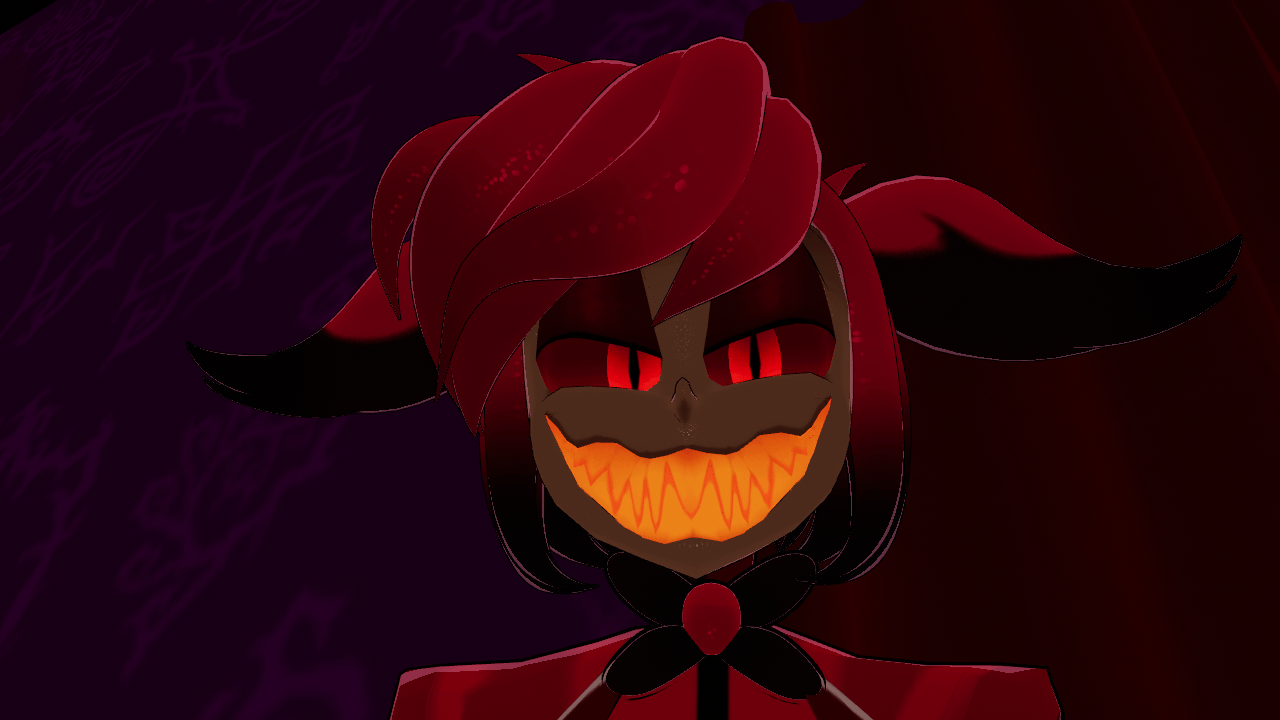
~Spooki face~
He has PC sounds
!Upload Guide!
(i've never done one before sorry if it sucks!)
You'll need at least some knowledge of unity/ VCC the latest sdk!
~Open a unity project through Creator Companion you'll need to add Gogo loco, vrcfury and VrcQuest Tools
i used poiyomi toon V7.3.050
~download the unity package from the page given to you via email or payhip library
Once downloaded Import package into the unity project
~Open the model's folder and find the scene
~Drag the scene into the Hierarchy
~log into your vrc acc through the vrc sdk upload panel
~select the pc ver of the model then name it
~upload pc side
~Go to content manger on the vrc sdk and copy id of the model
~Go to the quest side and paste the id in the pipeline manager and attach it
~Go to the Vrc sdk again and switch it to android then upload it
if anything goes wrong, please don't be shy to come to me for help this guide is kinda trash i think