



DWG Guard Studio
Review DWGs and prepare client handoffs from one AutoCAD dialog.
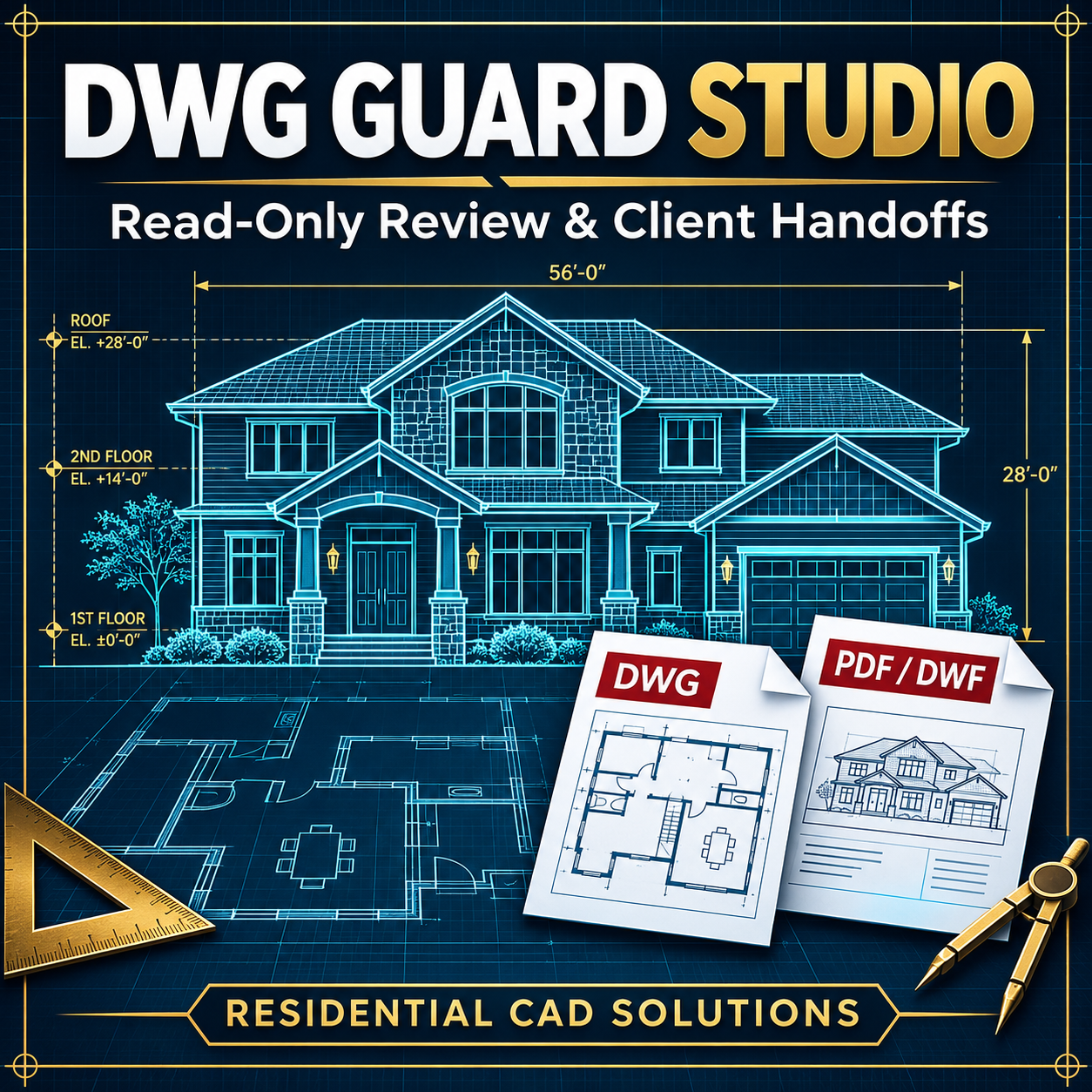
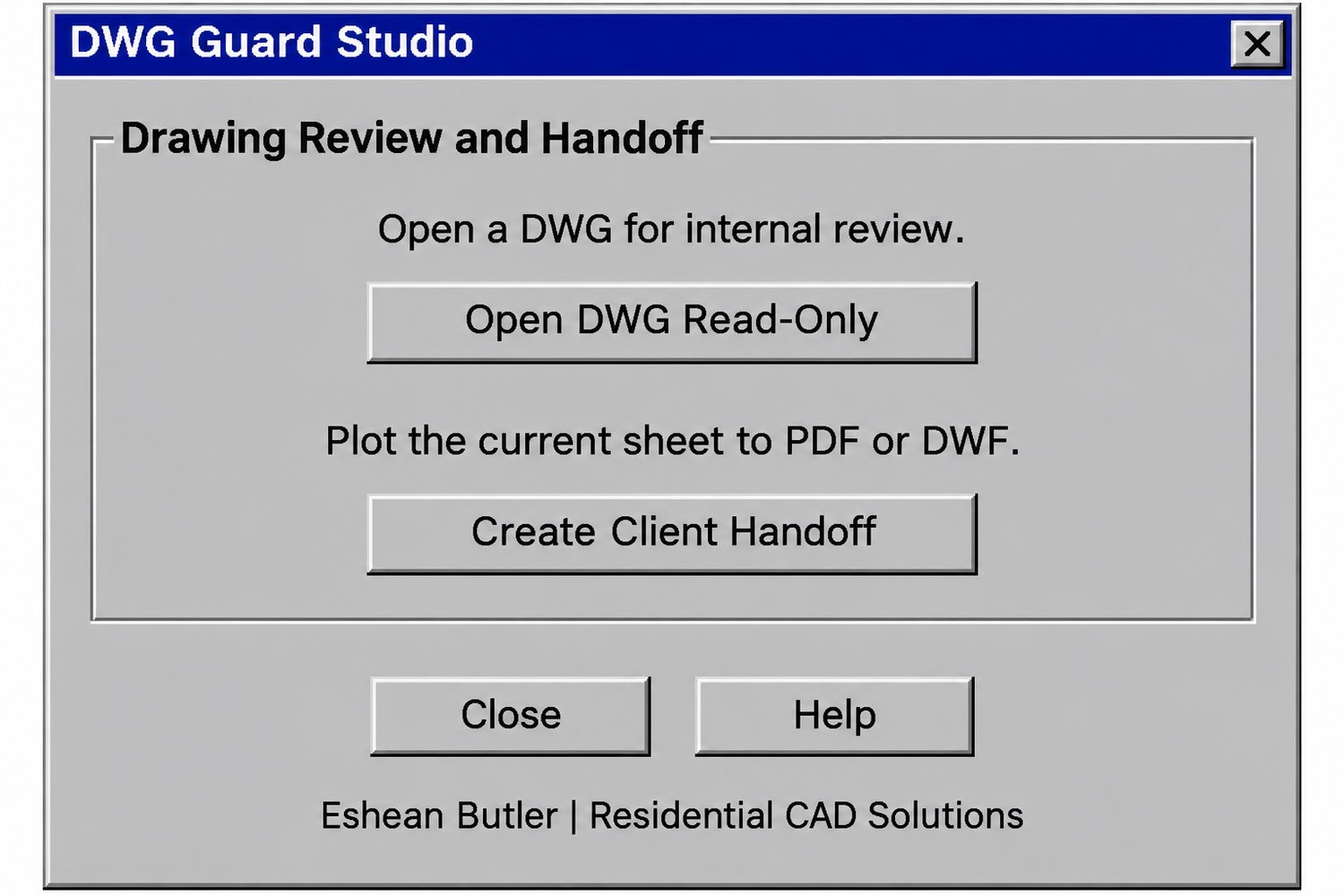
DWG Guard Studio gives you two options for sharing residential drawings. Open a saved DWG in read-only mode for internal review, or plot the current sheet to PDF or DWF for a client handoff.
Read-only DWG review
Open a saved drawing without overwriting the source during the review session. Reviewers can inspect the drawing and save their changes as a separate copy. This option requires multiple-drawing mode (SDI = 0).
PDF and DWF client handoffs
Launch AutoCAD’s Plot dialog from DWG Guard Studio. Choose an installed PDF or DWF plot device, set your paper size and scale, and preview the sheet before saving it. Share the plotted sheet and keep the working DWG in your project files.
What’s included
The ZIP includes the AutoLISP routine, a classic gray DCL dialog with built-in Help, and a quick-start guide. Load the .lsp with APPLOAD, then run DWGGUARD or DWGG.
Designed for full desktop AutoCAD for Windows, targeting AutoCAD 2002 and newer. Live compatibility testing is pending. PDF and DWF output depend on your installed plot devices.
Eshean Butler | Residential CAD Solutions