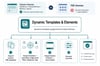

Dynamic Templates & Elements (5x lifetime license)
On Sale
$29.00
$29.00
Dynamic Templates & Elements
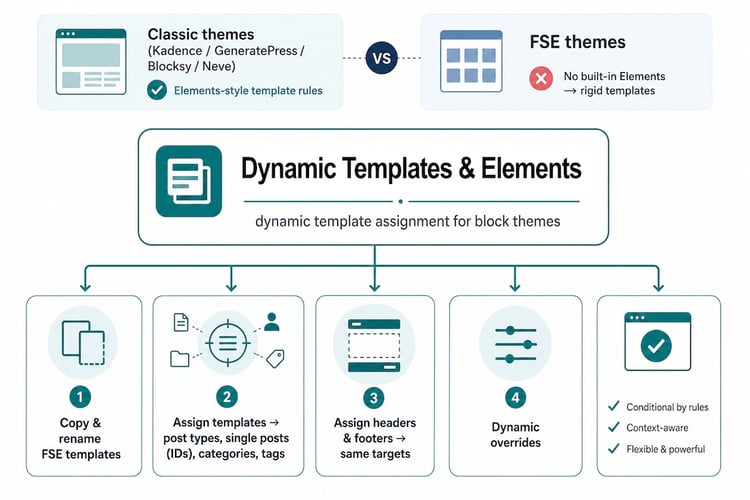
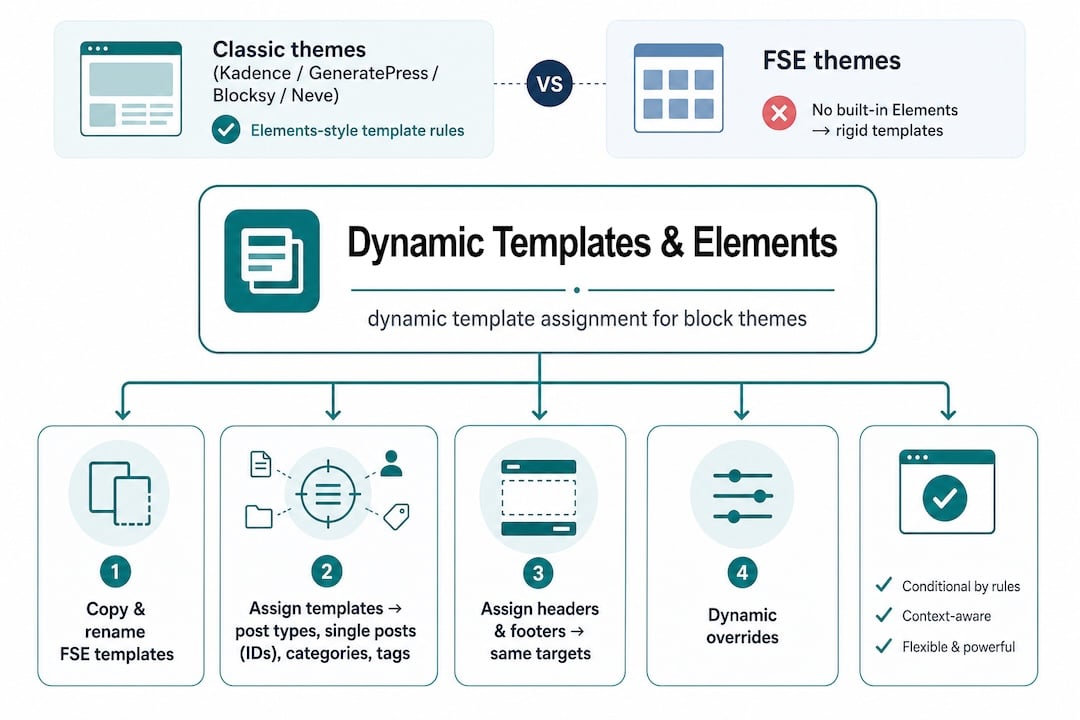
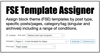
Assign templates
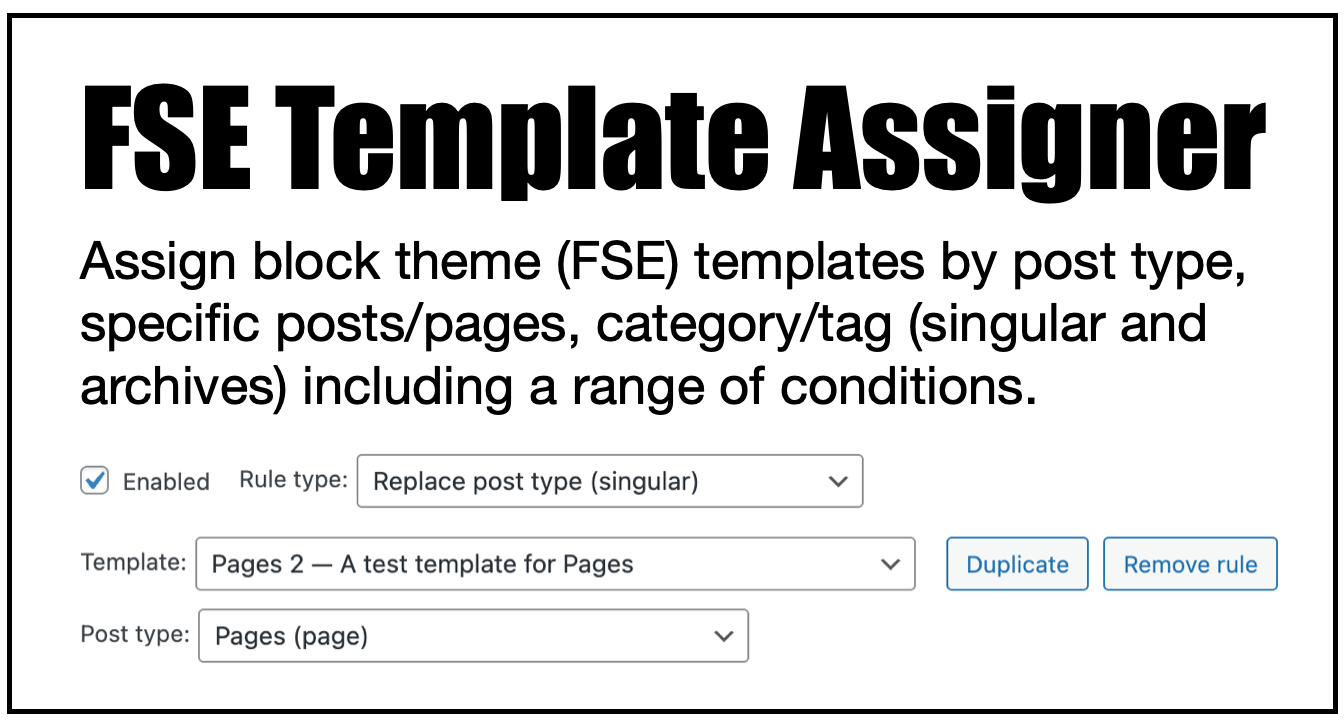
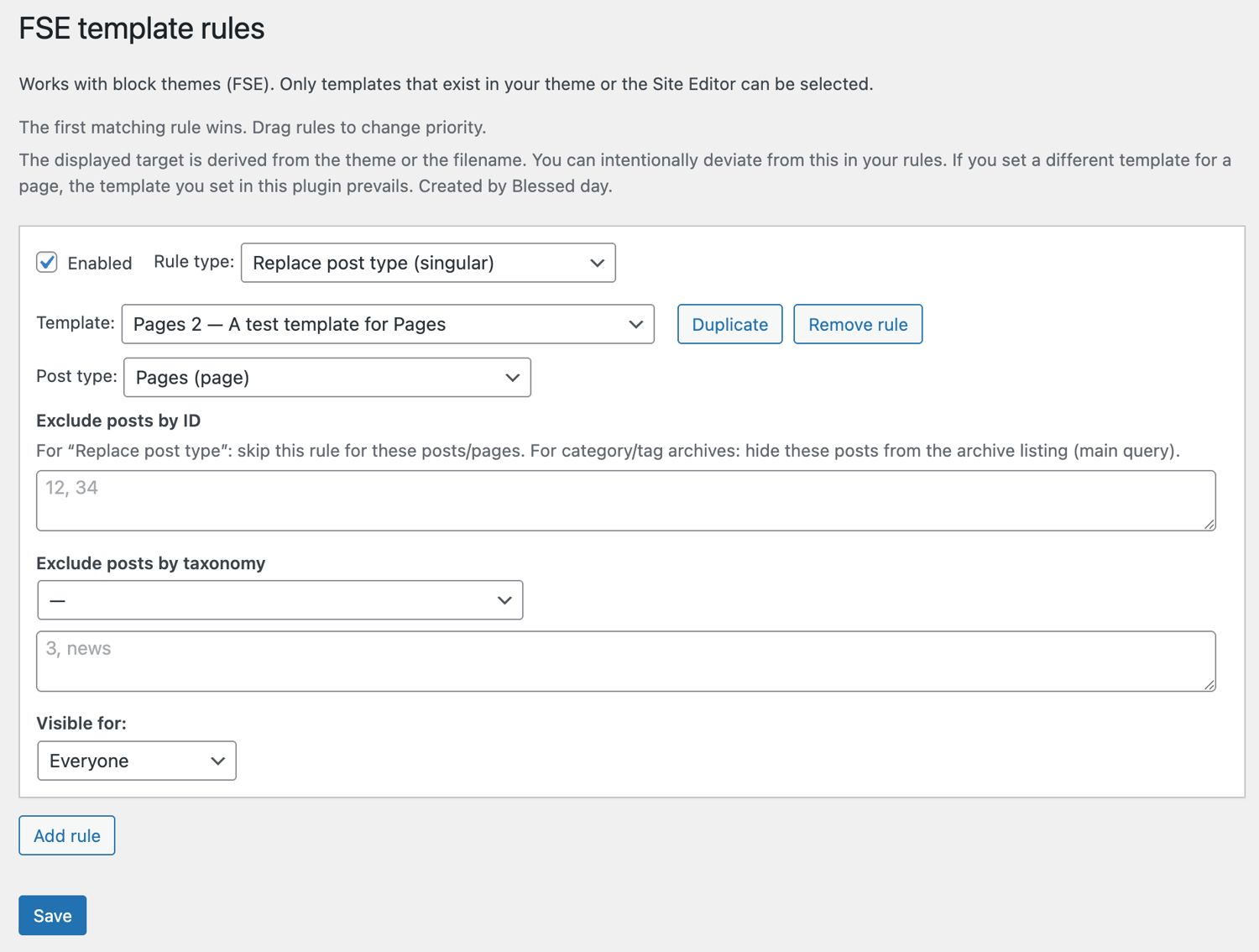
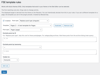
- Assign an FSE template totally conditional by post type, specific posts or pages, category, tag (singular and archives), or post ID.
- Exclude by ID, slug, taxonomy, etc.
- Change the template of all pages or posts at once, without the need to change the default template.
- While editing a post, if you click on the template name, you'll see a notice that the template is assigned by FSE Template Assigner, with a direct link to edit the assignment.
- Even when you disable the plugin, all assigned templates will remain in place.
Copy any template
- Make a copy of any template with 1-click.
- Give the new template a description.
Assign headers and footers
- Ever wished there was an easy way to show a post type or a specific page with another header or footer?
- I mean, copying and replacing headers and footers in templates can take time... well, not anymore!
- Do you need a specific header or footer for a few post IDs, categories, or tags?
- You can assign headers and footers dynamically; they are not really replaced but rendered with any header or footer of your choice!
- The functionality for assigning headers and footers depends entirely on the core functionality of WordPress. Most FSE themes follow these guidelines and are well-coded, but there are exceptions.
Copy any header and footer
- Make a copy of any header or footer with 1-click.
- Give the new version a description.
Create and edit elements.
- Elements and fixed (floating) elements.
- Assign them to any post.
- This functionality is compatible with FSE, classic and hybrid themes.
Amazing plugin
- This plugin gives you a wide range of possibilities.
- One-time payment (lifetime license).
- Automatic update notification.
More information & documentation
- Dynamic Templates & Elements documentation
- Dynamic Templates & Elements plugin page
- Watch the video
License
- You are allowed to use the plugin on a maximum of websites, according to the purchased license.
- Developer sites count as activations; that's why you get 5 activation/key slots.
- Always deactivate a license on an unused website; otherwise, your key slot remains occupied.
- It's a one-time payment; no yearly costs.
- You can check your available slots at: https://server.wpinsight.eu/validate-key/