
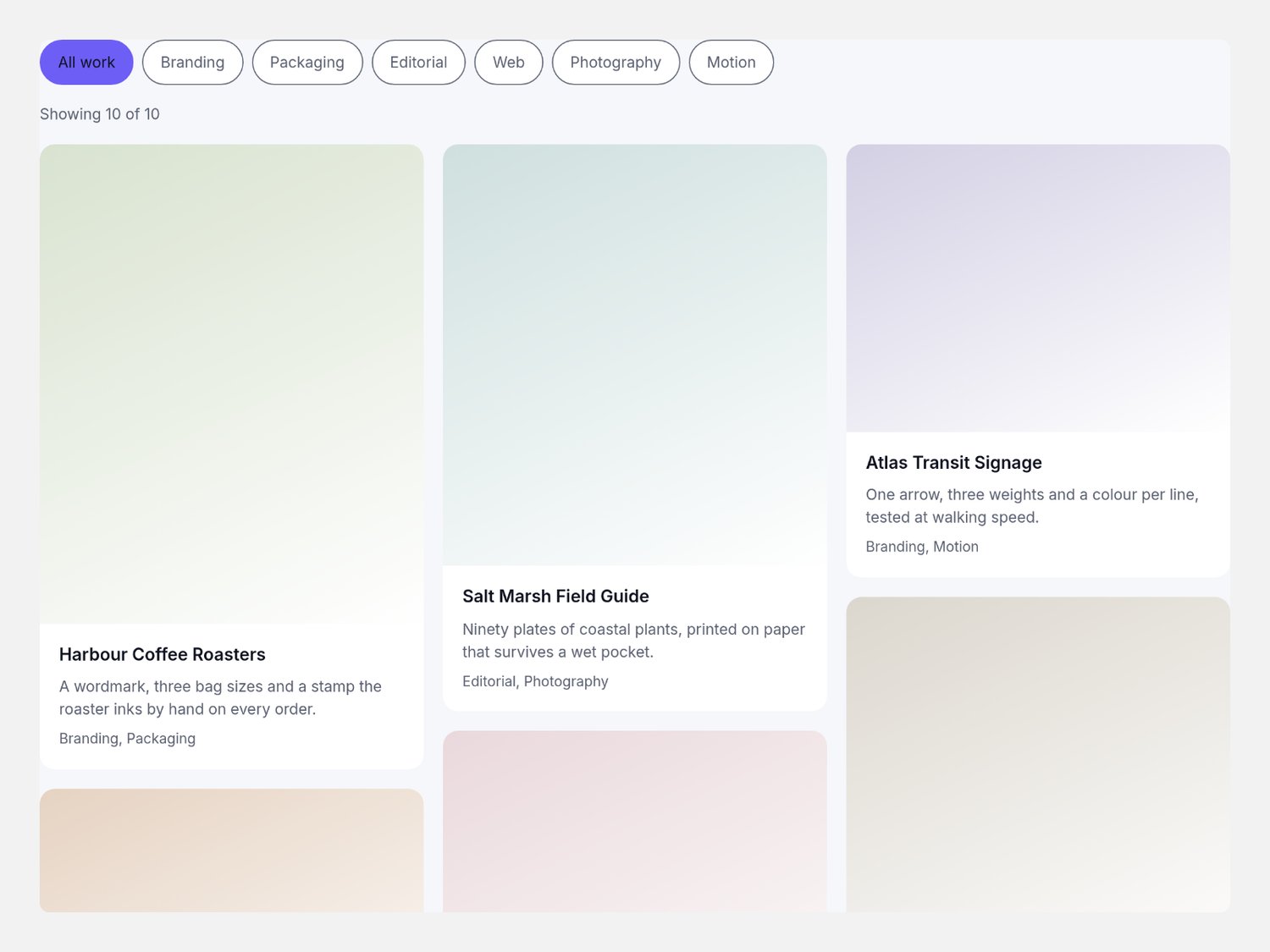
CMS Tag Masonry — filterable masonry gallery for Framer
A masonry gallery for Framer that lays your CMS collection into real CSS columns and narrows it with tag chips — pick several tags, choose any or every, and the wall settles at once.
What you get
One Framer code component (CMS Tag Masonry), delivered as a Component URL.
Per-item controls: title, caption, a comma list of tags, image with alt text, link, height ratio, and a tint that draws the card face when there is no image yet.
A component slot per card, so a CMS collection drives the grid directly.
The grid set in plain numbers: three column counts, gap, radius, chip radius, text size and max width.
How it behaves
The columns are CSS. column-count packs the cards, so the order you set is the order a visitor reads, at any card size.
Chips stack. Several tags can be on at once, and one switch decides whether a card needs any of them or all of them.
One repaint. Pressing a chip swaps a class; the grid settles at once and keeps every surviving card where it was.
Announced properly. A labelled chip group with pressed states, a polite count line, and a card link that carries its own title.
Self-contained. Everything happens inside the component's own frame: your project's images, your CMS, your styles.
Requirements
Any Framer project. No plugins, no external libraries. Single-use licence.