

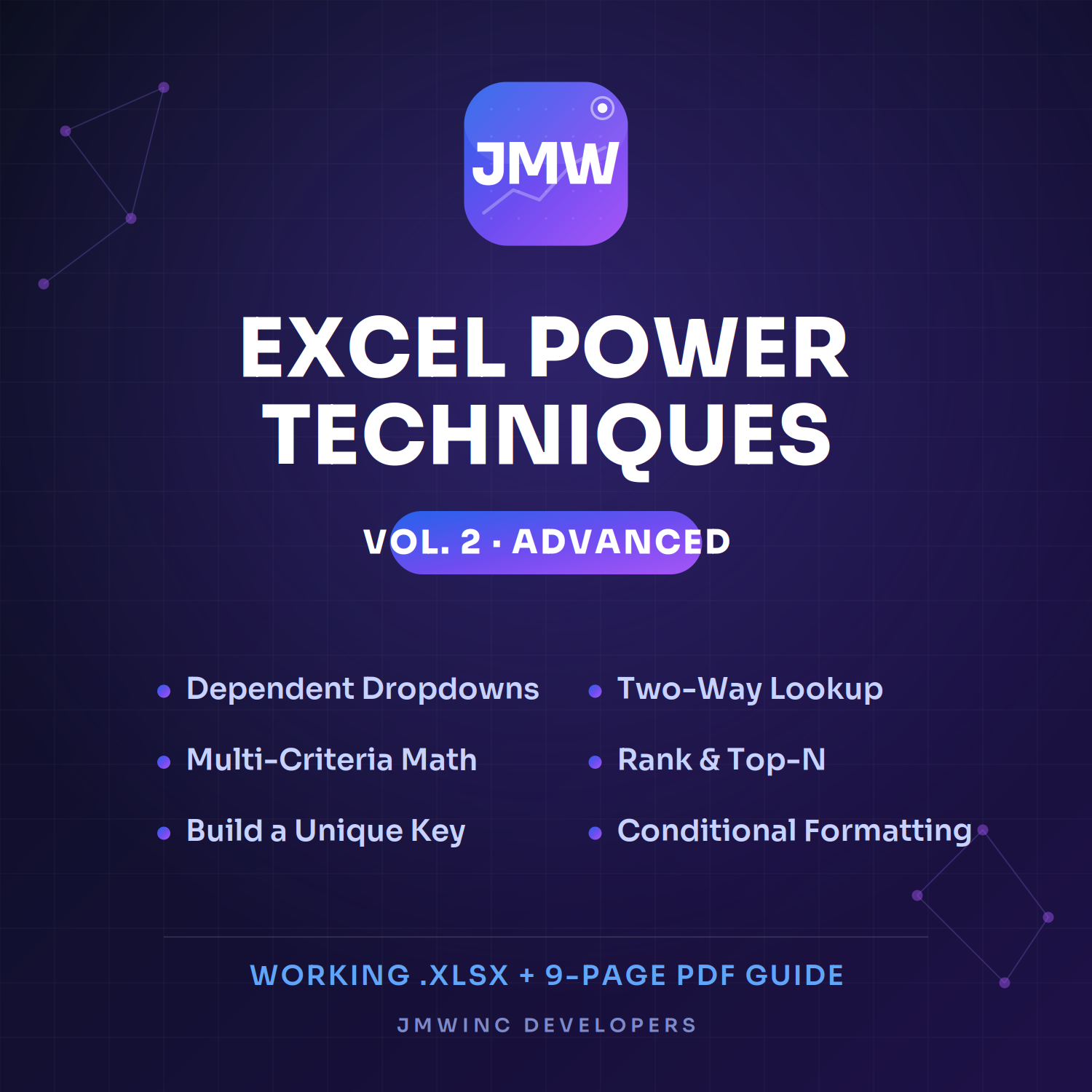
Excel Power Techniques — Vol. 2: Advanced (6 Pro Spreadsheet Skills + Guide)
Already comfortable in Excel? This is your next level.
Volume 2 picks up where the fundamentals leave off. Six advanced techniques used by serious finance and data pros — each one a live, working example you can open, inspect, and drop straight into your own work.
What's inside — 6 advanced techniques:
- Dependent Dropdowns — cascading menus that filter automatically (pick a region, the city list narrows to match)
- Two-Way Lookup — find any value by row and column at once with INDEX/MATCH/MATCH
- Multi-Criteria Math — sum, count, and weight across several conditions using SUMPRODUCT, no helper columns
- Rank & Top-N — auto-rank performers and flag your top results as the data changes
- Build a Unique Key — combine fields into a clean key for merging files and catching duplicates
- Conditional Formatting+ — data bars, color scales, and icon sets that make any sheet readable at a glance
You get two files: a working .xlsx workbook with every technique on its own tab, and a 9-page PDF guide — one clear page per technique with the problem, the formula, step-by-step instructions, and the modern Excel 365 shortcut.
Works everywhere. Every core formula runs in Excel 2016+, Microsoft 365, and Google Sheets.
Who it's for: finance managers, analysts, accountants, and anyone past the beginner stage who wants to work faster and smarter. (New to this? Start with Volume 1 for the fundamentals.)
Instant download. Open it tonight, use it tomorrow.