

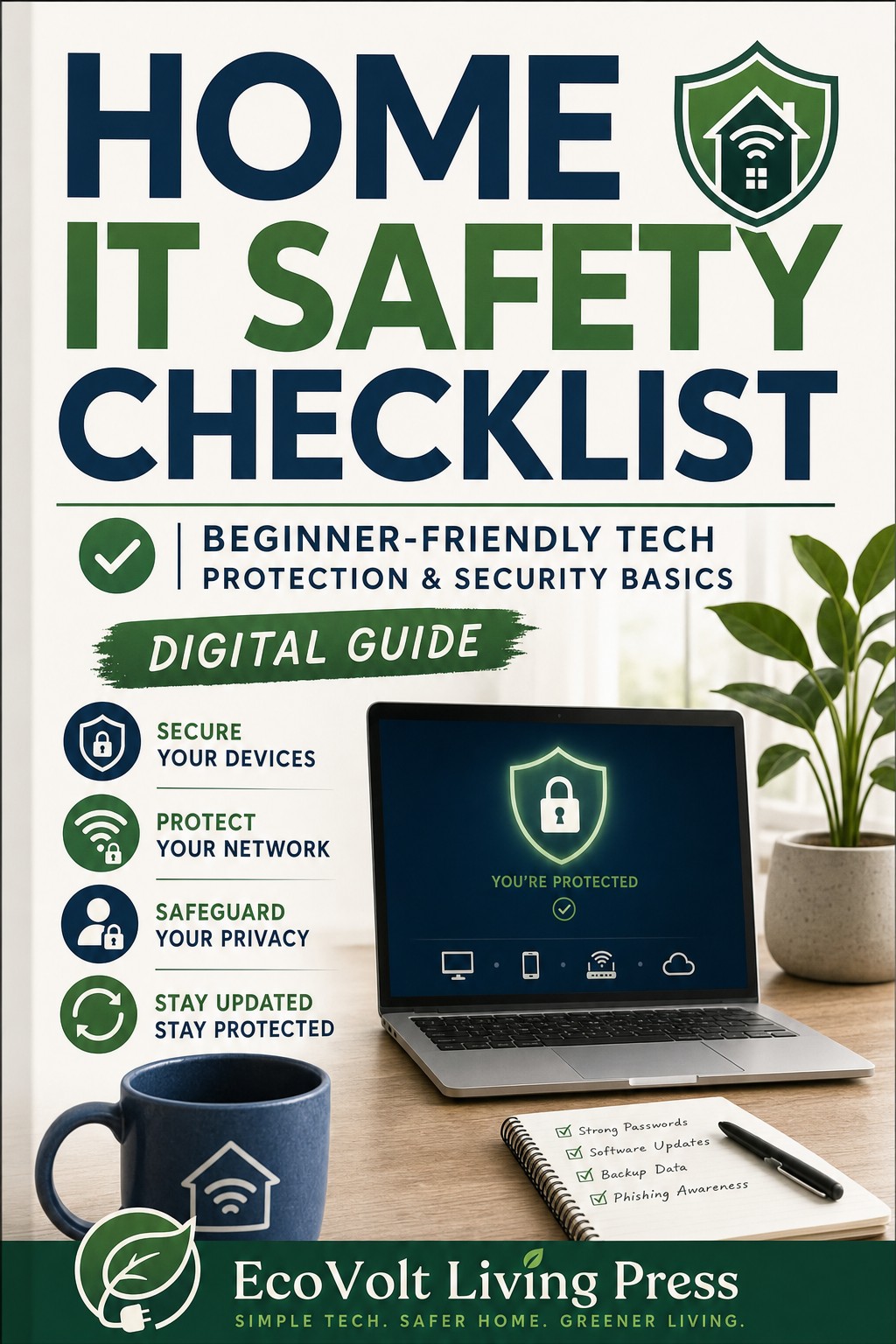
Simple Home IT Safety Checklist for Non Technical Users
Simple Home IT Safety Checklist for Non-Technical Users
Protect Your Laptop, Email & Home Wi-Fi — Without Technical Jargon
Technology should make life easier — not stressful.
If you’re not a technical person but want to protect your computer, email, and personal files, this step-by-step home IT safety checklist gives you clear, plain-English instructions you can follow immediately.
No complex cybersecurity terms.
No overwhelming setup guides.
Just practical digital safety steps you can complete in under 30 minutes.
Who This Is For
This checklist is designed for:
• Home users
• Adults 40+
• Remote workers
• Small business owners
• Parents managing household devices
• Anyone who wants basic cybersecurity without confusion
If you’ve ever asked:
• “How do I secure my home Wi-Fi?”
• “How do I stop phishing emails?”
• “What’s the safest way to back up my files?”
• “Am I doing enough to protect my laptop?”
This guide is for you.
What You’ll Learn
Inside the full checklist, you’ll find:
• A simple home Wi-Fi security walkthrough
• How to change router passwords safely
• How to enable two-factor authentication (2FA)
• A plain-English phishing red flag guide
• Step-by-step file backup instructions
• A daily 5-minute digital safety routine
• An emergency checklist if you think you’ve been hacked
Each section is formatted as a printable checklist so you can follow it line by line.
Why This Checklist Works
Most cybersecurity advice is written for IT professionals.
This checklist is different.
It’s built for real people who:
• Don’t work in tech
• Don’t want complicated software
• Want to reduce digital risk quickly
• Prefer clarity over jargon
You don’t need advanced tools.
You don’t need expensive software.
You just need structure.
Format
• Printable PDF
• Clean checkbox layout
• Simple step-by-step instructions
• Designed to complete in one sitting
Secure Your Digital Life in Under 30 Minutes
Download the full checklist and protect your home network, email, and devices today — with simple, practical cybersecurity steps that actually make sense.