


Alpine Robust Traffic Signal System
AlpineOS Robust Traffic Signal System
Core Signal Control
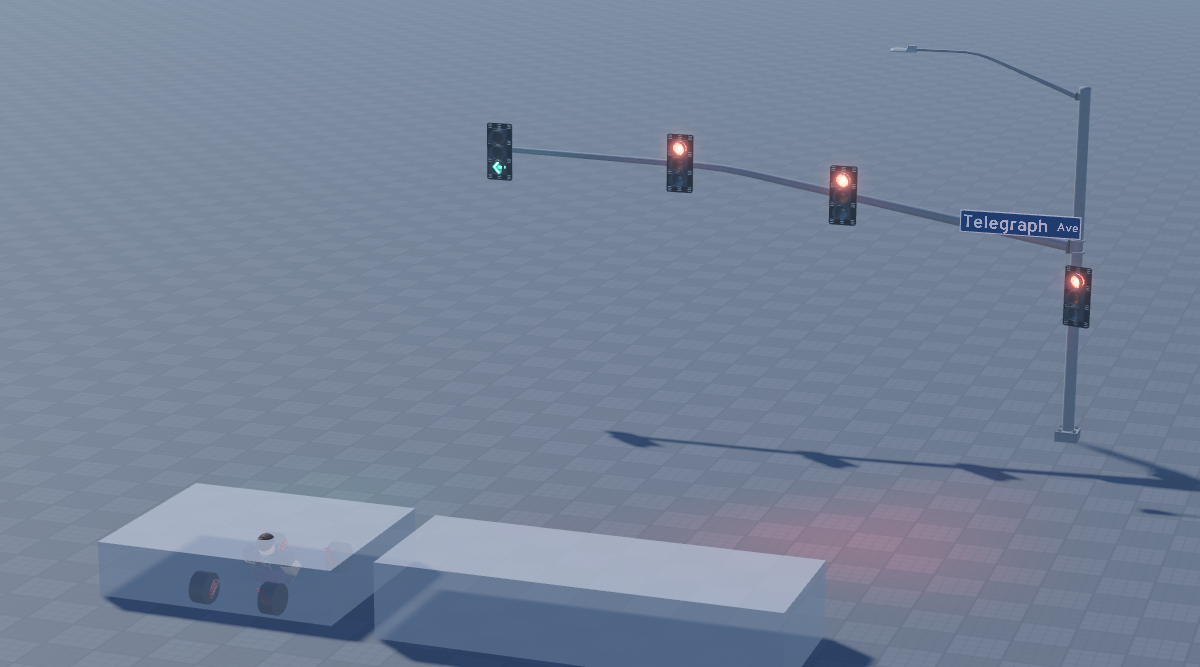
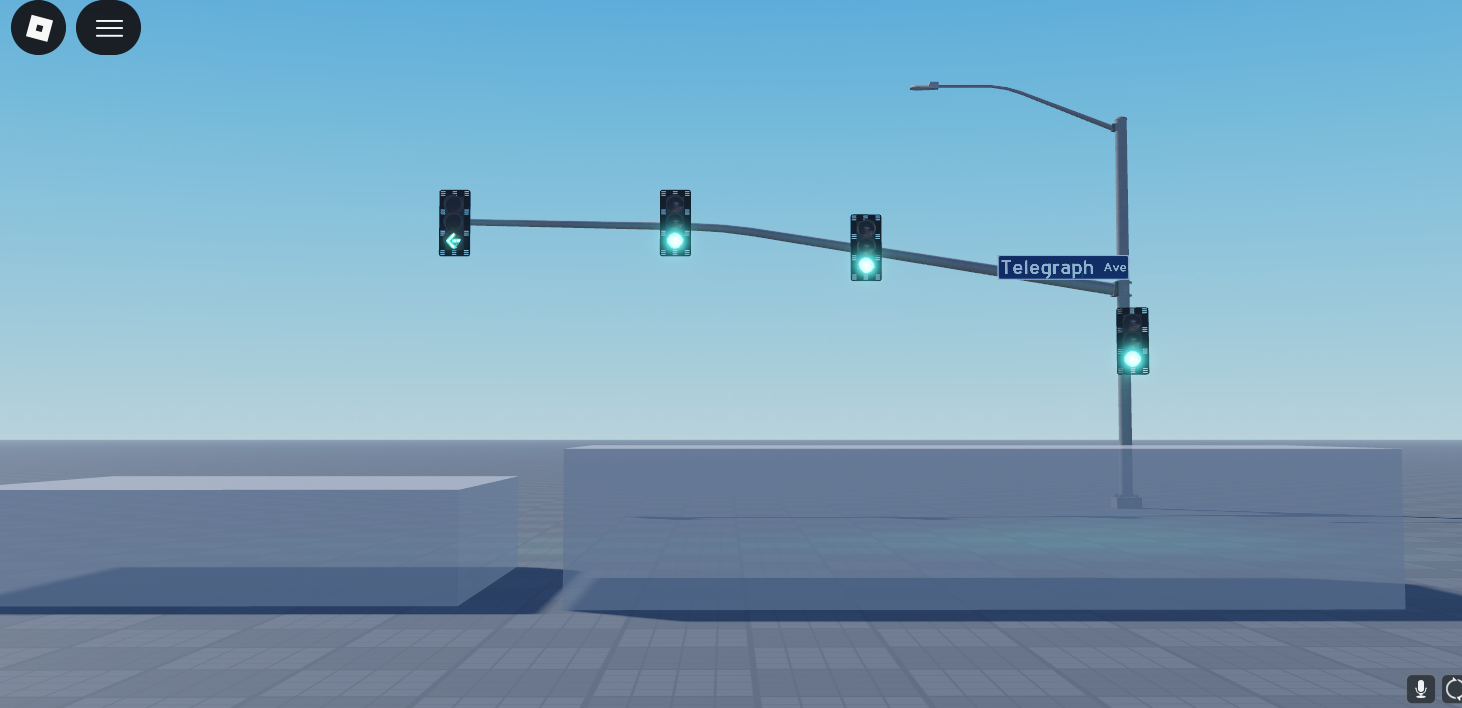
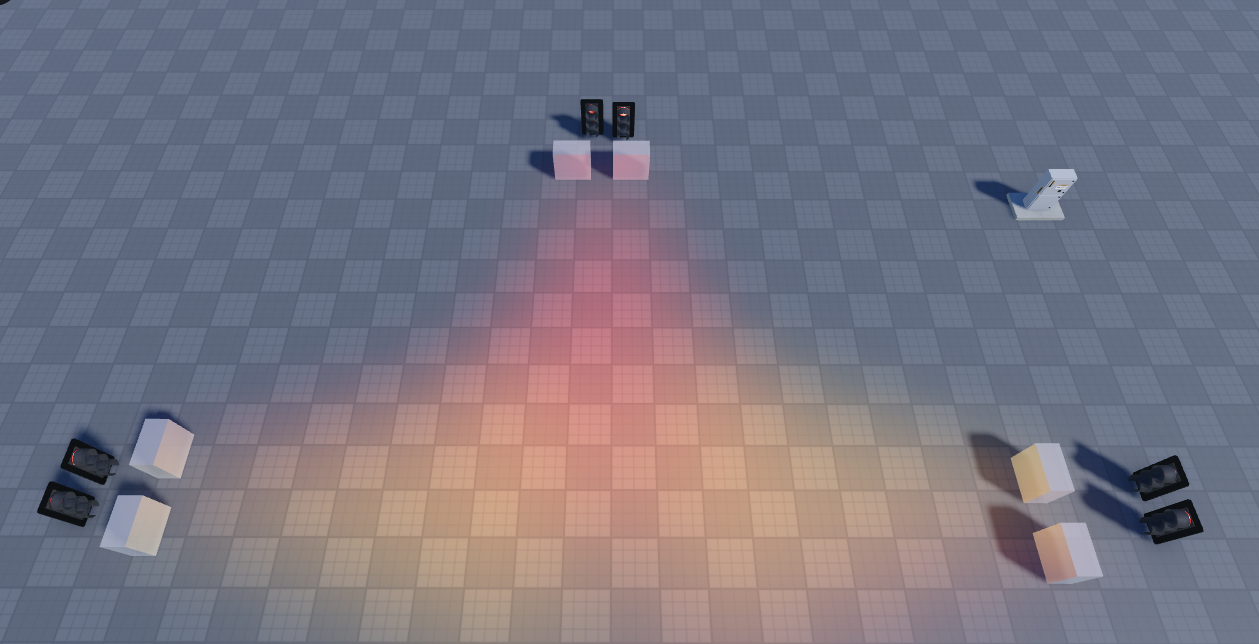
The system supports up to four directions (D1–D4) in two paired axes — D1/D3 opposite each other, D2/D4 opposite each other. Every direction has two independently managed signal types: Standard (straight through) and Protected (left turn arrow). The script discovers all of this automatically at startup, so if a server only places D1 and no other directions, the cycle simply runs with what exists and never errors. You can deploy this at a single-lane checkpoint or a full four-way intersection and the same script handles both without configuration changes.
Adaptive Yellow Timing
Rather than a hardcoded yellow duration, the length is driven by a SpeedLimit NumberValue in the Values model. The formula is anchored to real California ITE standards — 35 mph gives 3 seconds, 65 mph gives 5 seconds, with a hard clamp between 2 and 7. Change the value mid-session and it takes effect on the next yellow. This means a single asset can be dropped into a residential street or a freeway interchange and behave correctly for both.
FL Vehicle Detection Queue
Sensors (PS for Protected, SS for Standard) respond exclusively to parts named FL which is the most common wheel name for A-Chassis 1.6 & 1.7+, which means you control exactly which vehicles trigger the system — regular players on foot or in non-equipped vehicles pass over the sensor with no effect. When a qualifying vehicle touches a sensor, that direction's phase is added to a FIFO queue. Multiple simultaneous detections are handled gracefully — whoever arrived first gets the next green. A built-in debounce prevents the same vehicle from queuing the same phase twice while it is already waiting or being served.
Green Extension and 30-Second Timeout
When a sensor-triggered phase goes green, the script checks at each green interval whether the FL part is still physically on the sensor. If it is, green extends by another cycle. This repeats up to a hard ceiling of up to 30 seconds, after which the sensor locks out regardless — the intersection returns to its normal cycle and the sensor won't re-trigger until the FL part physically leaves and re-enters. This prevents a stuck or parked vehicle from holding an intersection indefinitely.
Split Phasing
This is the most technically sophisticated feature. If a Protected sensor fires while that direction's Standard phase is already green, instead of interrupting through traffic, the system drops only the opposing direction to yellow then red, keeps the triggering direction's Standard green, and simultaneously runs its Protected signal. The opposing direction gets a proper yellow warning before going red, and at the end only the Protected signal winds down — Standard stays lit. This mirrors how real split-phase intersections operate and means left-turning vehicles don't unnecessarily stop straight-through traffic.
Bias Direction
The BiasDirection ObjectValue allows a specific axis to hold green indefinitely when no other traffic is detected. This is designed for busy highway corridors where the main road should rarely stop. Cross-traffic and left turns can still interrupt via their sensors and will receive a proper green, but the moment they are done the highway axis comes back up automatically. BiasDirection can be changed or cleared at runtime with no script restart needed.
Opticom Emergency Preemption
Any vehicle model containing a DriveSeat with an OpticomEnabled BoolValue set to true will trigger a full preemption sequence. Only whichever lights are currently green go through a 1-second yellow, then every direction goes red for 15 seconds, then normal cycle resumes. Critically, the preemption cannot be re-triggered mid-sequence — a second Opticom vehicle hitting a sensor while the 15-second hold is active and ignored until the cycle restores. This means emergency vehicle flows remain predictable.
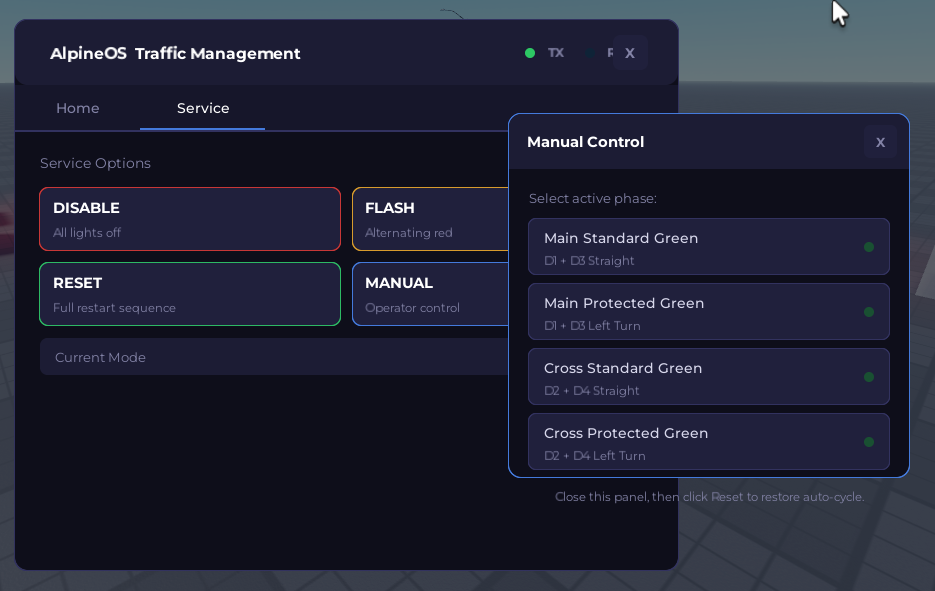
AlpineOS Control Panel
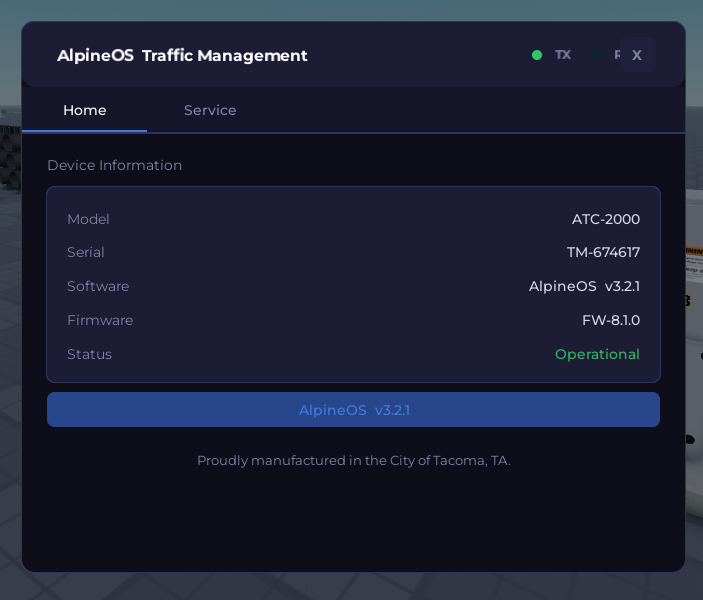
Access is group-gated server-side — the client does a preliminary check for responsiveness, but every command is validated on the server before execution, so exploiters bypassing the UI cannot issue commands they aren't authorized for. The panel offers Disable (all lights off, cycle stops), Flash (alternating D1/D3 and D2/D4 red flash for maintenance or hazard situations), Reset (full diagnostic sequence — green, yellow, red, all-lit, off, flash, then automatic return to cycle), and Manual mode with smooth yellow-to-red transitions between phases.
Robustness Considerations
The cycle engine runs as a cancellable task.spawn thread rather than a single infinite loop. Every mode transition — Normal, Flash, Disable, Manual, Opticom, Reset — cancels the previous thread cleanly before starting its own, which means there is no state bleed between modes. All sensor connections are established once at startup and remain persistent. The queue and debounce tables are script-level state, so they survive mode switches without needing to be rebuilt. Missing directions, missing signal types, missing sensors, and missing Values entries all have explicit fallback paths — the script will warn in the output window about anything it cannot find but will continue operating with whatever is present.
The one honest limitation which truthfully beyond our control, the green extension and sensor detection rely on Roblox's Touched and TouchEnded events, which can occasionally miss a fire on very high-latency servers or if a part teleports rather than moves continuously. In practice for a traffic system this is rarely a problem, but it means the system is better described as highly reliable rather than deterministic.