

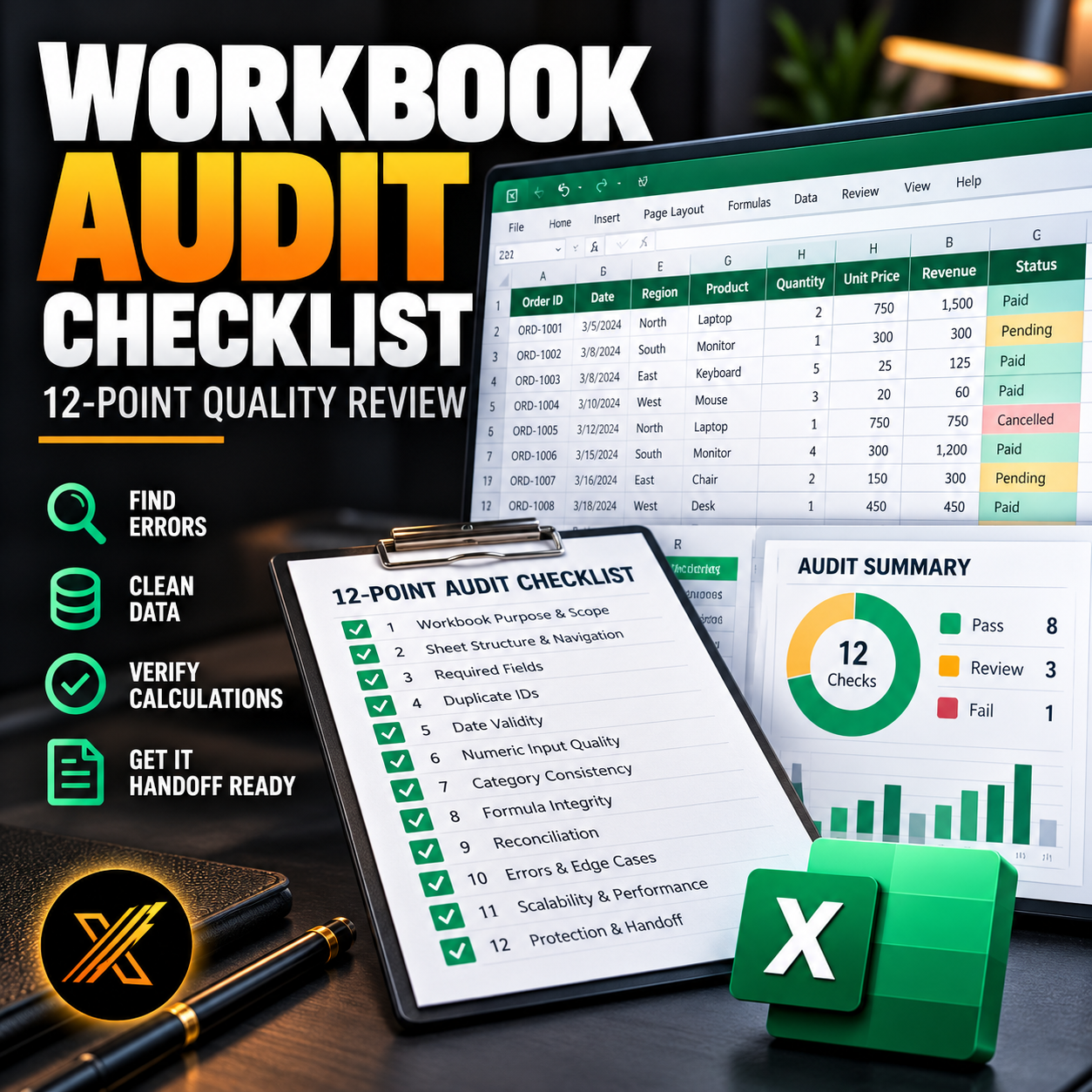
Excel Workbook Audit Checklist — 12-Point Review & Practice Workbook
Excel Workbook Audit Checklist — 12-Point Quality Review
Find spreadsheet errors, verify critical calculations, and learn how to review an Excel workbook before sharing it with clients or colleagues.
A workbook can look perfectly organized while hiding duplicate records, incorrect formulas, missing information, inconsistent categories, or unreliable totals.
This practical Excel audit workbook helps you identify those issues using a structured 12-point review process.
Designed for Excel users, analysts, finance professionals, and anyone responsible for preparing reliable spreadsheets.
What's Included
1. Practical Audit Dataset
A realistic Excel order dataset containing intentionally introduced problems, including:
- Missing order information
- Duplicate identifiers
- Text-formatted dates
- Invalid quantities and prices
- Inconsistent categories and statuses
- Formula and reconciliation risks
2. 12-Point Audit Checklist
A structured review covering:
- Workbook Purpose & Scope
- Sheet Structure & Navigation
- Required Fields
- Duplicate IDs
- Date Validity
- Numeric Input Quality
- Category Consistency
- Formula Integrity
- Reconciliation
- Errors & Edge Cases
- Scalability & Performance
- Protection & Handoff
3. Built-In Control Panel
Use Excel formulas and validation checks to investigate missing values, duplicate IDs, numeric inconsistencies, dates, and reporting totals.
4. Workbook Handoff Review
Document findings, evaluate outstanding issues, and determine whether a workbook is ready to share.
5. Completed Audit Reference
Compare your findings against a completed example with documented issues and audit decisions.
Why This Workbook Is Useful
Instead of simply reading an audit checklist, you can practice identifying problems inside an actual Excel workbook.
Follow the accompanying tutorial, examine the data, test the formulas, and develop a more systematic quality-assurance workflow.
Who Is It For?
- Excel beginners and intermediate users developing auditing skills
- Business and financial analysts
- Accountants and reporting specialists
- Operations and administration teams
- Professionals preparing Excel reports for clients
Files Included
- Excel Workbook Audit — Starter Workbook
- Excel Workbook Audit — Completed Audit
Format: XLSX
Compatibility: Excel 2016, 2019, 2021, and Microsoft 365
Macros: Not required
This is a guided practice and review workbook. It is not an automatic scanner that detects every possible problem in any Excel file.
Make workbook quality checks part of your regular Excel workflow — before small issues become expensive mistakes.