

Terminal Fix Cards: 8 Common Claude Code Errors and Exactly What to Type
Free · Instant download · PDF for Mac and Windows
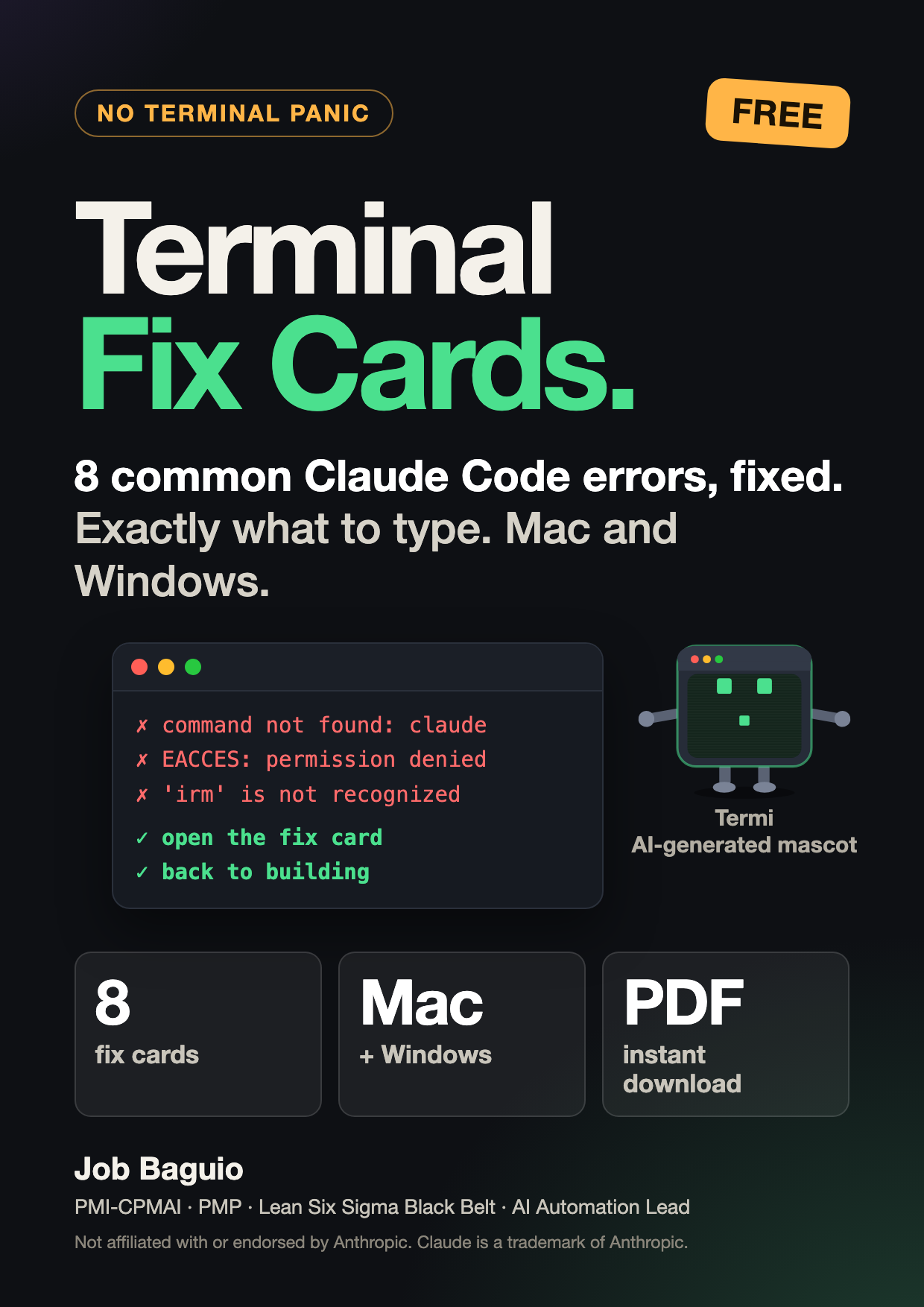
You followed the tutorial, typed the command, and got a wall of red text. These cards cover the 8 errors beginners hit most when setting up and using Claude Code on a work computer, each with what it means in plain English and exactly what to type next.
The 8 cards
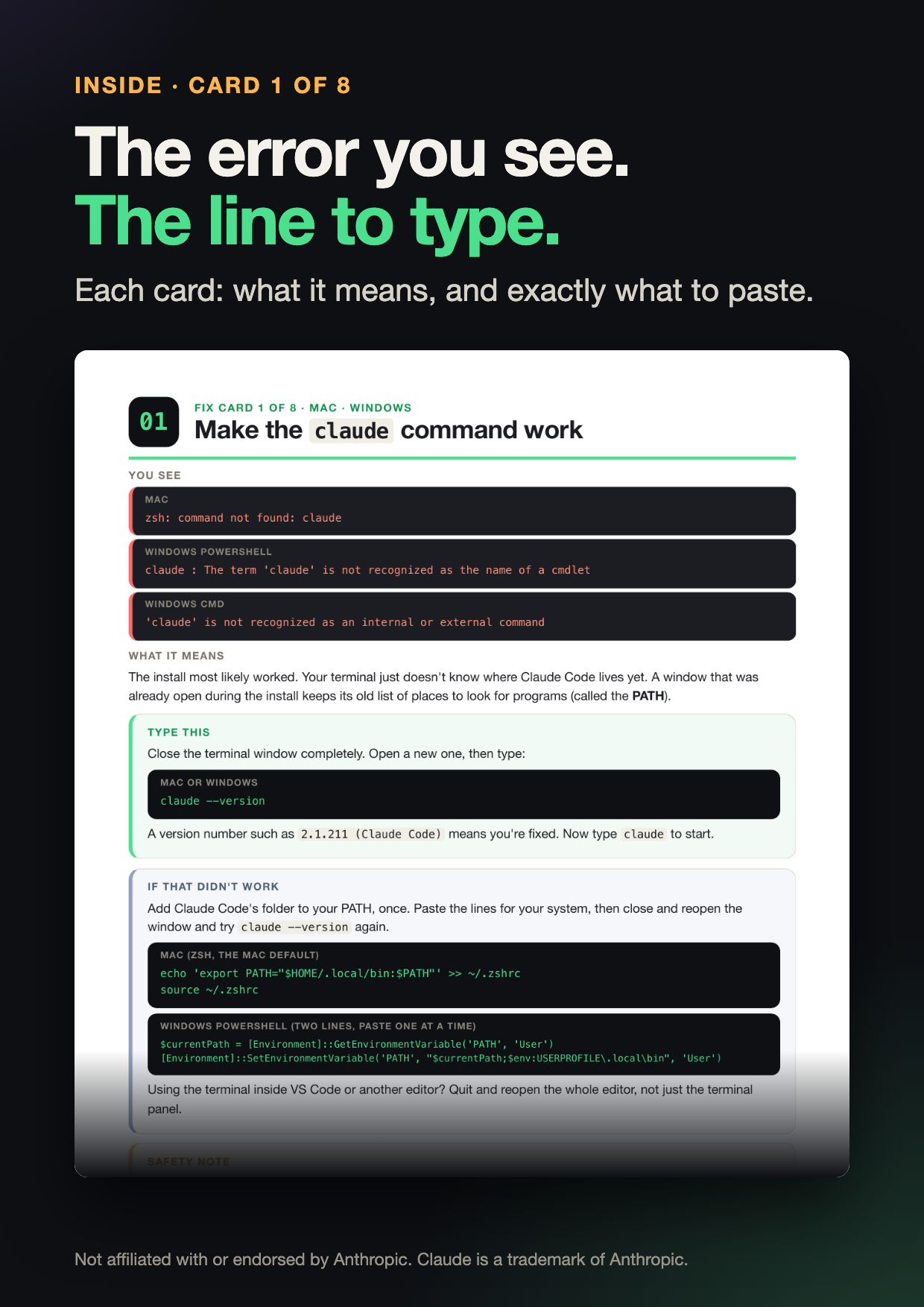
- "command not found: claude"
- Windows: "'irm' is not recognized" (the install line for the wrong window)
- "command not found: brew" (you don't need Homebrew)
- "npm: command not found" or "running scripts is disabled" (install without Node.js or npm)
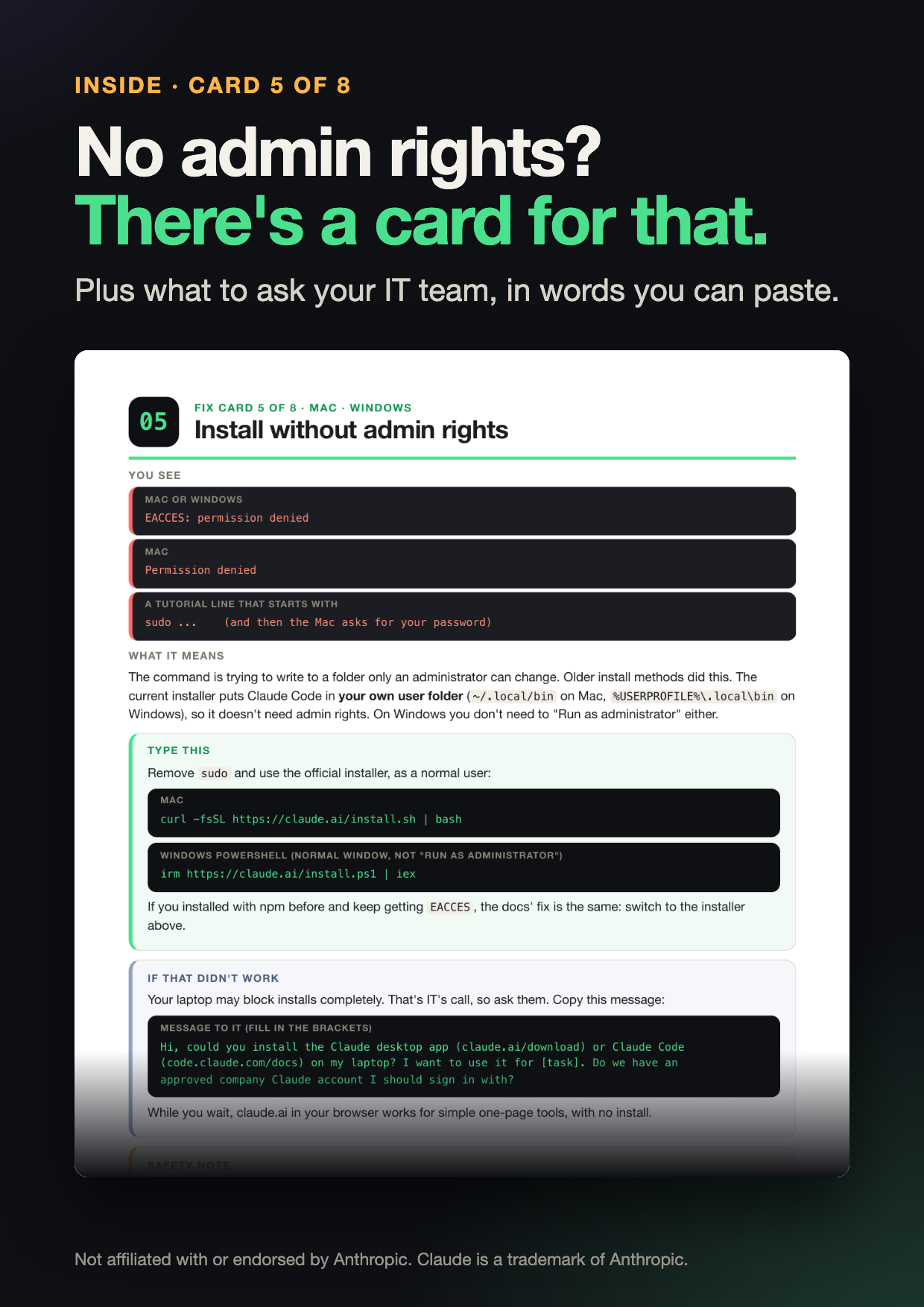
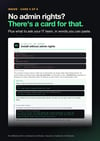
- "EACCES: permission denied" or a tutorial asking for sudo (install without admin rights)
- Company network blocks the install (proxy or certificate errors)
- "Not logged in · Please run /login" (sign in with the right account)
- "You've hit your session limit" (keep going when you hit a limit)
Each card gives you
- The error as you'll see it on screen
- What it means, in plain English
- The exact line to copy and paste, for Mac or Windows
- When to stop and ask your IT team instead
Want the full path from install to your first work tool? The last page has a code for $5 off No Terminal Panic (code FIXCARDS, valid until Dec 3, 2026): payhip.com/b/Puy4M
FAQ
Is it really free? Yes. Enter your email and the PDF downloads right away.
I don't have admin rights on my work laptop. Will this help? Yes. Card 5 shows what you can do without admin rights and what to ask IT for, in words you can paste into a ticket.
Do I need to know how to code? No. You copy one line at a time.
Not affiliated with or endorsed by Anthropic. Claude is a trademark of Anthropic. Always follow your company's IT rules.
