

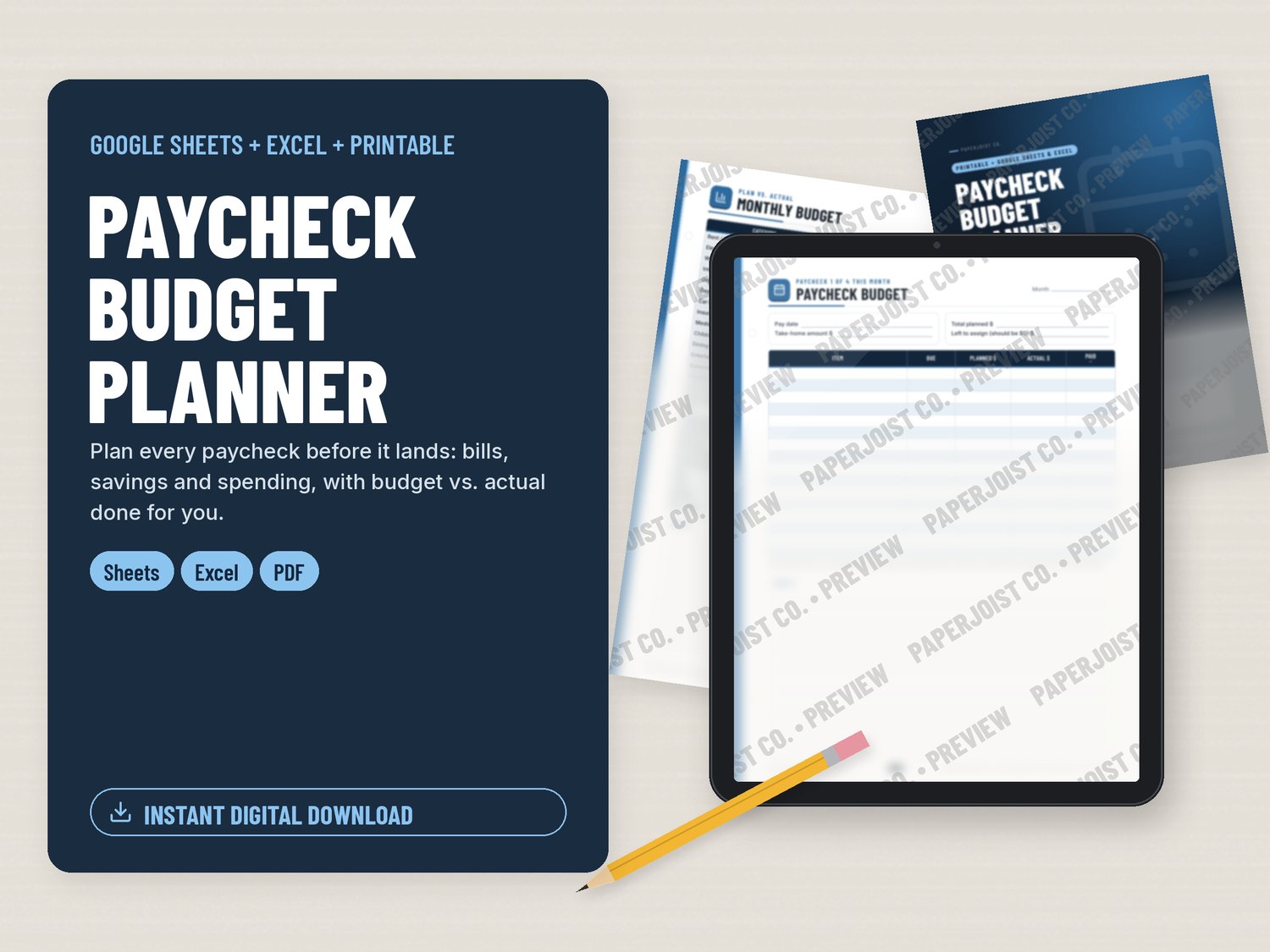
Paycheck Budget Template Google Sheets & Excel | Biweekly Budget Planner Spreadsheet, Bill Tracker
Stop running out of money before the next payday.
When bills and paydays don't line up, money disappears before you know where it went. This planner assigns every bill to the paycheck that covers it, so you see what's left to spend before the money even lands. Made for anyone paid weekly, every two weeks or twice a month.
WHAT YOU GET
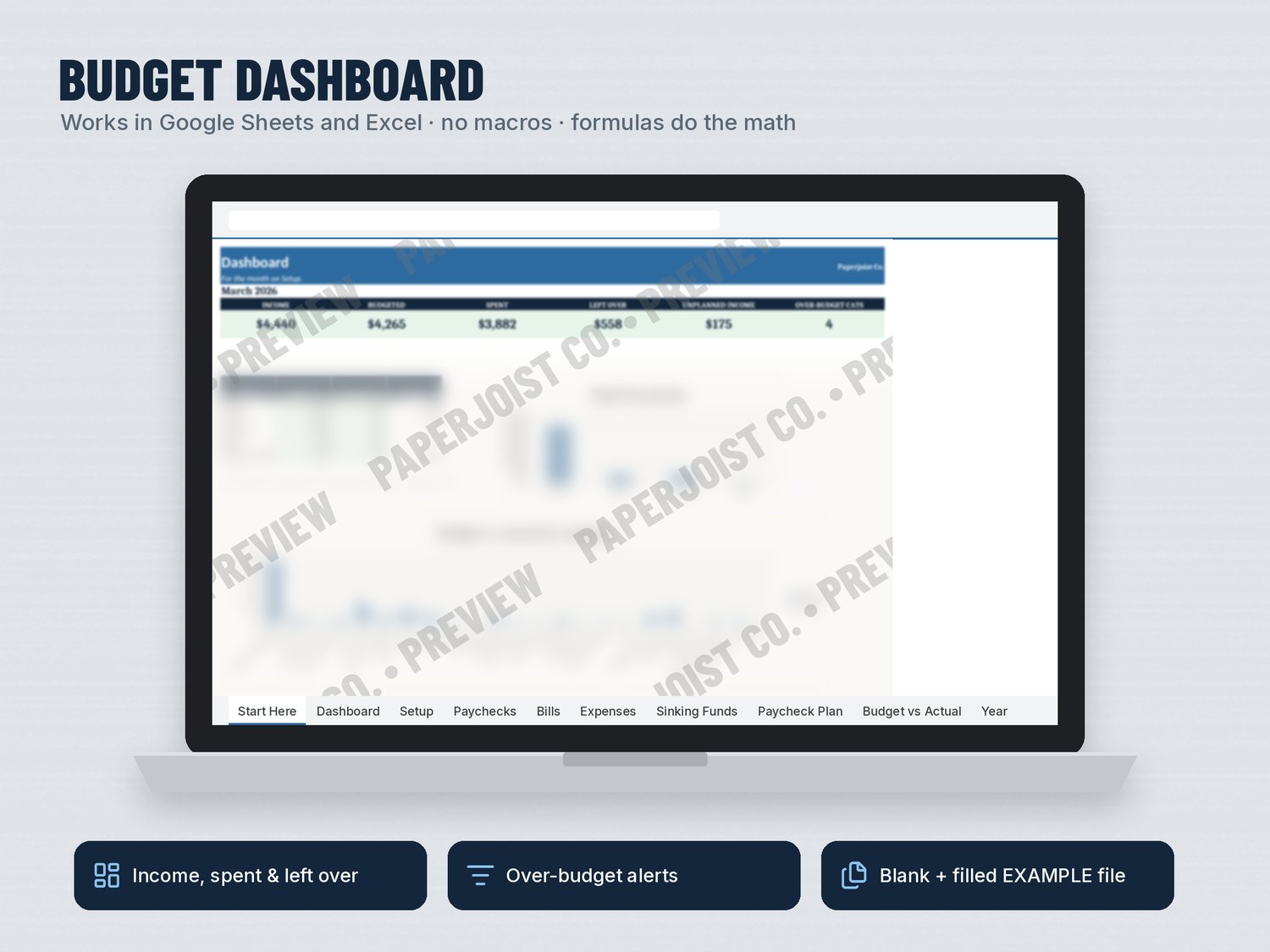
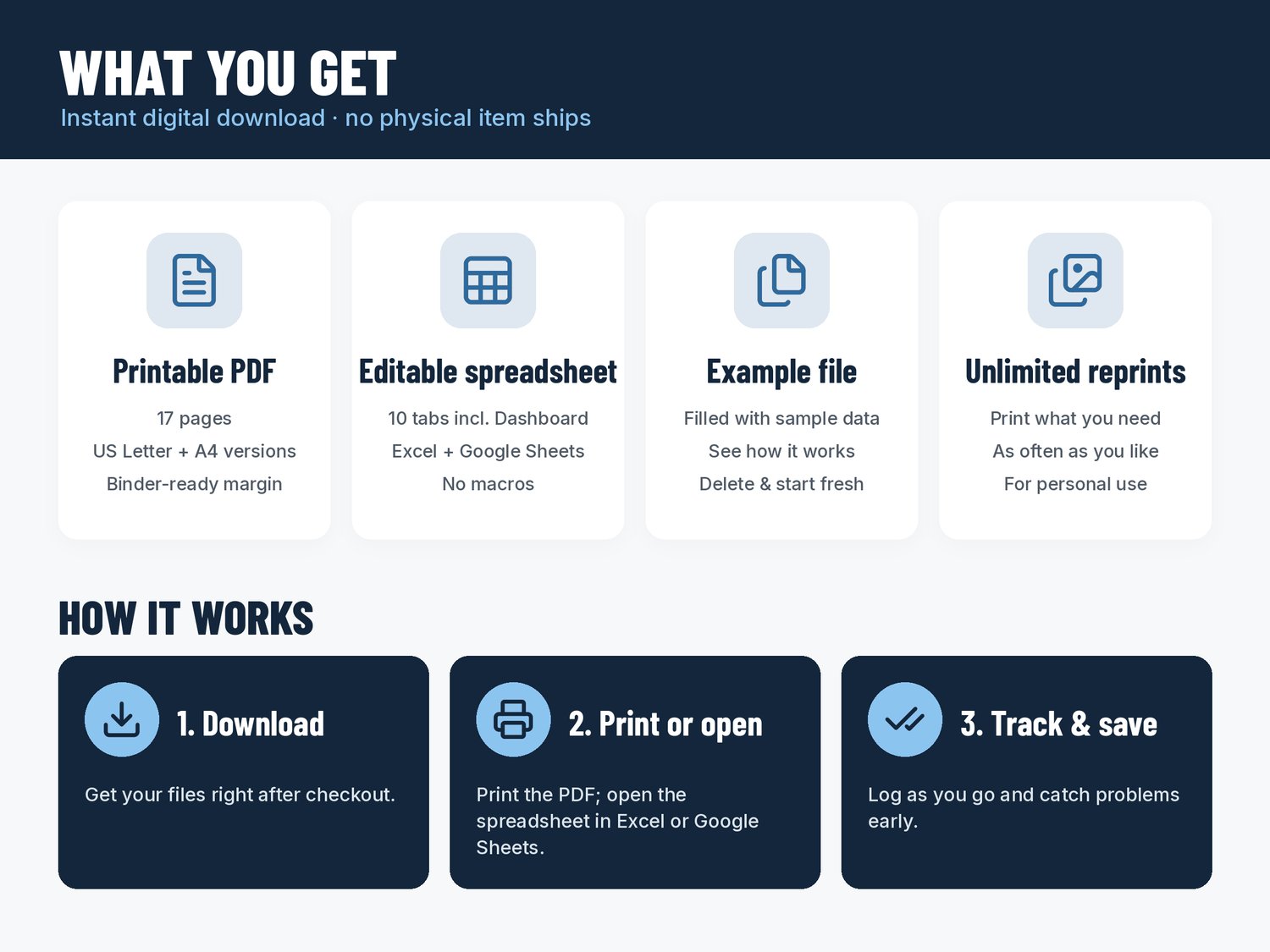
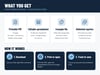
✔ Editable budget spreadsheet for Google Sheets and Excel (10 tabs, no macros)
✔ EXAMPLE copy filled with sample numbers
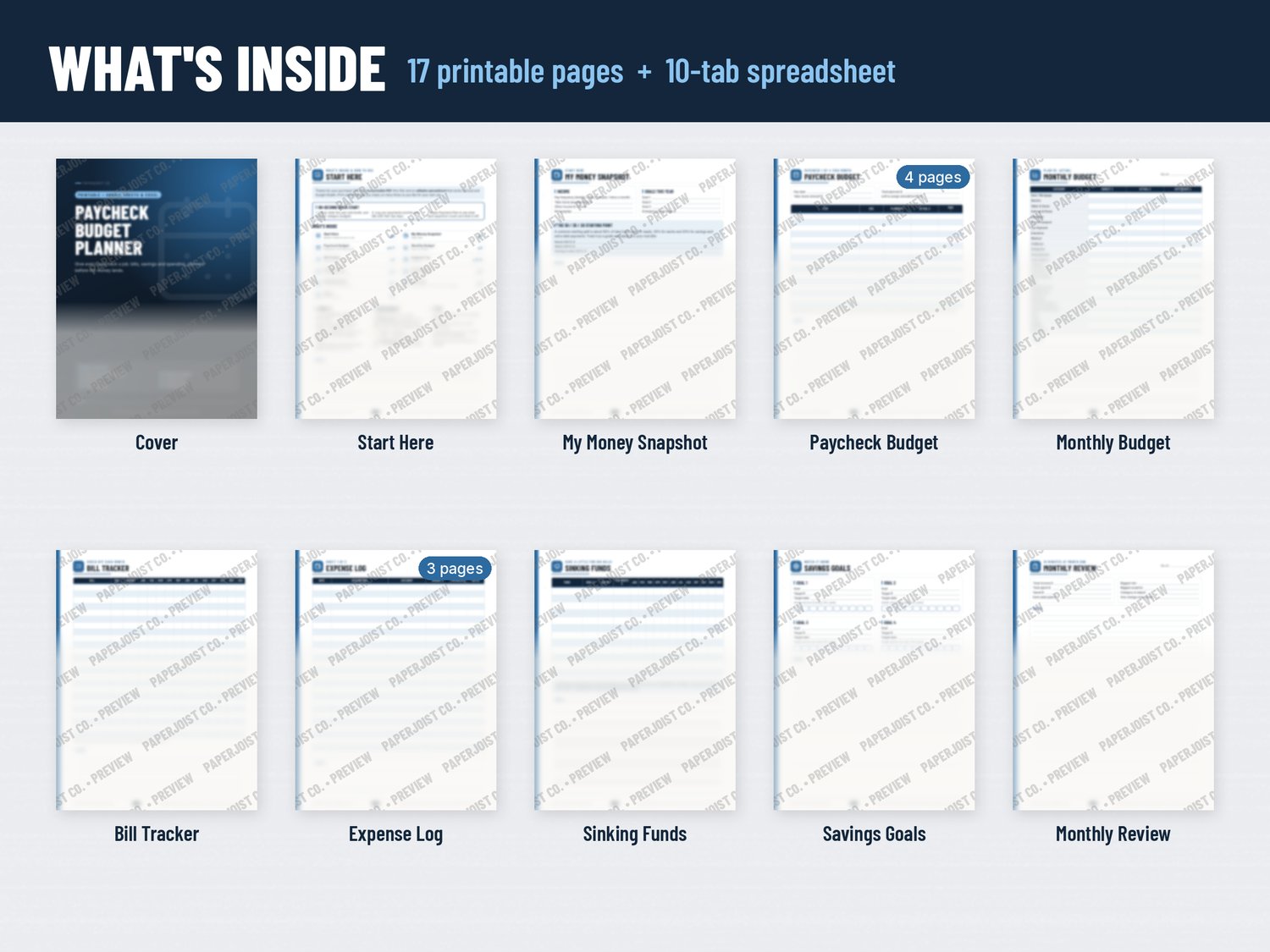
✔ 17-page printable PDF planner (US Letter + A4 versions)
✔ CSV templates for any other spreadsheet or app
SPREADSHEET FEATURES
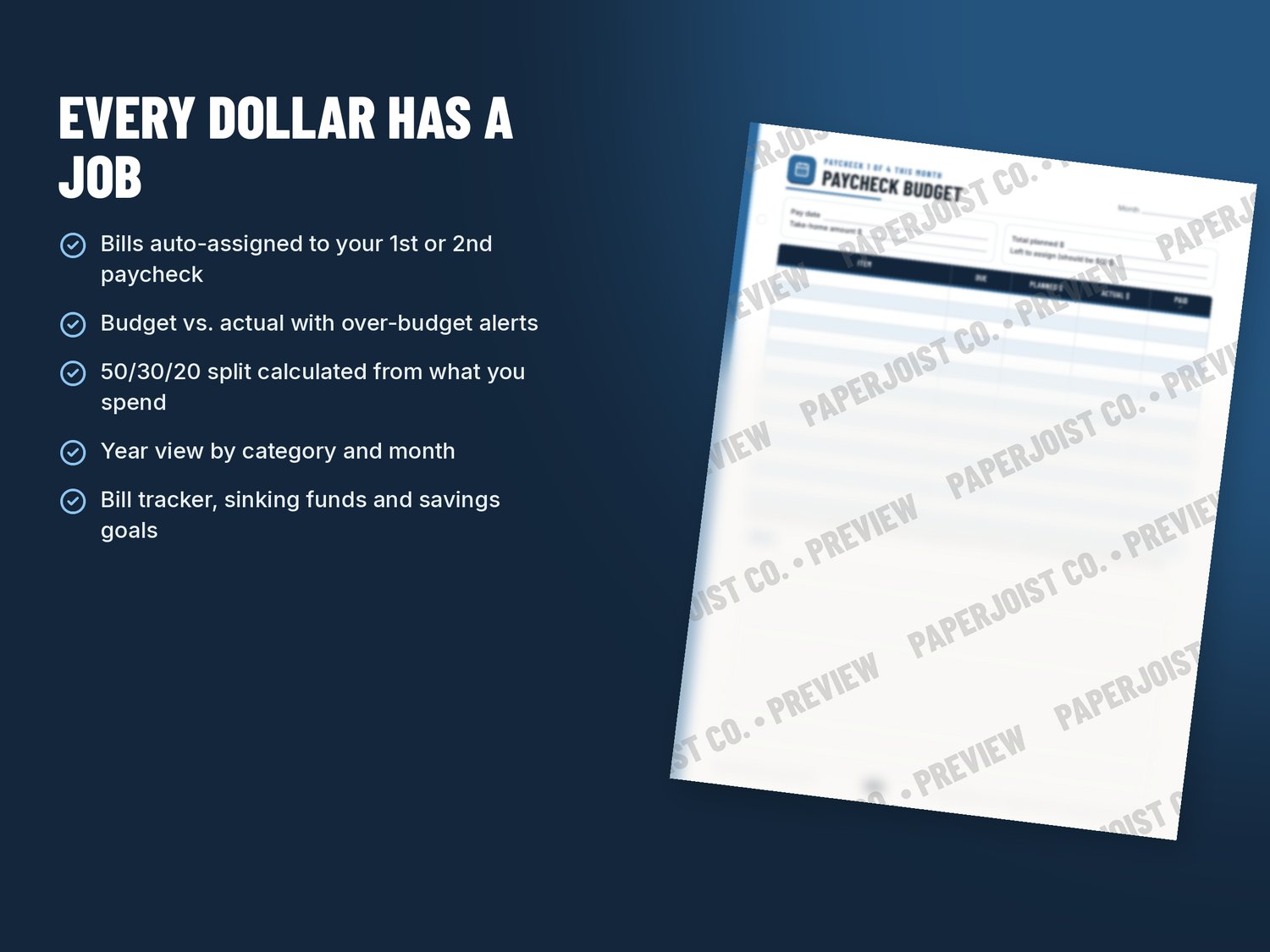
✔ Paycheck Plan: bills are assigned to your 1st- or 2nd-half paycheck by due date, with what's left to spend
✔ Budget vs. actual for any month, with over-budget categories turning red
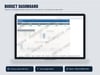
✔ Dashboard: income, budgeted, spent, left over and your real 50/30/20 split
✔ Sinking Funds tab: goal, target date, saved so far, and the amount to save each month, with progress bars
✔ Year view: spending by category and month, with income and leftover
✔ 23 ready categories you can rename, plus 7 spare rows
✔ 1,000-row expense log with category dropdowns
PRINTABLE PAGES
✔ Money snapshot, 4 paycheck budget pages, monthly budget, bill tracker, expense log (3 pages), sinking funds, savings goals, monthly review, plus a blank log and notes page
Instant digital download; nothing ships. US Letter PDF. Planning tool, not financial advice. For personal use; please don't share or resell the files.
Questions or problems? Message us through Payhip and we'll make it right.
Q: What's included?
A: A 17-page printable PDF (US Letter and A4), a blank 10-tab spreadsheet, a filled EXAMPLE copy and CSV templates. Tabs: Start Here, Dashboard, Setup, Paychecks, Bills, Expenses, Sinking Funds, Paycheck Plan, Budget vs Actual and Year.
Q: How does the paycheck plan assign bills?
A: Bills due on days 1-15 are covered by your first-half paycheck and days 16-31 by the second. If a paycheck can't cover its bills it turns red, so you can move a due date or shift savings.
Q: Do I need Excel?
A: No. Upload the .xlsx to Google Drive and open it with free Google Sheets, or use Excel 2016 or newer. No macros.
Q: I get paid every two weeks. Does it work?
A: Yes. Log each paycheck by date; each one counts toward its month and half-month. Months with a third paycheck simply show more income.
Q: Can I change the categories?
A: Yes. Rename, regroup or set budgets on the Setup tab, with 7 spare rows for your own categories. Every tab follows.
Q: Does it link to my bank?
A: No. Nothing connects to your accounts; you type or paste what you spend.
Q: Is this financial advice?
A: No. It's a planning tool. The 50/30/20 split is a common starting guideline, not a rule.
Q: Questions or problems?
A: Message us through Payhip and we'll make it right.
Questions or problems? Message us through Payhip and we'll make it right.
© 2026 Paperjoist Co. All rights reserved. For personal use; not for resale.