

Short-Term Rental Host Income & Expense Tracker – Bookings Log, Occupancy & Nightly Rate by Month, Profit per Property, Turnover Schedule, Dashboard (Excel + Google Sheets)
On Sale
$15.00
$15.00
Organization tool only, not accounting or tax advice.
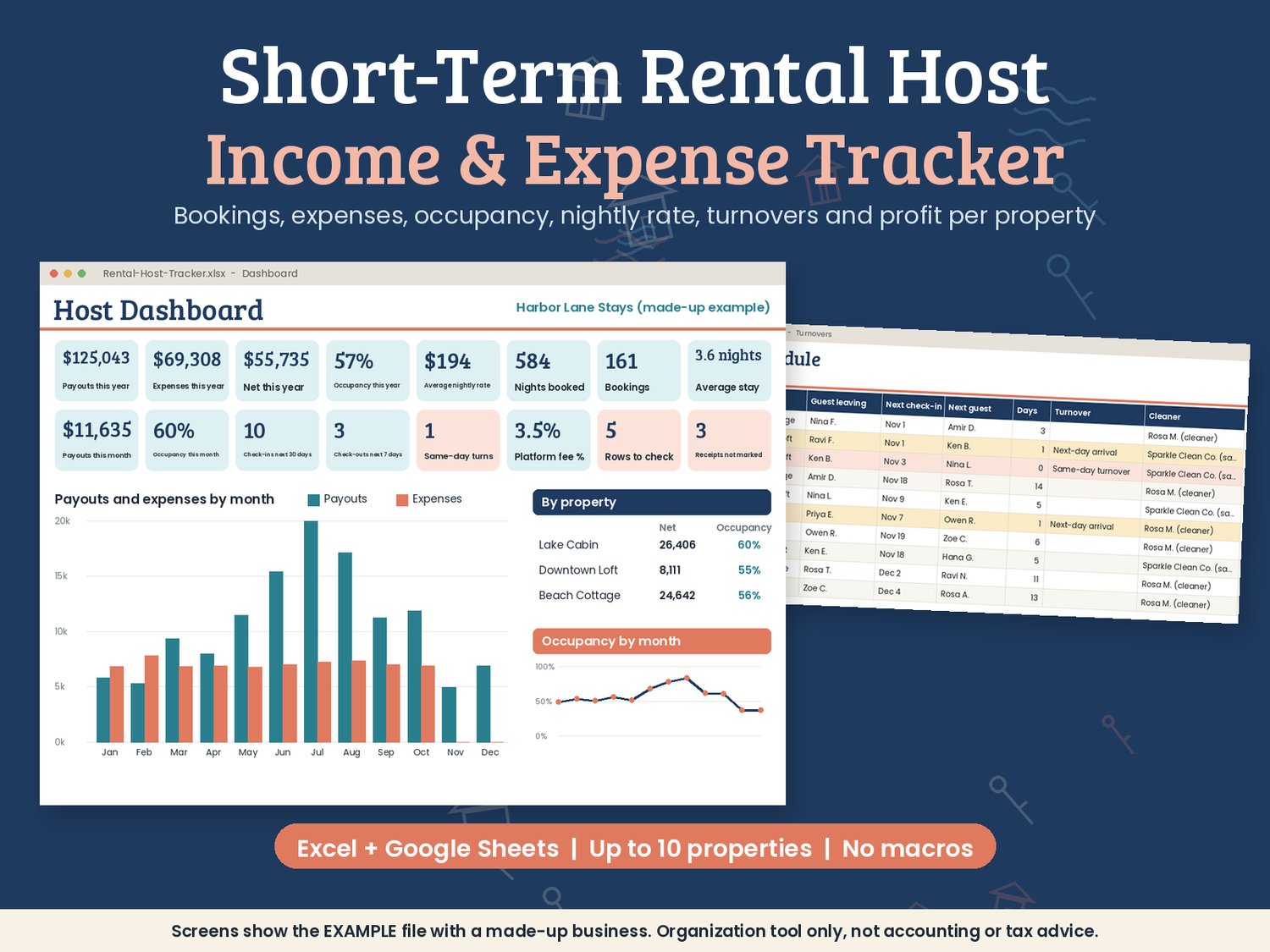
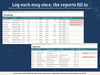
Running one rental or a handful? Log each booking and expense once, and this spreadsheet shows your occupancy, average nightly rate, payouts, expenses and net for every month and every property, plus a turnover schedule you can hand to your cleaner. It works for listings on any platform, and for direct bookings too.
The rental host tracker (Excel + Google Sheets)
- Setup: your name, the year and money symbol, up to 10 properties with a cleaner or contact and optional listing dates, your own booking platforms and channels, and up to 30 expense categories.
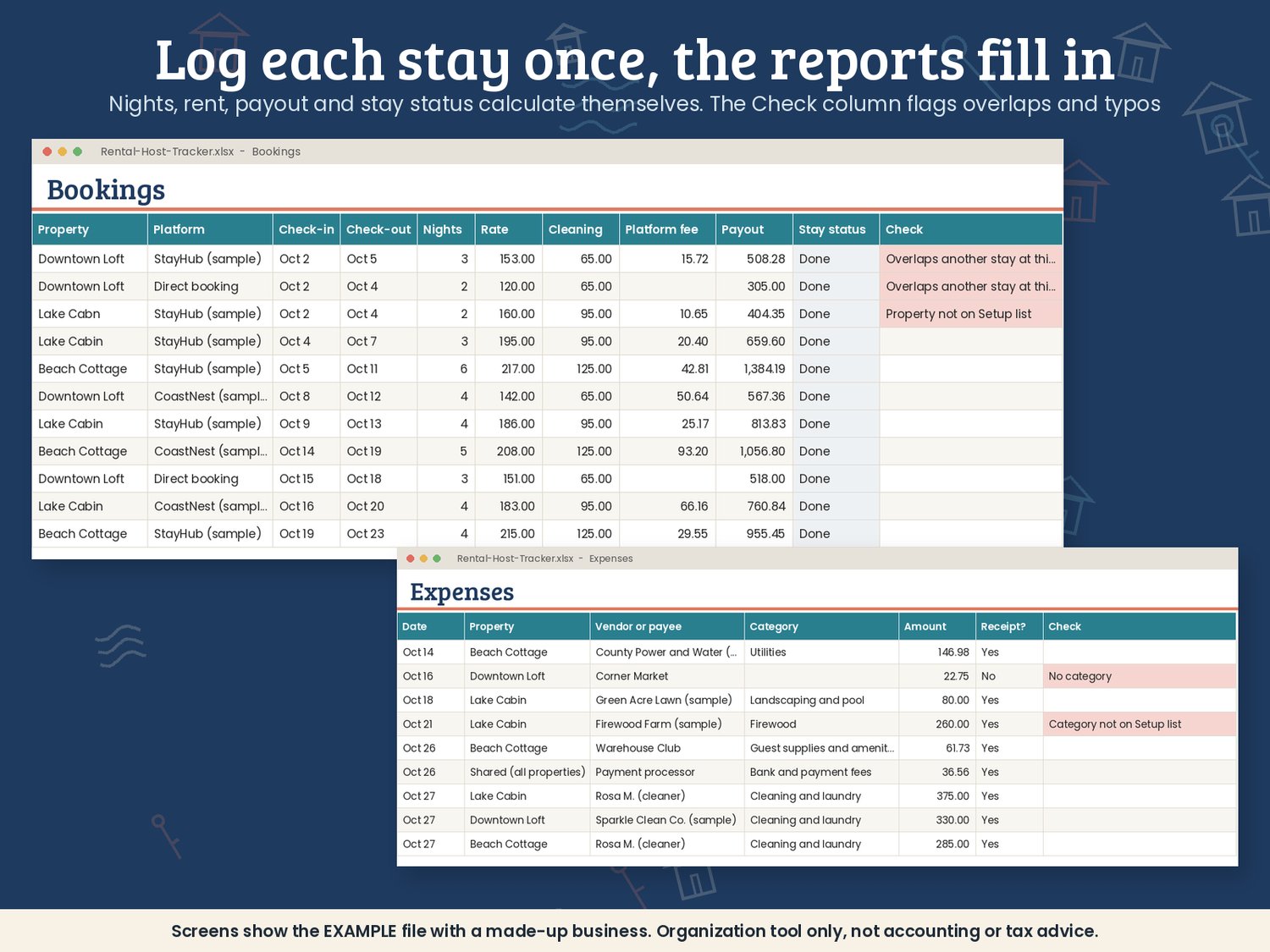
- Bookings log: up to 1,000 reservations with property, platform, guest, number of guests, check-in, check-out, nightly rate, cleaning fee, other guest fees, platform fee and payout. Nights, rent, guest total, payout and stay status (Upcoming, Staying now, Done) fill in by themselves.
- Expense log: up to 1,500 bills and purchases by property and category, or shared across all properties, with a "receipt kept?" column.
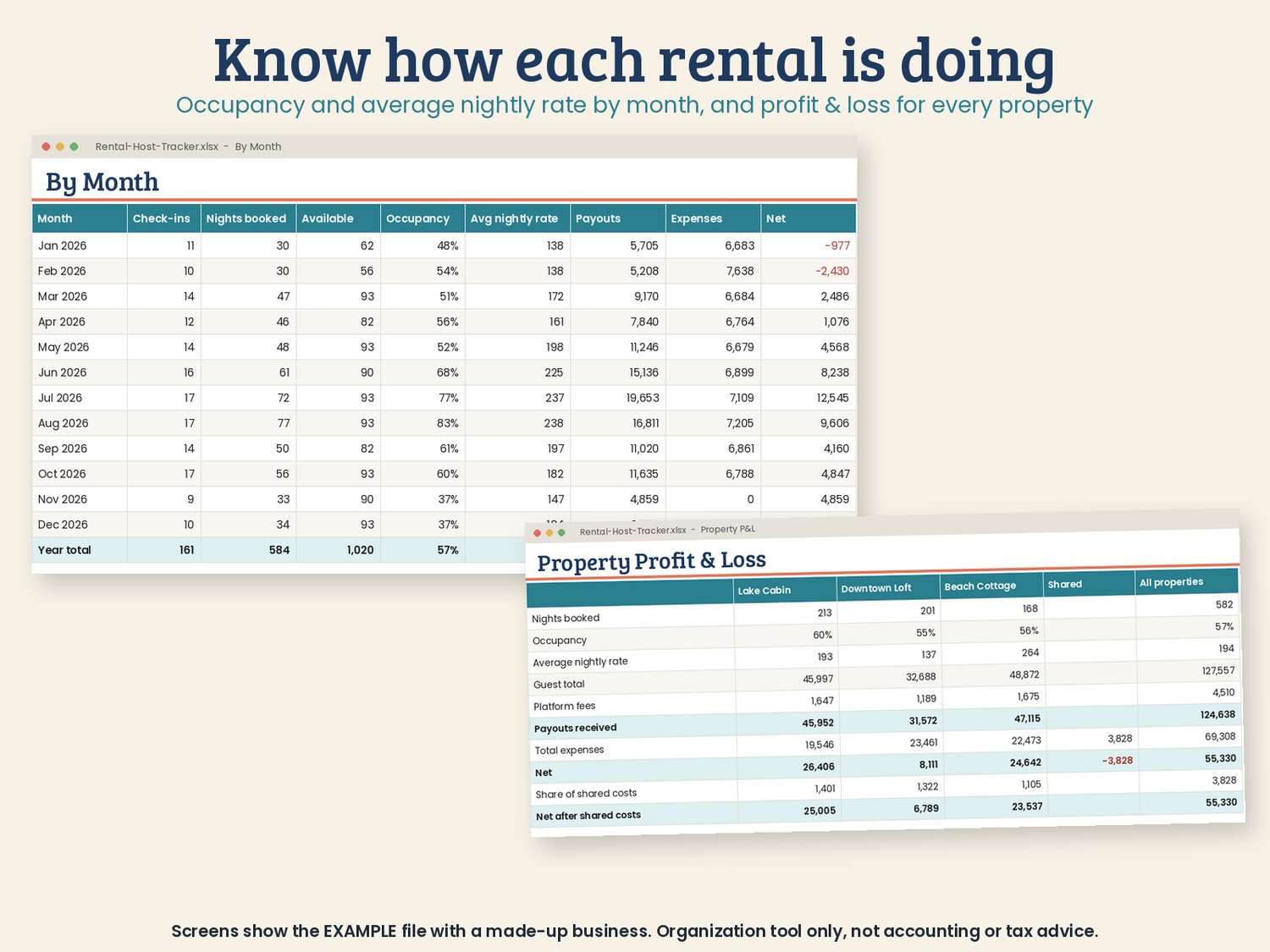
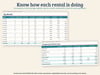
- By month: check-ins, nights booked, nights available, occupancy, average nightly rate, cleaning fees, platform fees, payouts, expenses, net and a running total, plus occupancy and nightly rate for each property.
- Profit & loss per property: each rental side by side, with stays, occupancy, income lines, platform fees, payouts, expenses by category and net. Shared costs are split by nights booked.
- Turnover schedule: the next 40 check-outs with each property's next arrival, the days between and the cleaner. Same-day turnovers and next-day arrivals are highlighted.
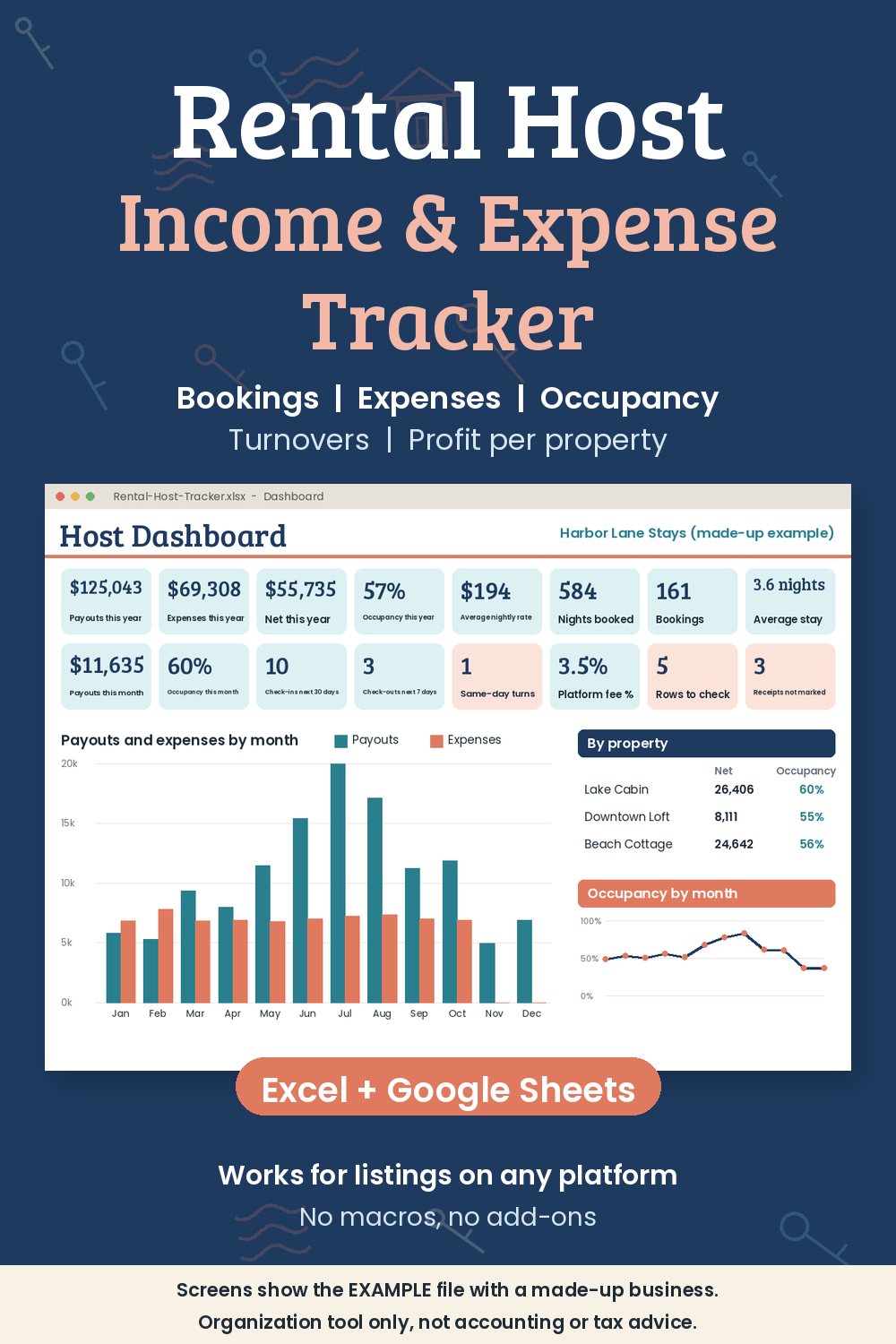
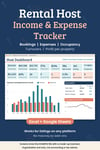
- Dashboard: 16 live numbers (payouts, expenses, net, occupancy, average nightly rate, check-ins in the next 30 days, same-day turnovers and more), tables by month, property and platform, your biggest expense categories and three charts.
- Owner stays and cancellations: blocked nights don't count against your occupancy, and cancelled bookings free up their nights.
- Row checks: each log flags rows that need a look, such as overlapping stays at the same property, a property name with a typo or a missing category.
- Blank file plus a filled-in example with three made-up rentals, so you can see every feature working.
Good to know
- Works in Excel 2010 or newer (Windows, Mac, web), Google Sheets (upload, then File → Save as Google Sheets) and LibreOffice. No macros, no add-ons, no sign-ups.
- Clear color coding: teal headers are for typing, grey headers are calculated.
- Not connected to any booking platform; you type or paste your bookings in.
- Instant digital download. Nothing is shipped.
- Your information stays in your own file. Nothing is sent anywhere.
- This is a record-keeping workbook. It does not give accounting or tax advice. For questions about taxes or local rental rules, please talk to a qualified professional.
License: use it for your own rentals, with as many copies as your own business needs. Please don't resell, share or give away the file.
Refunds: because this is a digital download, sales are final. If a file won't open or something is broken, contact me through the link in your receipt and I'll fix it or refund you.