
Prepaid Session Tracker Spreadsheet for Lesson and Class Packages
A simple workbook for counting prepaid lessons, classes and sessions, client by client.
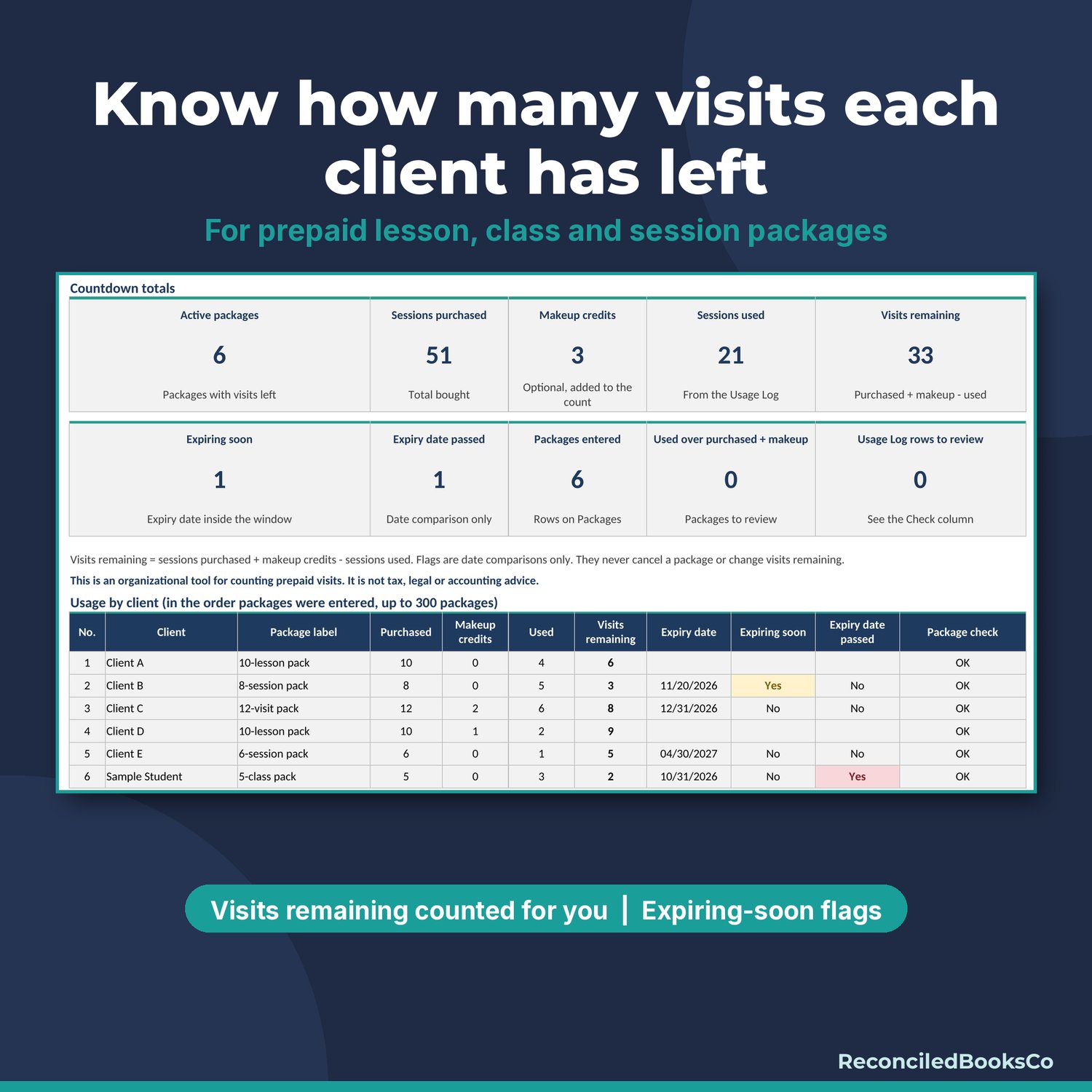
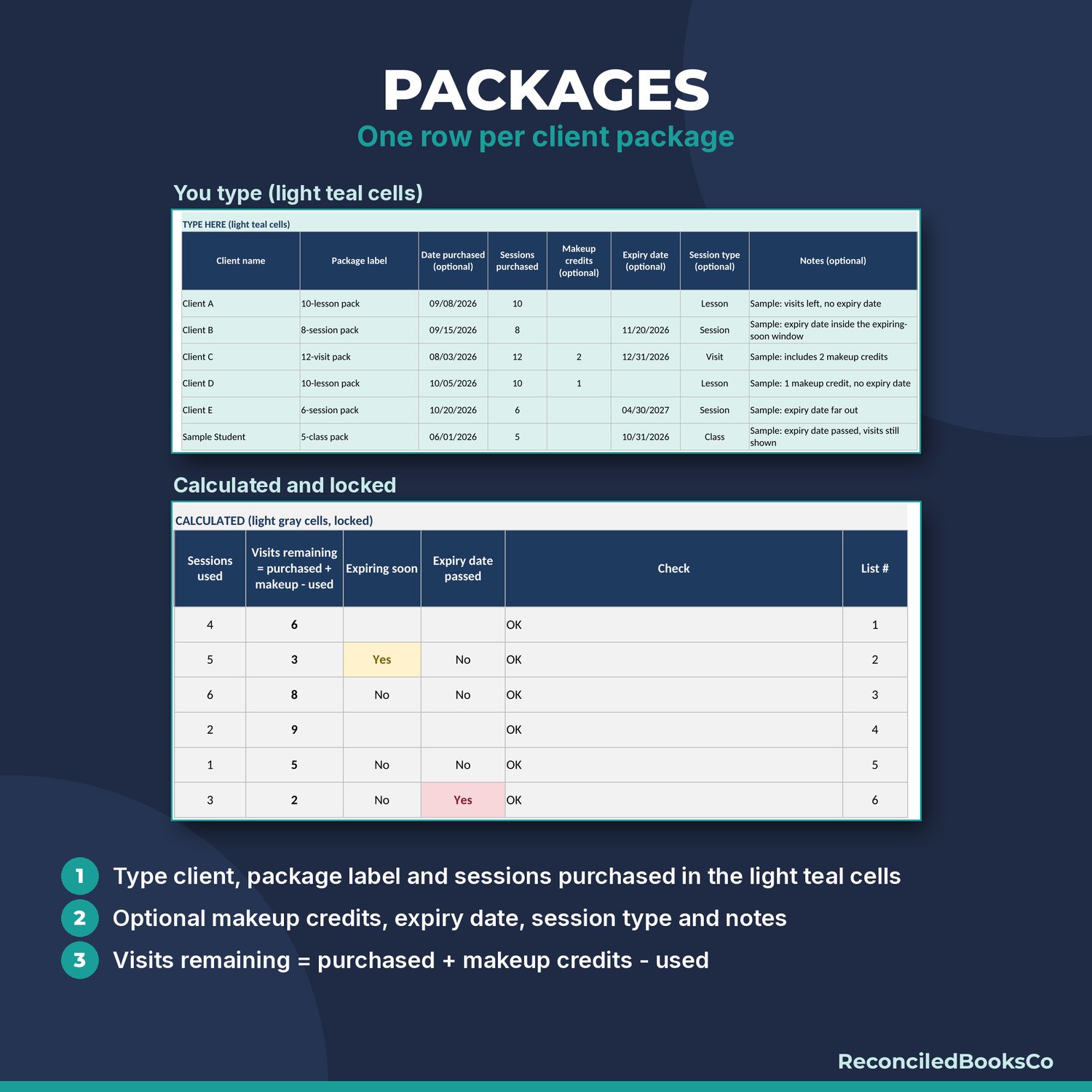
Enter what each client bought and each visit they use, and the workbook shows the visits left for each one.
Who it's for: tutors, music teachers, personal trainers, life coaches, nail techs and anyone else who sells prepaid packages.
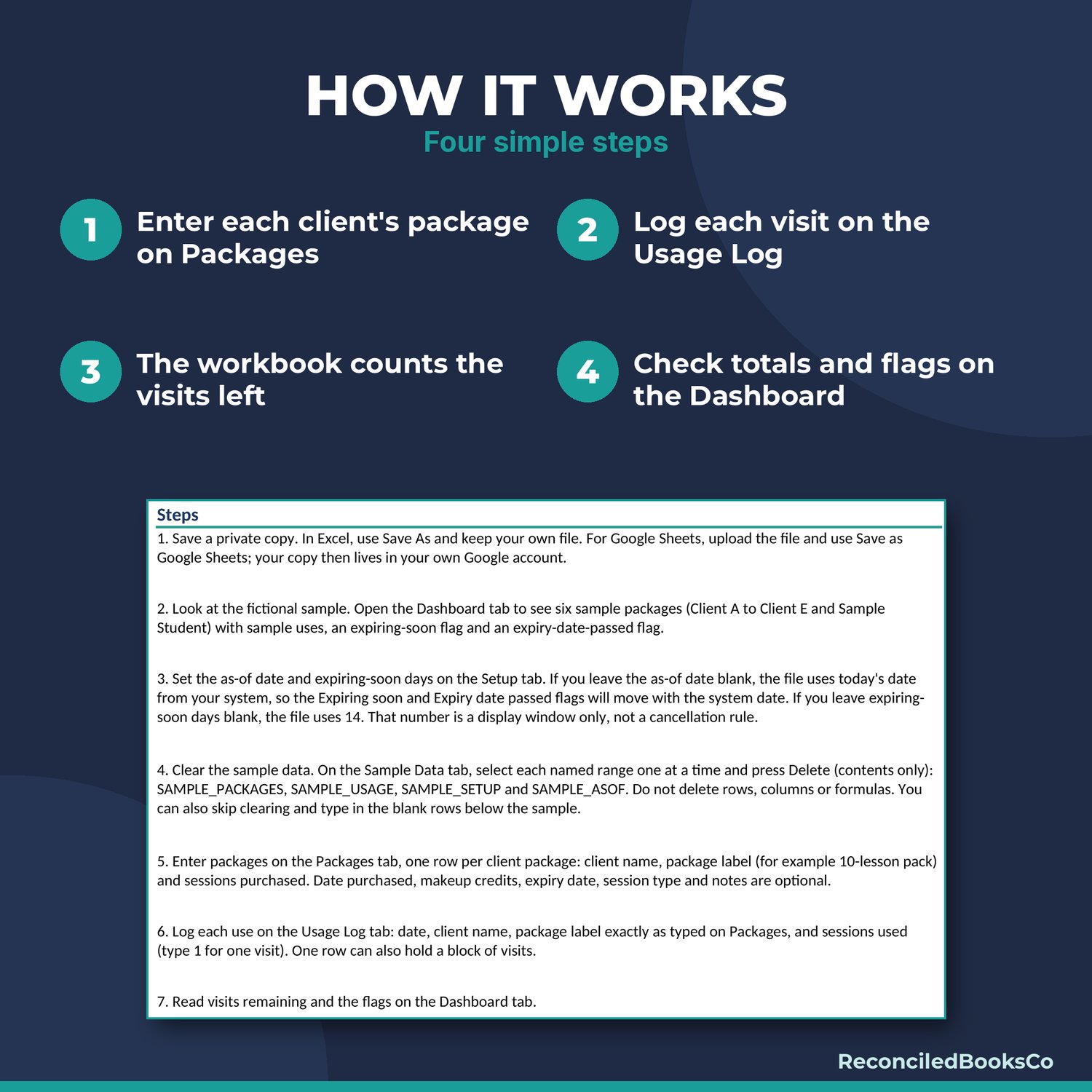
How it works
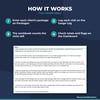
Download the workbook and enter each client's package and each visit they use. The workbook counts the visits left. There is no account with us and no client portal. The file does not send notifications.
What it tracks
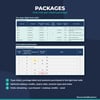
• Sessions purchased for each client package
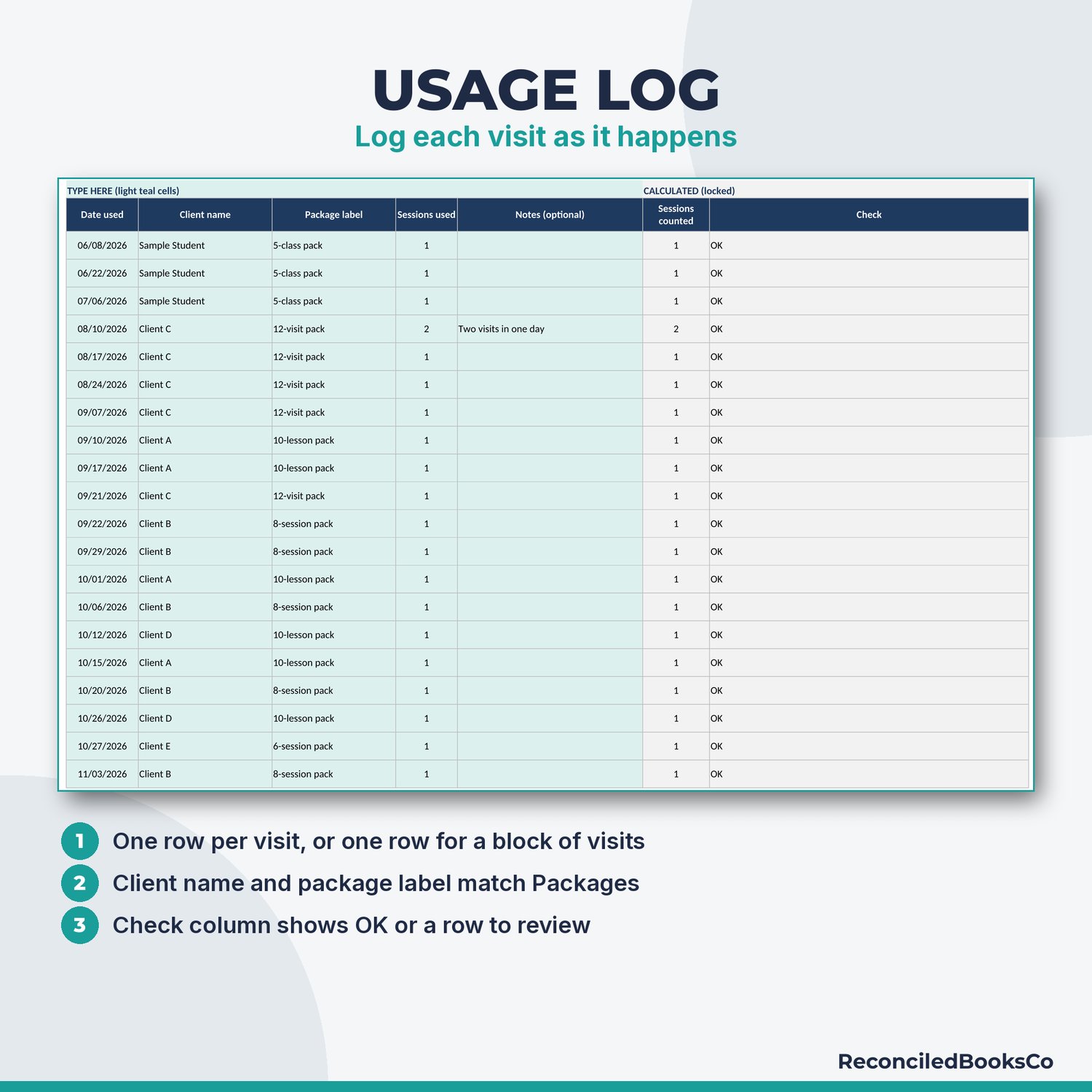
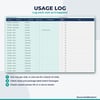
• Each visit used, in the Usage Log
• Visits remaining, worked out for you
• Optional makeup credits, added to the count
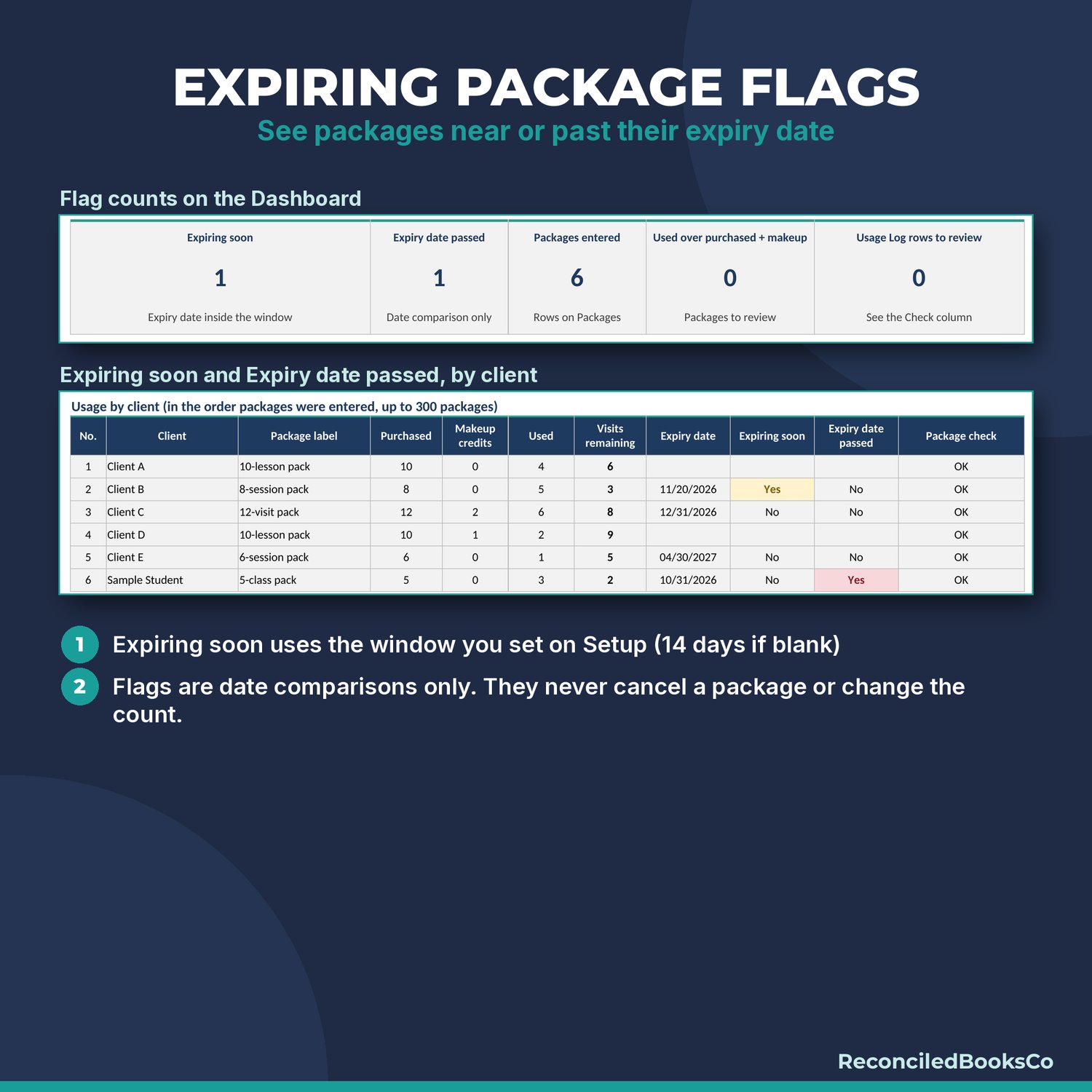
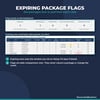
• Optional expiry dates, with an "Expiring soon" flag and an "Expiry date passed" flag
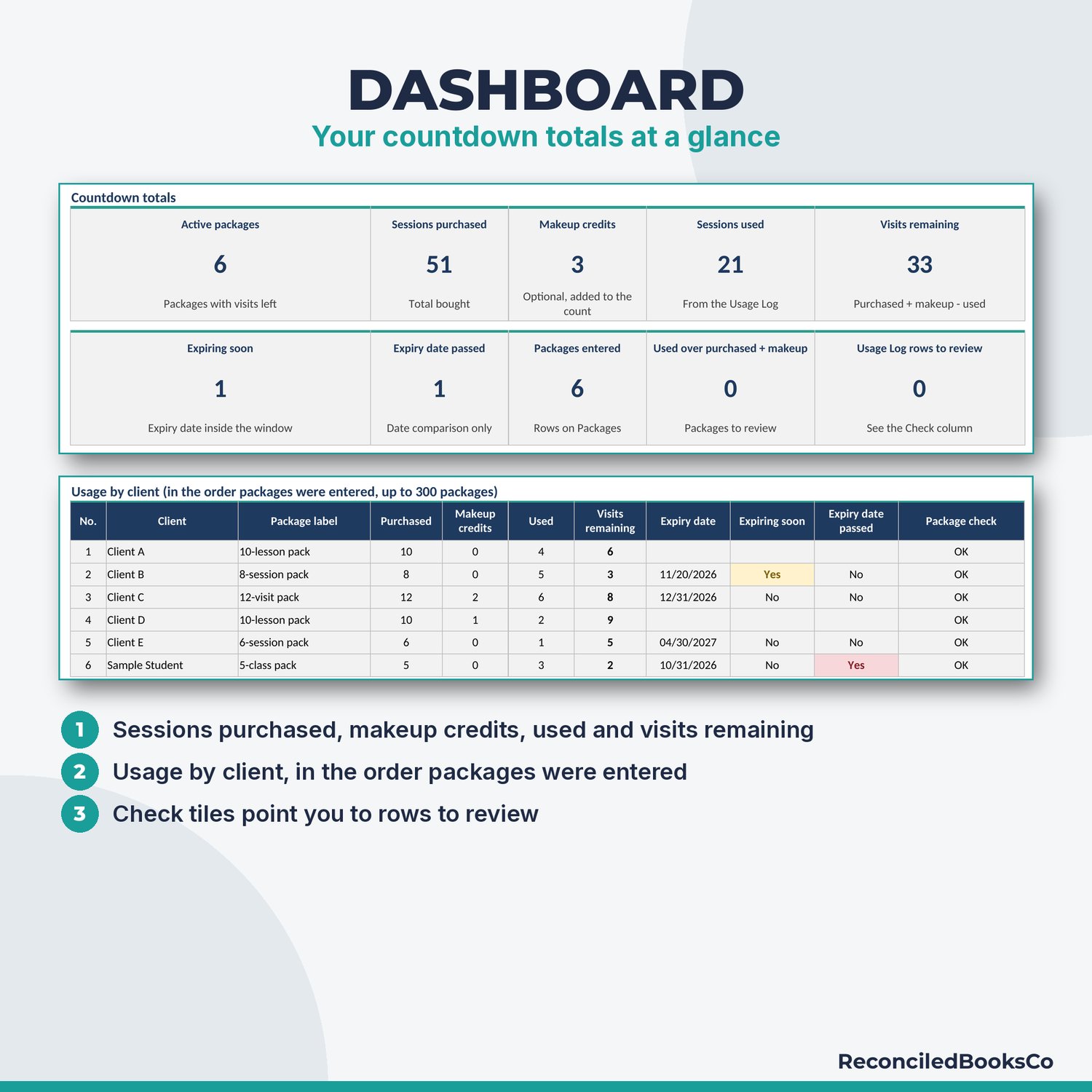
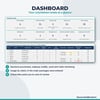
• Usage by client, in a table on the Dashboard
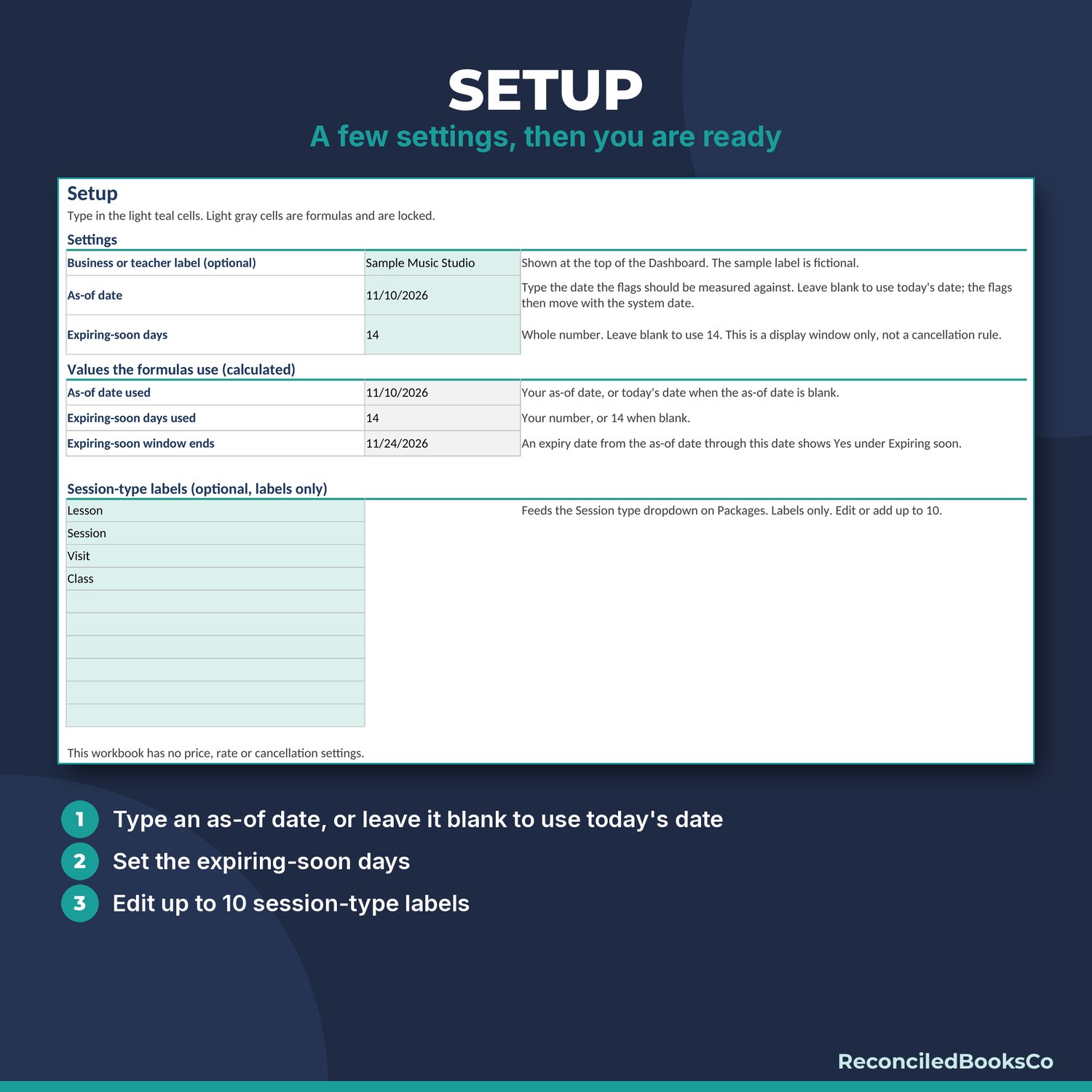
The Dashboard opens first. Light teal cells are for typing. Formulas are locked, with no password.
This is a spreadsheet workbook, not an app. It does not create invoices, quotes or bills, track billable hours, keep a client follow-up list or schedule appointments.
Specs
Format: .xlsx workbook, plus a Google Sheets copy through the link in the included PDF
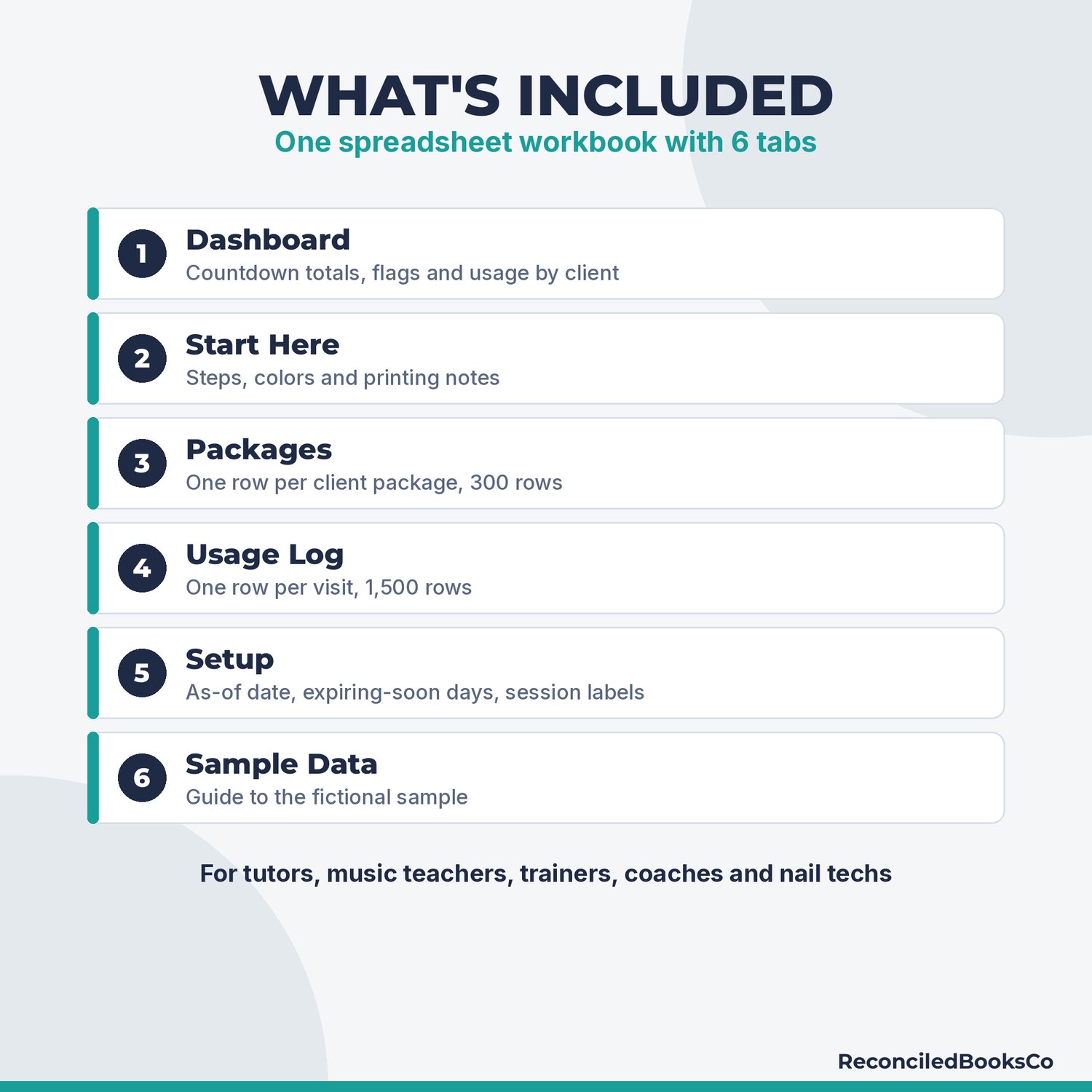
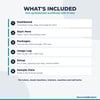
Tabs: 6 (Dashboard, Start Here, Packages, Usage Log, Setup, Sample Data)
Room: 300 package rows and 1,500 visit rows
Google Sheets: import tested
Devices: any device that can open an .xlsx workbook, or a browser signed in to your Google account for the Sheets copy
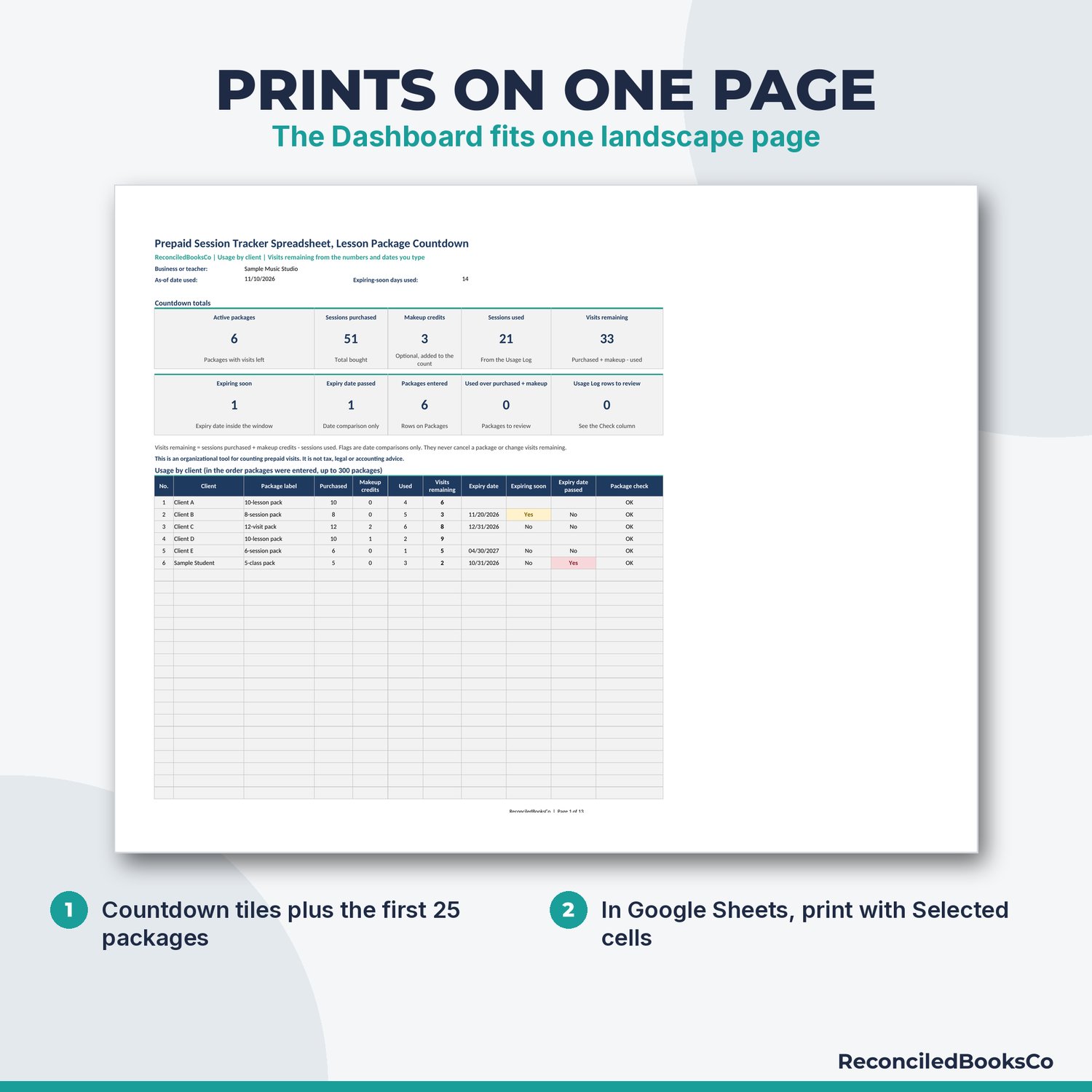
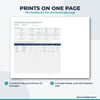
Printing: the Dashboard prints the totals and the first 25 packages on one landscape Letter page, in small text
Workbook size: about 333 KB
Delivery: instant digital download (one .zip file). Nothing ships.
What's included (2 files in the .zip)
• The .xlsx workbook with 6 tabs
• A 1-page PDF with a Google Sheets "Make a copy" link
Questions
How does it count visits left?
Visits remaining is sessions purchased plus makeup credits, minus sessions used. A blank makeup cell counts as zero.
What do the expiry flags do?
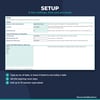
They compare the expiry date you enter with the as-of date. The "Expiring soon" window is 14 days unless you change it on the Setup tab. The flags do not cancel a package or change the count. What happens after a date is up to you.
How do I use it in Google Sheets?
Open the PDF, sign in to your Google account and click the link. Choose "Make a copy". The copy saves to your own Google Drive. To print from Sheets, select the cells you want, then choose Print and Selected cells.
What if I run out of rows?
Start a new copy of the workbook. Each copy holds 300 packages and 1,500 visits.
License: for personal use or use in your own business, church or organization. Please don't resell, share or redistribute the file.
Please note
This is an organizational tool for counting prepaid visits. It is not tax, legal or accounting advice.
This is a digital download. No physical item will be shipped.
Built by ReconciledBooksCo, a small shop run by an experienced accountant.