
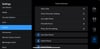
PrimeAtl Blackmagic App Presets
On Sale
$50.00
$50.00
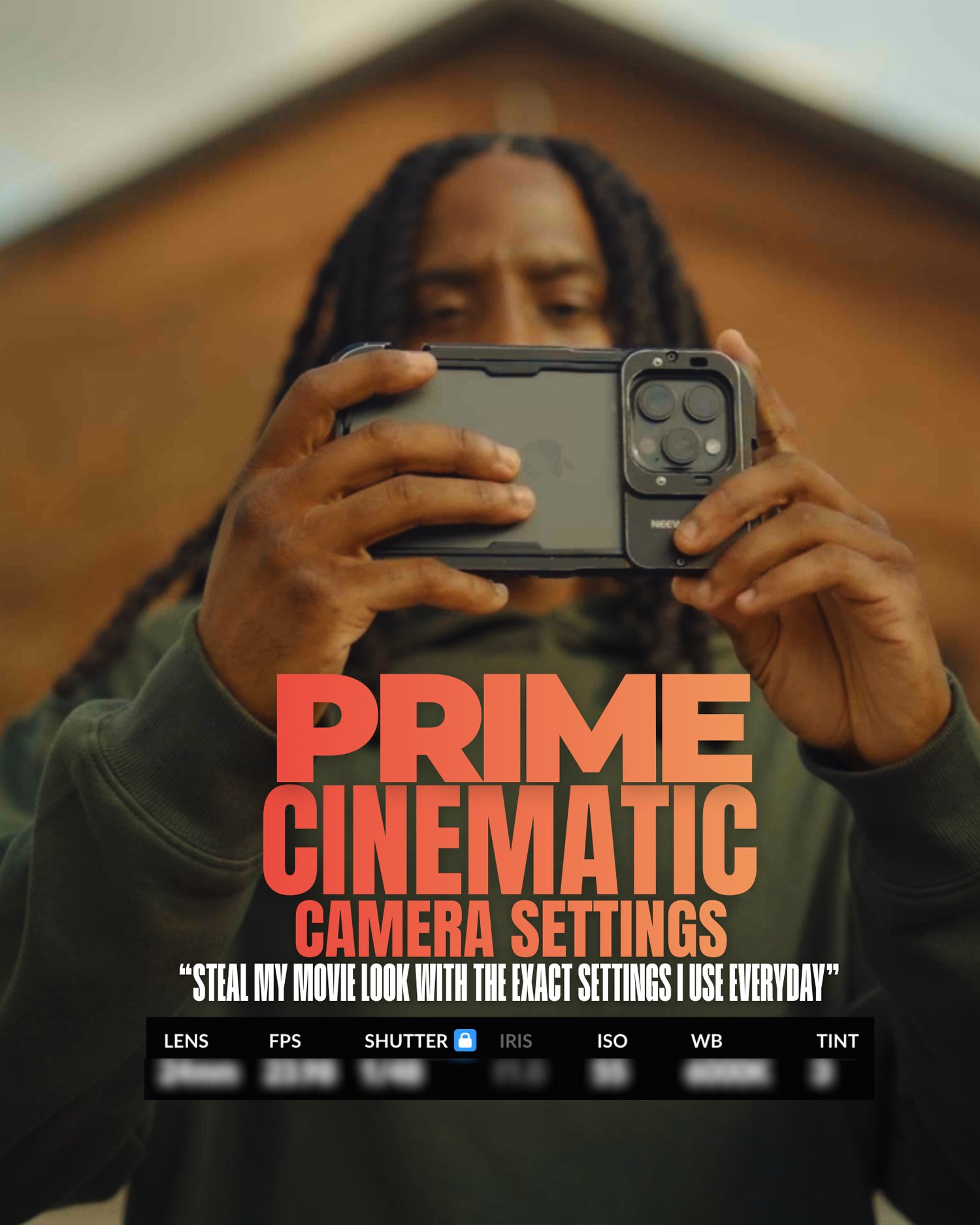
PrimeAtl Cinematic Camera Settings
for the Blackmagic Camera App
Includes the exclusive PrimeAtl “Suspense” LUT
This Turns your phone into a cinema camera.
This cinematic camera settings pack is built specifically for the Blackmagic Camera App, giving you PrimeAtl’s exact exposure, color, and motion approach—plus his signature Suspense LUT, designed to add mood, contrast, and emotion straight out of camera.
These are the same principles PrimeAtl uses to create movie-level visuals, suspenseful tones, and rich cinematic depth—now optimized for mobile filmmakers, content creators, and storytellers who want a true film look without guessing settings.
What’s Included
- PrimeAtl Cinematic Camera Settings (Blackmagic Camera App)
- PrimeAtl “Suspense” LUT (Exclusive)
- Optimized settings for:
- Cinematic motion
- Natural highlight roll-off
- Moody shadows
- Film-style contrast & color depth
- 📱 Beginner-friendly, but pro-approved
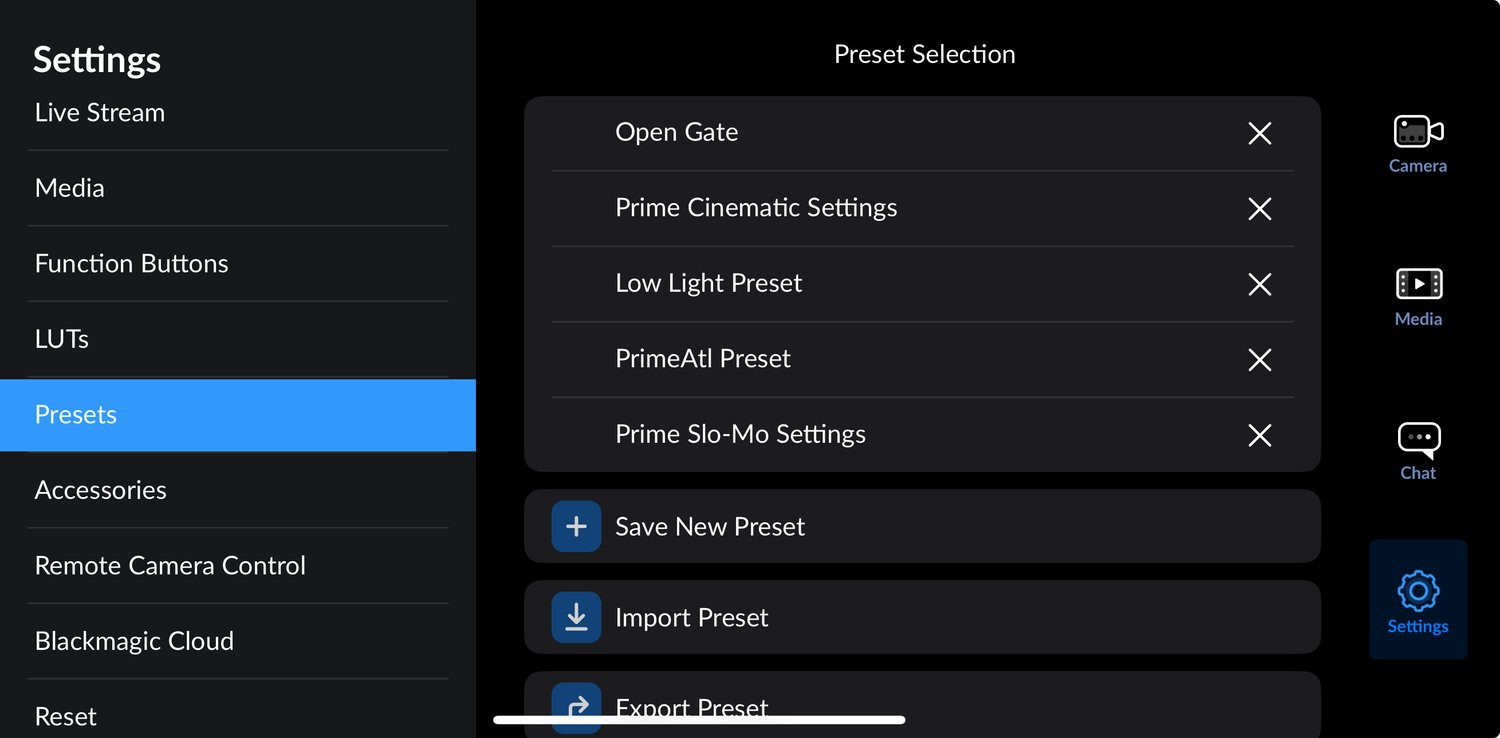
⚙️ How to Import the Settings (Blackmagic Camera App)
- Open the Blackmagic Camera App
- Go to Settings
- Tap Presets / Camera Profiles
- Select Import
- Choose the PrimeAtl Camera Settings file
- Apply the preset
Your camera is now dialed in with PrimeAtl’s cinematic setup.
How to Import the Suspense LUT
- Open the Blackmagic Camera App
- Go to LUTs / Color
- Tap Import LUT
- Select the PrimeAtl Suspense LUT (.cube)
- Enable LUT while recording or apply in post
💡 Pro Tip: Shoot in a flat/log profile for best results.
Who This Is For
- Mobile filmmakers
- Music Artist that want to film their own content
- Cinematic content creators
- Storytellers & videographers
- Anyone tired of guessing camera settings
- Creators who want a movie look instantly