
Ultimate DSE Assessment Register
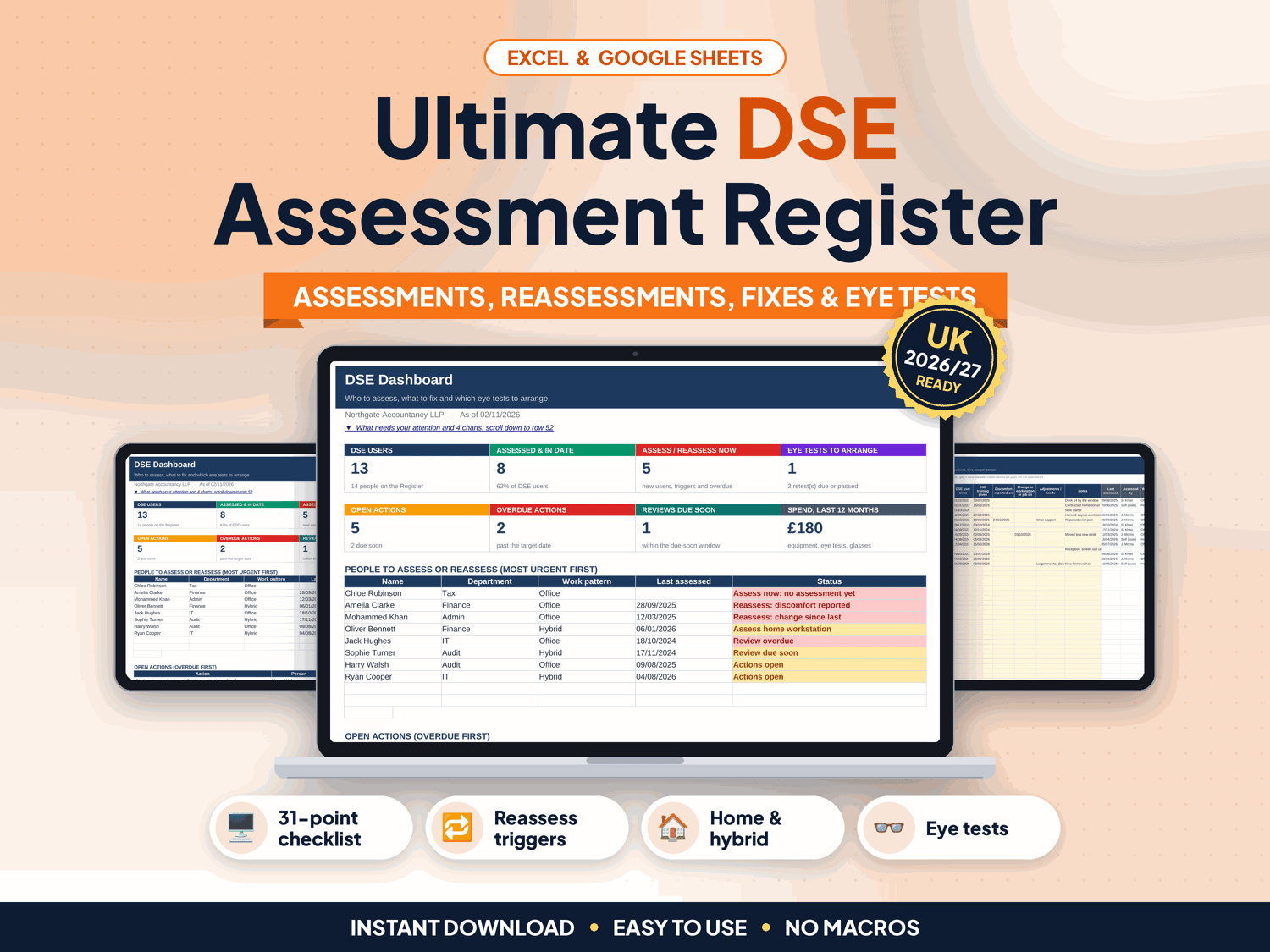
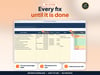
Someone reports a sore wrist, two people now work from home three days a week, and a new starter joined on Monday. Who needs a DSE assessment now, which fixes are still open, and who asked for an eye test? This register answers all three on one screen.
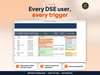
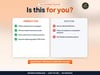
Made for UK offices, practices and teams with display screen equipment users, including home and hybrid workers. Add one row per person, log each workstation assessment and every fix, and the register works out who to assess or reassess, which actions are overdue and which eye test requests are still waiting.
▶ Easy Start Here guide included – video tutorial coming to our YouTube channel
Works in Microsoft Excel and Google Sheets, with no macros.
What it does for you
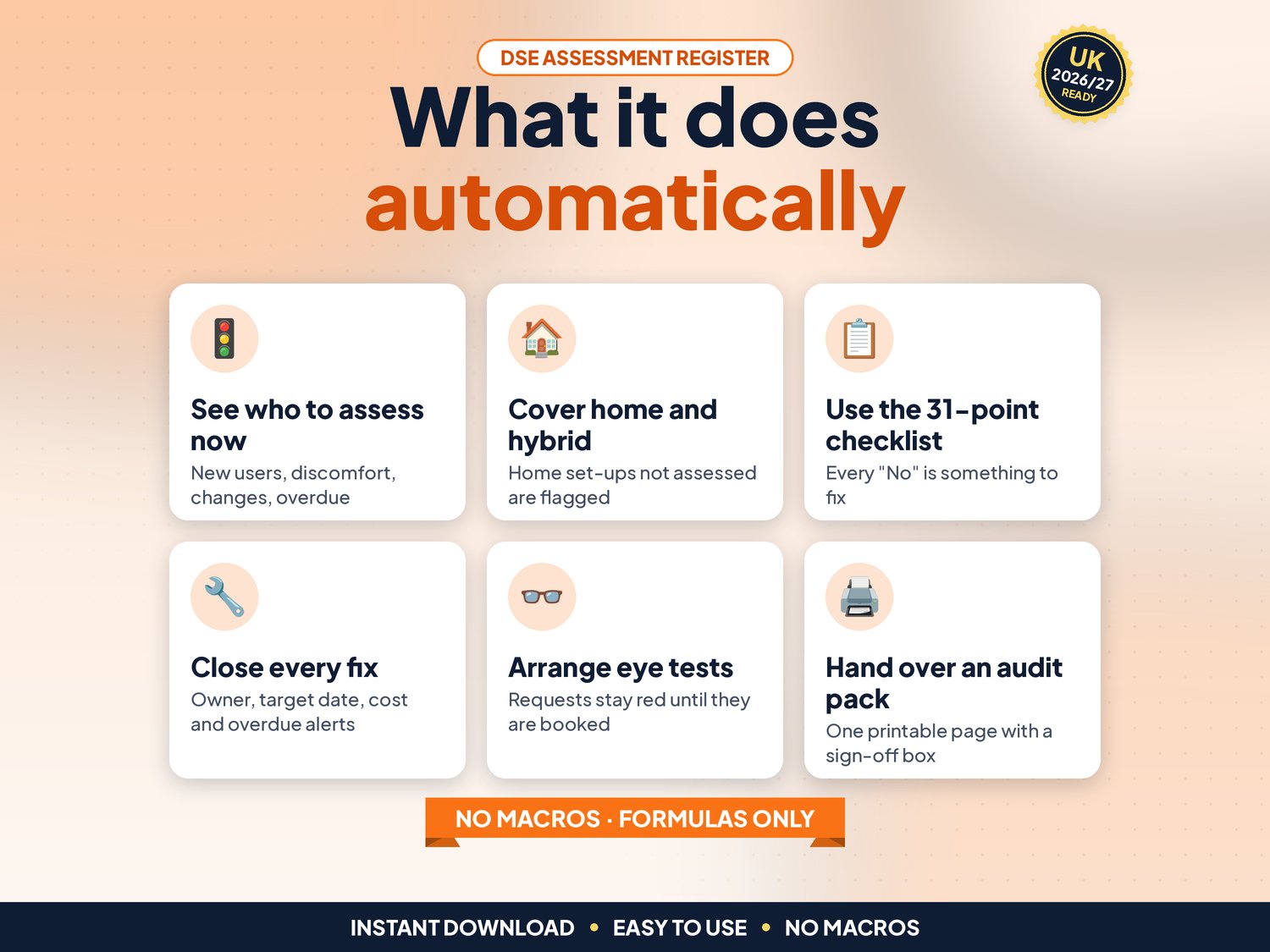
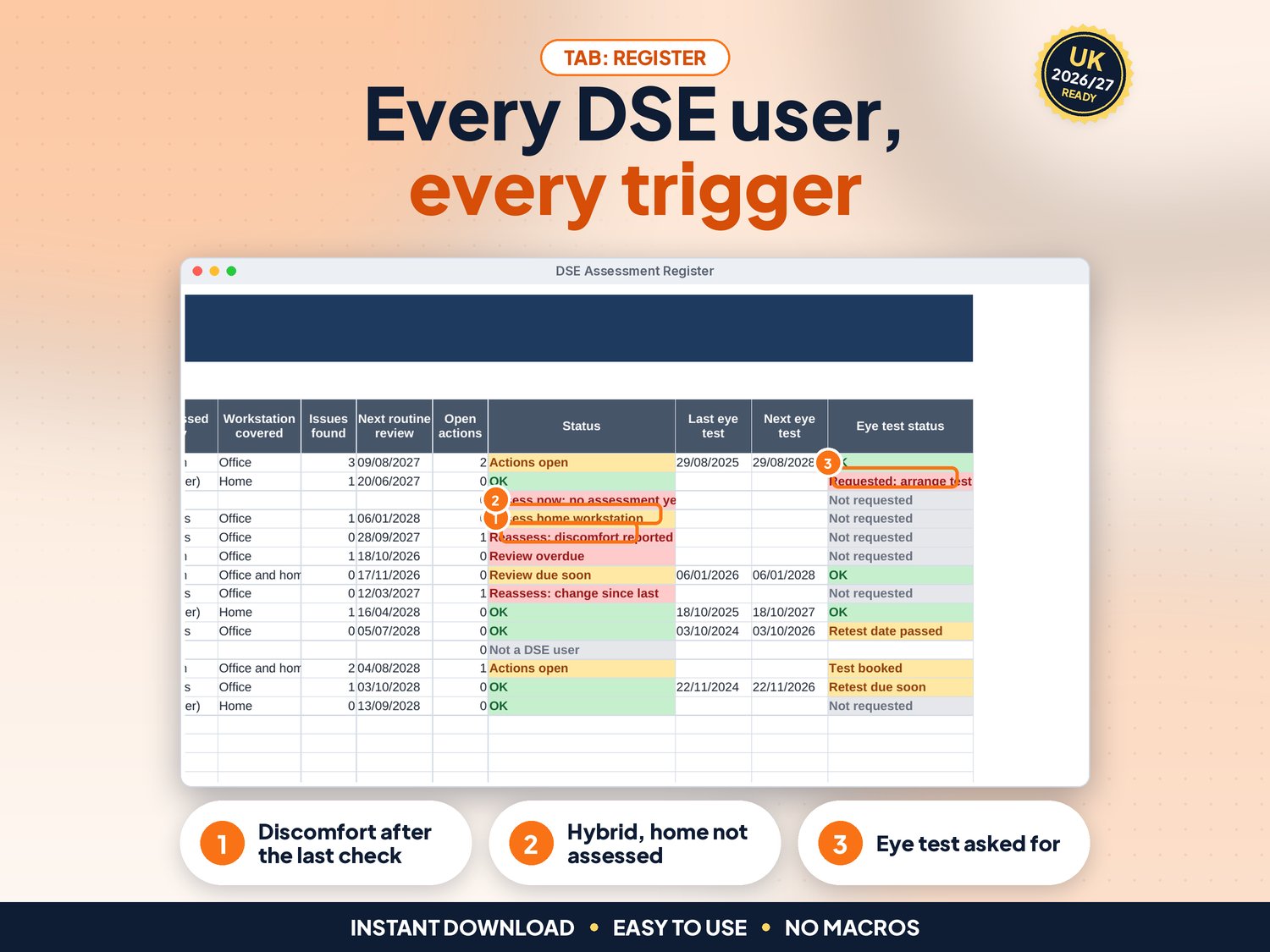
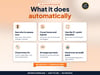
- See who to assess now: new DSE users with no assessment, discomfort or a change reported after the last assessment, and routine reviews that are overdue (your own interval, or none)
- Home and hybrid working: people who work at home long-term or hybrid, whose home workstation was never assessed, are flagged
- Assessments Log: the full history of every assessment, with assessor, method (assessor visit, trained self-assessment or video call), workstation covered and reason
- Self-assessments that no assessor has reviewed yet are flagged, and so are issues that are not on Actions yet
- 31-point Assessment Checklist to print or fill in: display screen, keyboard, mouse, software, chair, desk, lighting, environment, home working, health and breaks. Every "No" shows as Fix
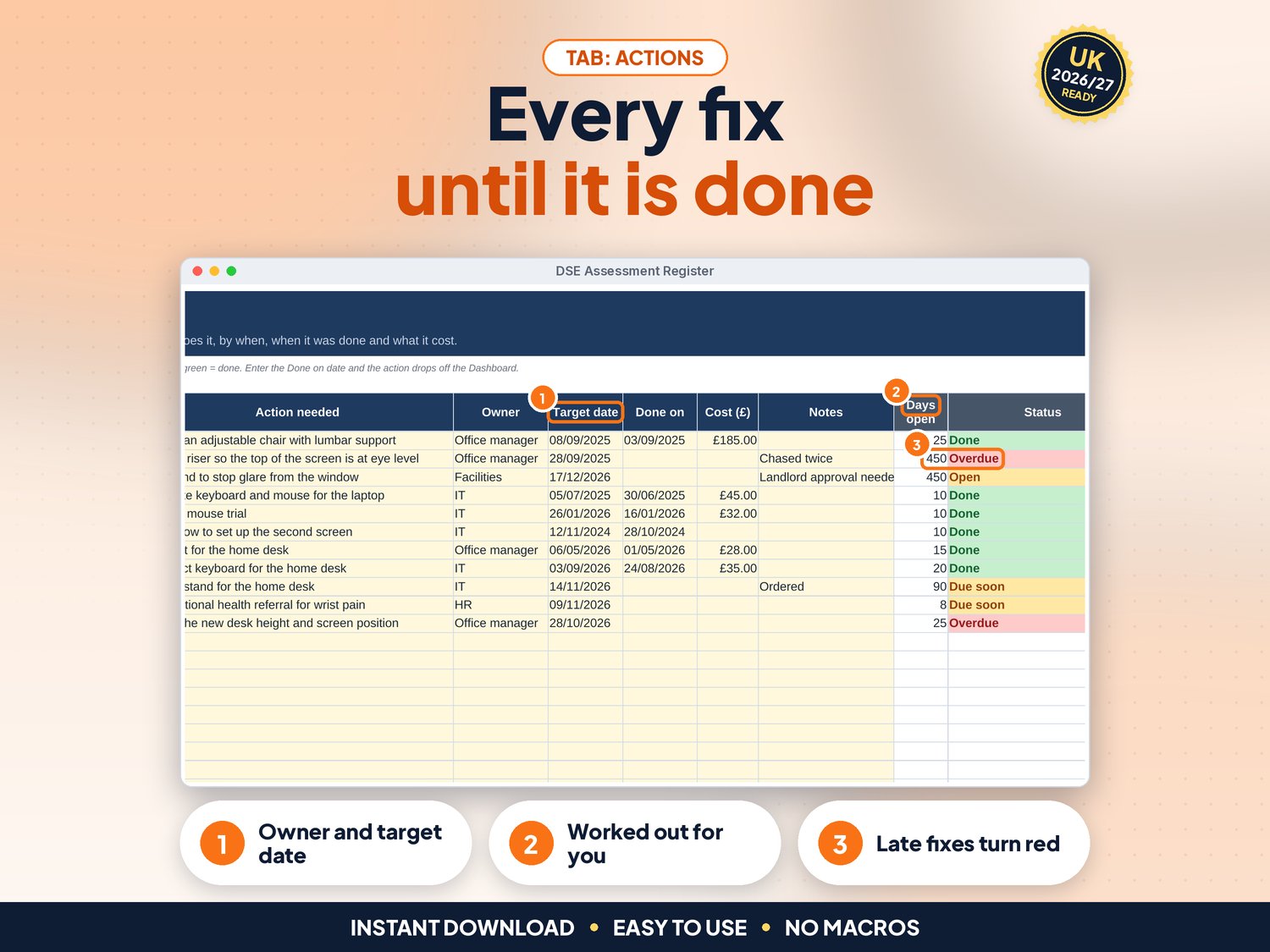
- Actions: every fix gets an owner, a target date and a cost. Overdue actions turn red and show on the Dashboard
- Eye Tests: requests, booked tests, outcome, test and glasses costs and retest dates. Requests stay red until a test is booked
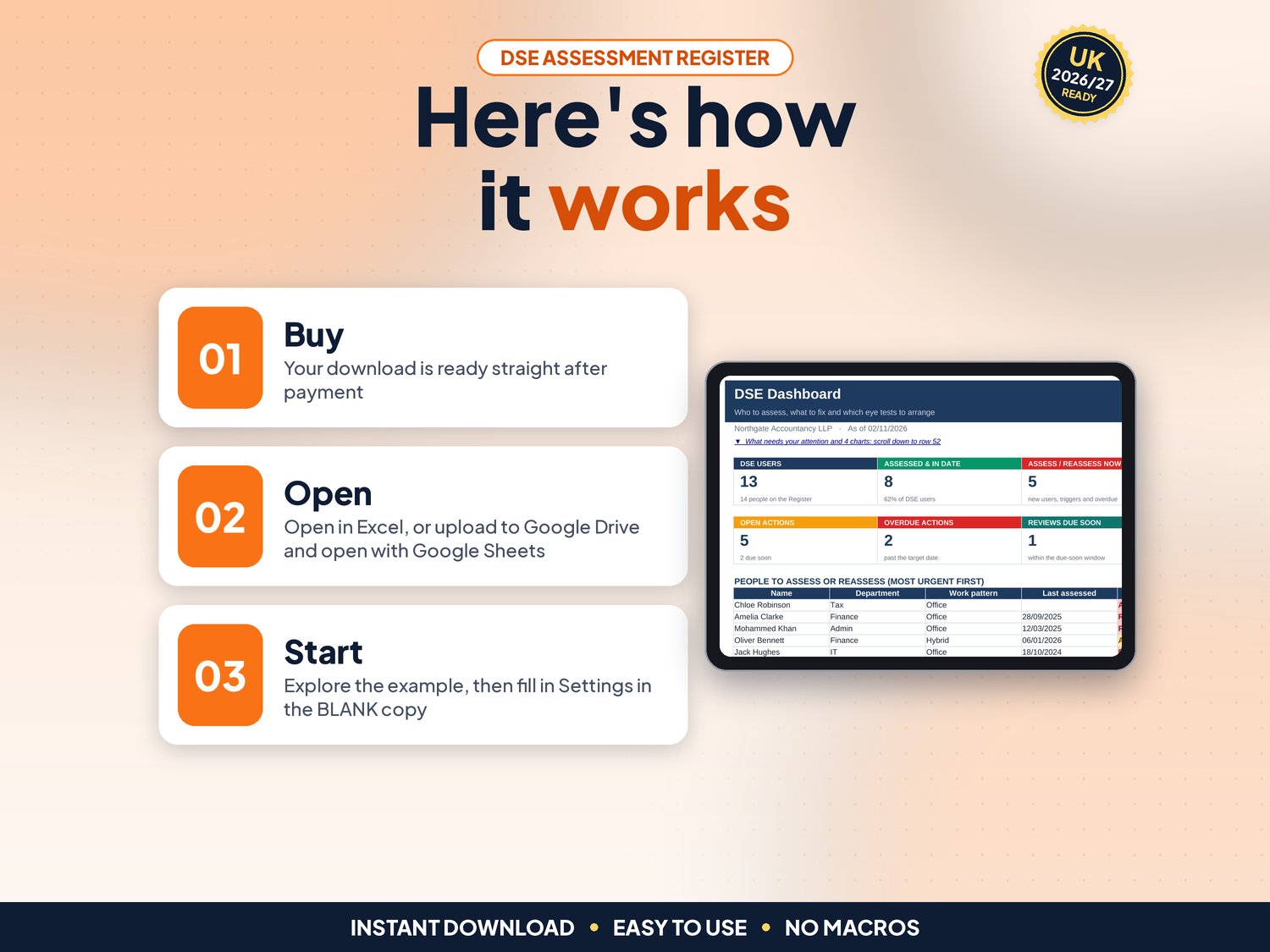
- Dashboard with a "What needs your attention" list, people to assess, open actions, eye tests to arrange and 4 charts
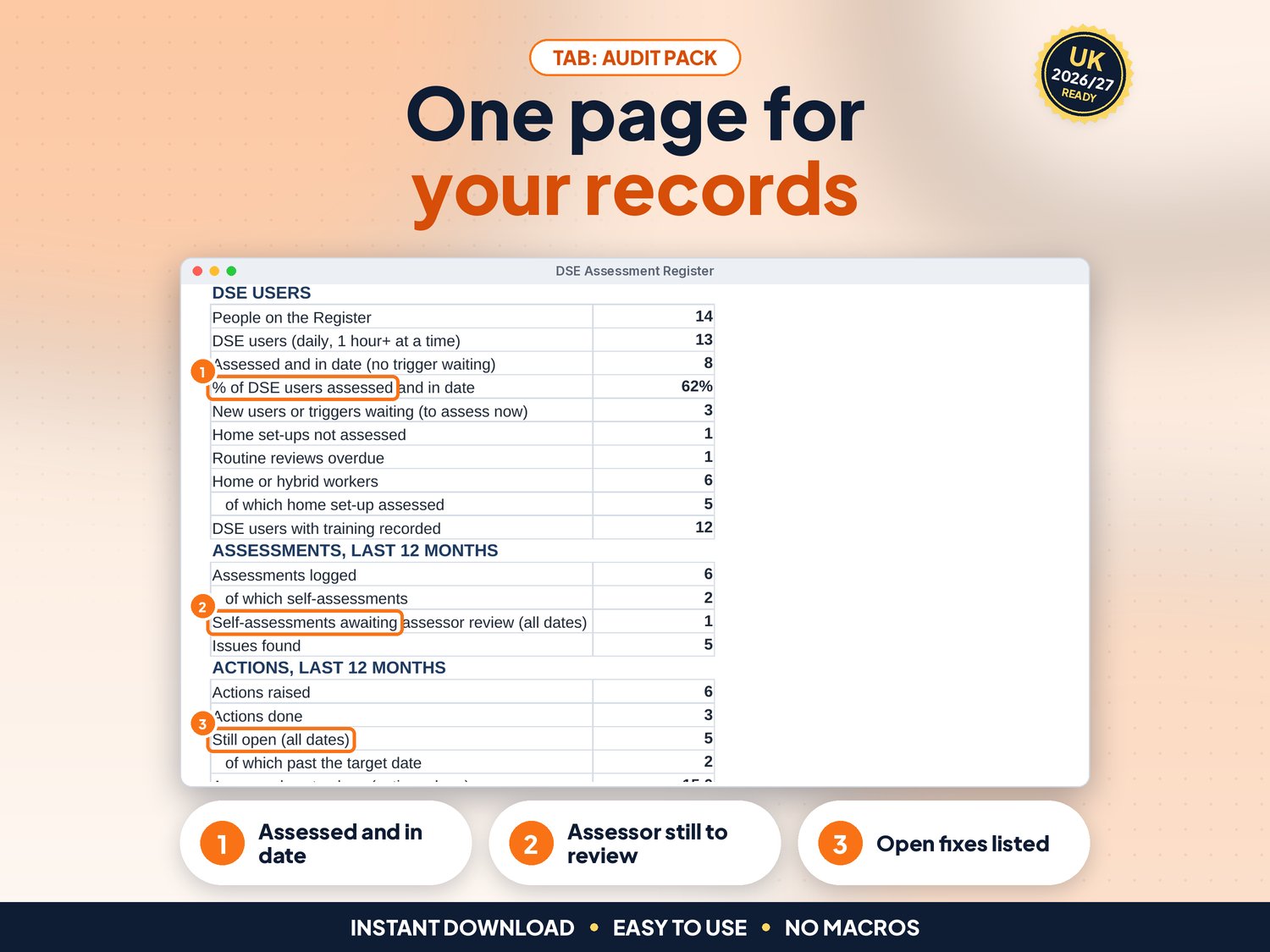
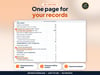
- Audit Pack: one printable page with DSE users in date, assessments, actions, eye tests, open actions and a sign-off box
- Up to 200 people, 1,000 assessments, 500 actions and 300 eye tests
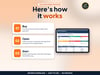
How it works (3 steps)
- Set up once: organisation name, an optional review interval, departments, locations and assessors, then one row per person (about 10 minutes)
- Assess and record: fill in the checklist, log the assessment, add each fix to Actions and each eye test request to Eye Tests
- Check and act: open the Dashboard, close actions, arrange eye tests and print the Audit Pack when asked
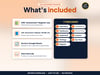
What's included
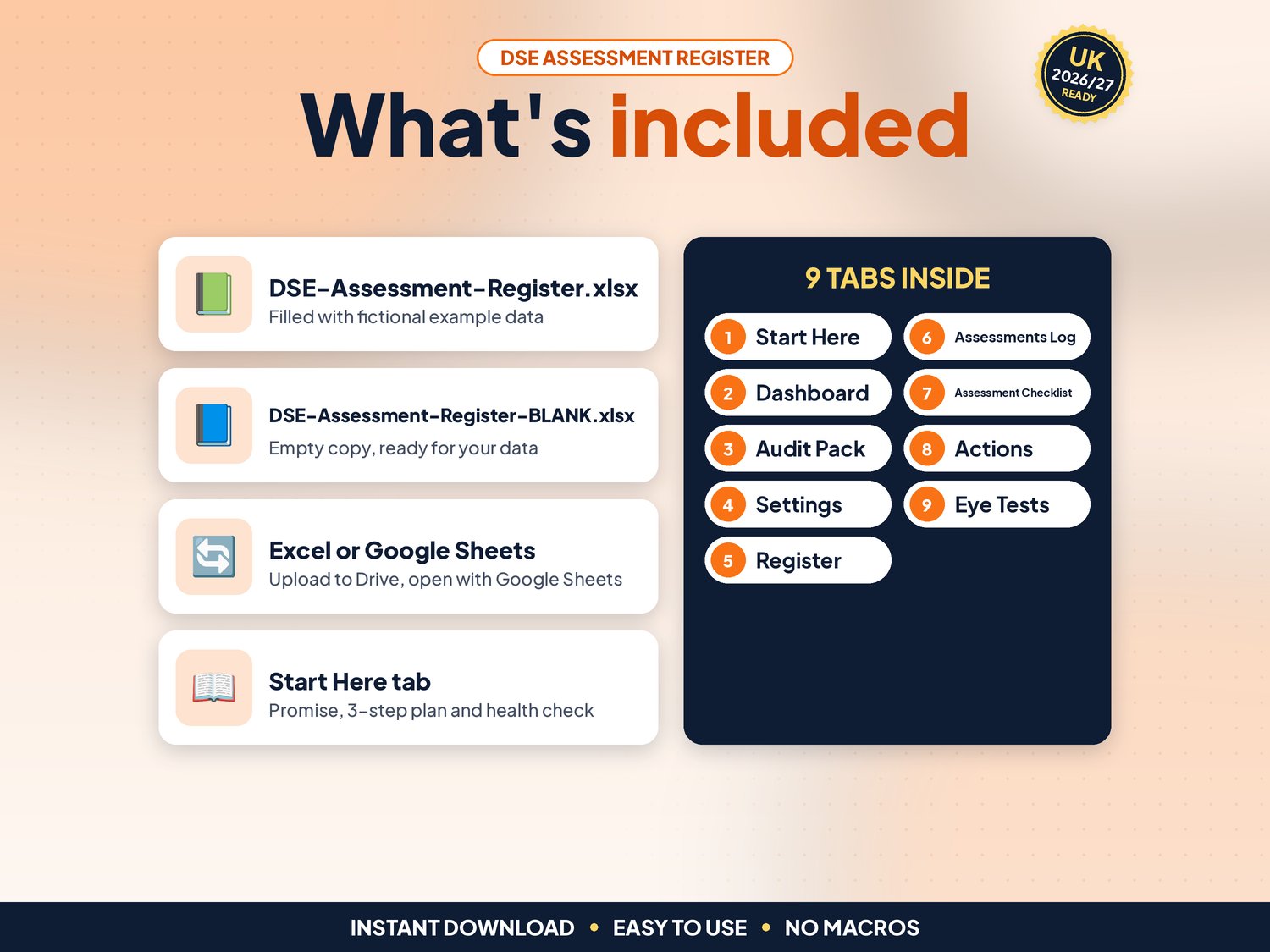
- DSE-Assessment-Register.xlsx: filled with fictional example data (14 people at an accountancy firm) so you can see how it works
- DSE-Assessment-Register-BLANK.xlsx: an empty copy, ready for your own team
- Works in Google Sheets: upload the .xlsx to Google Drive, right-click > Open with > Google Sheets, then File > Save as Google Sheets (tested: formulas and charts kept)
- Start-here.pdf: one-page quick-start guide, including how to open it in Google Sheets
Compatibility
- Microsoft Excel 2010 or newer (Windows & Mac) and Microsoft 365
- Google Sheets (free Google account). Set File > Settings > Locale to United Kingdom for £ and UK dates
- Not designed for Apple Numbers or mobile-only editing. A computer is recommended
- No macros, add-ons or subscriptions
Instant download
This is a digital product. Nothing physical will be shipped. Your download link appears straight after checkout and is also emailed to you. Stuck or have a question? Email info@phkmedia.co.uk and I'll gladly help you set it up.
Good to know
- Cream (pale yellow) cells are for your input. White and grey cells are worked out for you, and the sheets are protected (no password) so formulas are not overwritten by mistake
- A Health check on the Start Here tab and a Check/Status column on every log flag missing or odd entries
- Based on HSE guidance on the Health and Safety (Display Screen Equipment) Regulations 1992: assess the workstation of anyone who uses screens daily, as part of their normal work, for an hour or more at a time, and reassess when a new workstation is set up, a new user starts, something changes or a user reports pain or discomfort. Home and hybrid workers are covered; occasional home use is not (hse.gov.uk/msd/dse, checked 02/11/2026)
- Eye tests: when a DSE user asks, the employer must arrange and pay for an eye test, and pay for basic glasses only if they are needed for screen work (HSE)
- HSE sets no fixed review interval. The routine review on Settings is your own policy, and you can switch it off
- Dates show as DD/MM/YYYY
- FAQ: Can staff self-assess? Yes, HSE allows trained users to self-assess. The register flags self-assessments until an assessor has reviewed them
- FAQ: Does it work on a phone? You can view it in the Google Sheets app, but entering data is easiest on a computer
- FAQ: Can several people use it? Yes, in Google Sheets you can share it with your team
DISCLAIMER
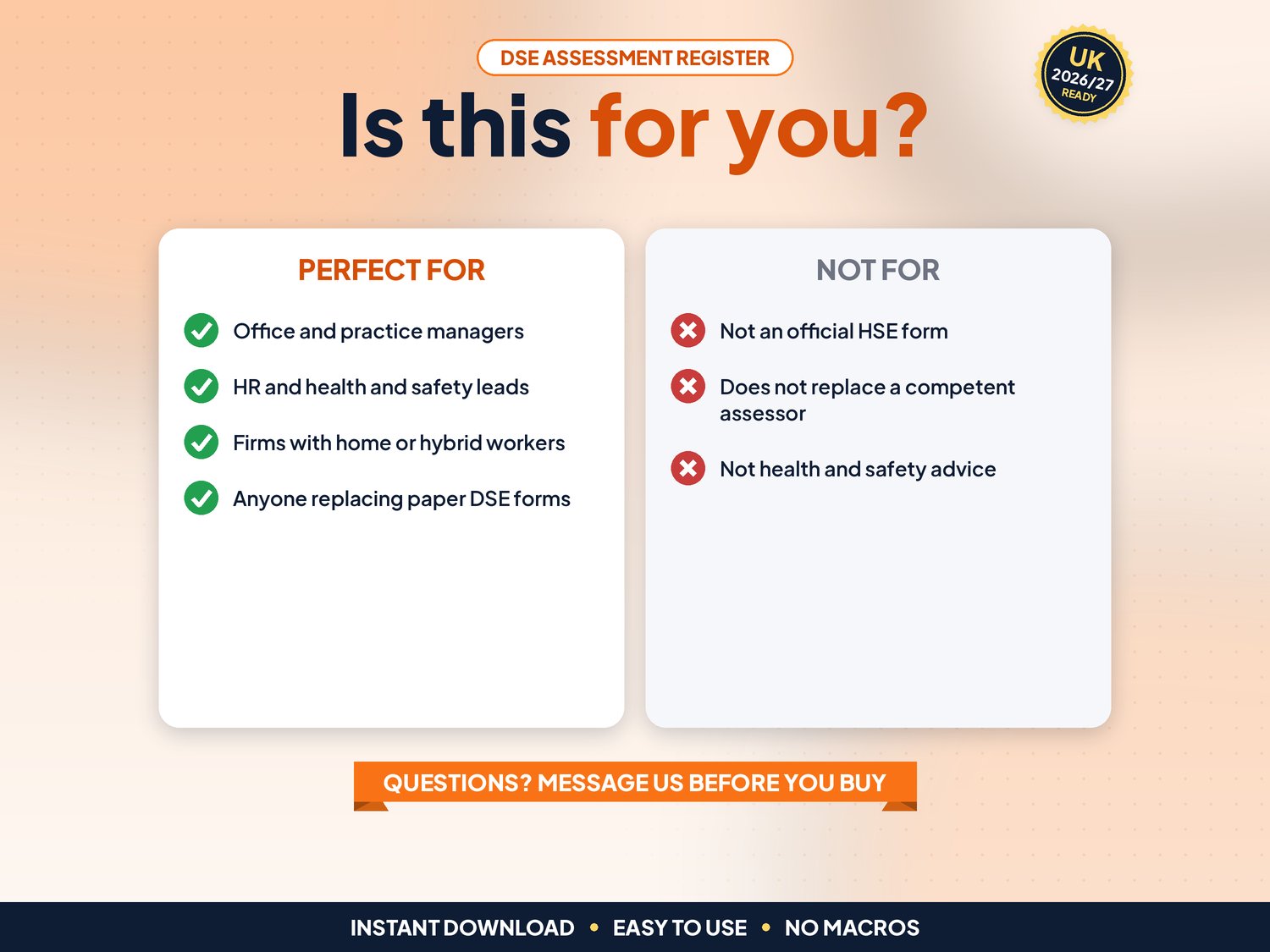
This register is a record-keeping aid, not health and safety or legal advice. It does not replace a competent DSE assessor, occupational health advice or an eye test by an optometrist. All names and figures in the example file are fictional.
Licence: Licensed for use within one business. Please do not resell, share or redistribute the files.
AI disclosure: This template and its listing images were designed by PHK MEDIA LTD with the help of AI tools. All formulas were tested and the files were reviewed and finalised by the seller.
© PHK MEDIA LTD
Licence: Licensed for use within one business or household. You may edit and print the files for that business. You may not resell, share or upload them for others.