
Suspected Abuse, Neglect or Exploitation Internal Report Form for Home Care Agency
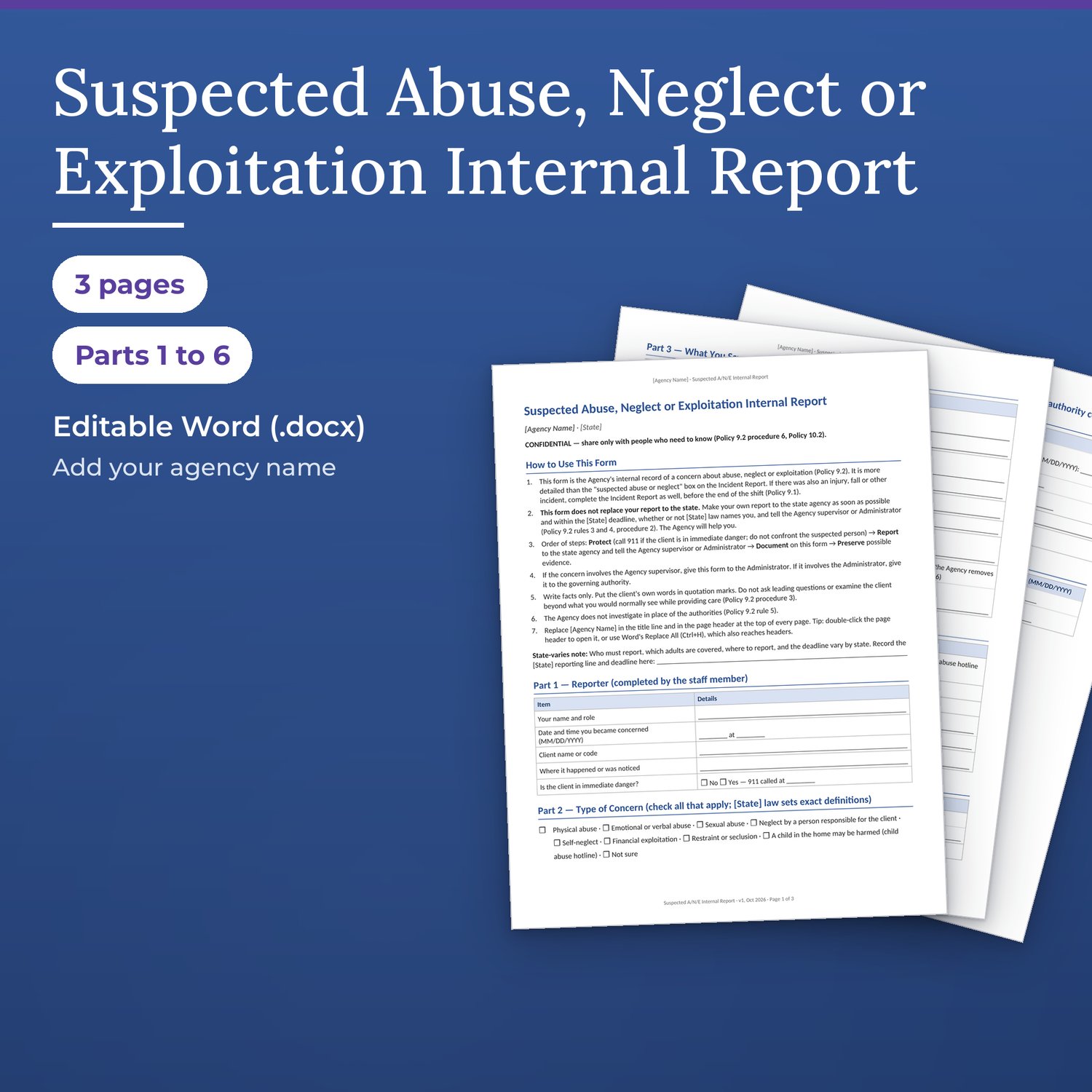
An editable Suspected Abuse, Neglect or Exploitation Internal Report form for non-medical home care agencies.
For caregivers and office staff to record a concern and their report to the state, and for the administrator's review.
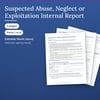
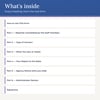
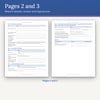
What's included (3 pages, editable Word .docx):
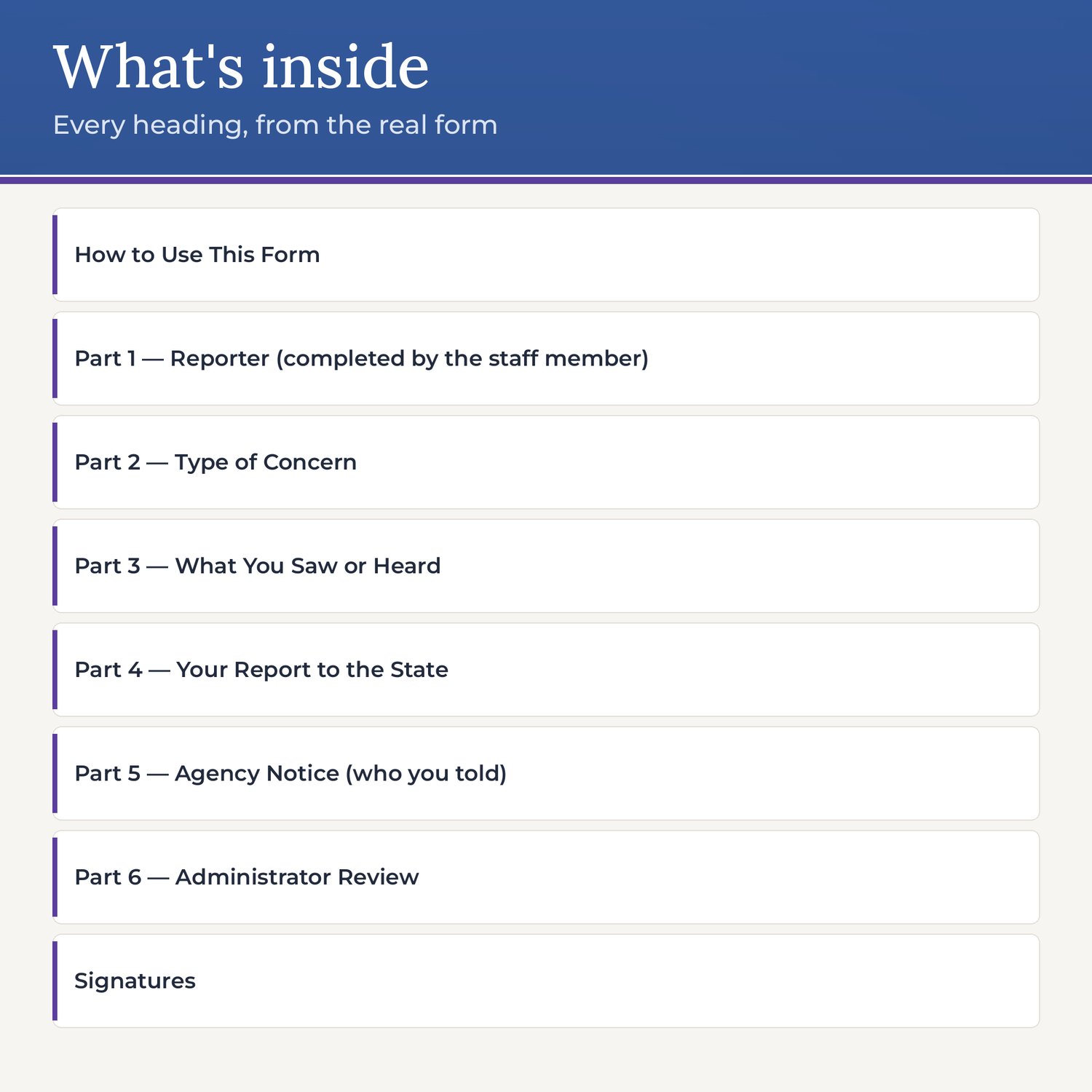
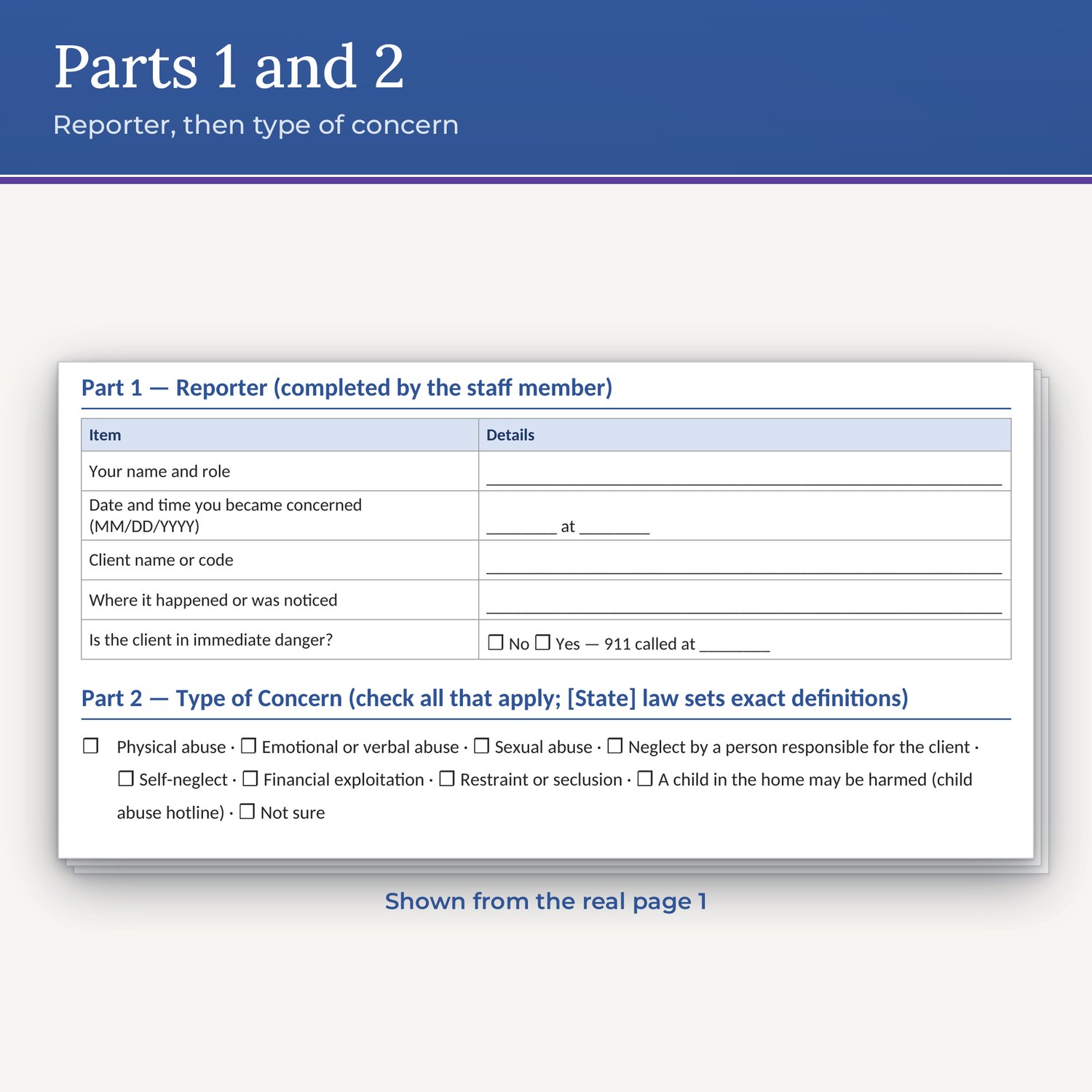
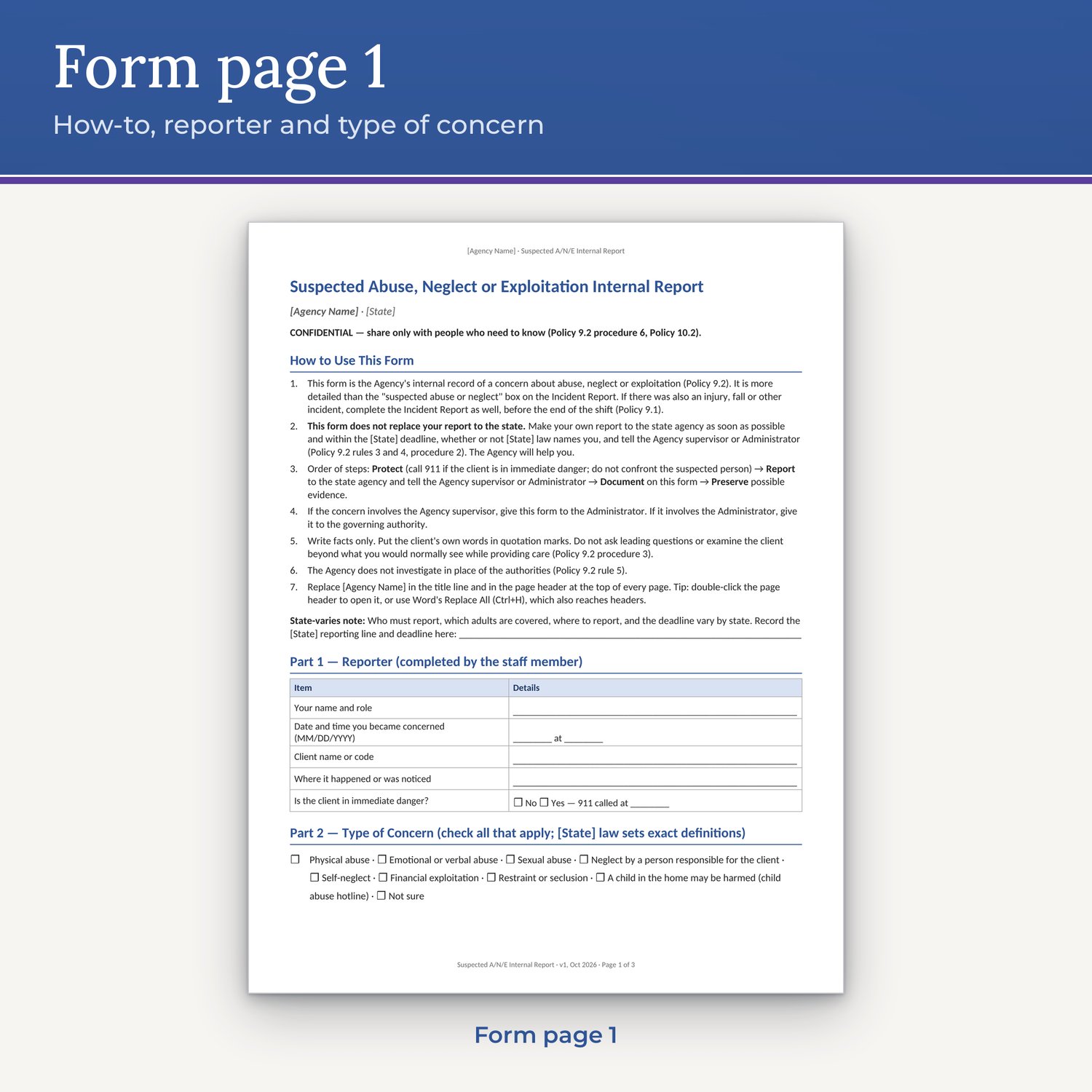
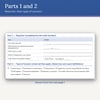
- Part 1 — Reporter (completed by the staff member)
- Part 2 — Type of Concern (check all that apply; [State] law sets exact definitions)
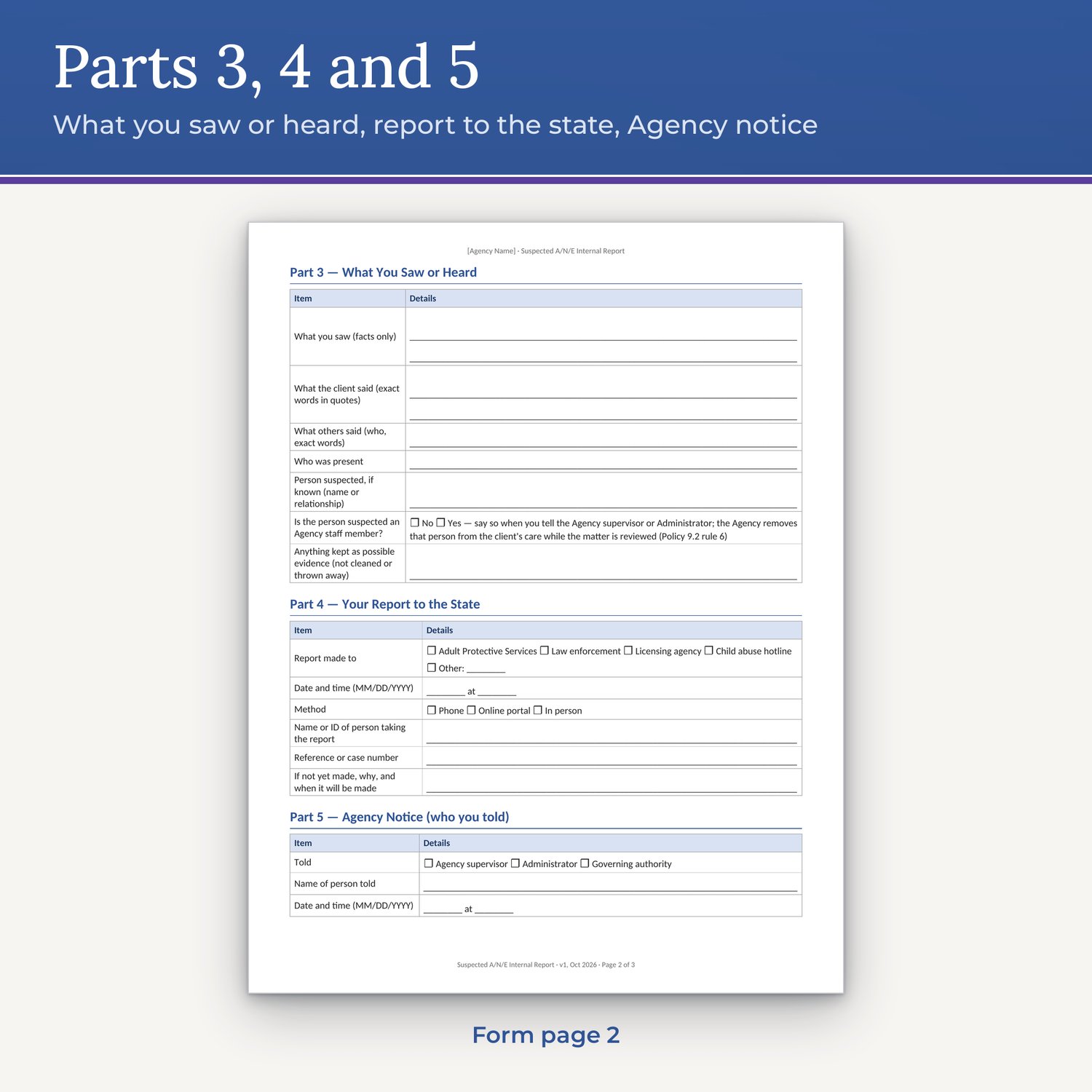
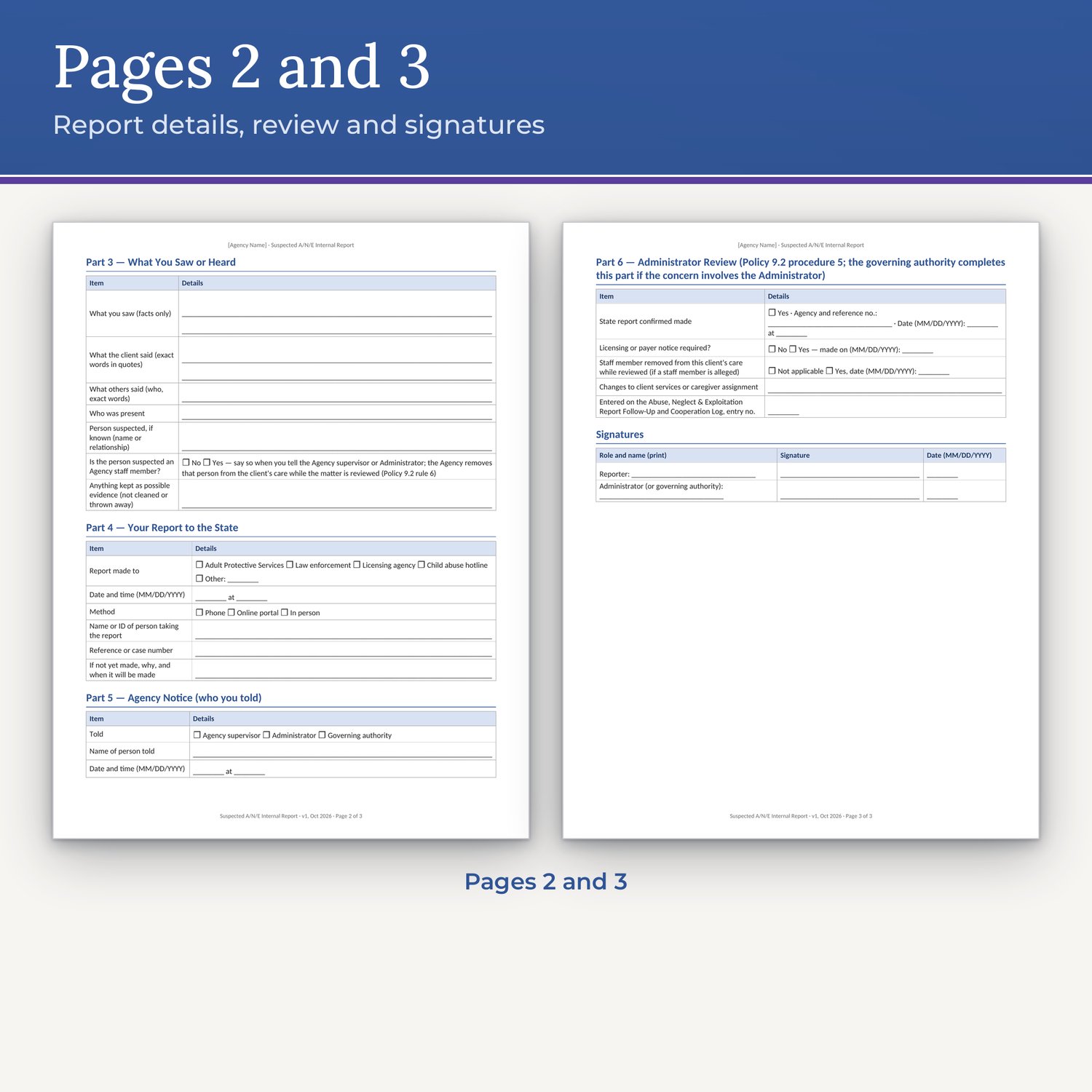
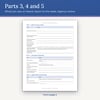
- Part 3 — What You Saw or Heard
- Part 4 — Your Report to the State
- Part 5 — Agency Notice (who you told)
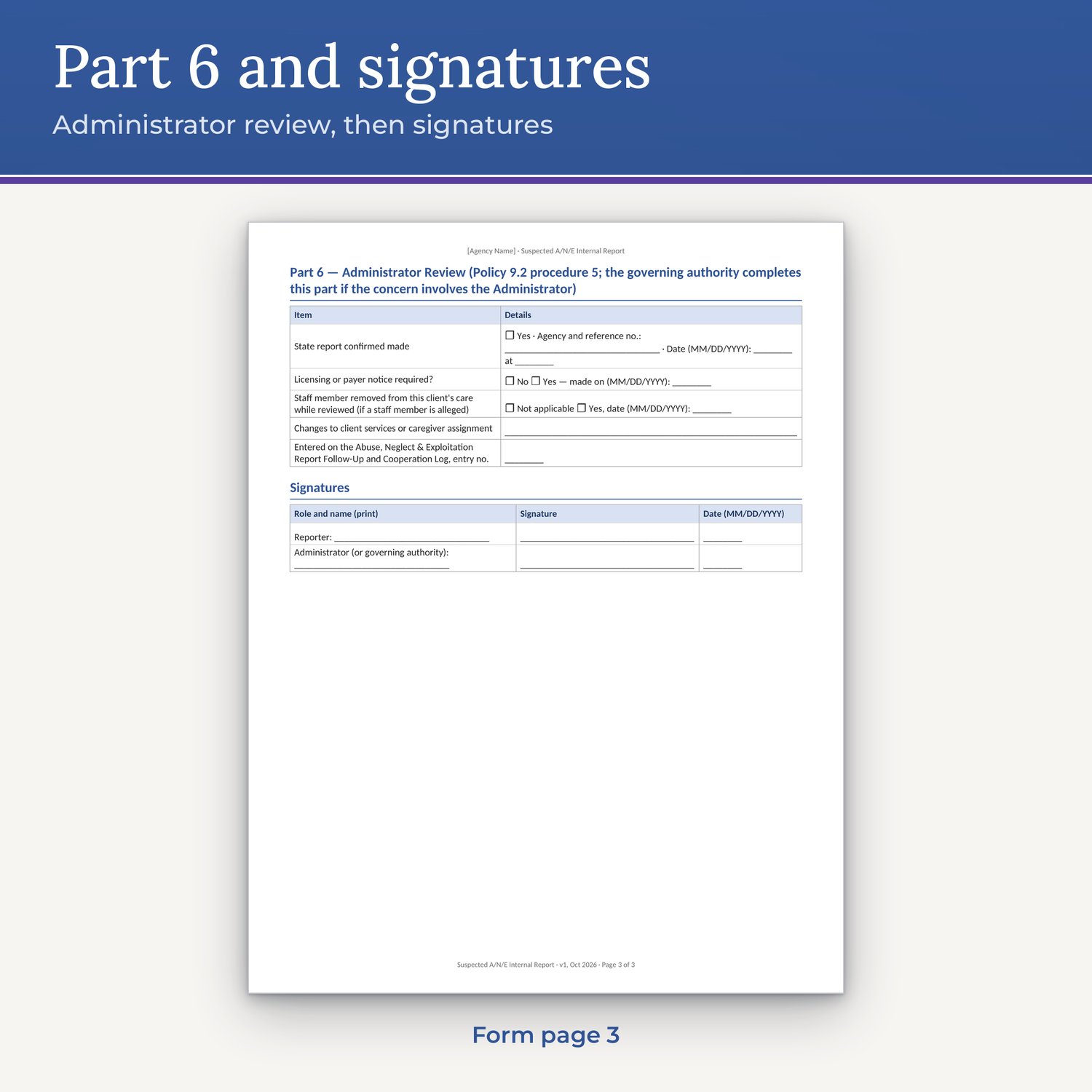
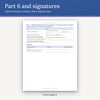
- Part 6 — Administrator Review (Policy 9.2 procedure 5; the governing authority completes this part if the concern involves the Administrator)
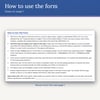
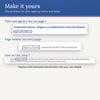
How to customize:
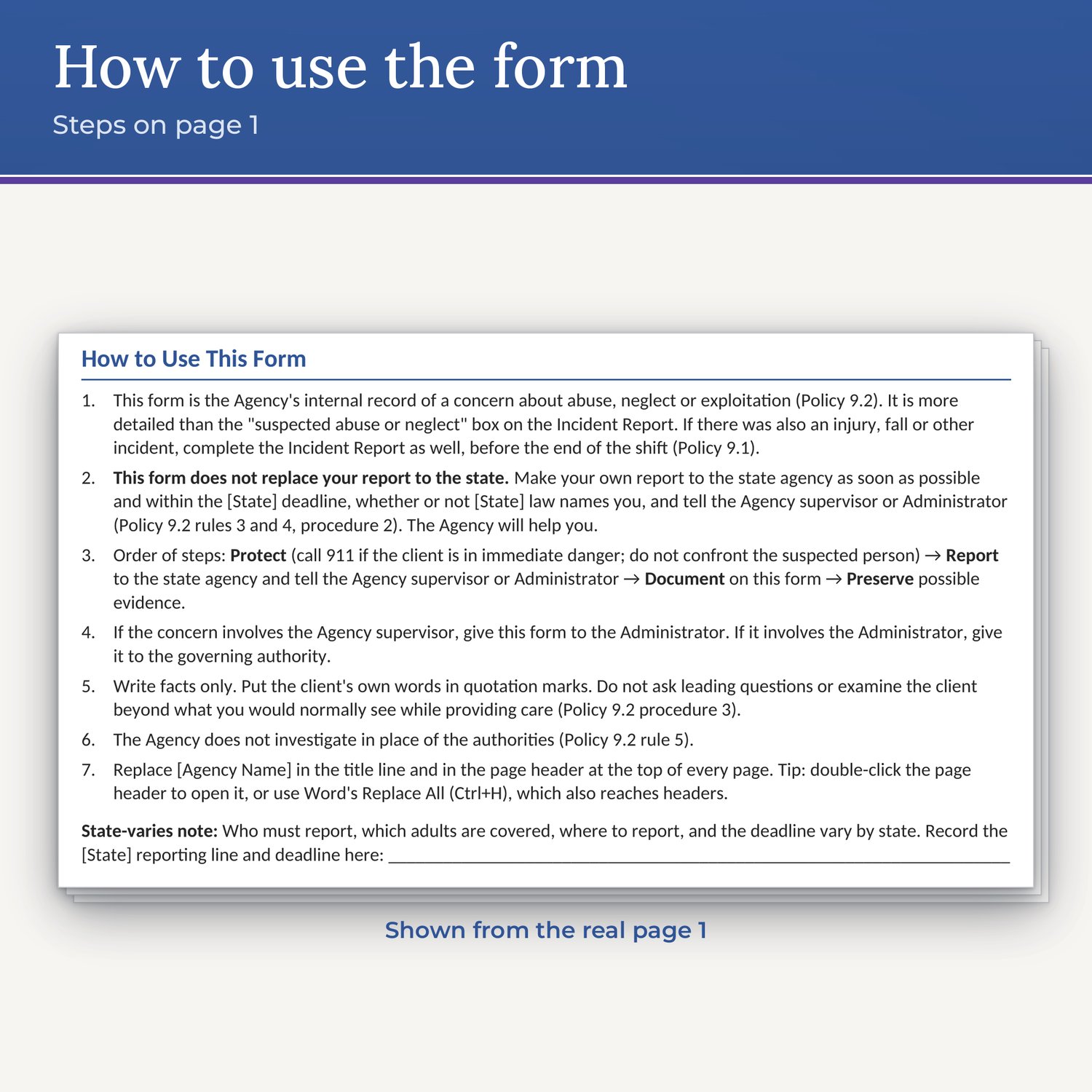
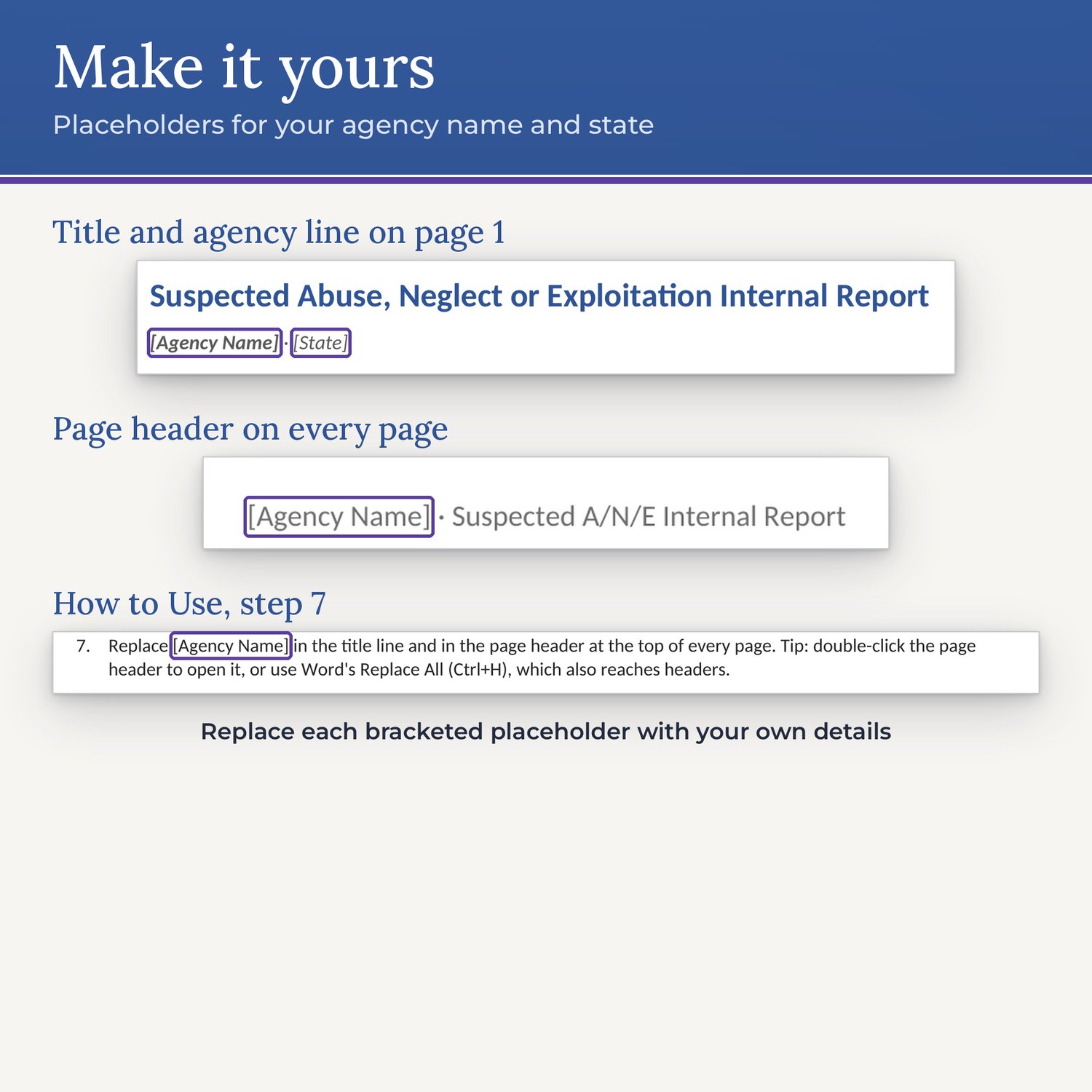
1. Open the Word file and use Home > Replace > Replace All to change [Agency Name] to your agency's name (it also appears in the page header, so check there).
2. Replace each [State] spot (5 in this file) and fill the blank lines with your agency's own details and choices.
3. Fill each [State] spot with your state's reporting agency and definitions, and set who reviews the report.
4. Add your logo to the letterhead if you want one (there is no logo box), then save your master copy and print or share as needed.
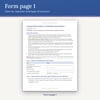
Your state's law sets who must report, to whom and how fast; fill those details in from your state's own sources.
Some lines cross-reference policy numbers from a companioAn editable Suspected Abuse, Neglect or Exploitation Internal Report form for non-medical home care agencies.
For caregivers and office staff to record a concern and their report to the state, and for the administrator's review.
What's included (3 pages, editable Word .docx):
- Part 1 — Reporter (completed by the staff member)
- Part 2 — Type of Concern (check all that apply; [State] law sets exact definitions)
- Part 3 — What You Saw or Heard
- Part 4 — Your Report to the State
- Part 5 — Agency Notice (who you told)
- Part 6 — Administrator Review (Policy 9.2 procedure 5; the governing authority completes this part if the concern involves the Administrator)
How to customize:
1. Open the Word file and use Home > Replace > Replace All to change [Agency Name] to your agency's name (it also appears in the page header, so check there).
2. Replace each [State] spot (5 in this file) and fill the blank lines with your agency's own details and choices.
3. Fill each [State] spot with your state's reporting agency and definitions, and set who reviews the report.
4. Add your logo to the letterhead if you want one (there is no logo box), then save your master copy and print or share as needed.
Your state's law sets who must report, to whom and how fast; fill those details in from your state's own sources.
Some lines cross-reference policy numbers from a companion Policy & Procedure Manual (sold separately); edit them to match your own policies.
Customizable template, not legal advice; have an attorney review for your state. Not a license to operate, not HIPAA software, and no medical claims. It is not state-approved, it is not a certification, and it does not promise that you meet any law, survey or standard.
Instant download via Payhip after checkout. Editable Microsoft Word (.docx). Made for Microsoft Word and checked in LibreOffice.n Policy & Procedure Manual (sold separately); edit them to match your own policies.
Customizable template, not legal advice; have an attorney review for your state. Not a license to operate, not HIPAA software, and no medical claims. It is not state-approved, it is not a certification, and it does not promise that you meet any law, survey or standard.
Instant download via Payhip after checkout. Editable Microsoft Word (.docx). Made for Microsoft Word and checked in LibreOffice.