

Your Cart
Loading
Only -1 left

FinLab

On Sale
$29.00
$29.00
Added to cart

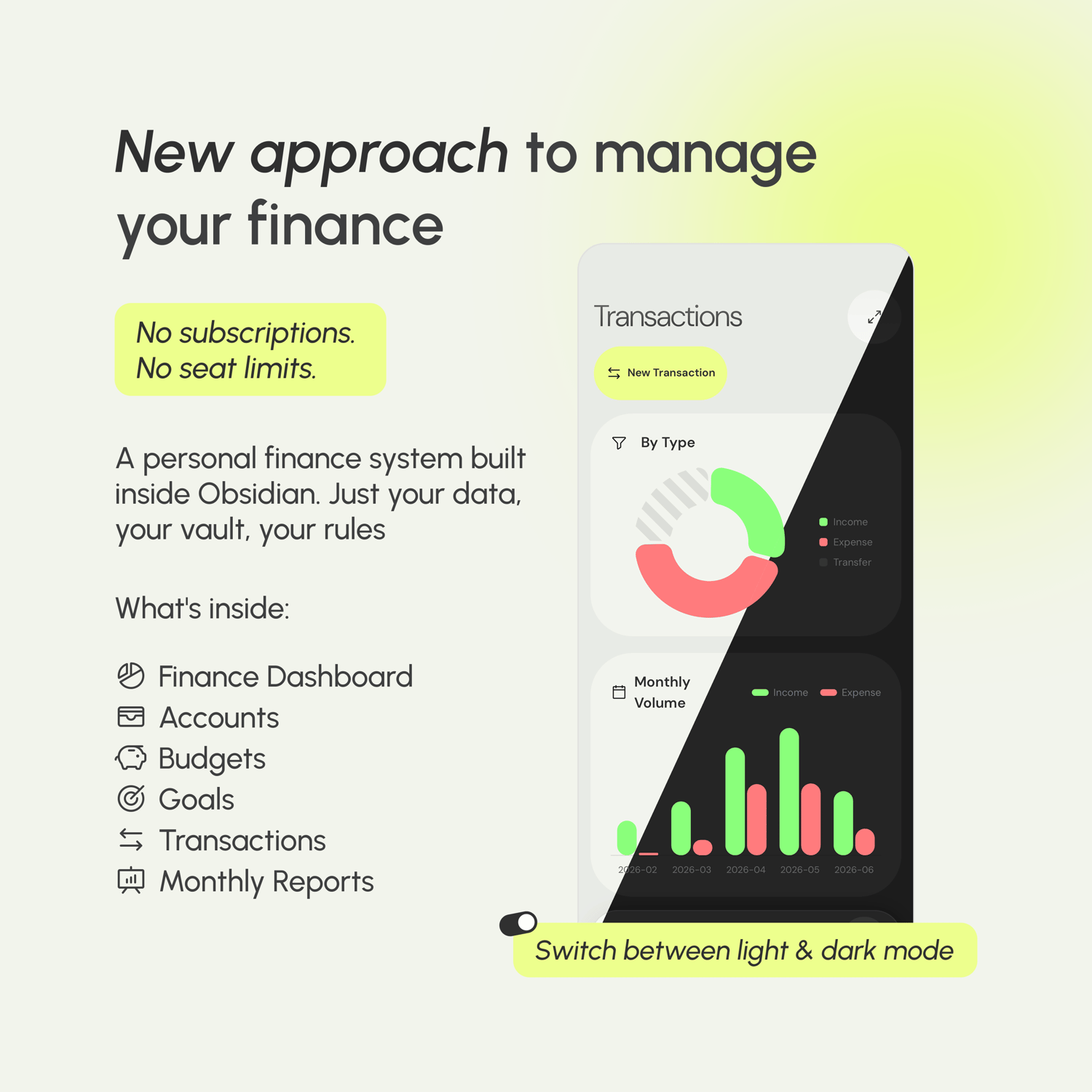
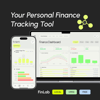
A personal finance system built inside Obsidian. No subscriptions, no seat limits — just your data, your vault, your rules.
You will get a ZIP (2MB) file

What's inside

FinLab 1.0 is a complete personal finance system that lives inside your Obsidian vault.


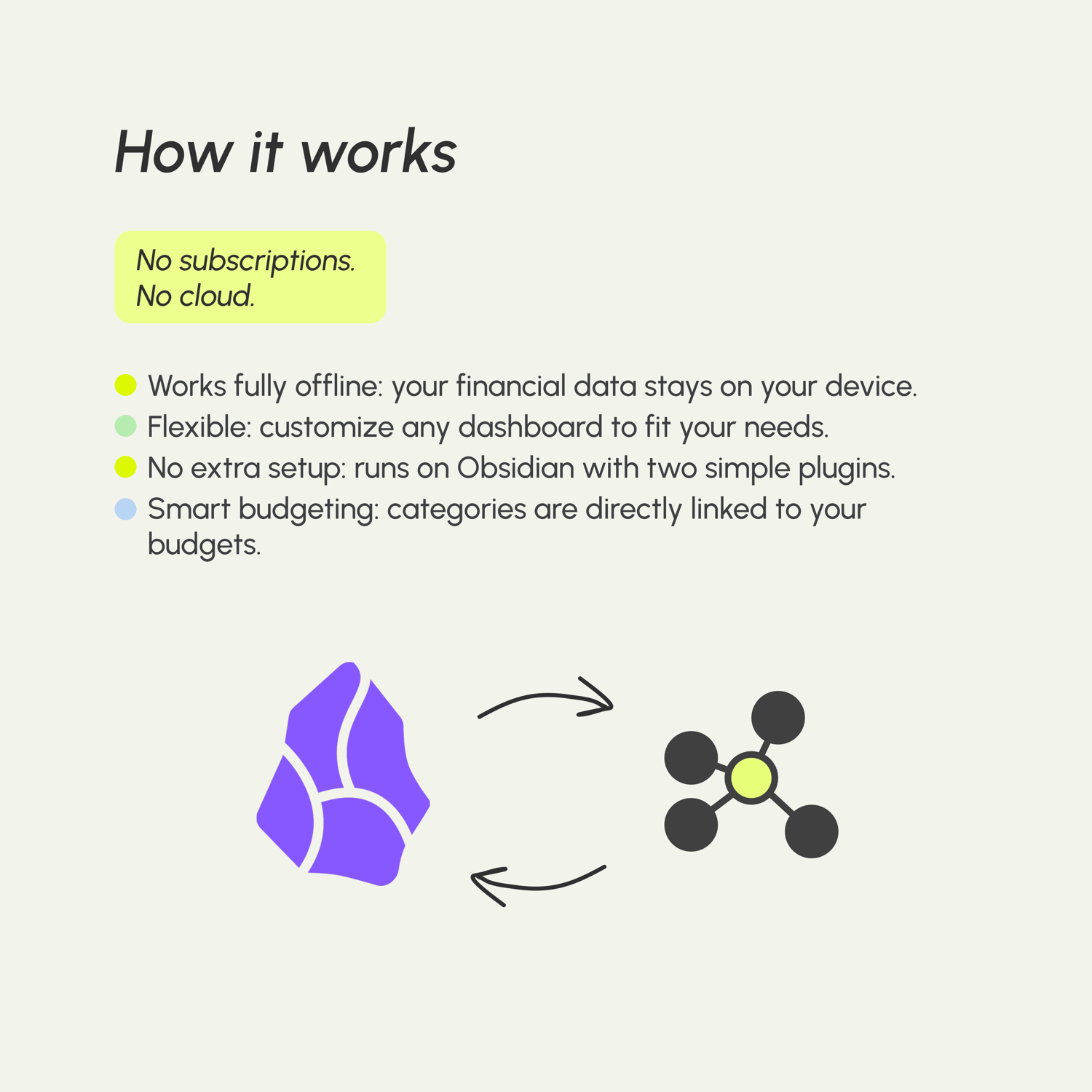
There's no server, no account, no sync to configure. You open the vault, you see your finances. It's that simple.


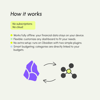
Under the hood, the Dataview plugin reads your notes and renders live dashboards, tables, and summaries — all recalculated every time you open a view. Add a transaction, and your budget updates. Log a deposit, and your account balance moves. The system stays in sync without any manual work.


Dashboards

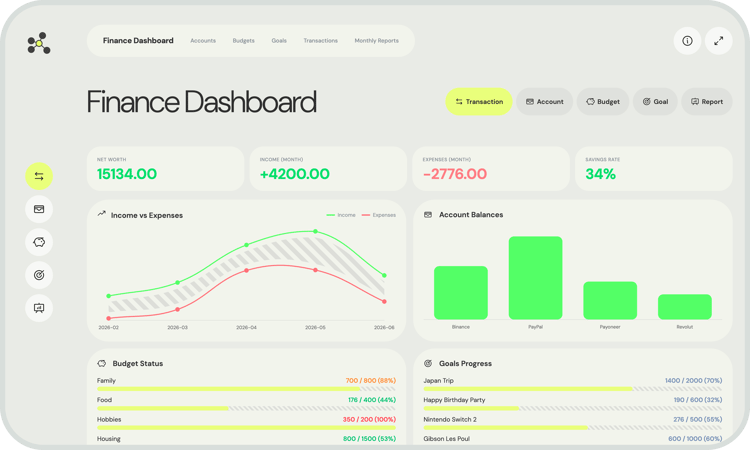
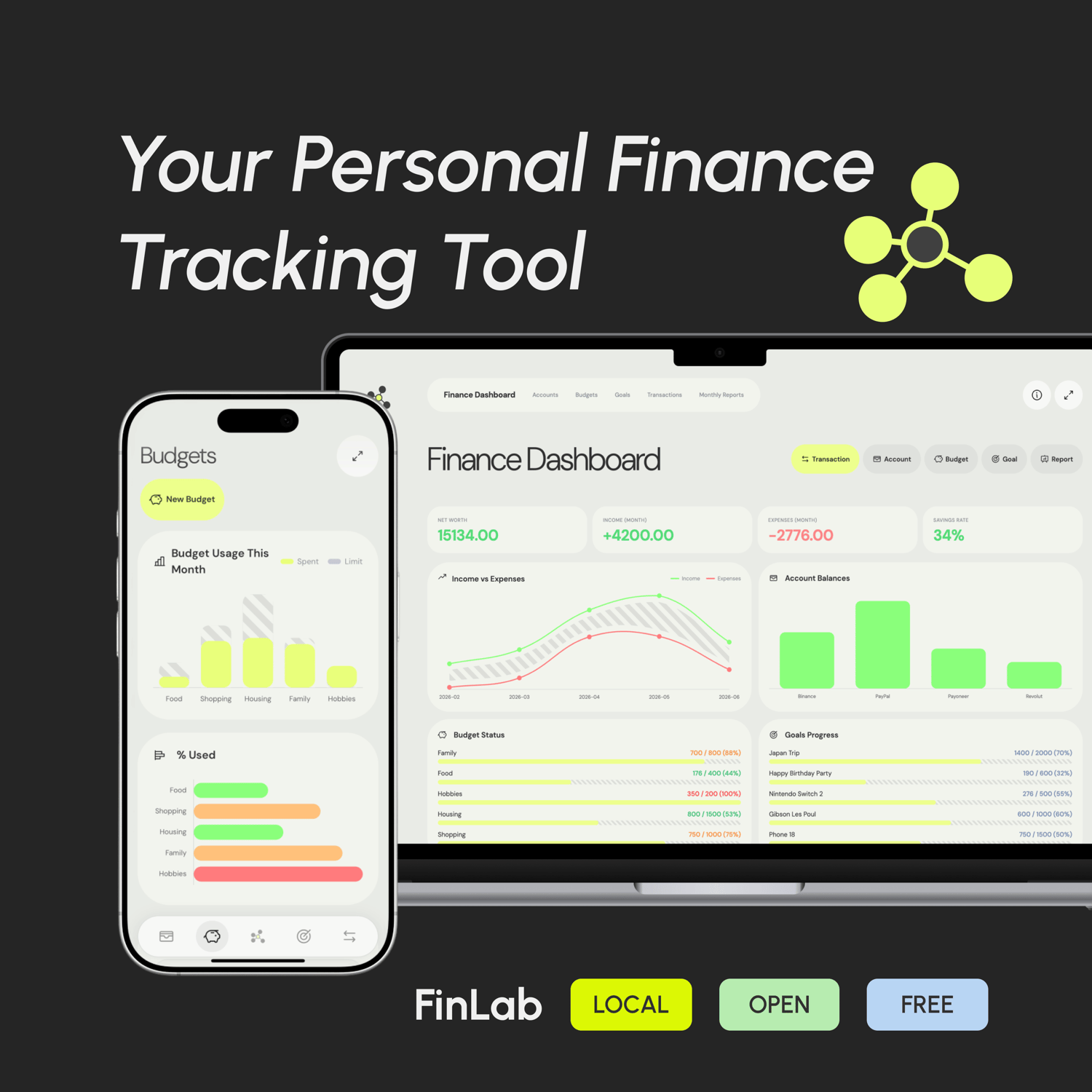
  • Your finances at a glance

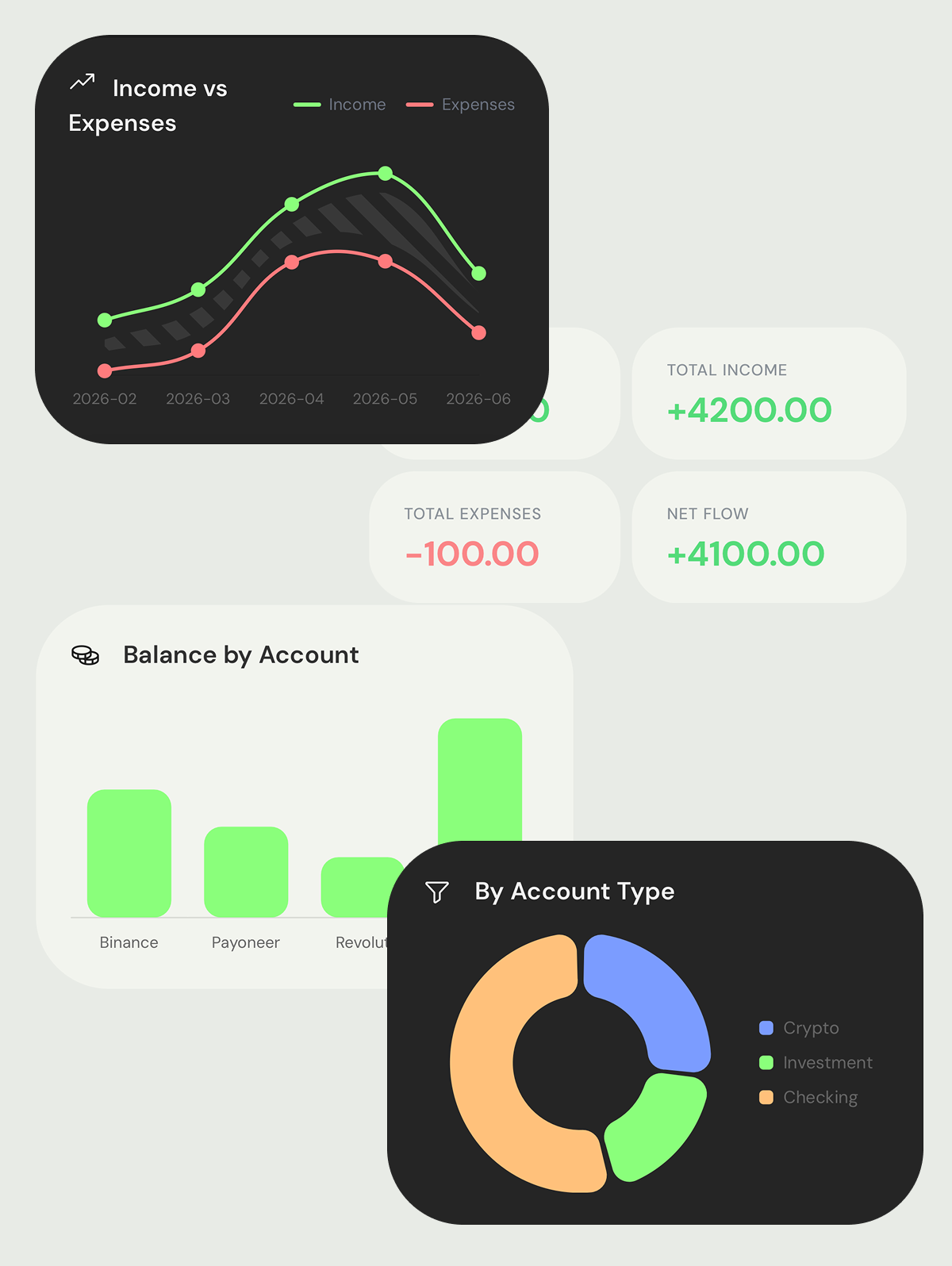
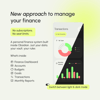
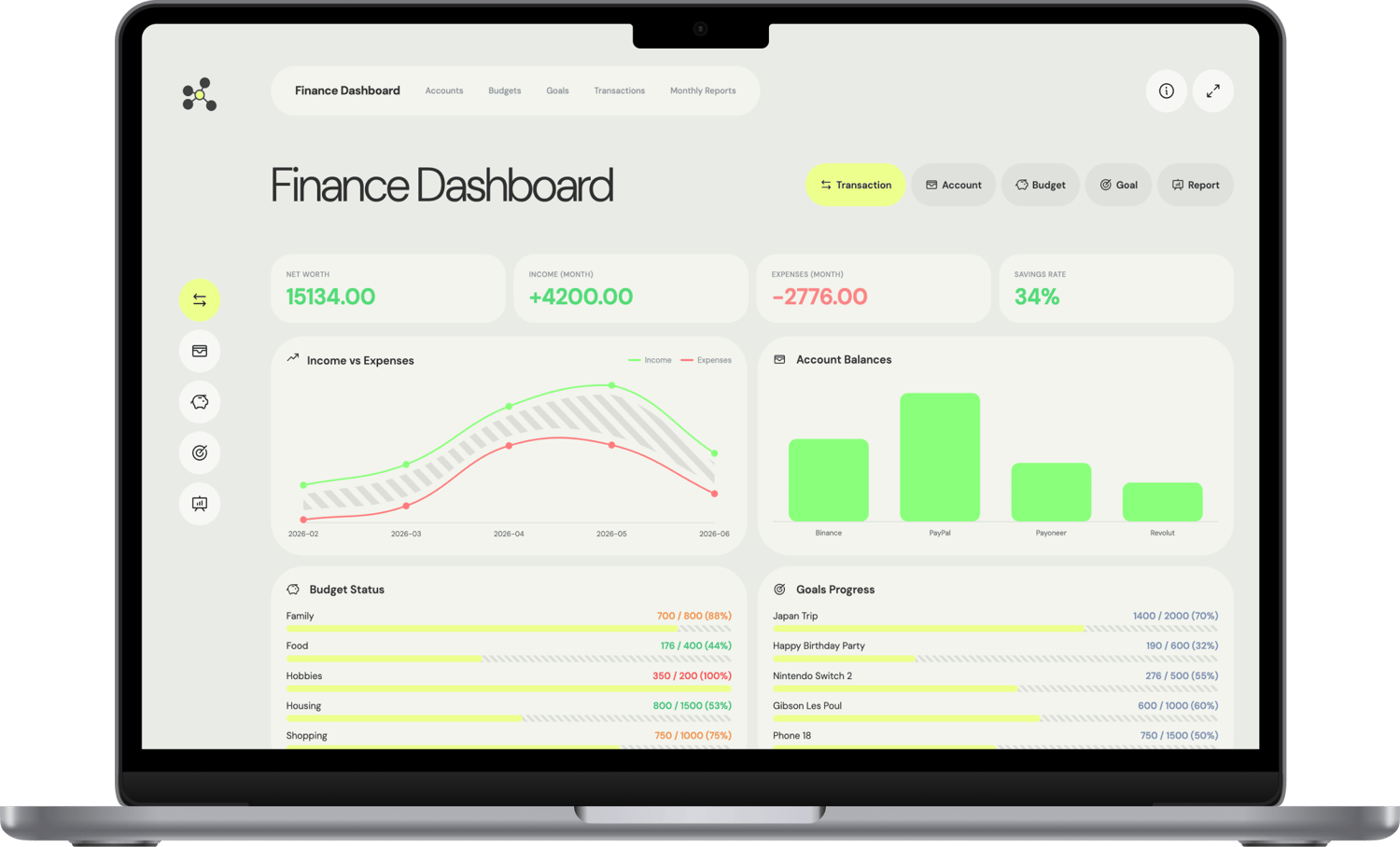
    One screen to rule them all. See your net worth, spending by category, budget health, and goal progress — updated in real time as you add transactions.

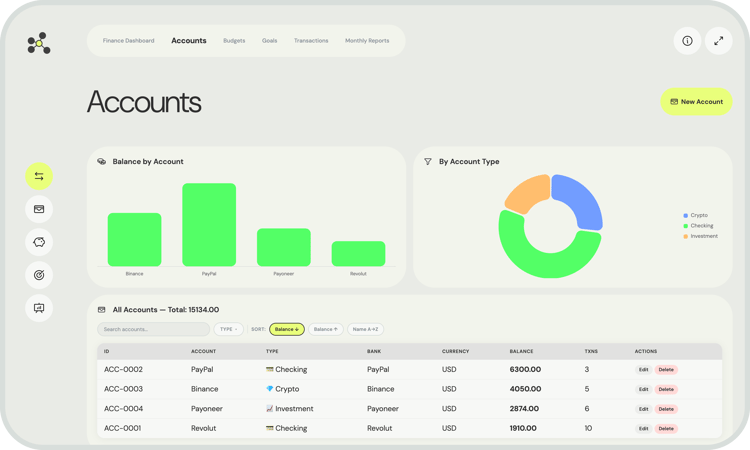
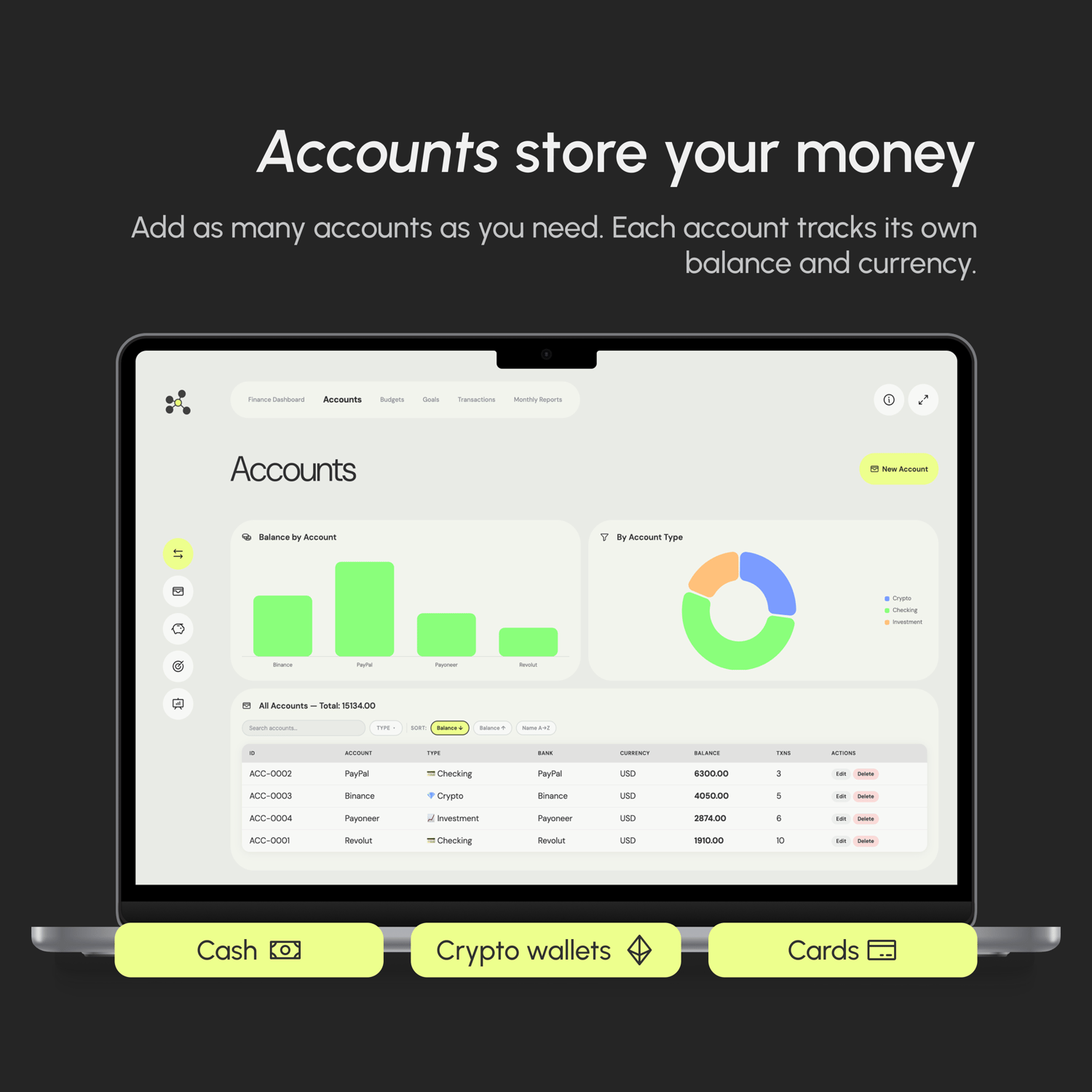
  • Accounts store your money

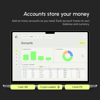
    Add as many accounts as you need. Each account tracks its own balance and currency. No manual totals, no spreadsheet formulas.

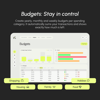
  • Stay in control

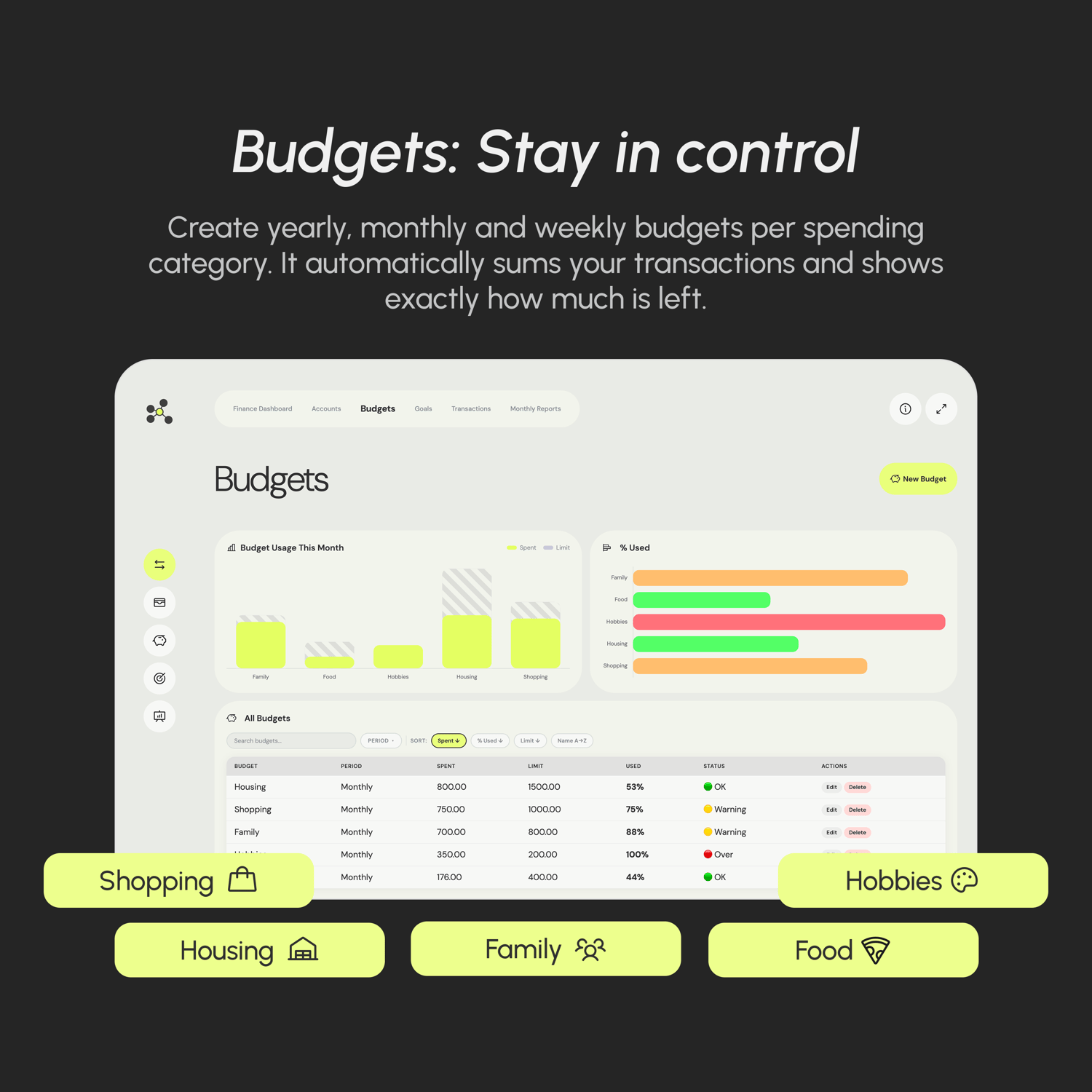
    Create weekly, monthly or yearly budgets per spending category. FinLab automatically sums your transactions and shows exactly how much is left — before you overspend.

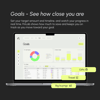
  • Know when you'll get there

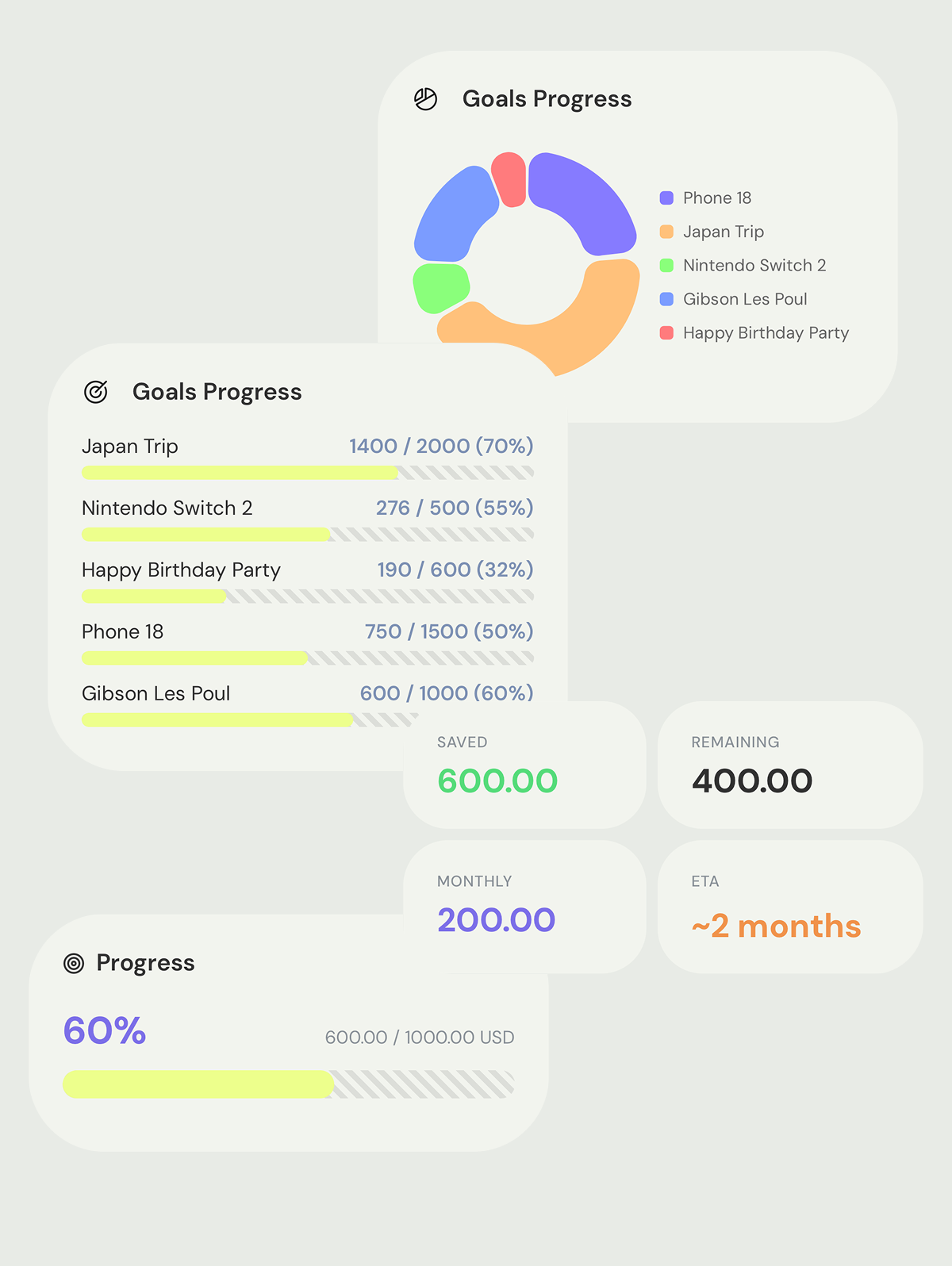
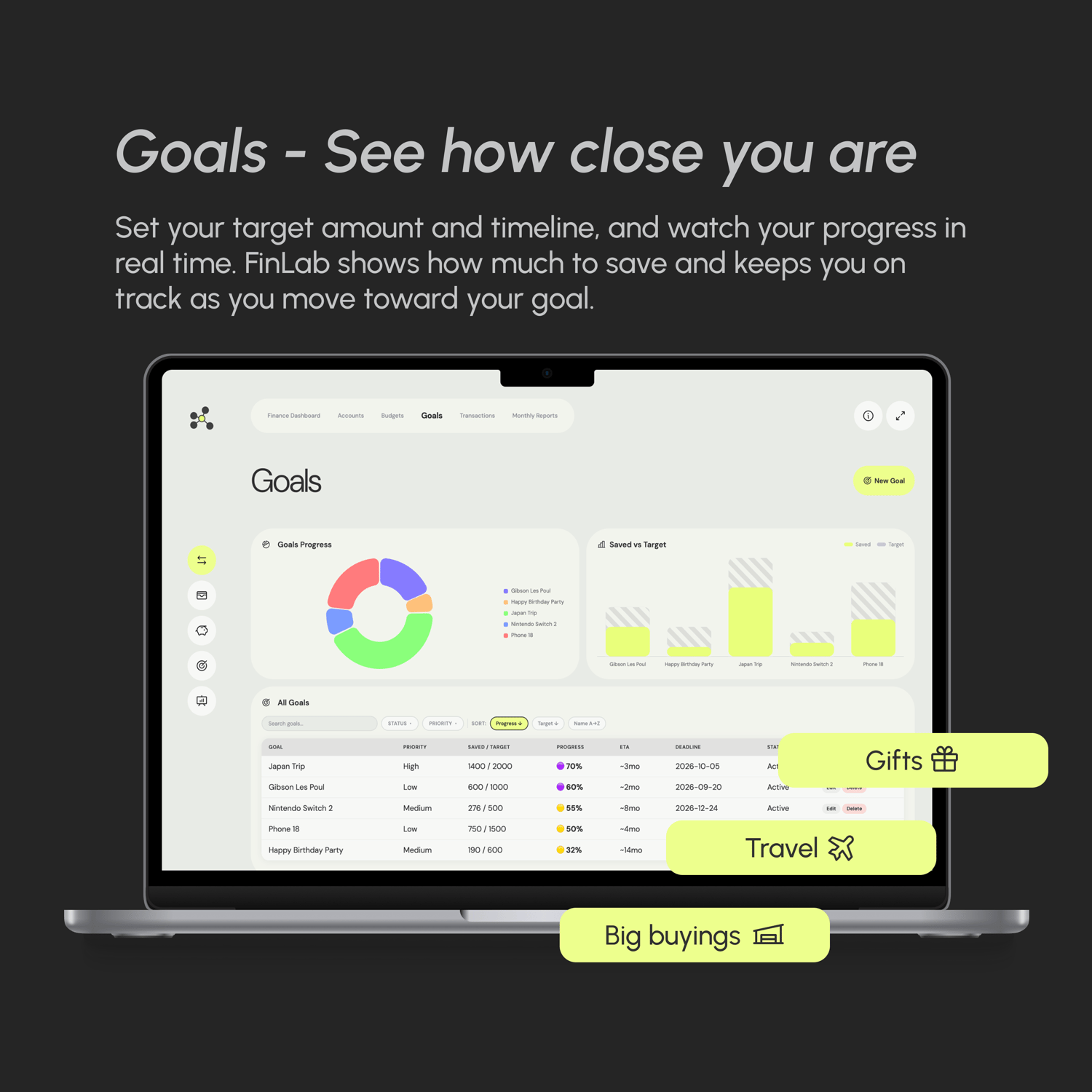
    Whether it's an emergency fund, a vacation, or early retirement — set a target amount and date. FinLab calculates your savings rate and tells you when you're on track (and when you're not).

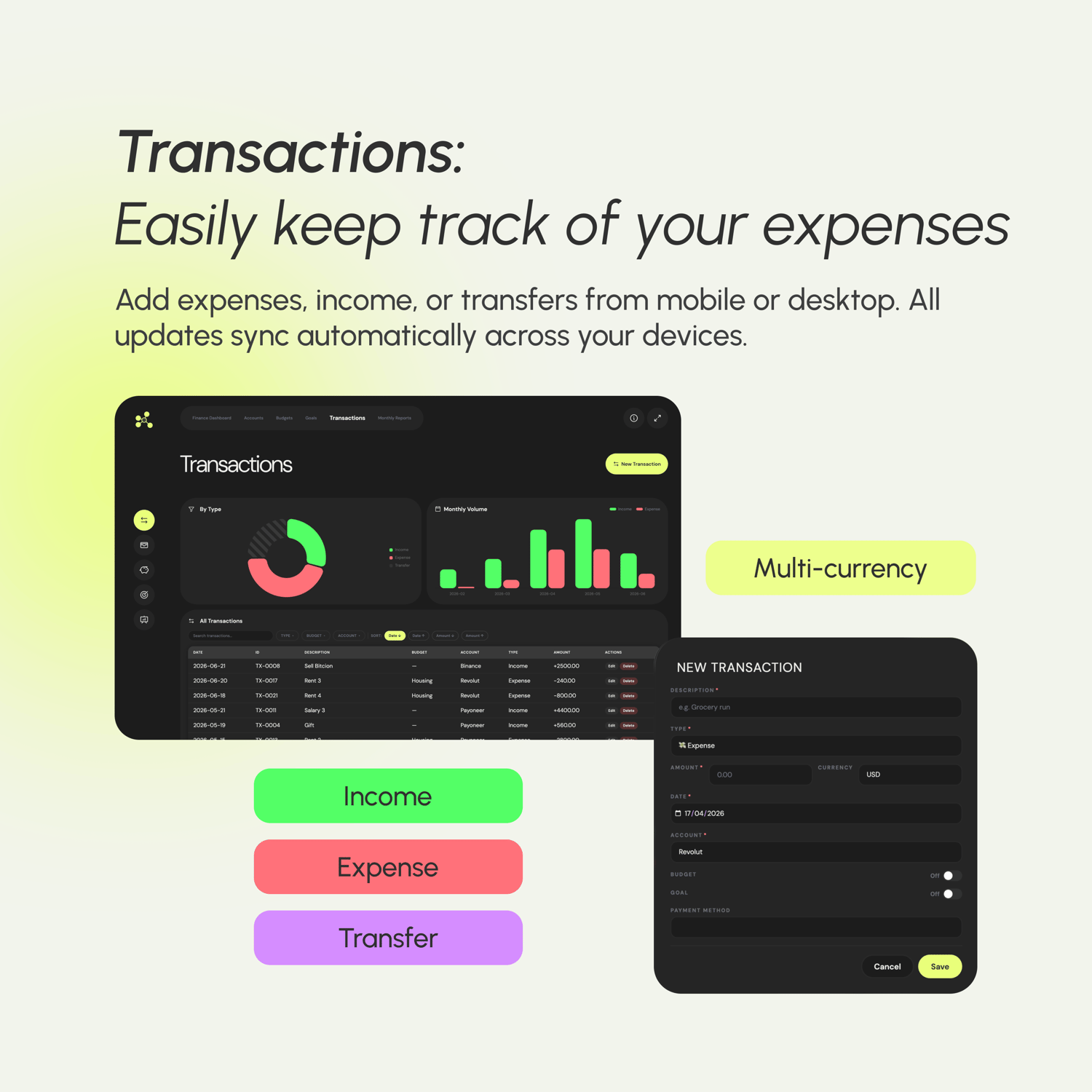
  • Log once, tracked everywhere

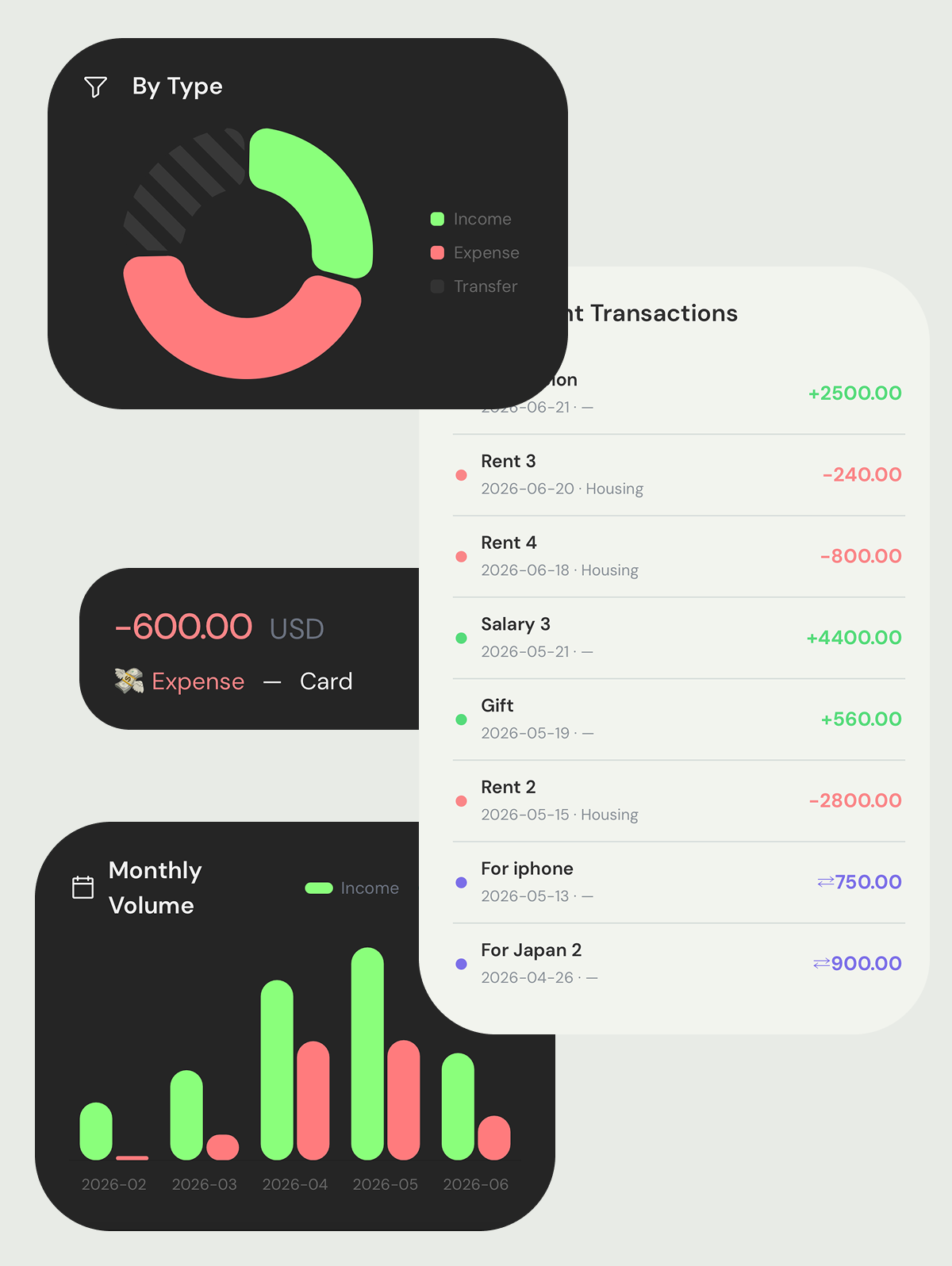
    Every expense, income, or transfer lives as a single note. Add a category, link an account, and the rest updates automatically — budgets, reports, and account balances included.

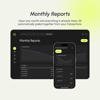
  • Monthly report, automatically

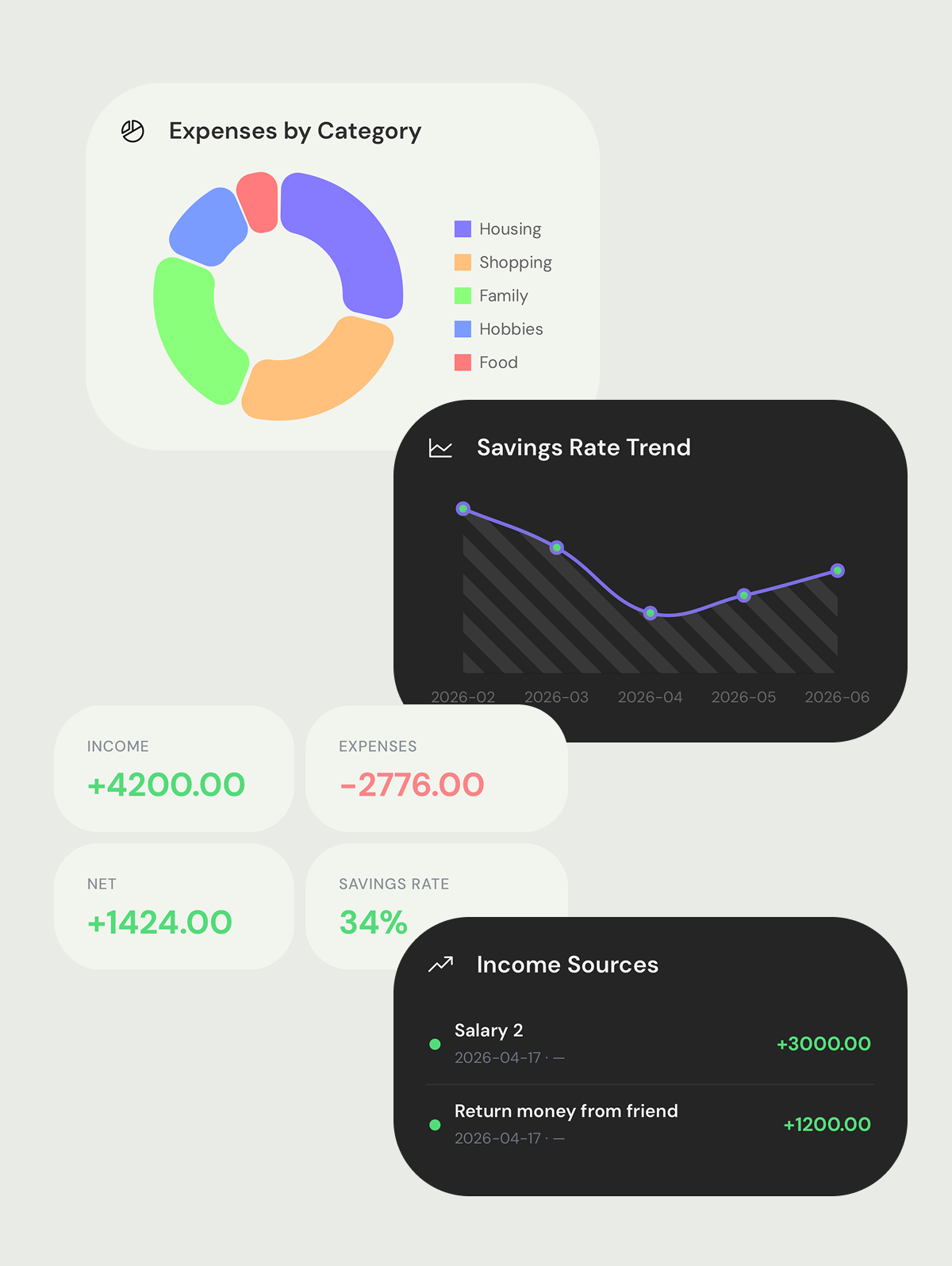
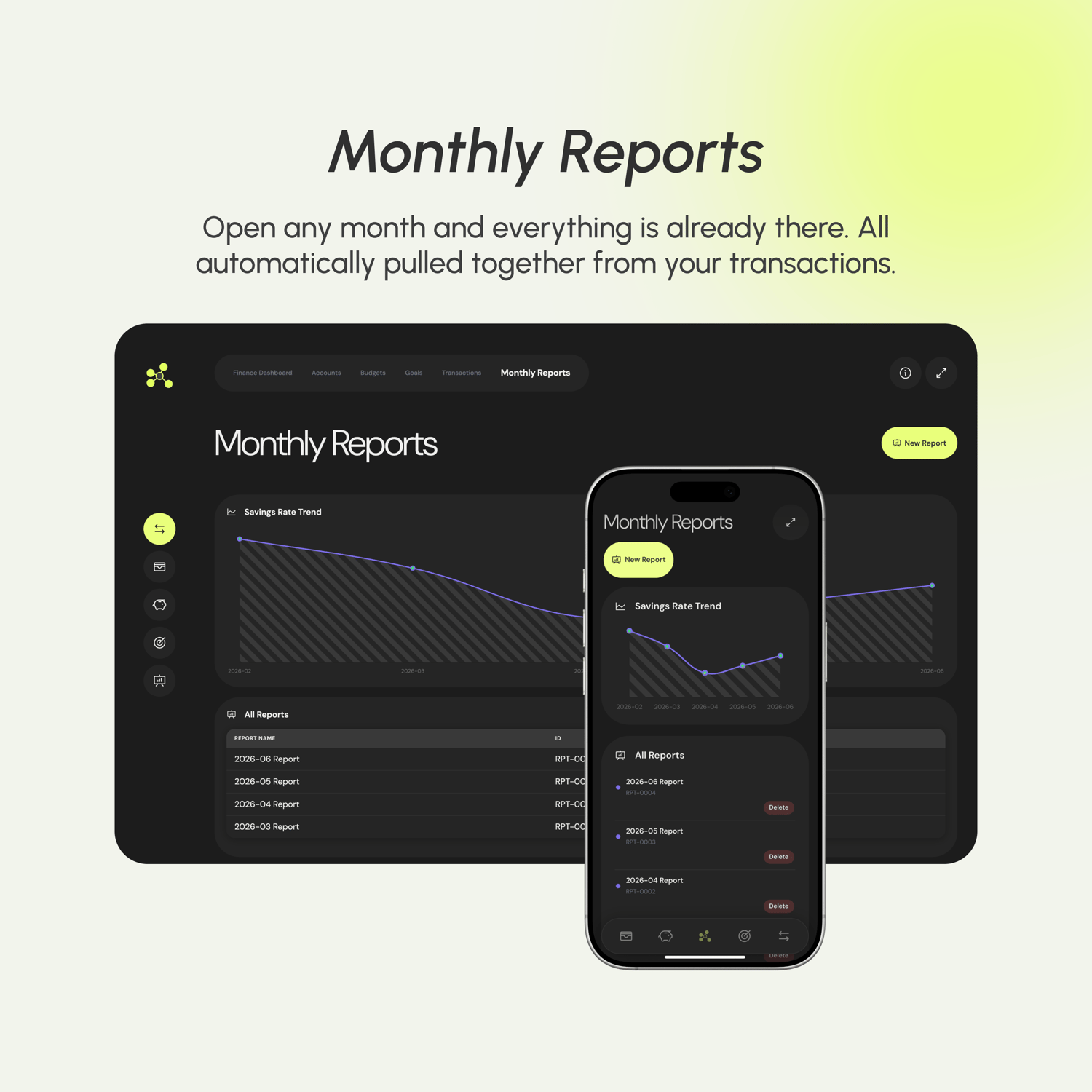
    Open any month's report and it's already filled in — income, expenses, net balance — aggregated from your transactions with no extra work.

Accounts

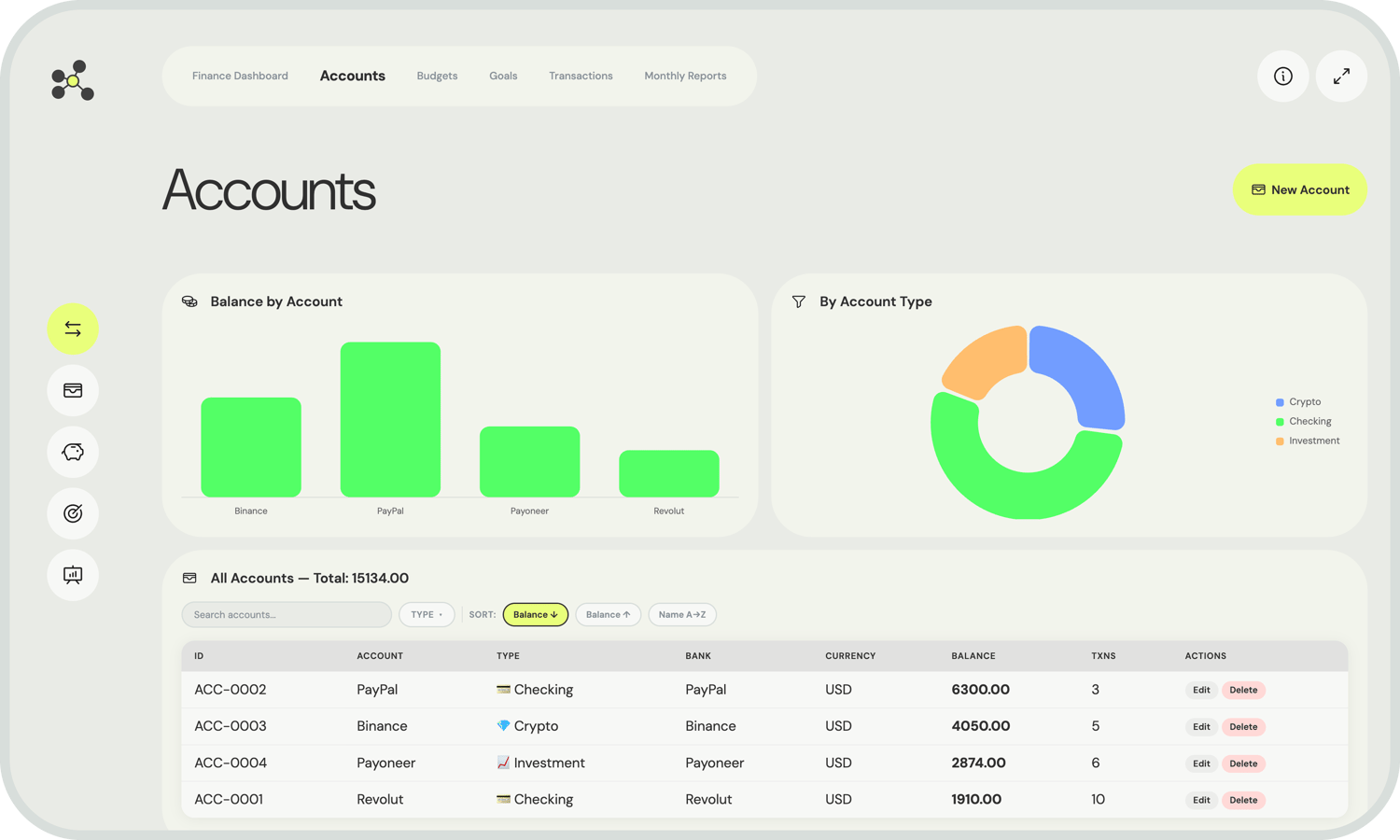
A single source of truth for every balance.


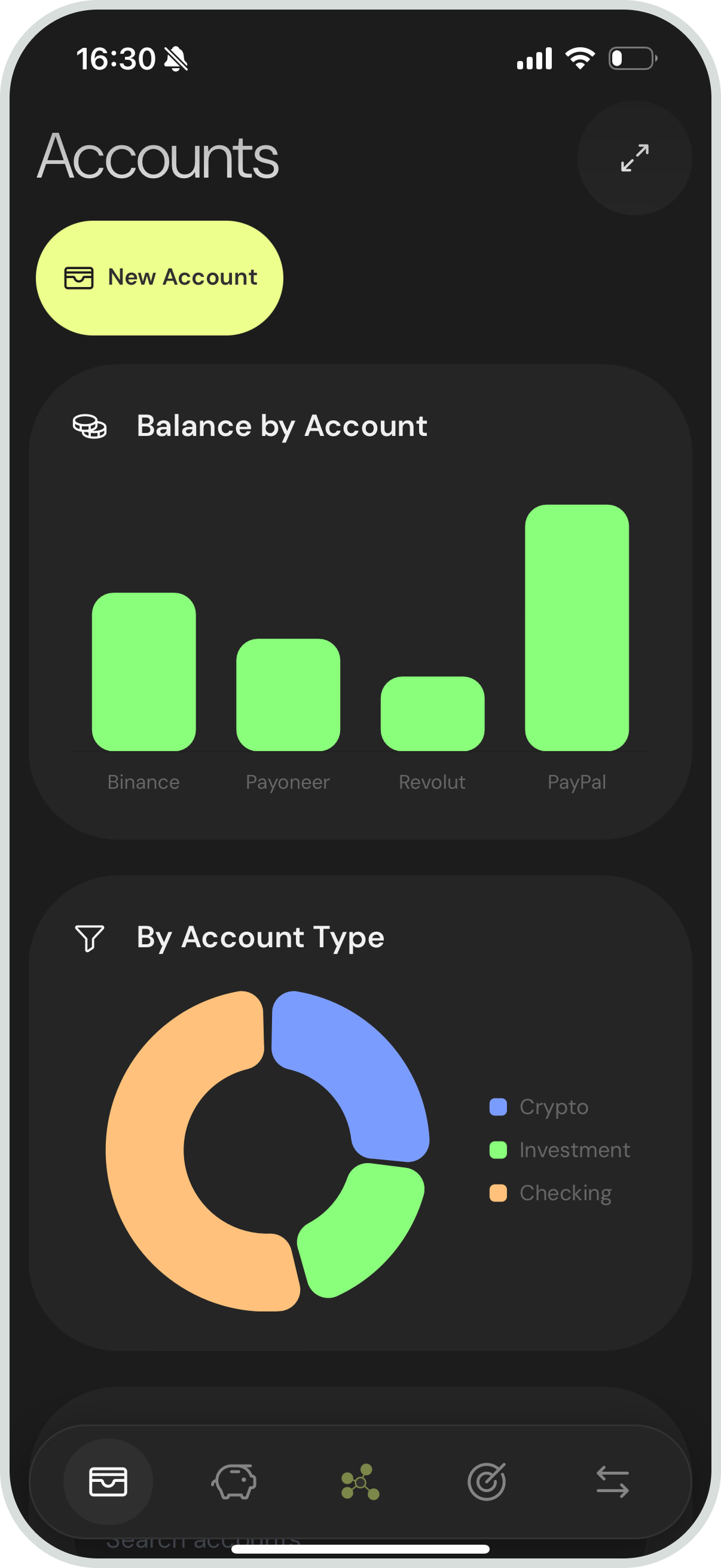
Each account has its own dedicated page with all the details that matter: type, currency, current balance, and the bank it belongs to. Accounts are referenced by transactions, so your balance history is always traceable.


You're not limited to one currency. Each account holds its own, and the dashboard handles conversion when calculating net worth. Whether you hold USD, EUR or etc. across different banks, FinLab keeps it organized.


Adding a new account takes seconds. A Templater prompt walks you through the fields, assigns the next ID automatically, and drops the file in the right folder.

Budgets

Spend wisely. See the limits before you hit them.


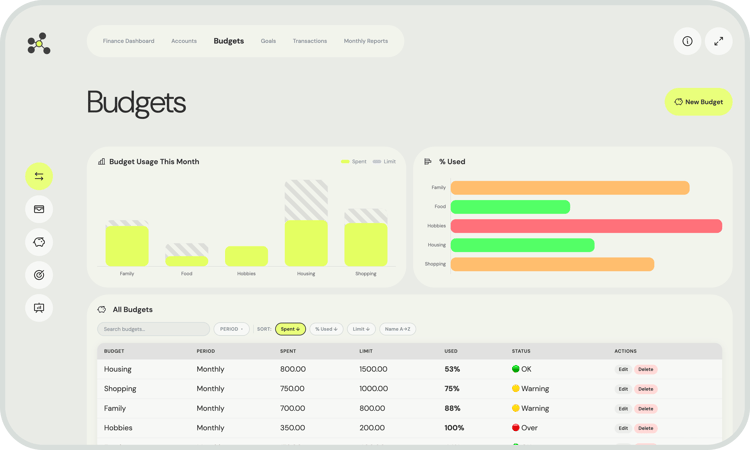
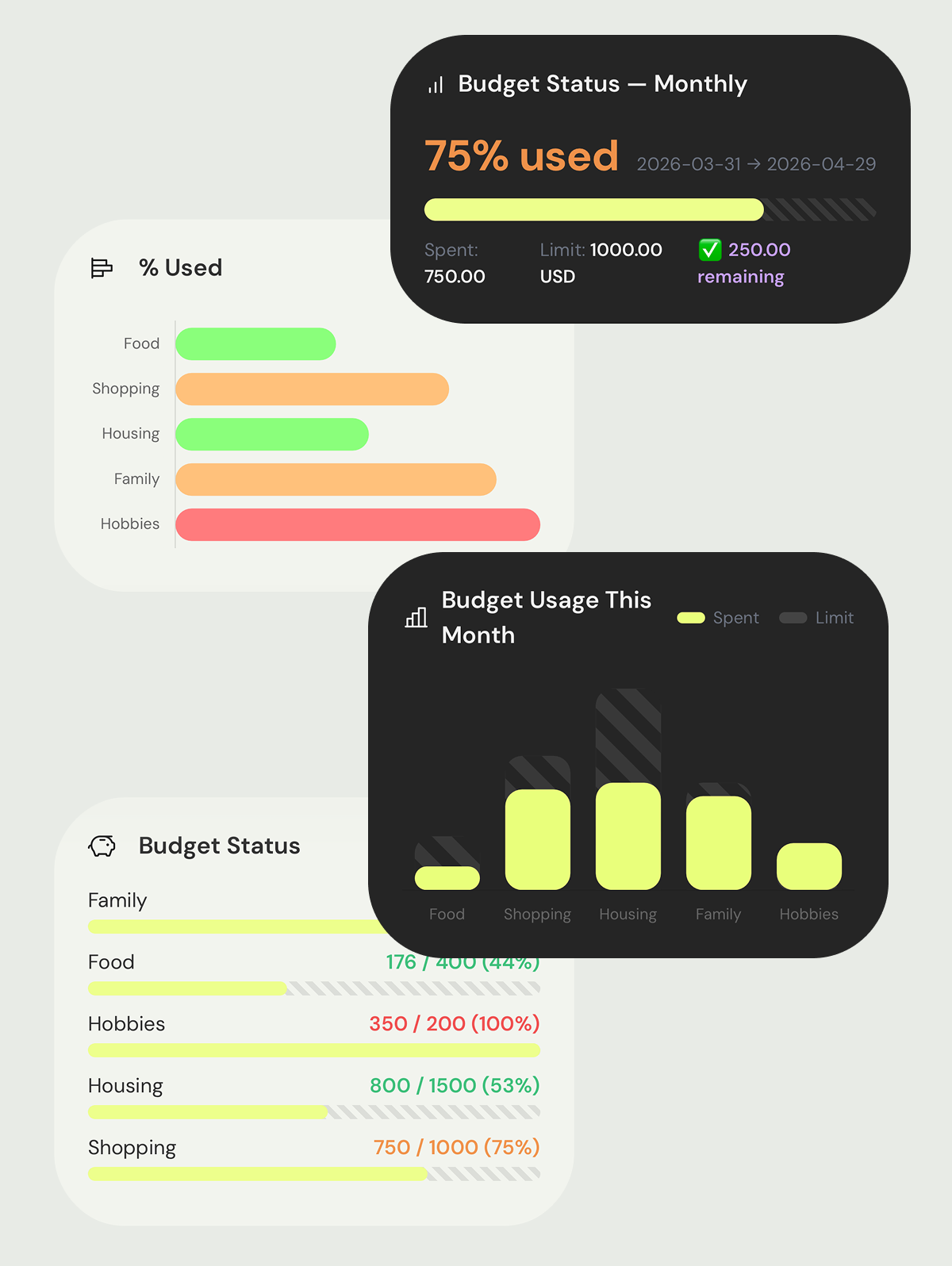
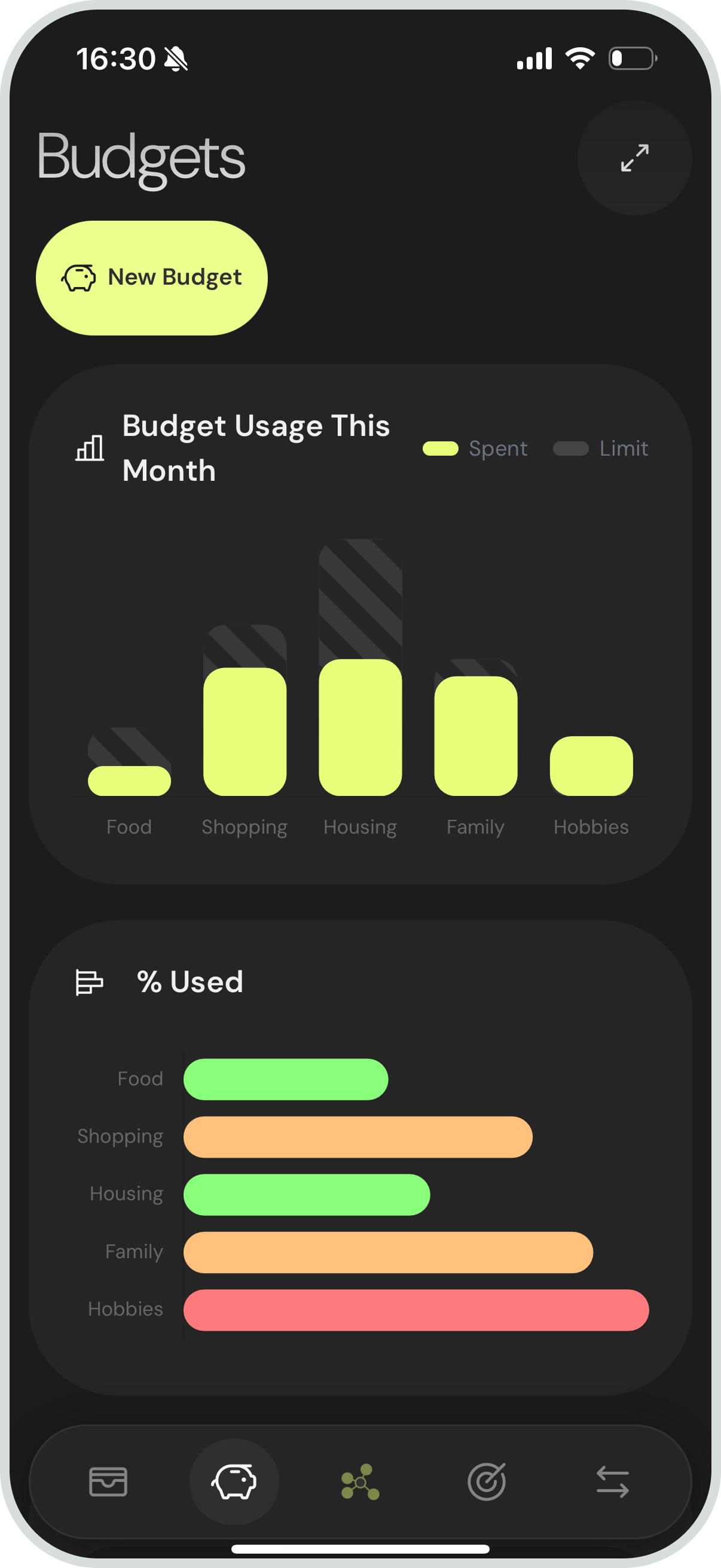
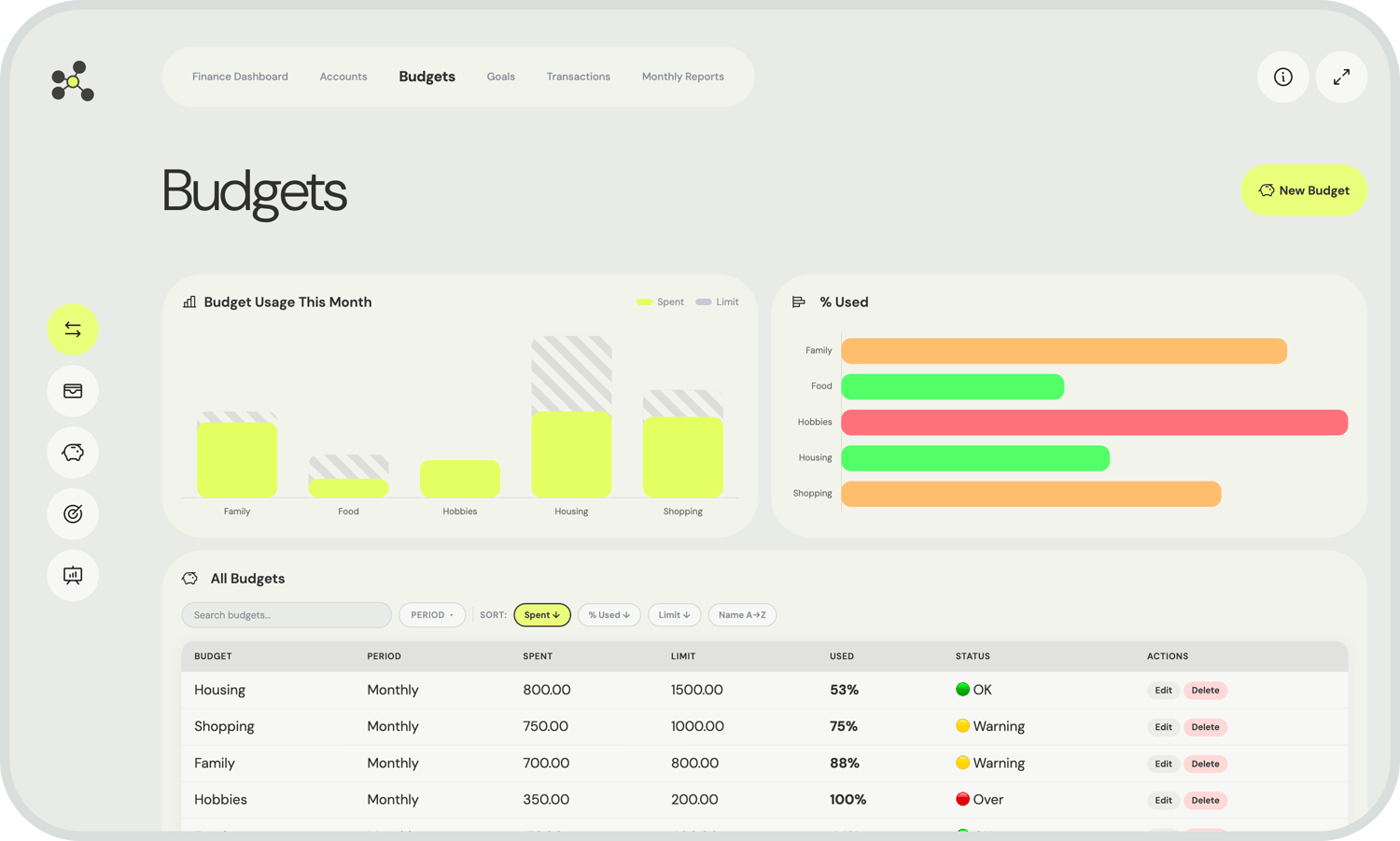
Create a budget for any spending category and set a monthly limit. FinLab automatically scans all your expense transactions for that category and calculates how much of the budget you've consumed.


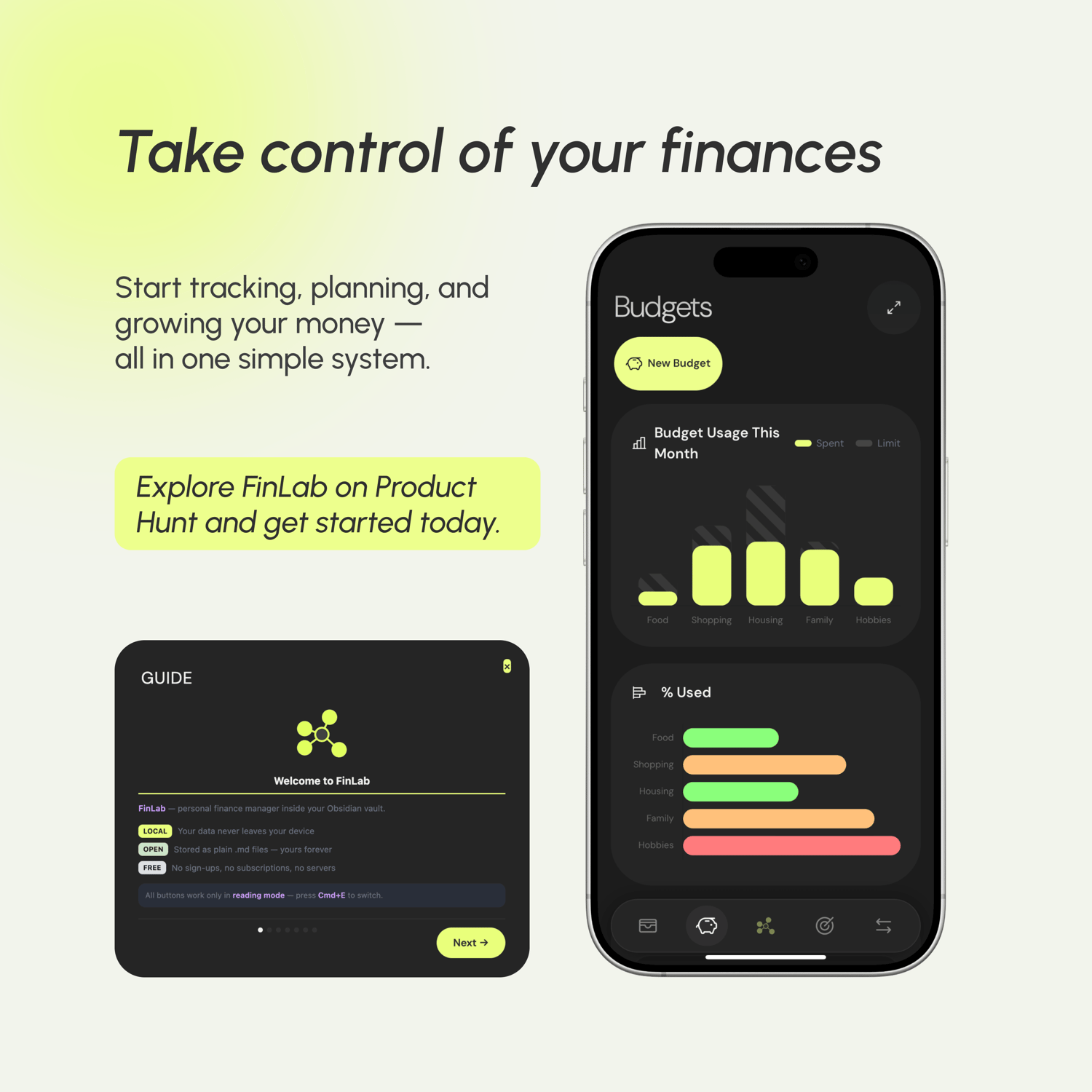
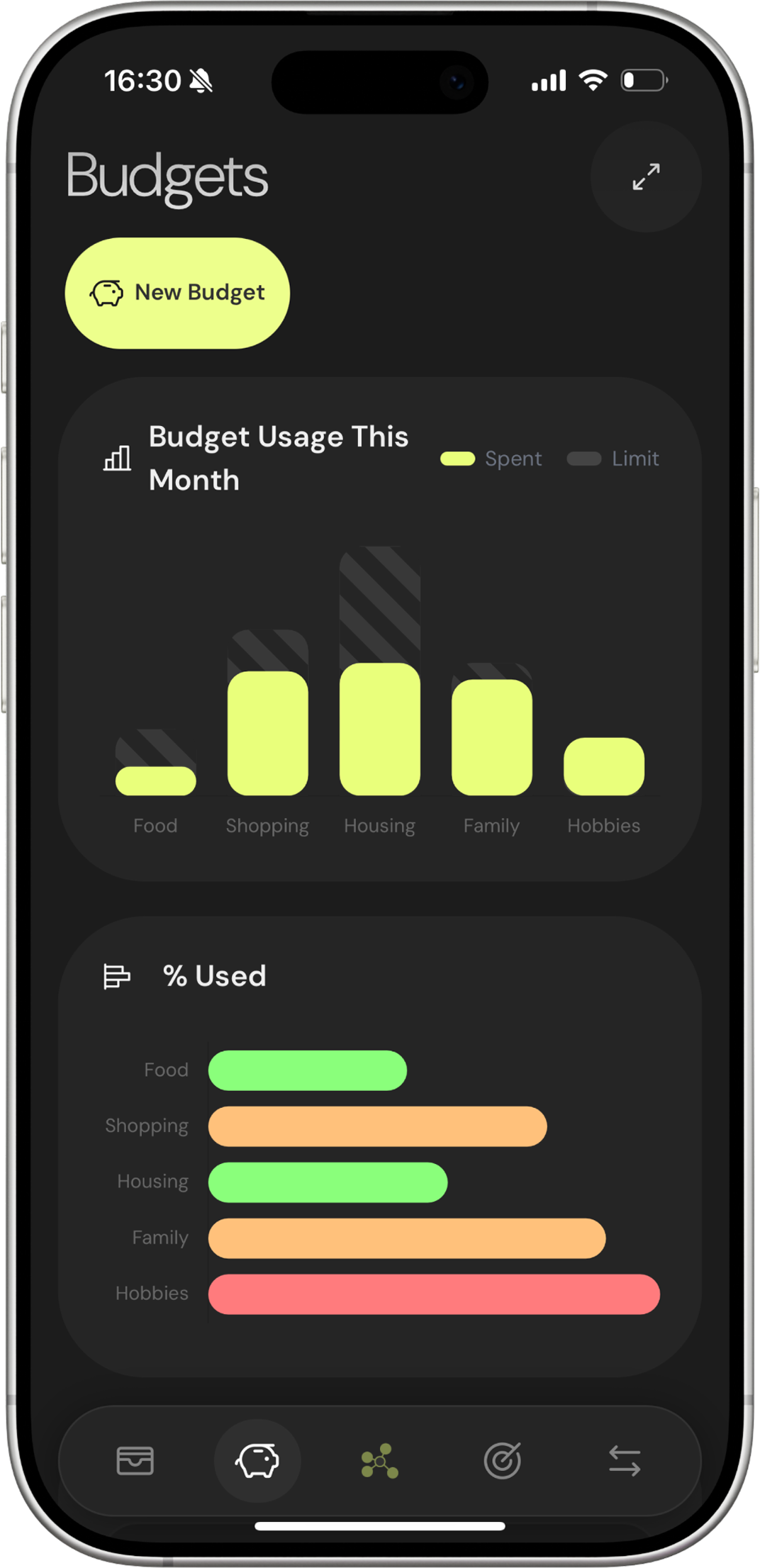
The dashboard shows each budget as a progress bar with the amount spent, the limit, and what's left. You see at a glance where you're comfortable and where you're creeping toward the edge.


Budgets don't require manual updates. As long as your transactions use the right category names, the math happens on its own.

Goals

Stop guessing. Start tracking.


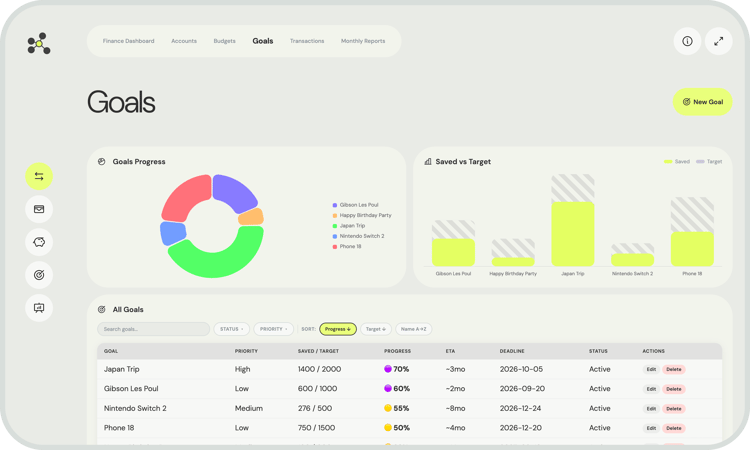
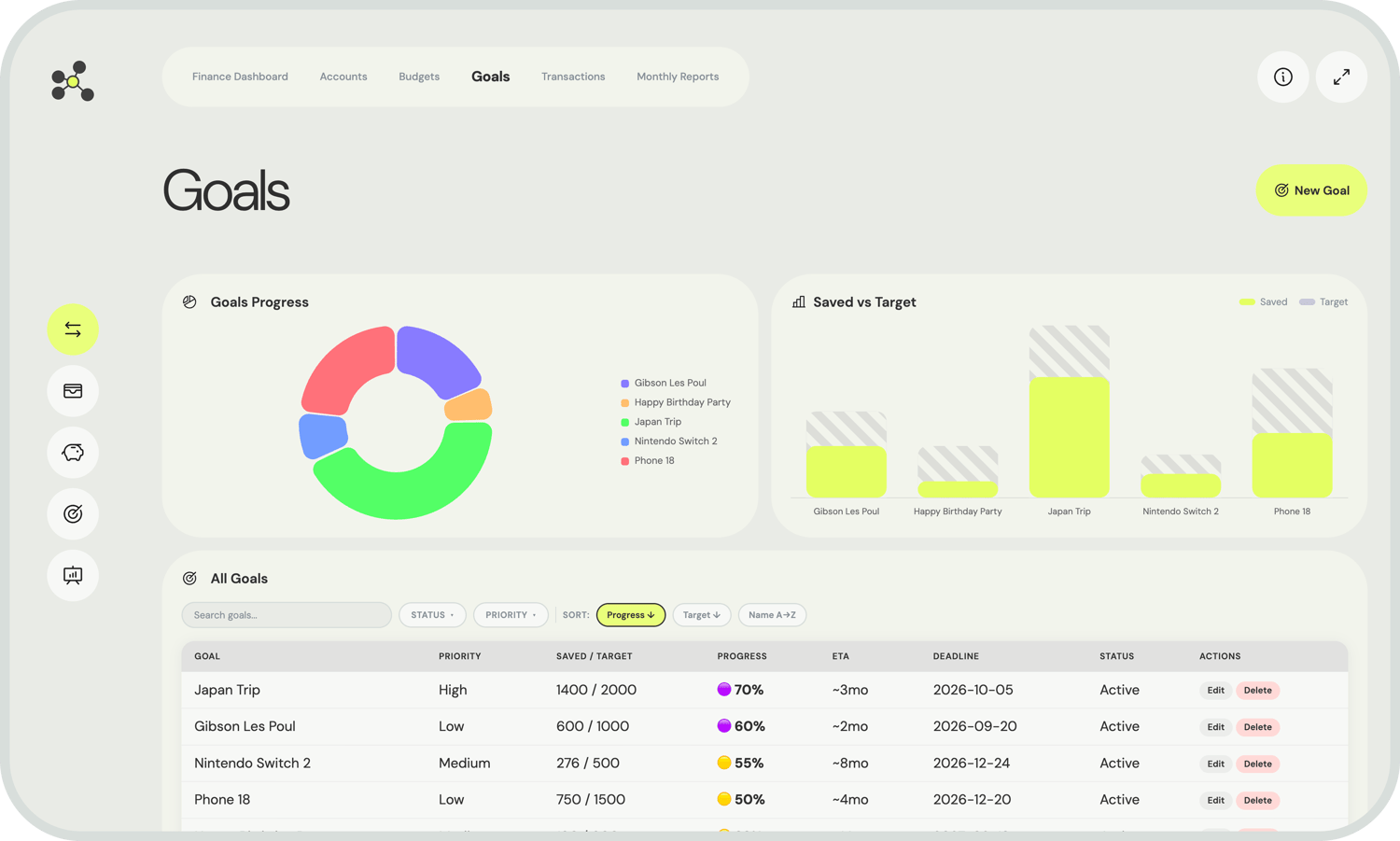
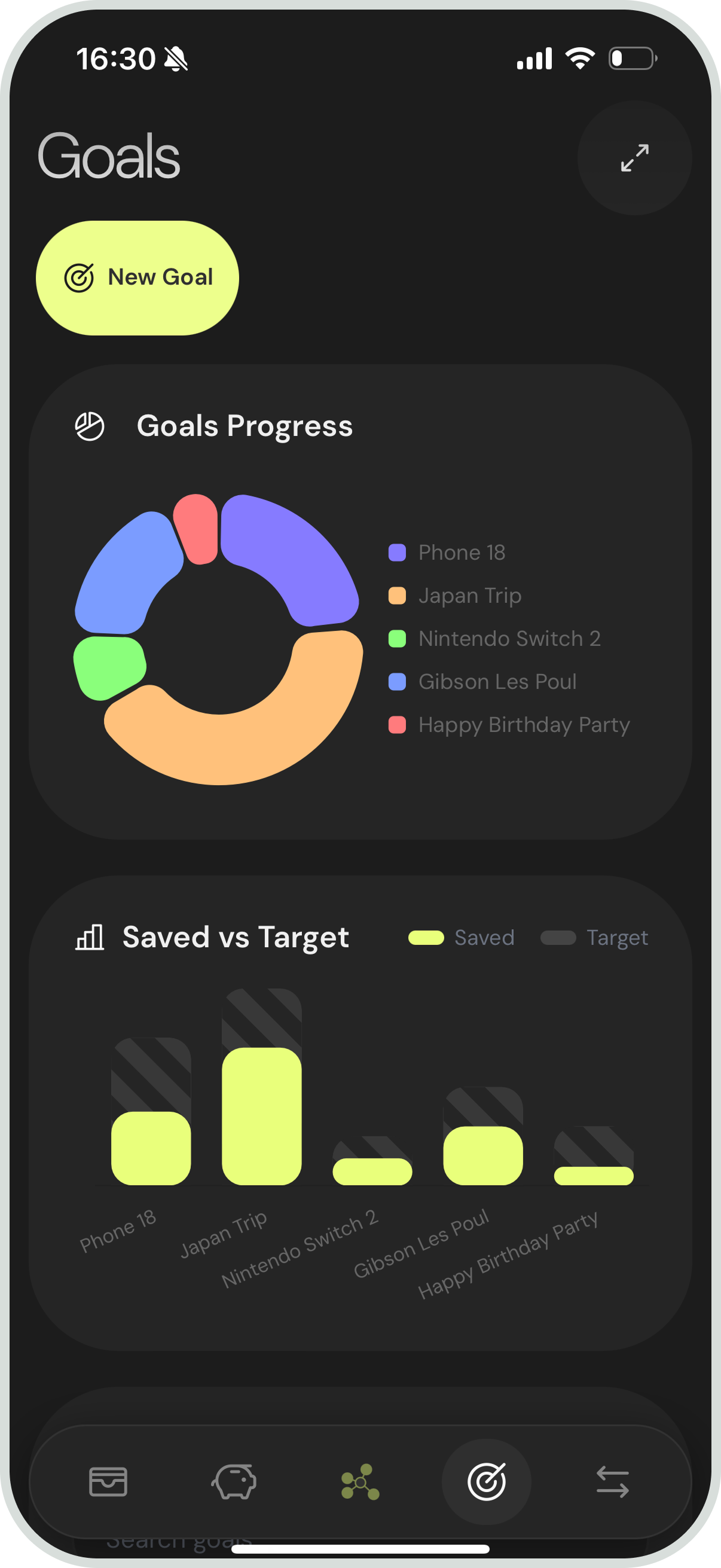
A goal is a target amount with a deadline — an emergency fund, a down payment, a laptop, a trip. You set the number and the date, and FinLab tells you whether your current savings rate is enough to get there on time.


Each goal note tracks how much you've saved so far and computes an ETA based on how fast the balance is growing. If you're falling behind, you see it immediately — not at the end of the year when it's too late to adjust.


Goals sit alongside budgets and accounts in the dashboard, so your short-term spending and long-term targets are always visible together.

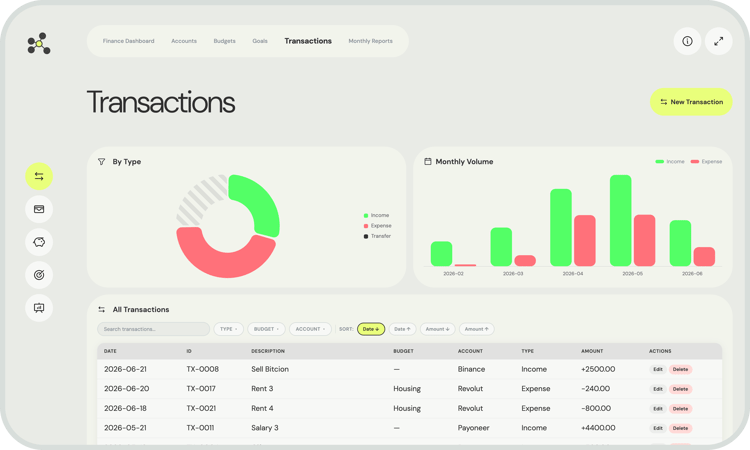
Transactions

The foundation everything else is built on.


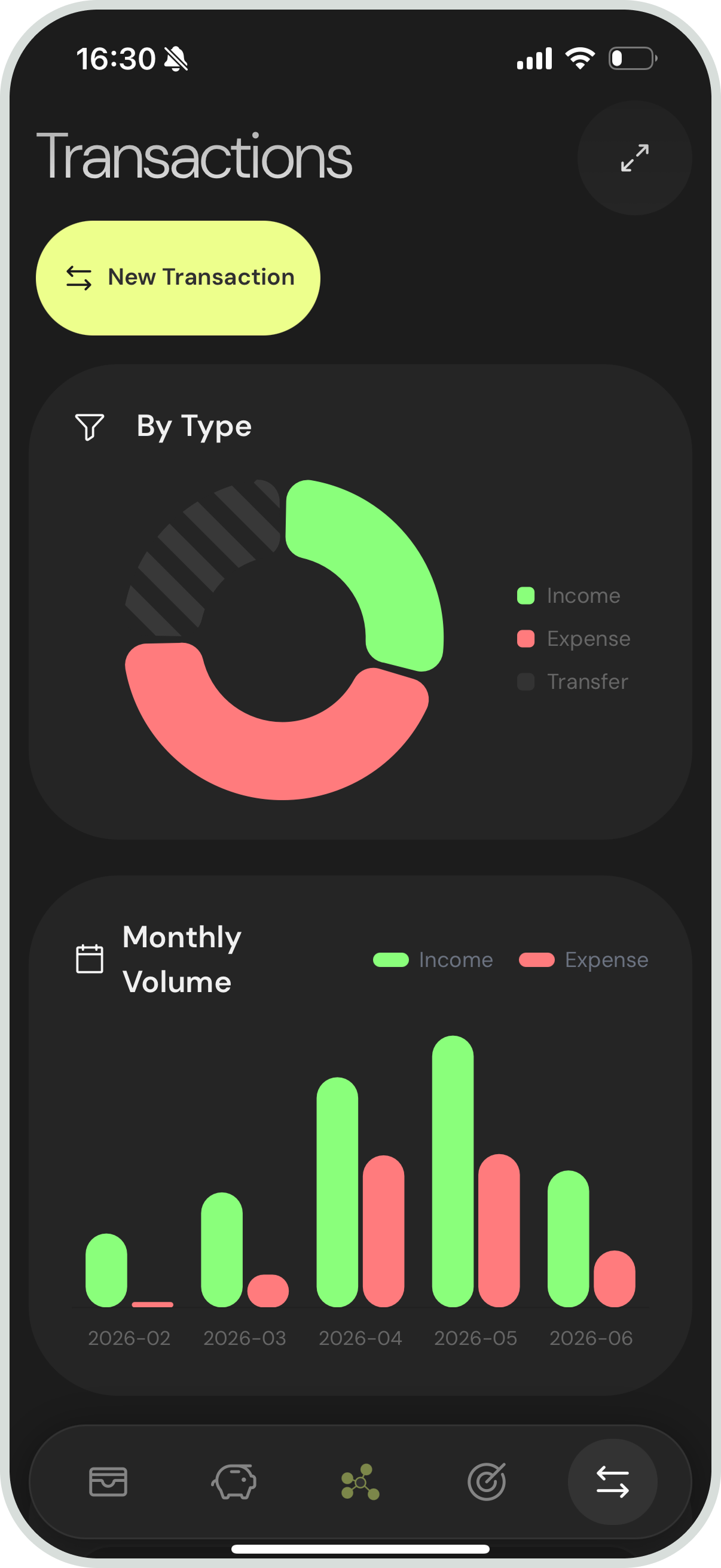
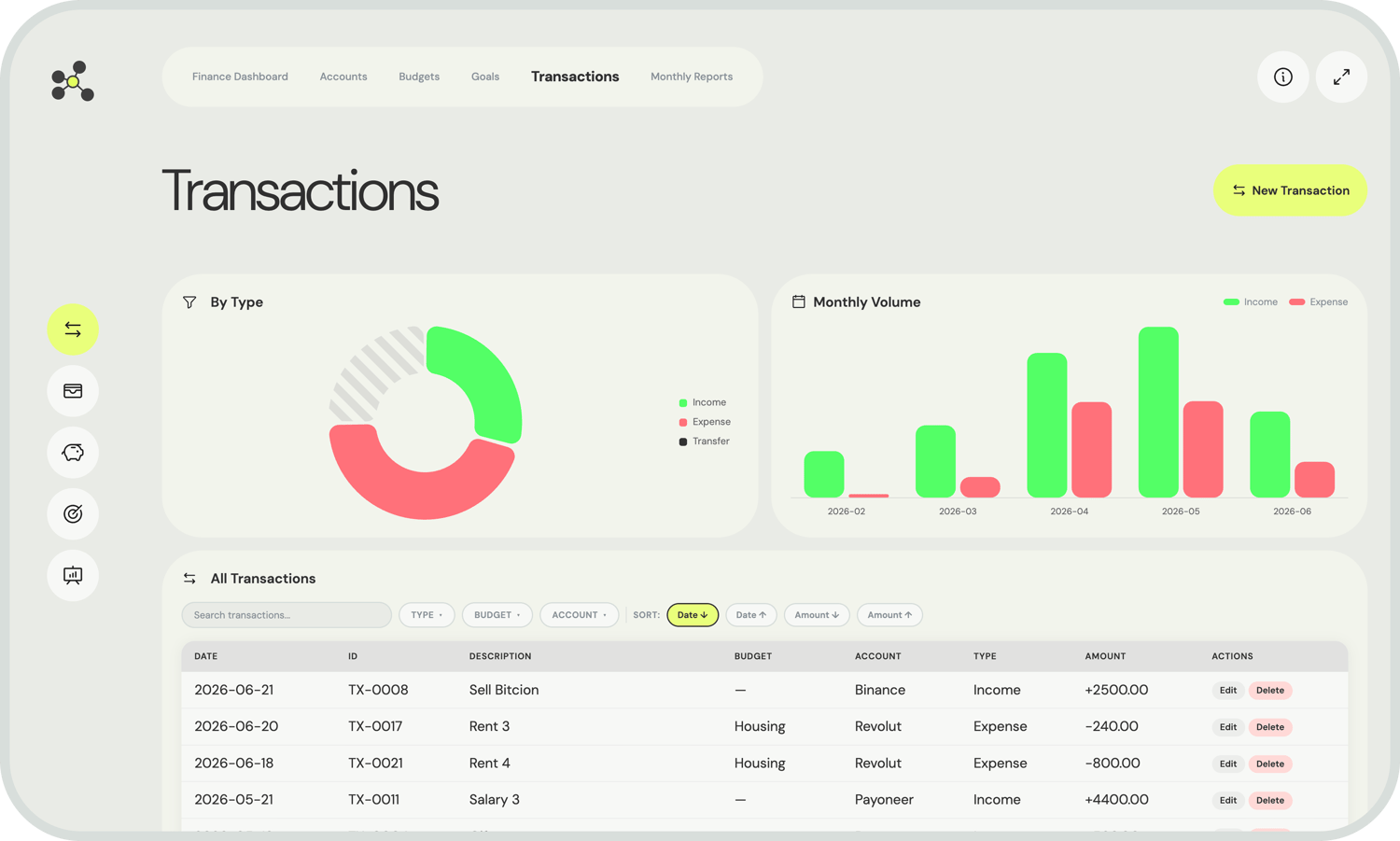
Every financial event is a single record. It captures the amount, date, account, category, and transaction type. That's all it takes for the rest of the system to work.


Budgets pull from transactions. Monthly reports aggregate them. Account views filter by them. You write one record, and it propagates through every relevant view automatically.


Logging a transaction is fast: a guided prompt walks you through the details, generates the ID, and opens the record ready to view. The whole process takes under 30 seconds.

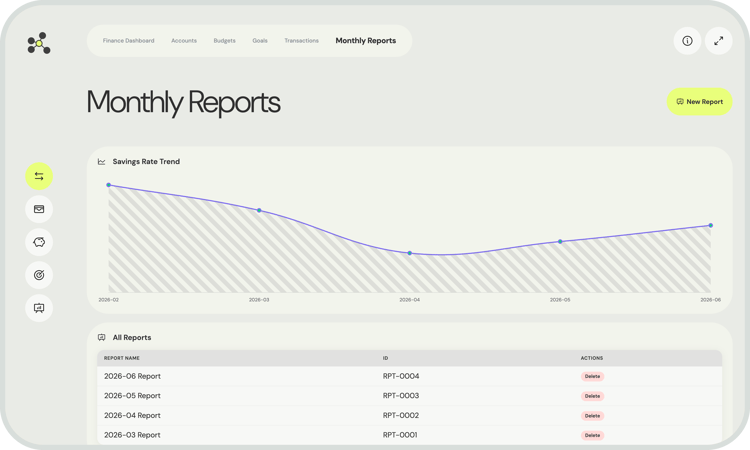
Reports

A complete monthly picture, ready before you ask.


Every month gets its own report page. Open it and it's already populated with total income, total expenses, and net balance pulled from that month's transactions. No copy-pasting, no pivot tables, no manual summaries.


Reports are useful for month-to-month comparison, for understanding seasonal spending patterns, and for having a clean archive of how each period looked. Since they're just markdown files, you can add your own notes, reflections, or annotations directly in the document.


The report for the current month updates in real time as you log new transactions throughout the month.

Key features

Fully offline

Your financial data stays on your machine, always. No API keys, no login, no telemetry.

Live dashboards

Dataview renders everything at open time. Every view is always up to date.

Automated record creation

Templater prompts guide you through each entry, auto-generate sequential IDs, and handle file naming.

Category-linked budgeting

Transaction categories connect directly to budget records. No configuration needed - just consistent naming.

Multi-currency support

Each account holds its own currency. The system handles mixed portfolios cleanly.

Dark mode & light mode

The full design system adapts to your Obsidian theme automatically.

FAQs