
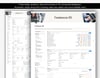
Freelancer OS - Notion template
Running a freelance business means juggling leads, proposals, contracts, deadlines, hours, invoices and taxes, often across five different apps. Freelancer OS brings it all into one connected Notion workspace so you can see your whole business at a glance.
Enter your information once. Relations and rollups carry it everywhere else, and formulas calculate your totals, balances and profit automatically.
Who it is for
- Freelance designers, developers, writers, marketers and consultants
- Solo business owners and independent contractors
- Small studios and agencies who want a lightweight client system
- Anyone who wants a simple, professional way to manage client work in Notion
What you can do with it
- Track every lead through your sales pipeline and forecast expected revenue with a weighted value
- Send proposals and see your effective hourly rate before you commit to a price
- Manage clients and contacts with lifetime revenue and outstanding balances shown automatically
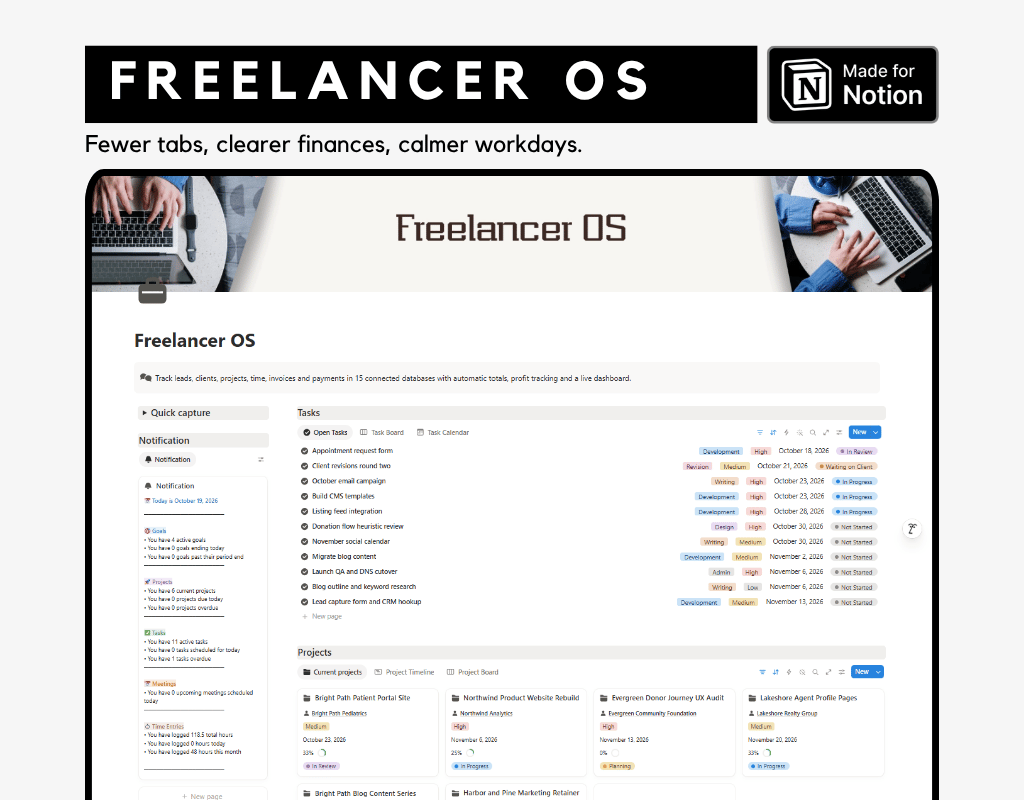
- Plan projects with tasks, budgets, deadlines and visual progress bars
- Log billable and non-billable time, with amounts calculated for you
- Create invoices that total themselves, including tax, payments received and balance due
- Spot overdue invoices instantly with days overdue and payment standing labels
- Record payments and expenses, and watch project profit update in real time
- Set revenue and billable hour goals and track your progress
- Log meetings and keep every conversation tied to the right client and project
- Use the Notification summary hub to see goals, projects, tasks and meetings together
What is included
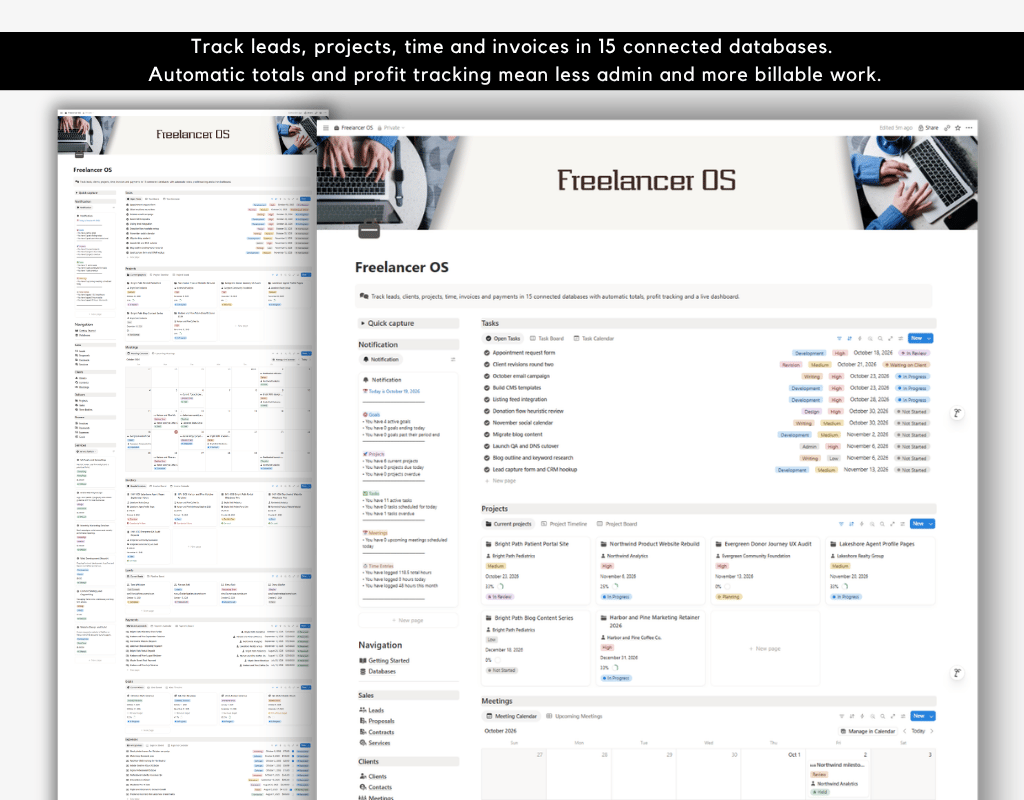
- 15 connected databases: Clients, Contacts, Leads, Proposals, Contracts, Services, Projects, Tasks, Time Entries, Invoices, Payments, Expenses, Meetings, Goals and Notification
- Built-in formulas for invoice totals, tax, balance due, payment progress bars, project profit, budget remaining, effective hourly rate, follow-up flags and more
- Property descriptions on every field that needs manual input, so you always know what to enter
- A Getting Started guide with a relationship map, database-by-database instructions, an everyday workflow and best practice tips
How it works
- Add a lead and move it through your pipeline.
- Send a proposal. When it is accepted, create the client, project and contract.
- Break the project into tasks and log your time as you work.
- Create an invoice, link your time entries and send it.
- Record the payment and link it to your goal.
- Check your dashboard and Notification summary to see what needs attention.
Why you will love it
- Less admin: Totals, balances and progress calculate themselves.
- More clarity: See who owes you money and which projects are actually profitable.
- Better habits: Follow-up flags and timing labels keep leads and deadlines from slipping.
- Easy to learn: The sample data and Getting Started guide help you understand the system in minutes.
- Easy to customize: Rename options, add properties and adjust views to fit the way you work.
Frequently asked questions
Do I need to know Notion well?
No. The Getting Started guide walks you through each database and the full workflow.
Can I remove the sample data?
Yes. Delete the sample rows once you understand the system or duplicate them to create your own entries quickly.
Can I change the currency?
The template uses US dollars. You can change the number format on any currency property in Notion.
Can I add my own services, statuses and categories?
Yes. Every dropdown and status option can be edited to match your business.
Does this template provide financial or tax advice?
No. It is an organizational tool. Please consult a qualified professional for tax and legal matters.
Is this a physical product?
No. This is a digital Notion template. After purchase you receive a link to duplicate it into your own workspace. Due to the digital nature of the product, refunds may not be available, so please check the seller’s policy before buying.
Start running your freelance business like a pro
Get Freelancer OS today and replace scattered tools, spreadsheets and sticky notes with one clear, connected workspace.