
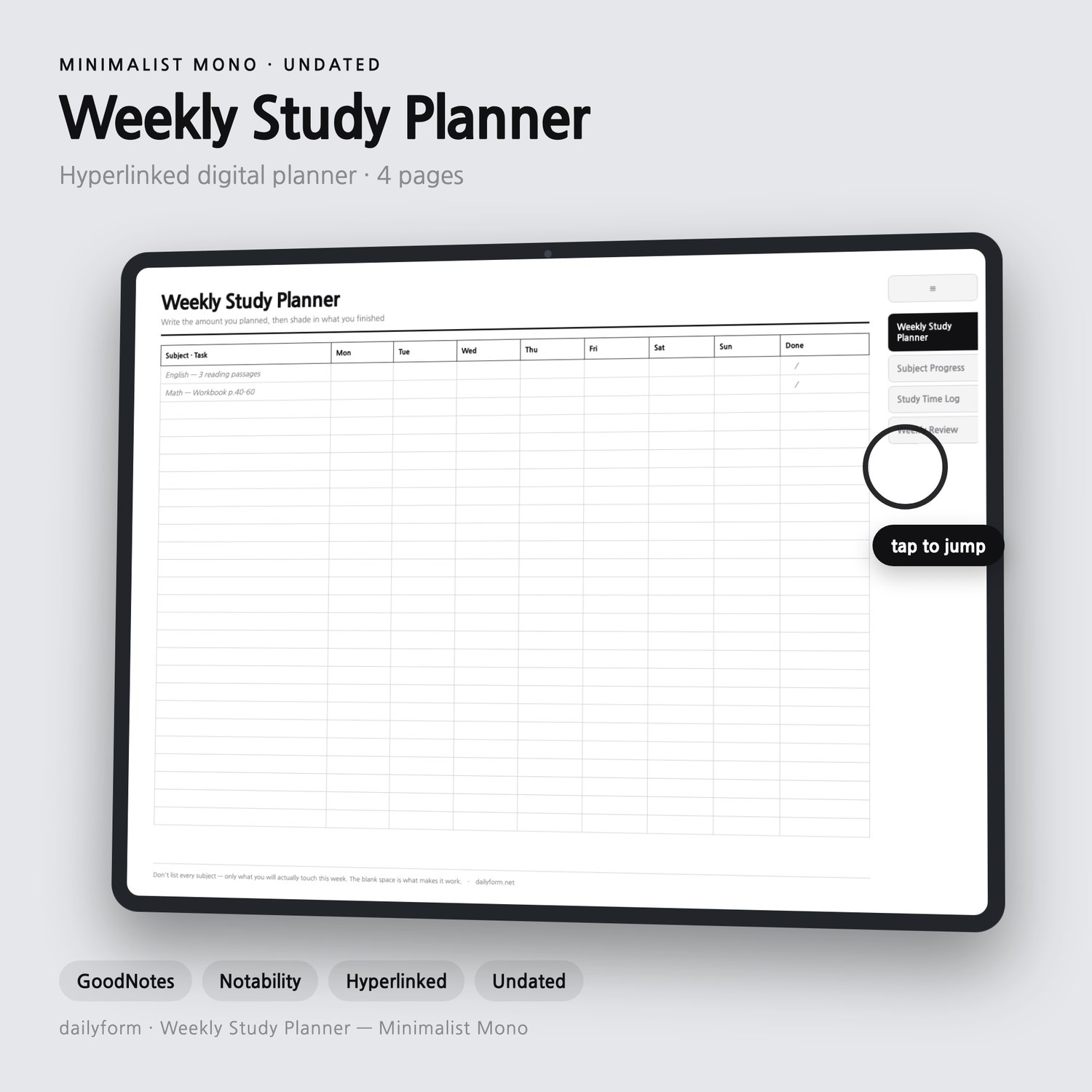
Weekly Study Digital Planner | Subjects, Hours & Review - GoodNotes | 4 Colors | 4 Pages | Instant Download
Weekly Study Digital Planner - 4 Color Editions Included
Four linked pages that take a week from the plan all the way to the reason it did not happen.
Made for middle and high school students, and anyone sitting an exam. All four color editions are included in one purchase: Minimalist, Soft Pastel, Beige, and Dark Mode.
--------------------
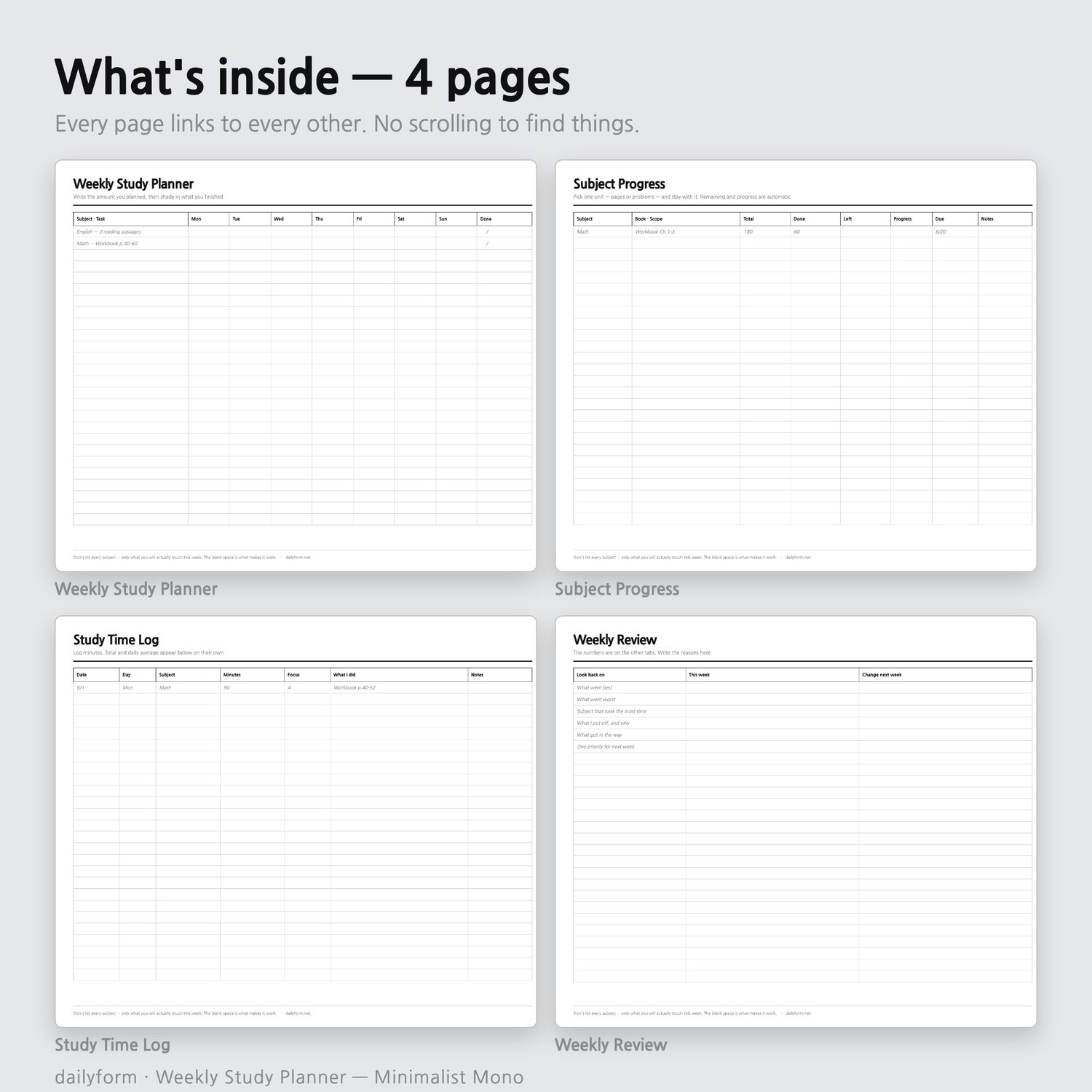
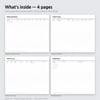
WHAT'S INSIDE - 4 pages + cover
--------------------
01. Weekly Study Planner
02. Subject Progress
03. Study Time Log
04. Weekly Review
--------------------
WHY THIS ONE
--------------------
- A week per page with room for only what you will actually touch
- A progress page per subject - total, done, and what is left
- A time log in minutes, because "I studied a lot" is not a number
- A review page that asks why, since the other pages say how much
--------------------
HOW IT NAVIGATES
--------------------
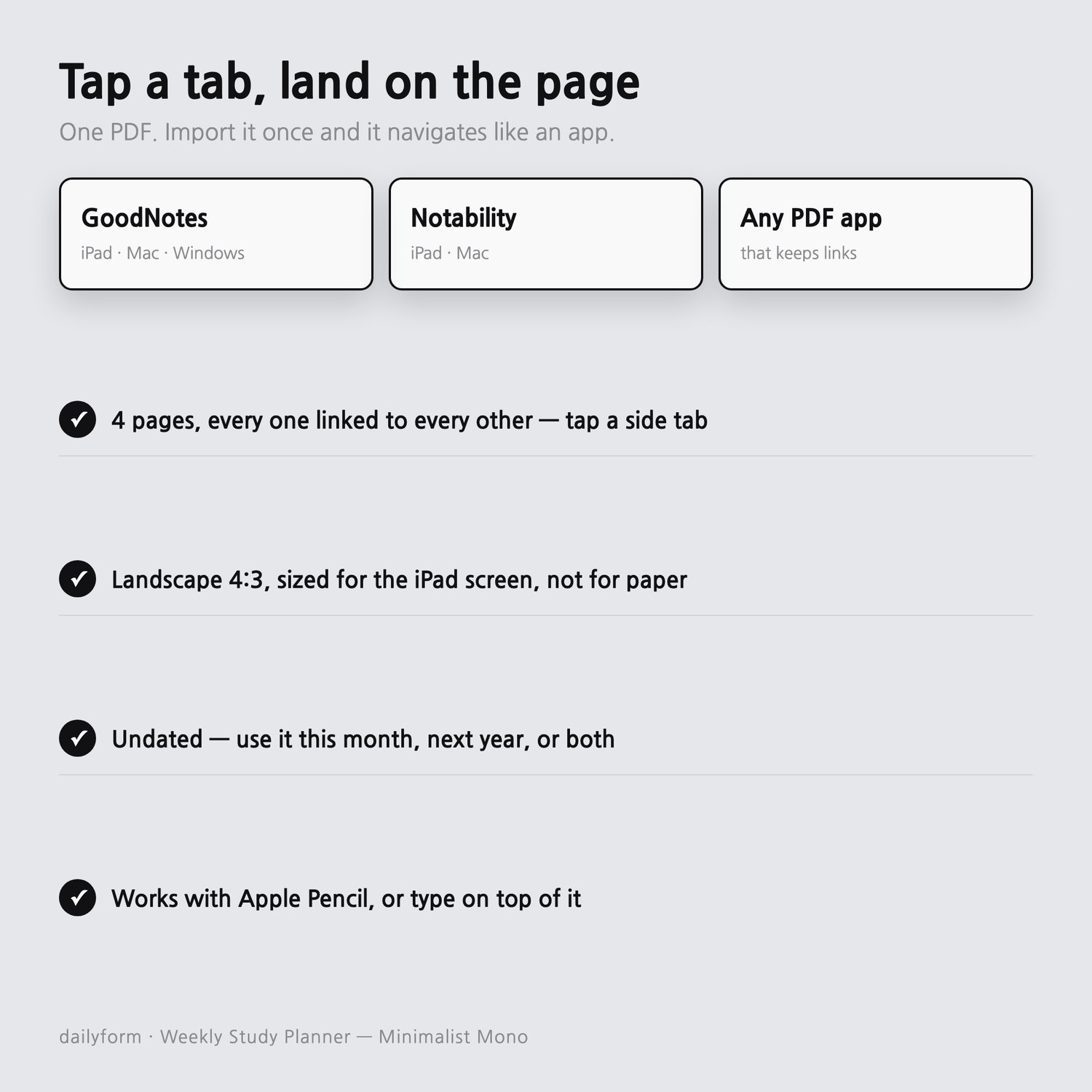
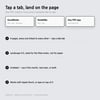
Tabs run down the right edge of every page. Tap one and you land on that page -
from anywhere, including the cover. The cover also lists every page as a link.
There is no page you have to scroll to.
--------------------
WHAT YOU GET
--------------------
- FOUR hyperlinked PDFs - Minimalist, Soft Pastel, Beige, Dark Mode
- Landscape 4:3 - sized for the iPad screen, not for paper
- Works in GoodNotes, Notability, Noteshelf, and any app that keeps PDF links
- Apple Pencil or typed text, whichever you prefer
- UNDATED - it does not expire in January, and you never re-buy it next year
- Instant download
--------------------
BEFORE YOU BUY
--------------------
- DIGITAL DOWNLOAD ONLY. Nothing is shipped, and no physical planner is included.
- NOT editable as a document - it is a PDF you write on in your tablet app.
- Instant downloads can't be returned. If a file won't open or something looks wrong,
message me first - I will fix it or refund you.
- It is undated on purpose. If you want pre-filled 2026 dates, this is not that file.
- Import it once: open the PDF in your notes app and choose Import / Open in.
- For personal use. Please don't resell or redistribute the file.
- Don't list every subject - only what you will actually touch this week. The blank space is what makes it work.
Thank you for supporting a small shop.
- DailyformPaper - dailyform.net