


Room Perimeter & Finish Deduction Manager
Room Perimeter & Finish Deduction Manager
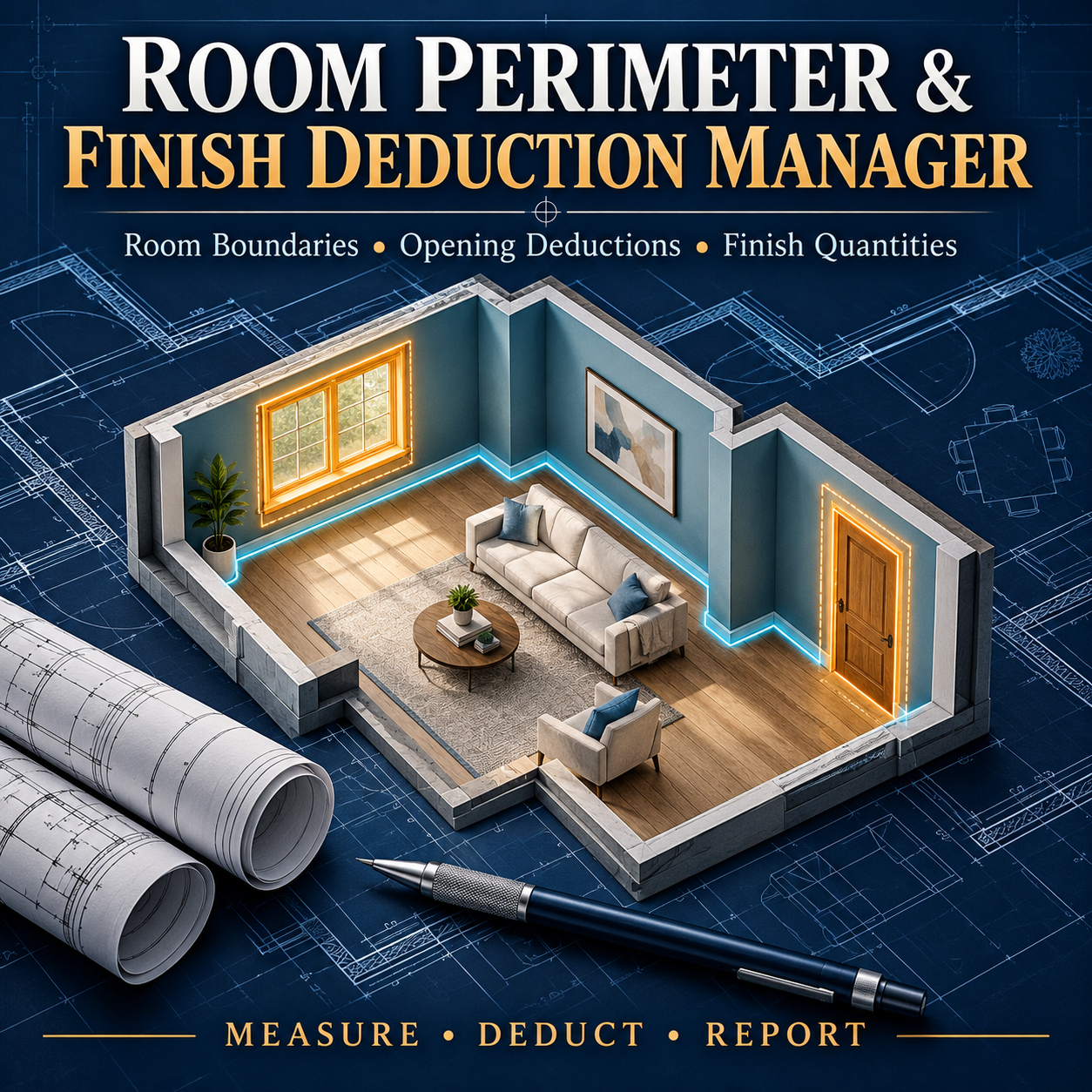
Organize room finish quantities with clear calculations and editable deduction records. This AutoLISP + DCL tool helps architects, designers, engineers, and drafters calculate wall finish areas and baseboard lengths from room boundaries and user-entered dimensions.
Features include:
- Measure perimeter and floor area from closed, straight-edged 2D polylines.
- Calculate gross wall area using a constant ceiling height.
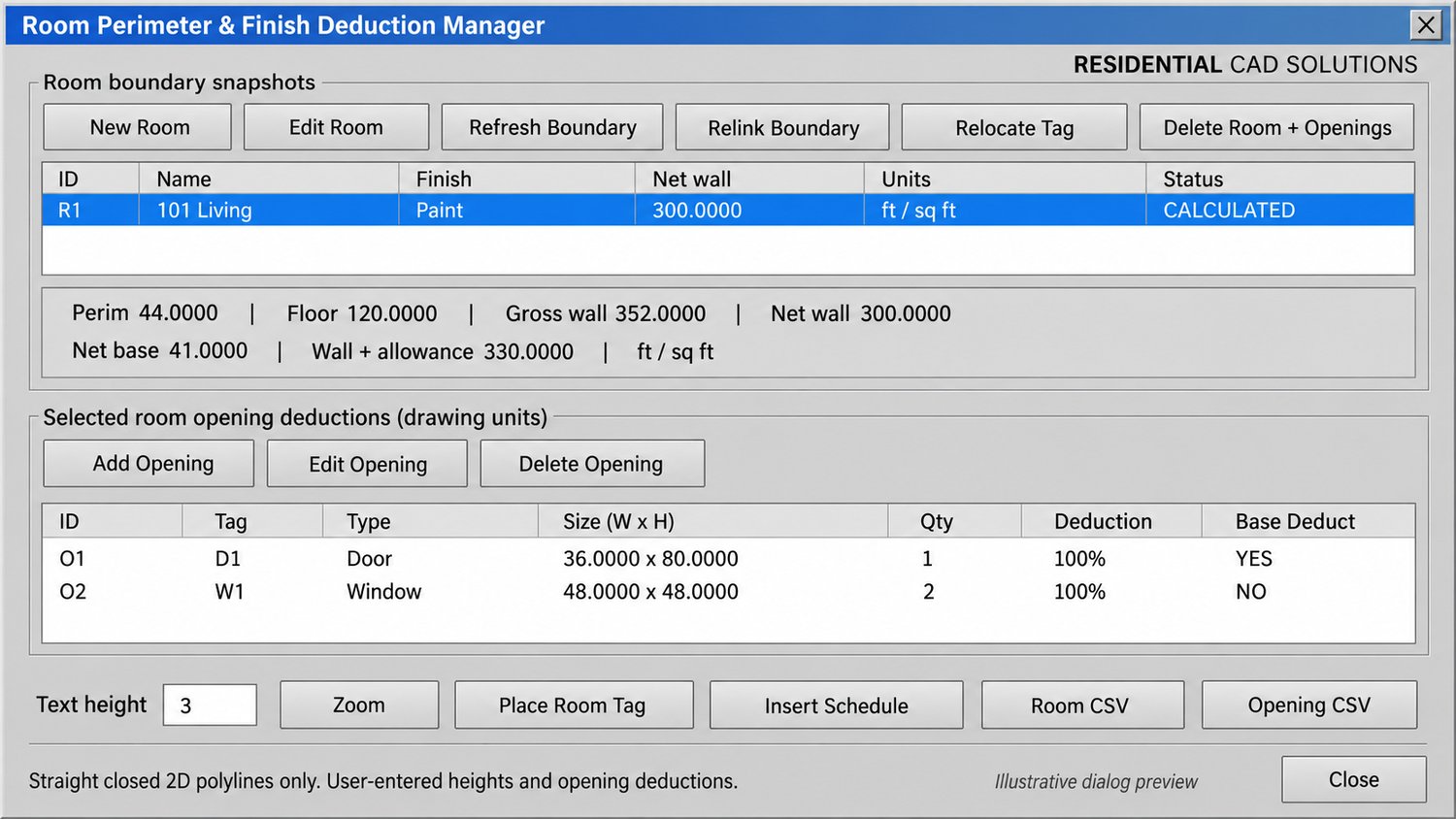
- Enter door, window, and other opening deductions with quantities and percentages.
- Deduct opening widths from baseboard length independently of wall-area deductions.
- Add extra deductions and a wall-finish waste allowance.
- Report quantities in drawing units, feet, or meters.
- Flag excessive deductions and openings taller than the entered ceiling height.
- Refresh or relink room boundaries after drawing changes.
- Place room tags, insert schedules, and export room and opening CSV reports.
- Save room and deduction records inside the DWG.
Your download includes: LISP program, DCL dialog file, demo DXF drawing, installation instructions, and verification examples.
Command: RPFDM
Please note: Heights and opening dimensions are user-entered; doors and windows are not automatically detected. Curved boundaries, holes, sloping ceilings, and wall-by-wall finish variations are not automatically evaluated. Placed tags and schedules are snapshots and require replacement after record changes.