
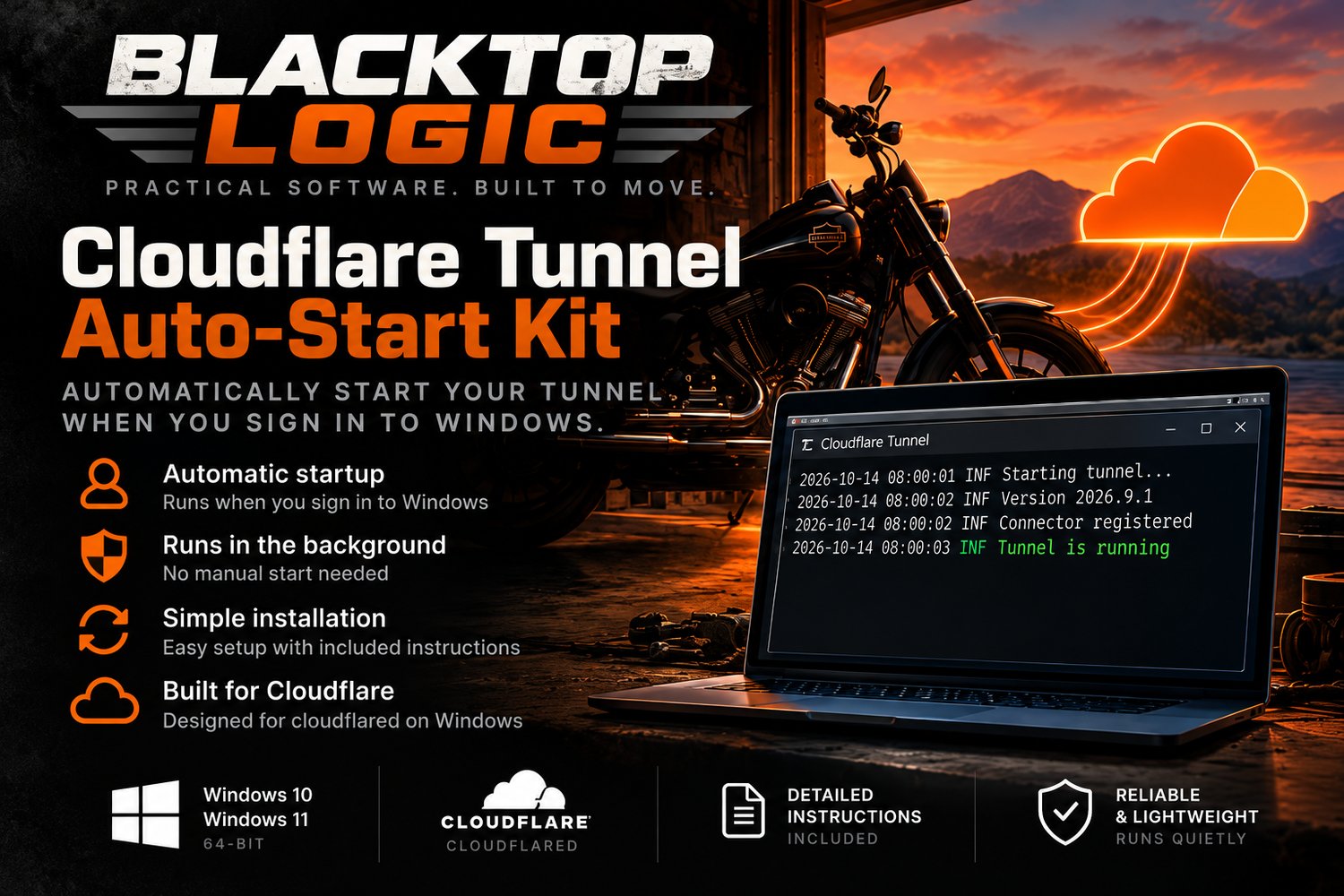
Cloudflare Tunnel Auto-Start Kit v1.0.0
Automatically start your Cloudflare Tunnel when you sign in to Windows—without installing a Windows service or requiring administrator privileges in supported environments.
Tired of manually restarting cloudflared every time you sign in to Windows?
You've already configured your Cloudflare Tunnel. It works. But after restarting your computer, you still have to open a terminal and launch it manually.
Cloudflare Tunnel Auto-Start Kit eliminates that repetitive step.
This lightweight PowerShell utility configures Windows Task Scheduler to automatically launch your existing Cloudflare Tunnel when you sign in.
No additional Windows service. No subscription. No complicated setup.
Why choose Auto-Start Kit?
No administrator privileges required in our tested setup
Unlike installing Cloudflare Tunnel as a Windows service, our kit uses a scheduled task under your existing Windows user account. It was developed and tested successfully on a machine without administrator access.
Some corporate or managed Windows environments may restrict scheduled-task creation.
Automatic startup at Windows login
Your existing Cloudflare Tunnel launches automatically when you sign in to your Windows account.
Simple installation and removal
Includes PowerShell utilities to install, check status, and remove the auto-start configuration.
Works with your existing Cloudflare Tunnel
No need to recreate your tunnel or change your Cloudflare dashboard configuration.
One-time purchase — $19
No recurring subscription fees for the kit.
What's included?
- Guided PowerShell installer
- Windows Task Scheduler integration
- Automatic tunnel launcher
- Status-checking utility
- Uninstaller
- Setup documentation
- Installation validation tools
Delivered as a downloadable ZIP package.
Who is this for?
- Developers running local applications through Cloudflare Tunnel
- IT professionals working without administrator access
- Homelab enthusiasts
- Small businesses hosting development or demonstration environments
- Windows users tired of manually launching cloudflared
If you've been searching for cloudflared Windows autostart, Cloudflare Tunnel Task Scheduler setup, or a way to start Cloudflare Tunnel automatically at login, this kit was built for that use case.
System requirements
- Windows with Windows PowerShell 5.1
- An existing, working Cloudflare Tunnel
- A valid Cloudflare Tunnel token
- Cloudflare's cloudflared executable
- Permission to create a scheduled task under your Windows user account
Important limitations
Cloudflare Tunnel Auto-Start Kit starts your tunnel when your Windows user signs in, not when the computer first boots.
It does not install a Windows service, provide continuous uptime monitoring, or guarantee recovery from every possible tunnel failure.
The kit is intended for users who already have a working Cloudflare Tunnel. It does not create or configure a new tunnel.
Cloudflare Tunnel is a separate service provided by Cloudflare. Blacktop Logic is an independent software developer and is not affiliated with or endorsed by Cloudflare.
Cloudflare Tunnel Auto-Start Kit v1.0.0
Built by Blacktop Logic
Practical software. Built to move.