

Automated Invoice Tracker Excel, Estimate & Receipt Template and Sales Tax | Smart Workflow Spreadsheet for Small Business - Google Sheet
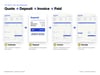
"Quote it. Collect the deposit. Get paid."
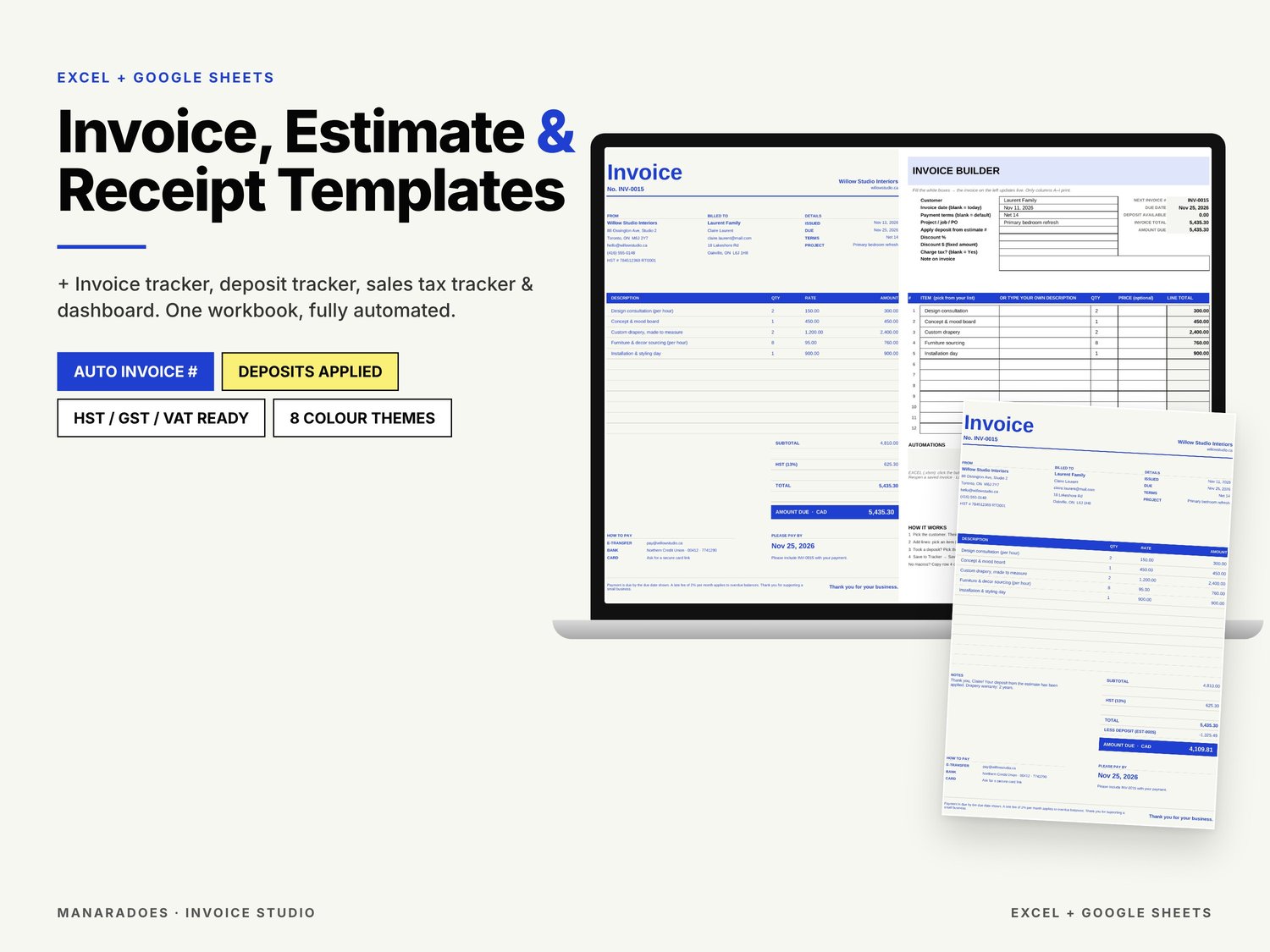
This invoice template and invoice tracker for Excel and Google Sheets runs your whole billing workflow in one place: estimates, deposits, invoices, receipts, payments and sales tax. It's fully automated for smooth workflow.
Made for service businesses, makers and freelancers who take deposits: designers, photographers, contractors, cleaners, event vendors, beauty pros and coaches.
✦ WHAT'S INSIDE (13 TABS)
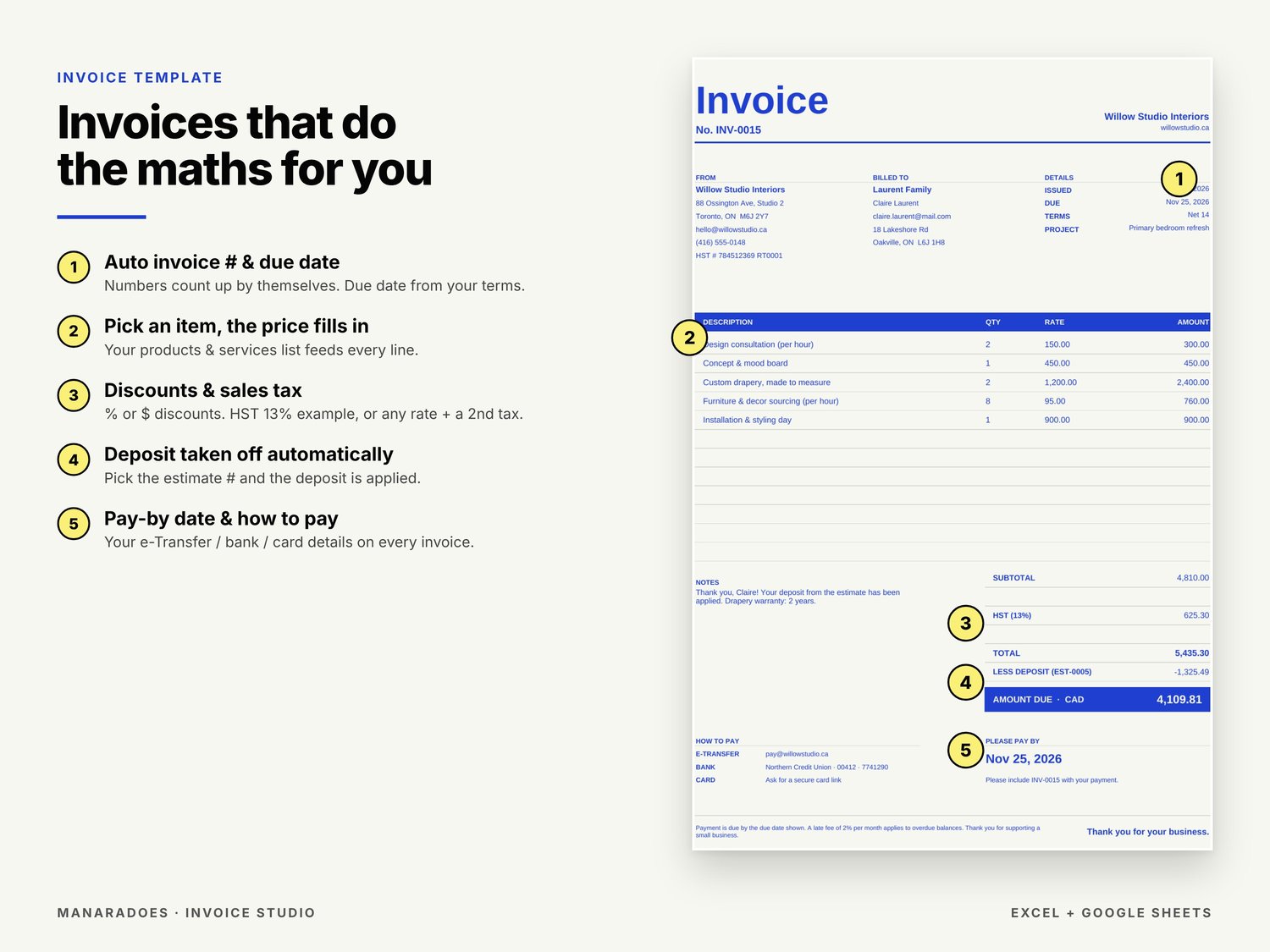
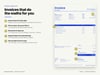
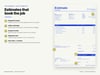
Invoice builder: auto invoice number and due date, item dropdowns with prices, discount (% or $), sales tax, notes, and "please pay by" with your payment details.
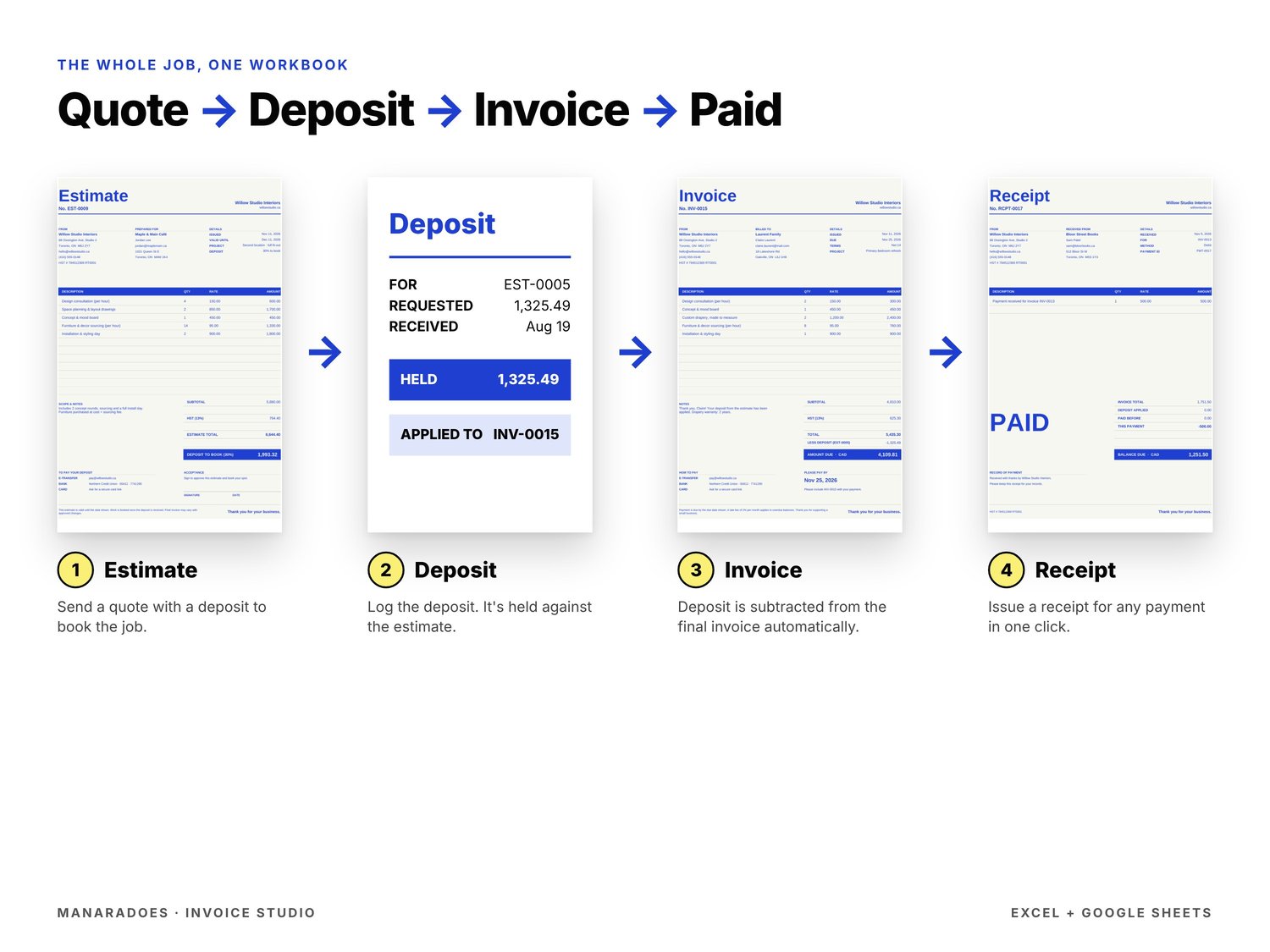
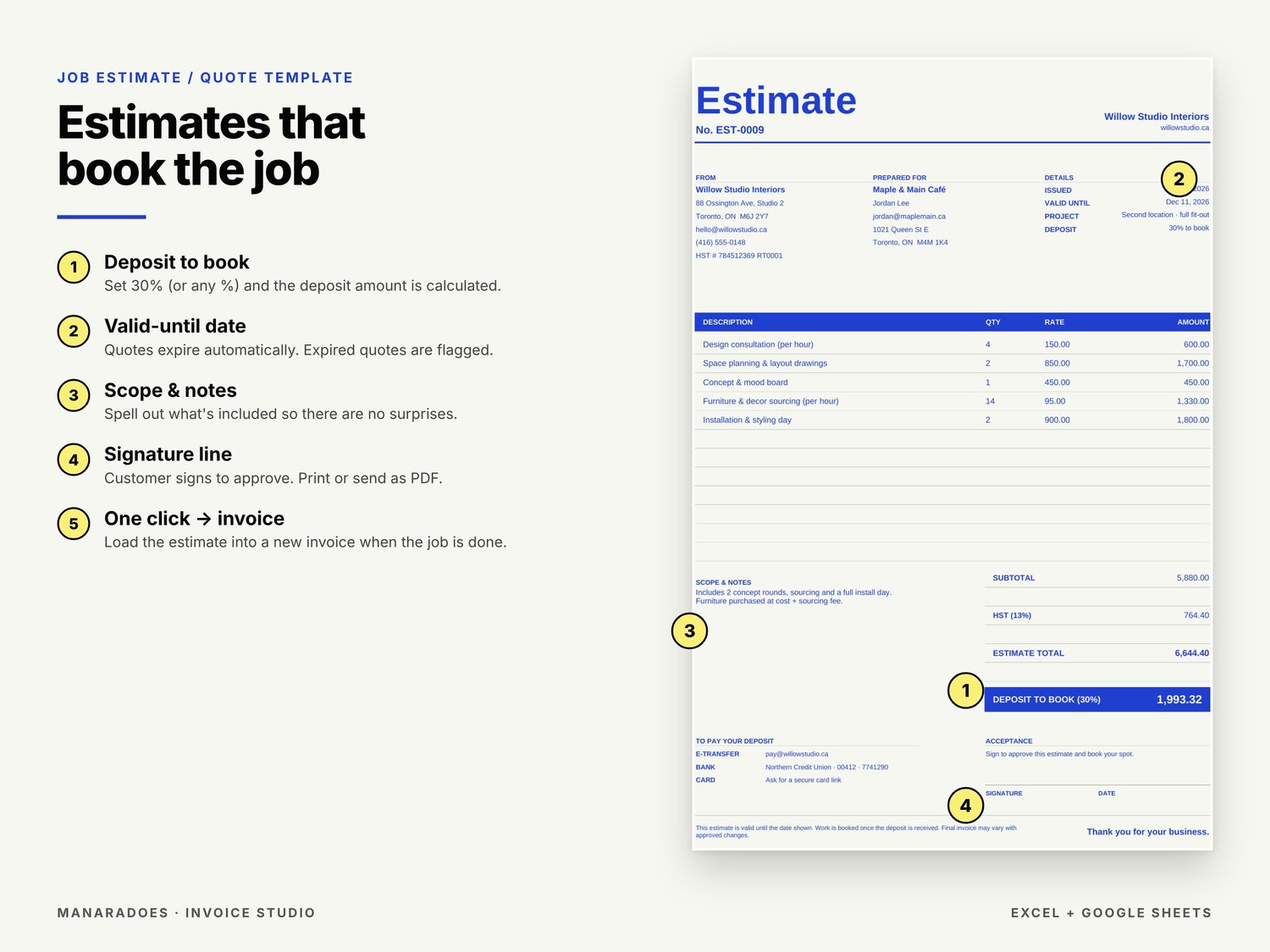
Estimate / quote template: deposit to book (e.g. 30%), valid-until date, scope notes and a signature line.
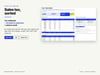
Receipt template: always shows the latest payment, for invoice payments and deposits, with balance still due.
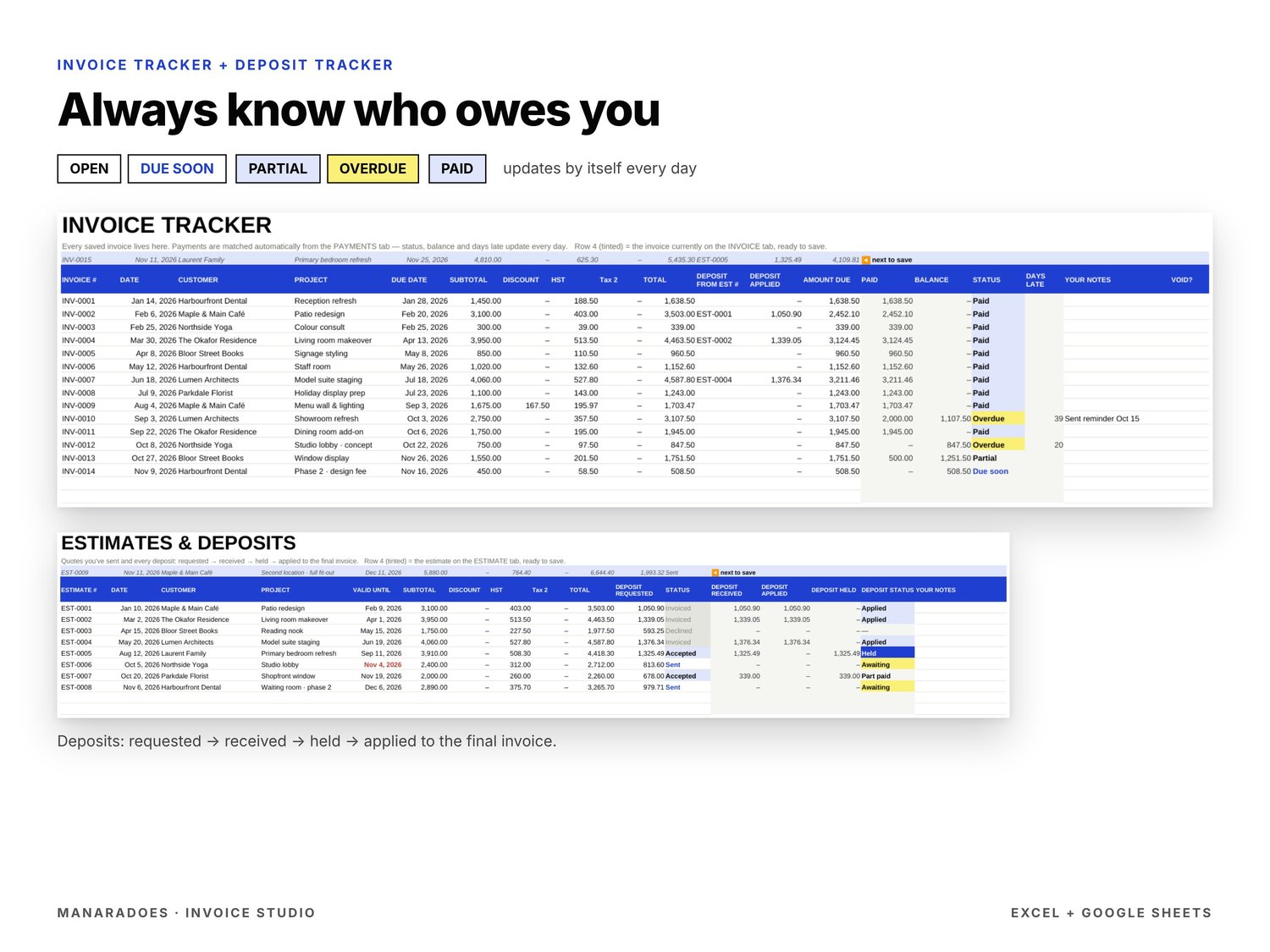
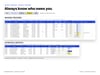
Invoice tracker: paid, balance, days late, and an automatic status (Open, Due soon, Partial, Overdue, Paid).
Estimates & deposit tracker: deposit requested → received → held → applied to the final invoice automatically.
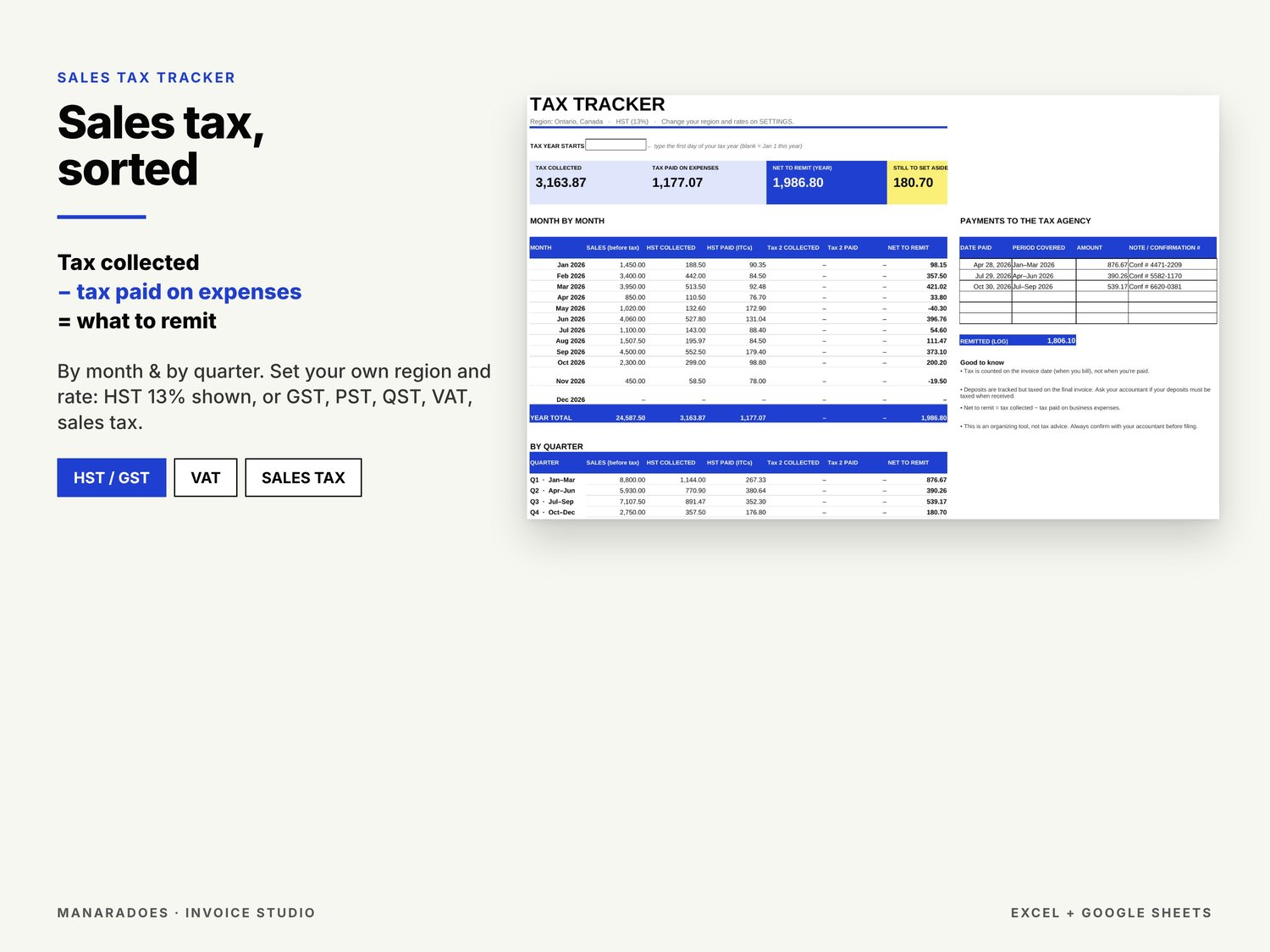
Payments log, expenses log, and a sales tax tracker: tax collected − tax paid on expenses = what to remit, by month and quarter.
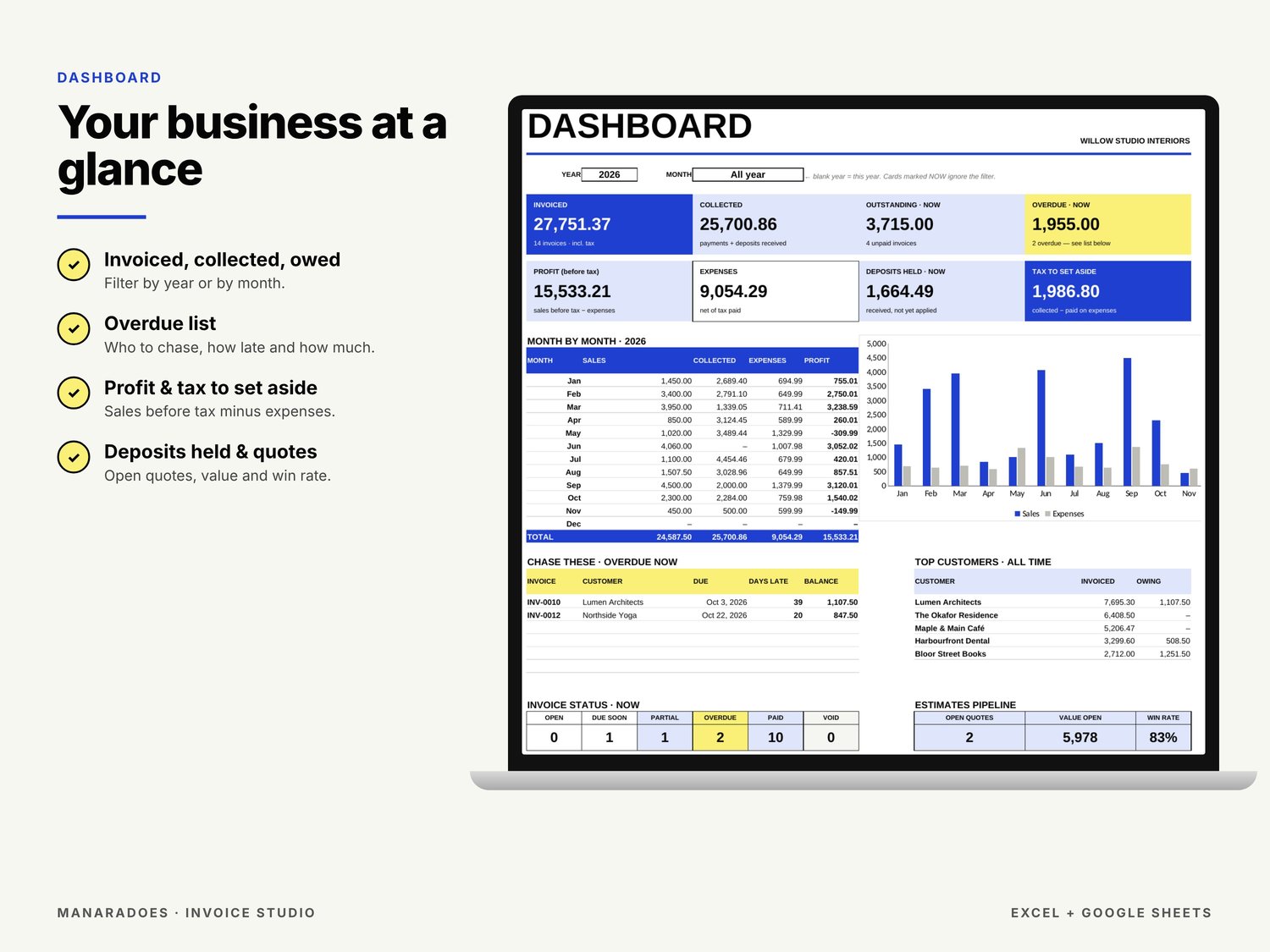
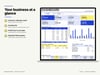
Dashboard: invoiced, collected, outstanding, overdue, profit, deposits held, tax to set aside, monthly chart, overdue list, top customers and quote win rate.
Customers list, products & services price list, and Settings.
✦ SMART AUTOMATIONS
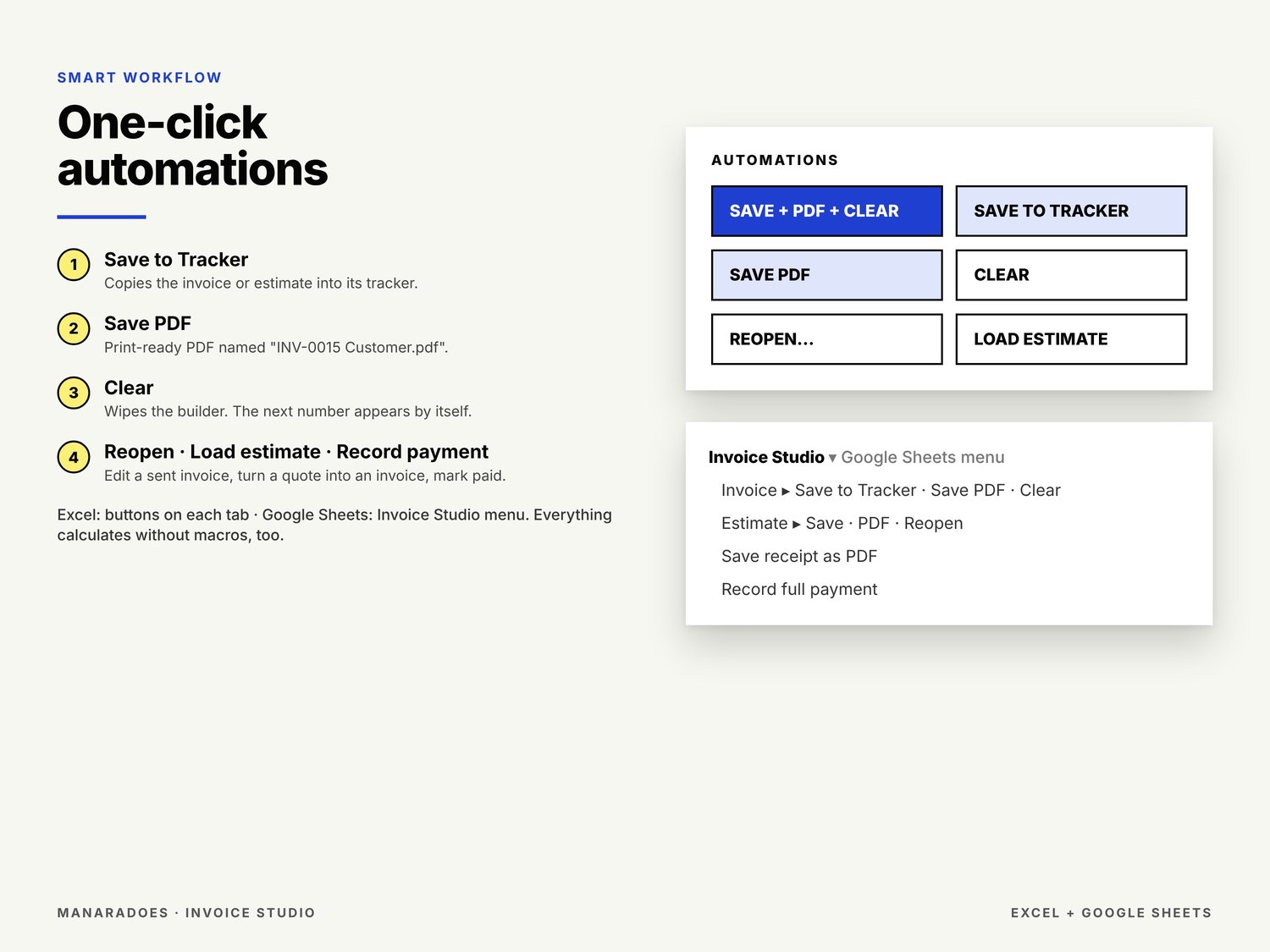
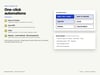
One-click Save to Tracker · Save PDF · Clear · Reopen · Load Estimate · Record Payment.
Excel buttons, plus an Invoice Studio menu in Google Sheets.
Everything still calculates without macros.
✦ MAKE IT YOURS
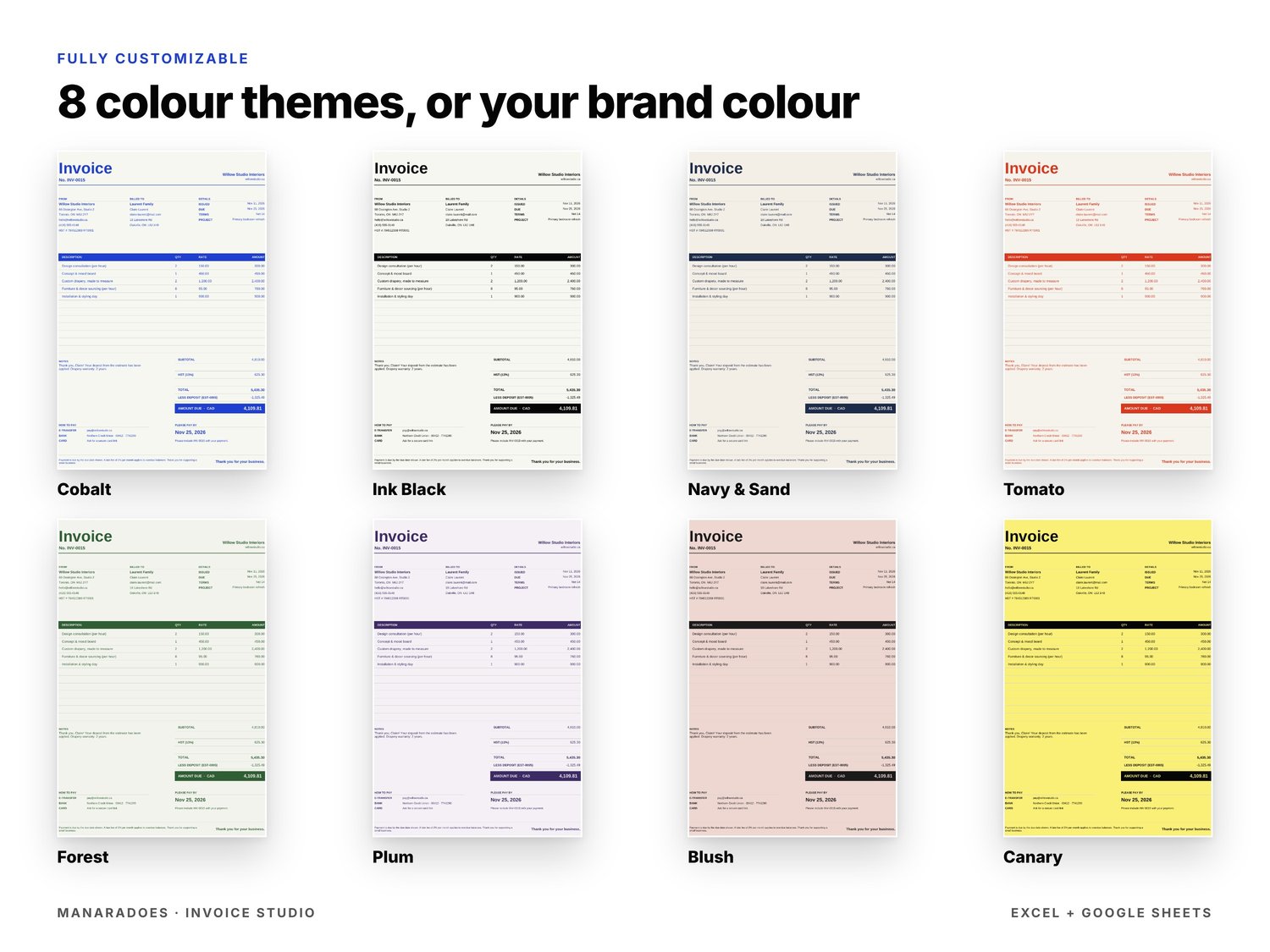
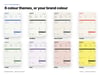
8 colour themes (Cobalt, Ink Black, Navy & Sand, Tomato, Forest, Plum, Blush, Canary) or your exact brand colour.
Add your logo, business details and payment info.
Works with any tax: HST 13% shown, or GST, PST, QST, VAT or sales tax, with an optional second tax.
✦ WHAT YOU GET
- Excel (.xlsm) - Excel workbook with one-click buttons, fully automated with VBA macros
- Sample Data Excel (.xlsm) - a finished example to explore
- Google Sheets copy link (in the guide) - work online with built-in apps script
- Step-by-step PDF guide
✦ HOW IT WORKS
Download, then open in Excel or click the Google Sheets link.
Add your details, tax rate and colours on Settings (about 5 minutes).
Create, save and send. Numbers, totals, deposits, trackers and the dashboard update themselves.
✦ WORKS WITH: Microsoft Excel desktop (Windows & Mac) and Google Sheets (free, on a computer). Excel online and iPad open the file but can't run the buttons. Numbers on Mac is not supported.
✦ PLEASE NOTE
Digital download. Nothing will be shipped.
Organizing tool, not tax or accounting advice.
For your own business only. Please don't resell or share.
Questions? Message me anytime. I'm happy to help you get set up.