
MTD for Income Tax: Am I In? Checker + Quarterly Totals Sheet (UK Sole Traders & Landlords, Excel & Google Sheets)
Type your gross self-employment and property income and see which Making Tax Digital for Income Tax start date GOV.UK's thresholds point to. Then log your records and see the running totals and deadline for each quarterly update. Helps you check and plan.
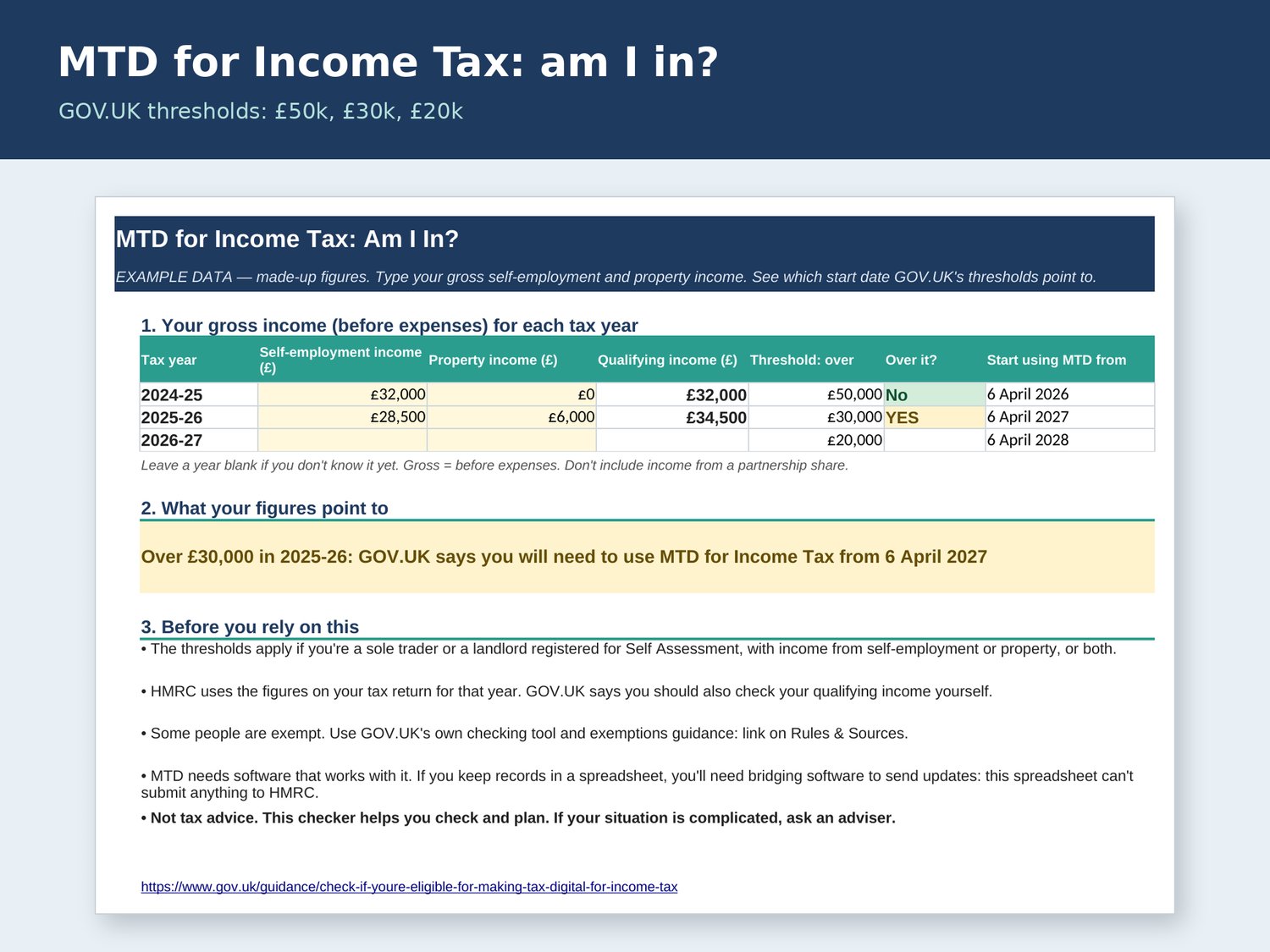
Making Tax Digital for Income Tax is rolling out for sole traders and landlords. GOV.UK says that if your qualifying income was over £50,000 in 2024-25 you should have started from 6 April 2026; over £30,000 in 2025-26, from 6 April 2027; and over £20,000 in 2026-27, from 6 April 2028. This spreadsheet helps you check where you stand and plan your quarterly totals.
What it does
• Am I In? checker: type your gross self-employment and property income (before expenses) for 2024-25, 2025-26 and 2026-27. It adds them up as qualifying income, compares each year with its threshold and shows the start date GOV.UK's guidance points to.
• Records sheet: one row per income or expense (or daily or weekly totals), split into self-employment and property.
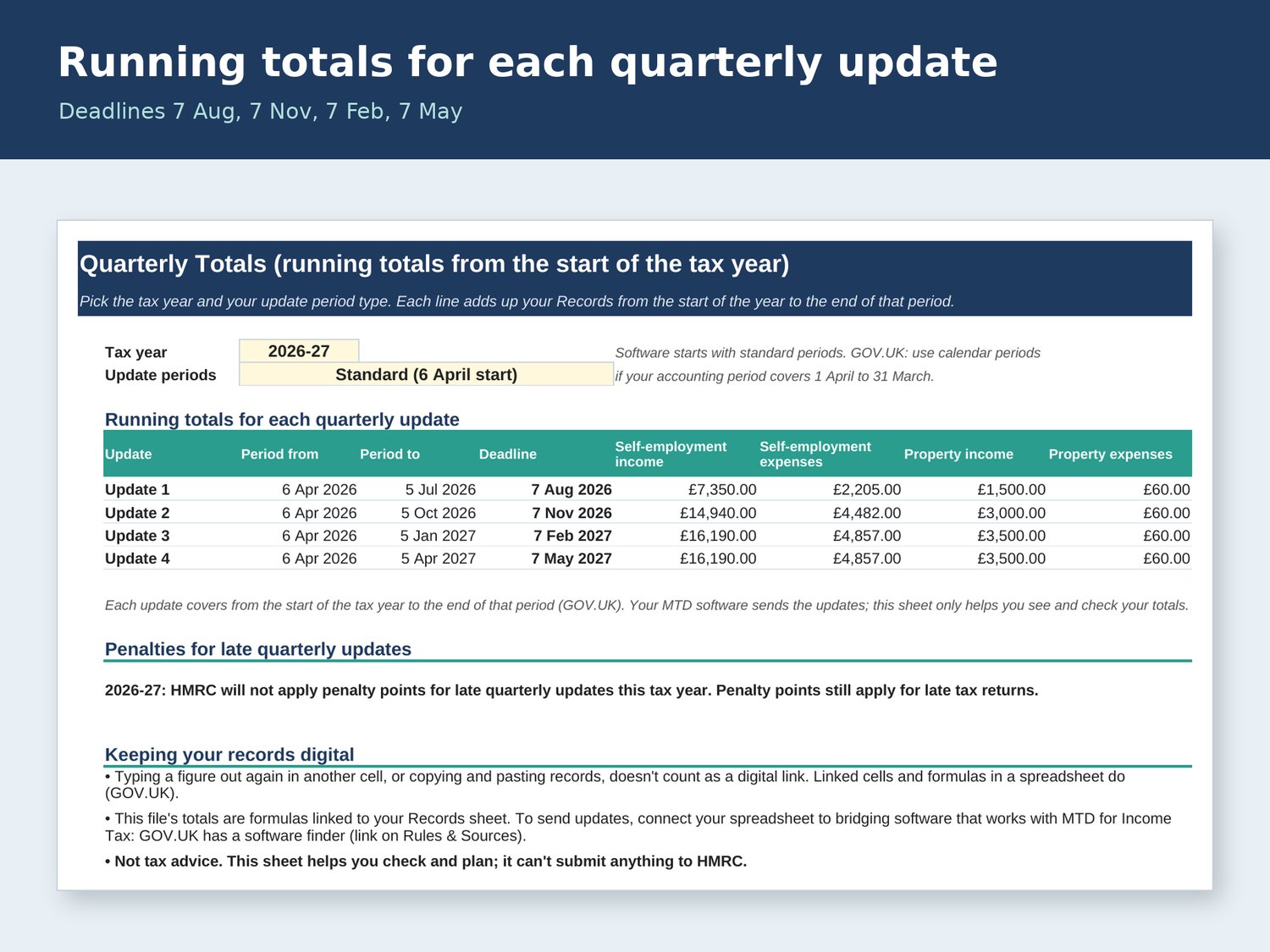
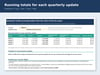
• Quarterly Totals: running totals from the start of the tax year for each update, with GOV.UK's deadlines (7 August, 7 November, 7 February, 7 May). Choose standard periods (from 6 April) or calendar periods (from 1 April).
• Penalty note: GOV.UK says HMRC will not apply penalty points for late quarterly updates during 2026-27 (late tax returns still get points). From later years, 4 points means a £200 penalty.
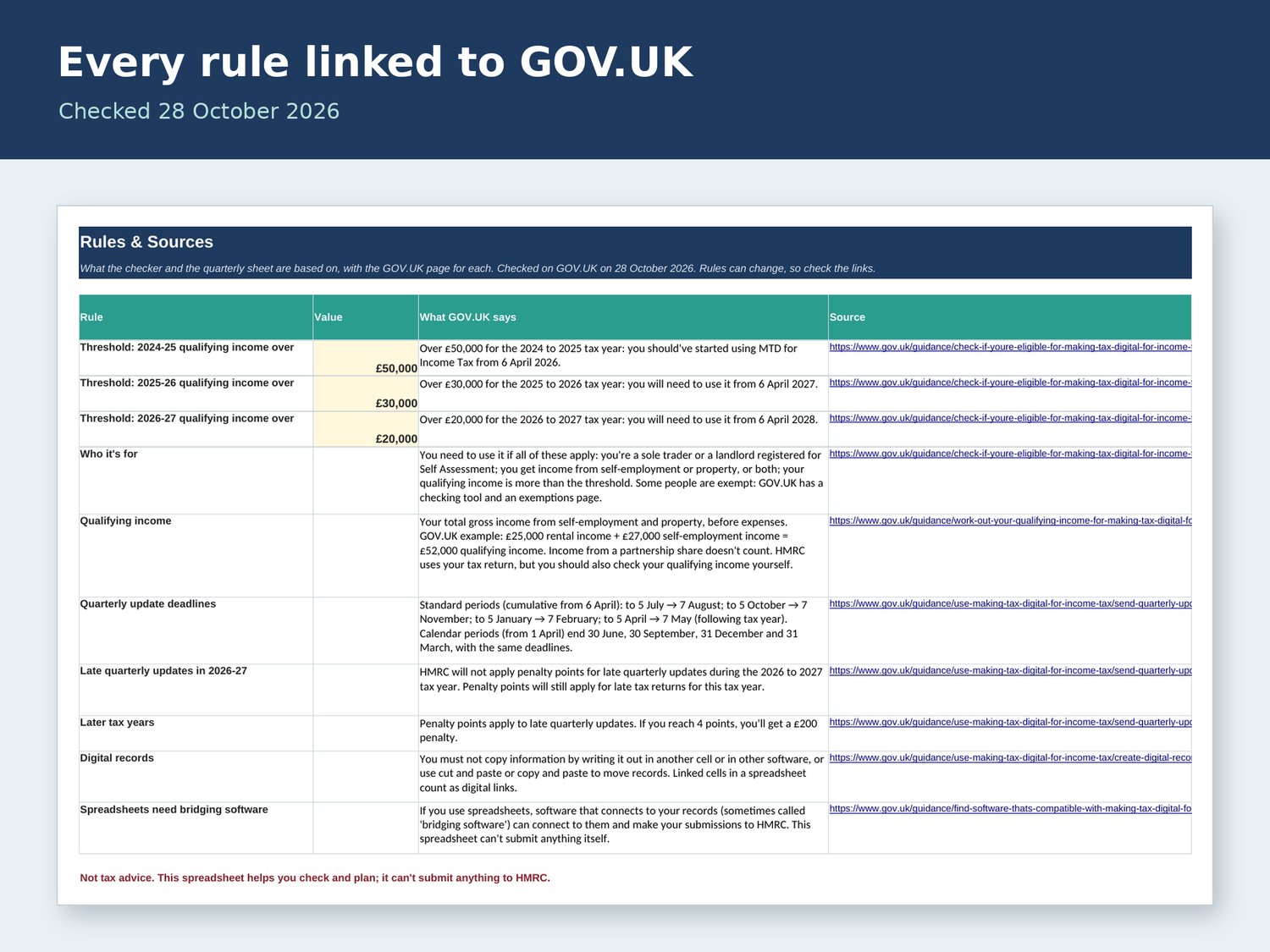
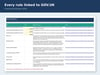
• Rules & Sources sheet: every rule with its GOV.UK link (checked 28 October 2026).
What's included
• MTD-Income-Tax-Am-I-In-Checker.xlsx: the blank file.
• MTD-Income-Tax-Am-I-In-Checker-EXAMPLE.xlsx: the same file with clearly labelled made-up figures.
• A Google Sheets guide.
Good to know
• This spreadsheet helps you check and plan. It can't submit anything to HMRC. To send quarterly updates from a spreadsheet you need bridging software that works with MTD for Income Tax (GOV.UK has a software finder).
• GOV.UK says copying and pasting records, or typing them out again, doesn't count as a digital link. The totals here are formulas linked to your Records sheet.
• Some people are exempt, and HMRC uses your tax return figures: use GOV.UK's own checker too.
• Not tax advice: general information only. This checker can't submit anything to HMRC.
• Plain formulas only: no macros, no add-ons, no subscription.
• Refunds and cancellations: https://payhip.com/BootstrapSheets/refunds-and-cancellations (your statutory rights aren't affected).
• From Bootstrap Sheets: plain, UK-focused spreadsheets for side hustles and small budgets.