

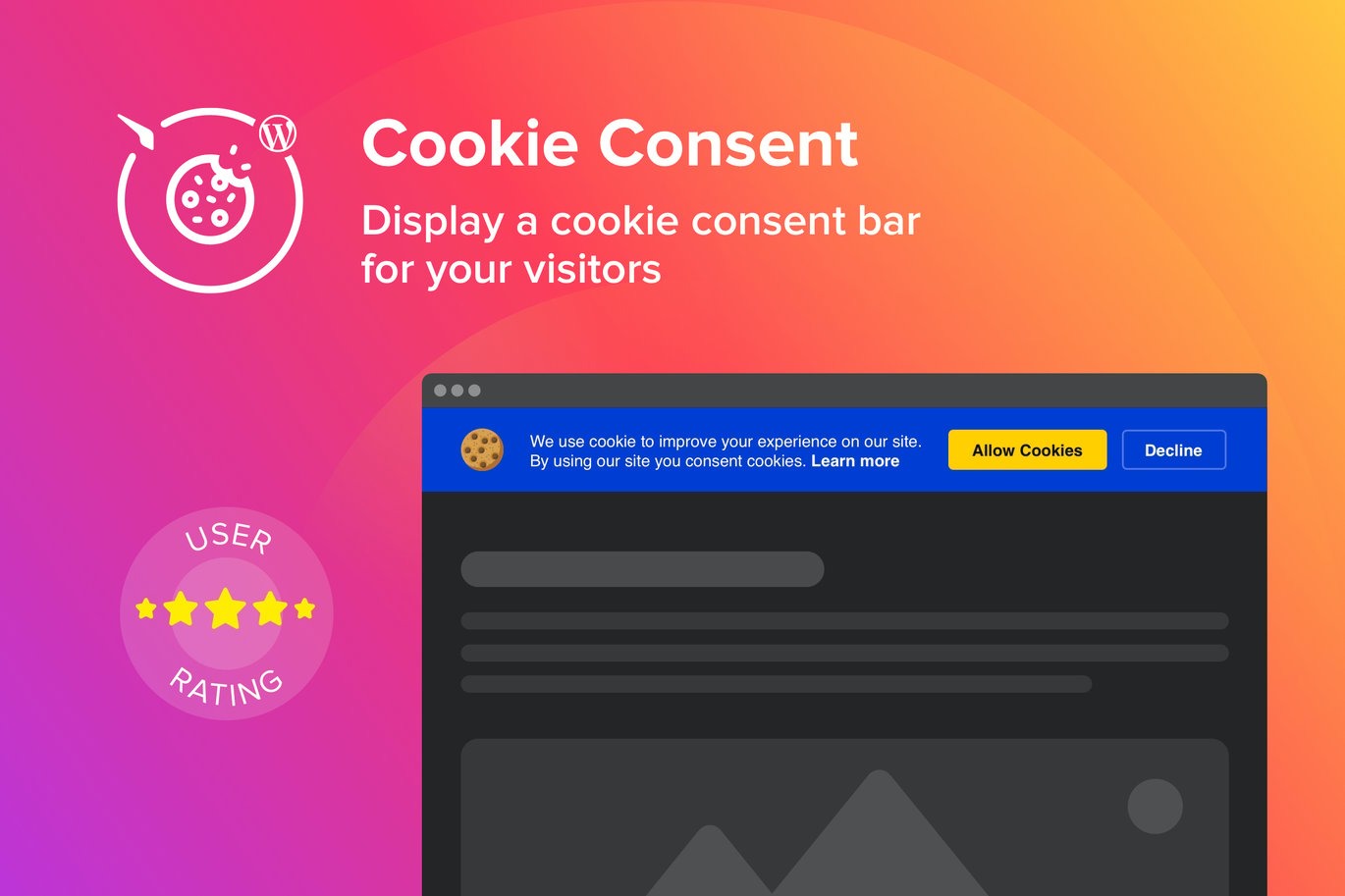
WordPress Cookie Consent Plugin
On Sale
$5.00
$5.00
Introducing WordPress Cookie Consent Plugin, a powerful and user-friendly WordPress plugin designed to add a notification about cookie use to your website. This plugin allows you to create a page load popup that informs visitors about your cookie policy, ensuring compliance with data protection regulations. With flexible layouts, customizable positions, and a variety of color options, you can seamlessly integrate the cookie consent notification into your website's design.
Key Features:
- Notification Types: Choose between a simple notification or a consent request.
- Customizable Text: Write your own notification message with formatting and links supported.
- Color Options: Customize the color of the notification text, background, buttons, and links.
- Font Size: Adjust the font size of the notification message text.
- Link to Cookie Policy: Show or hide an active link to your cookie policy with custom link text.
- Buttons: Show or hide notification buttons and edit button label text.
- Accept and Decline Buttons: Available for consent request type.
- Cookie Icon: Add or remove a cookie icon.
- Layout Options: Choose between Bar or Box layout.
- Positioning: Select the widget position (top or bottom) and alignment (right, left, or center) for Box layout.
- Responsive Design: Ensures the notification looks great on all devices.
Why Choose Elfsight Cookie Consent Plugin?
- Easy Installation: No coding required; install and customize with just a few clicks.
- Multi-Language Support: Cover a broader audience from different countries.
- Flexible Customization: Match the notification style with your website's design.
- Intuitive Editor: Quickly customize the notification to fit your needs.
- Responsive Design: Ensures the notification looks great on all devices.
How to Use:
- Install the Plugin:
- Go to Plugins > Add New in WordPress.
- Search for "Elfsight Cookie Consent" and install the plugin.
- Activate the plugin.
- Create Your Notification:
- Choose the type of compliance: notification only or consent request.
- Write the text for the notification.
- Optionally, add a link to your website-use policy.
- Customize the Appearance:
- Select the layout (Bar or Box).
- Choose the position on the page (top or bottom).
- Set the alignment (right, left, or center) for the Box layout.
- Customize the colors of the background, text, buttons, and links.
- Adjust the font size and add a cookie icon if desired.
- Publish the Notification:
- Save your settings and the notification will be live on your website.
Detailed Guide:
Elfsight Cookie Consent Plugin Documentation
For Further Support:
- Go to the plugin settings in the WordPress menu and click on "Get Help."