
Meal Planner Spreadsheet with Auto Grocery List (Excel + Google Sheets)
On Sale
$8.00
$8.00
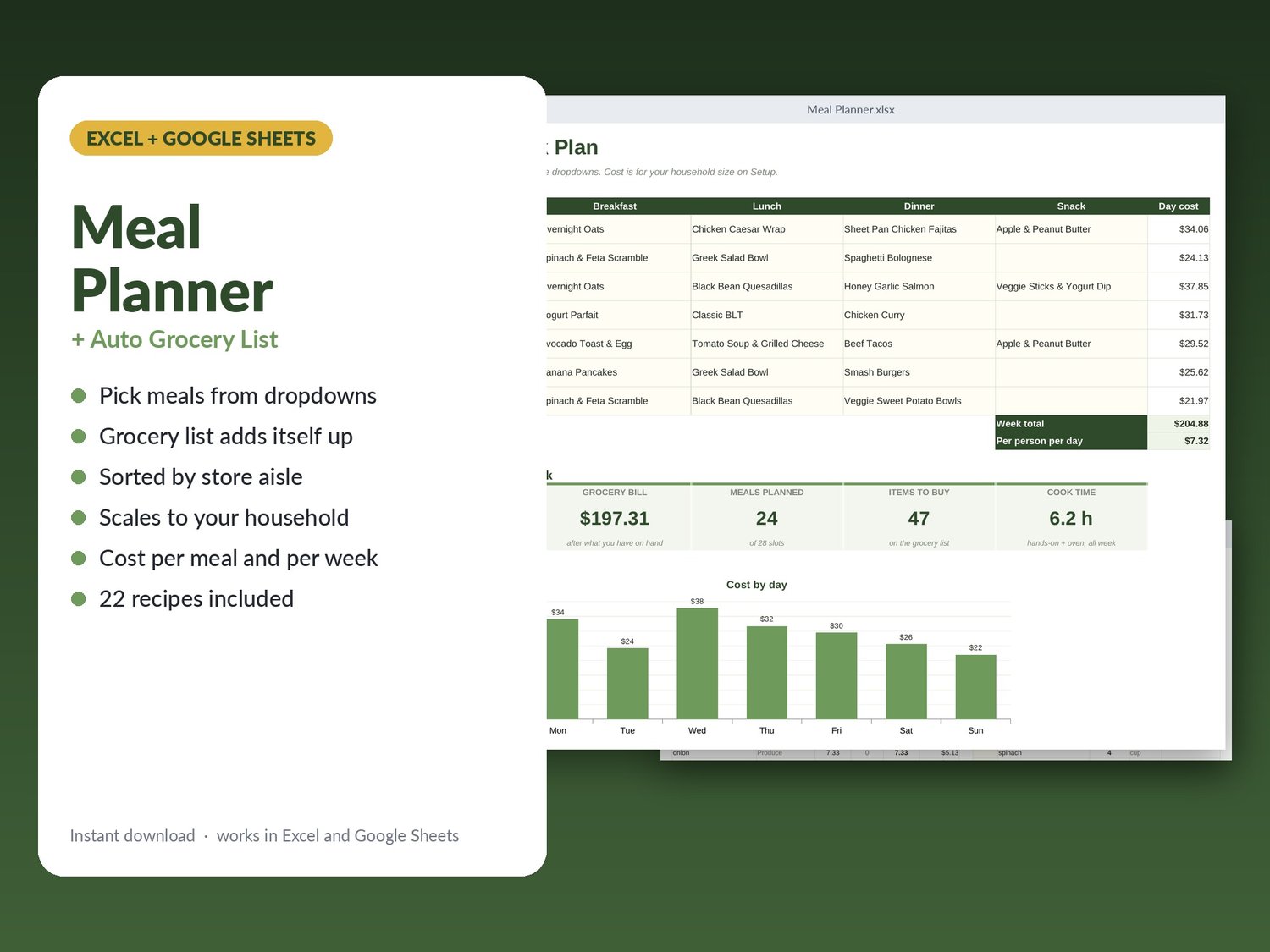
Plan the week's meals from dropdowns and the grocery list writes itself: every ingredient added up across all your recipes, scaled to your household, minus what is already in the pantry, sorted in the order you walk the store. Works in Microsoft Excel and Google Sheets. Instant download.
WHAT'S INSIDE (8 tabs)
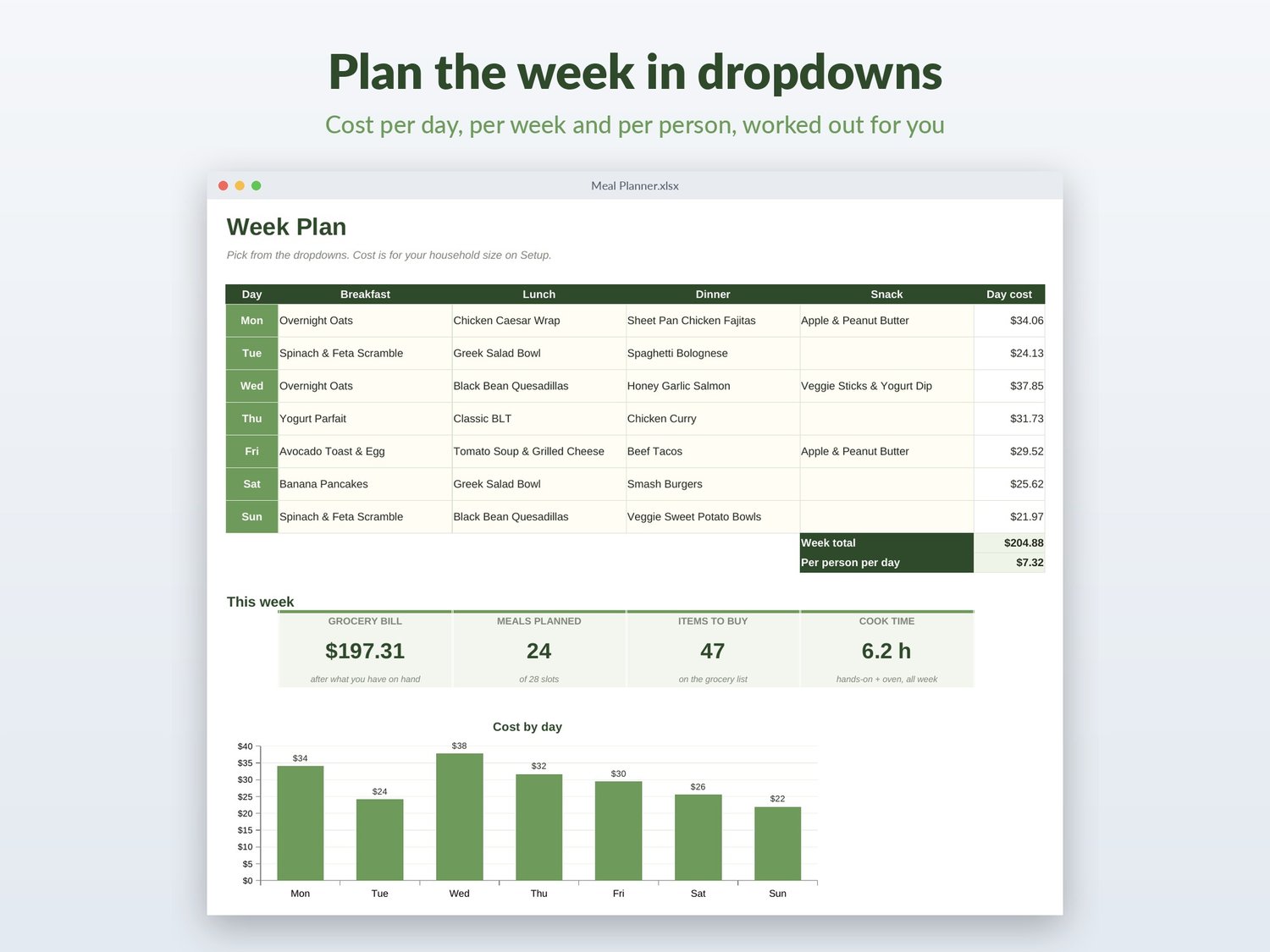
- Week Plan: breakfast, lunch, dinner and snack for 7 days, each a dropdown of your recipes. Cost per day, week total, cost per person per day, cook time, cost chart.
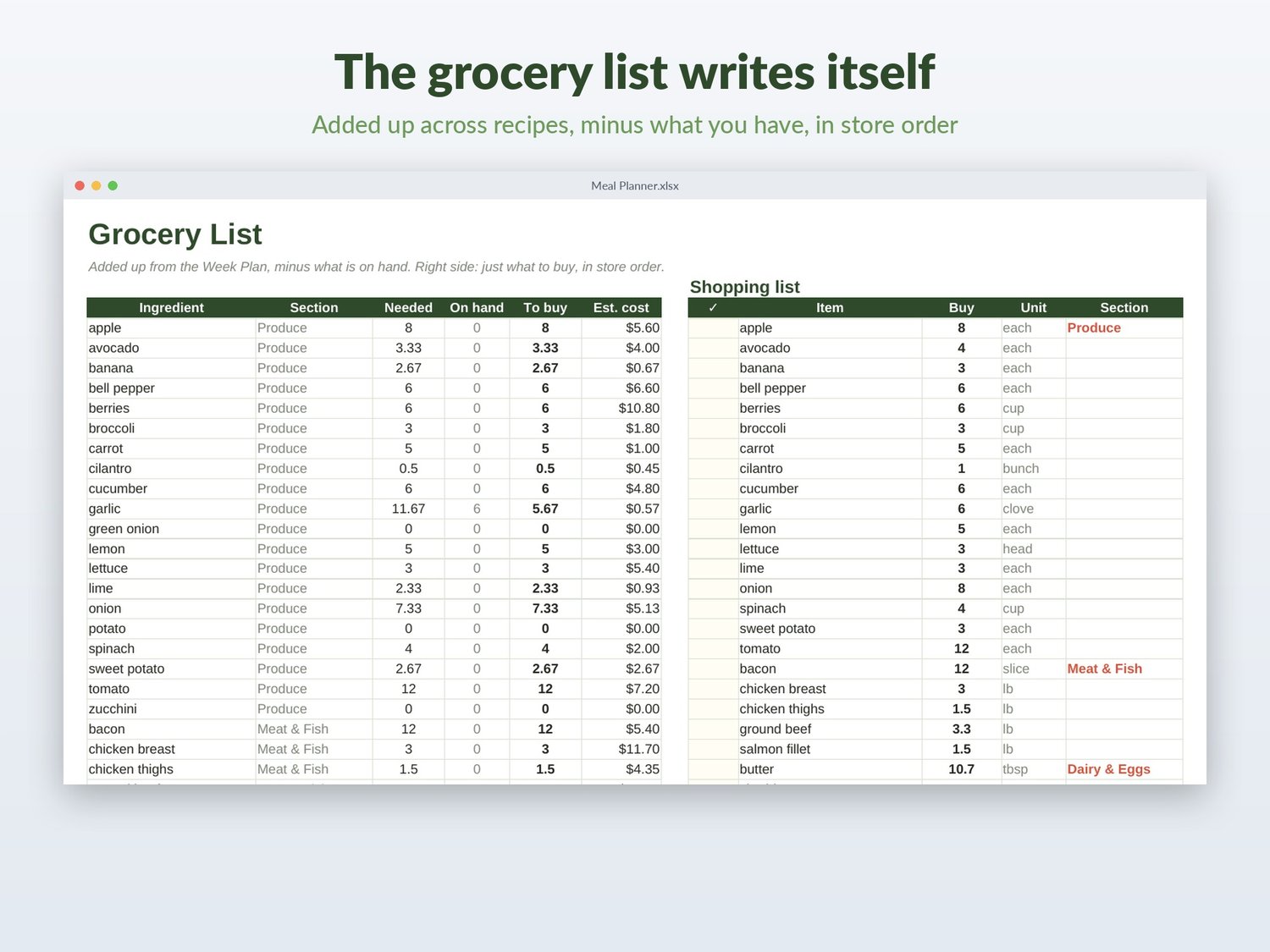
- Grocery List: totals per ingredient, minus on-hand, with estimated cost. Next to it a clean shopping list that only shows what you need to buy, grouped by section (produce, meat, dairy...), with tick boxes. Count items like eggs and cans round up to whole numbers.
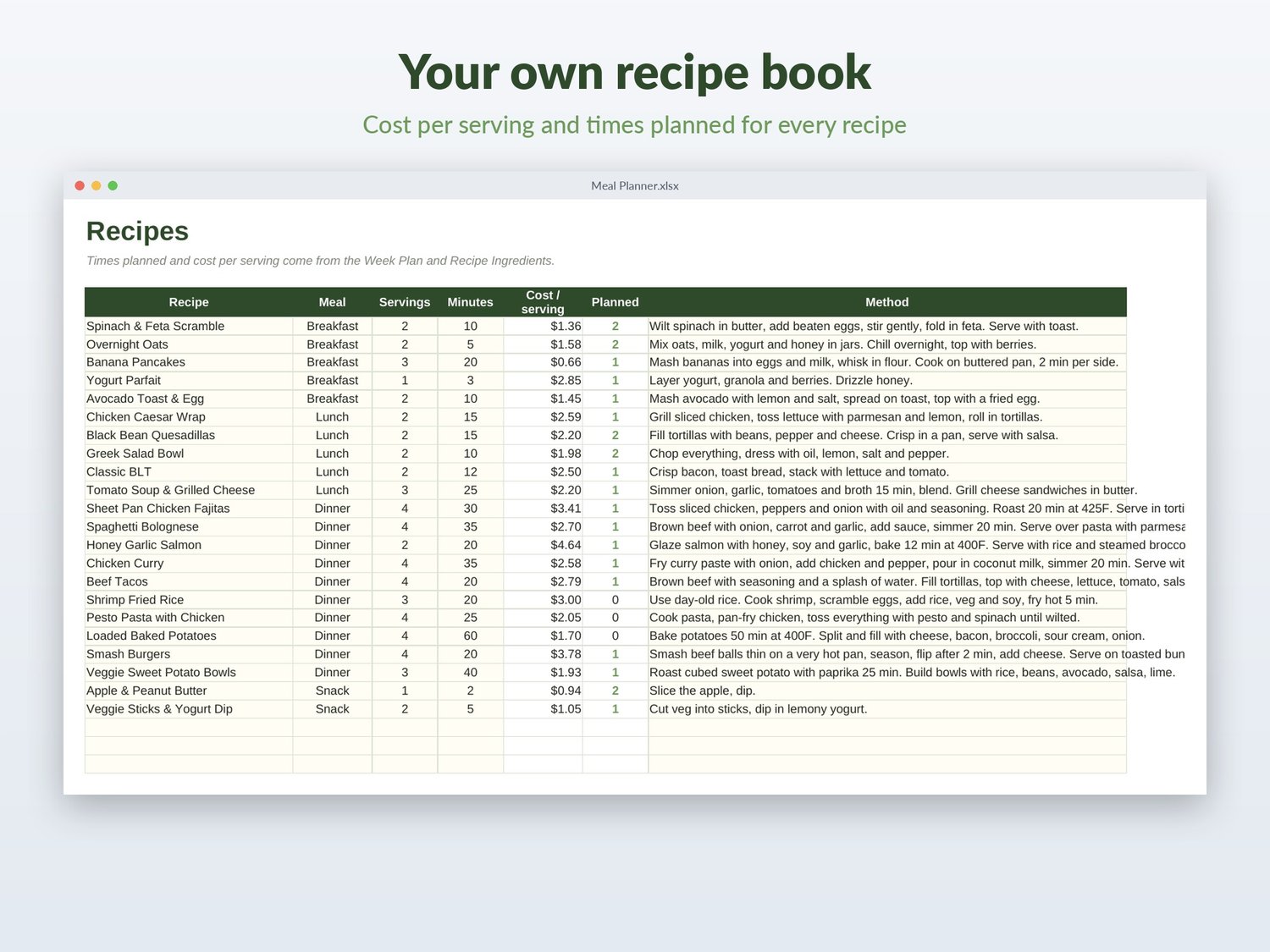
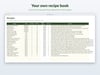
- Recipes: 150 rows. Meal type, servings, minutes, method. Cost per serving and how often it is planned this week are calculated.
- Recipe Ingredients: one row per ingredient, with dropdowns so names always match.
- Ingredients: master list with store section, unit, price per unit and amount on hand.
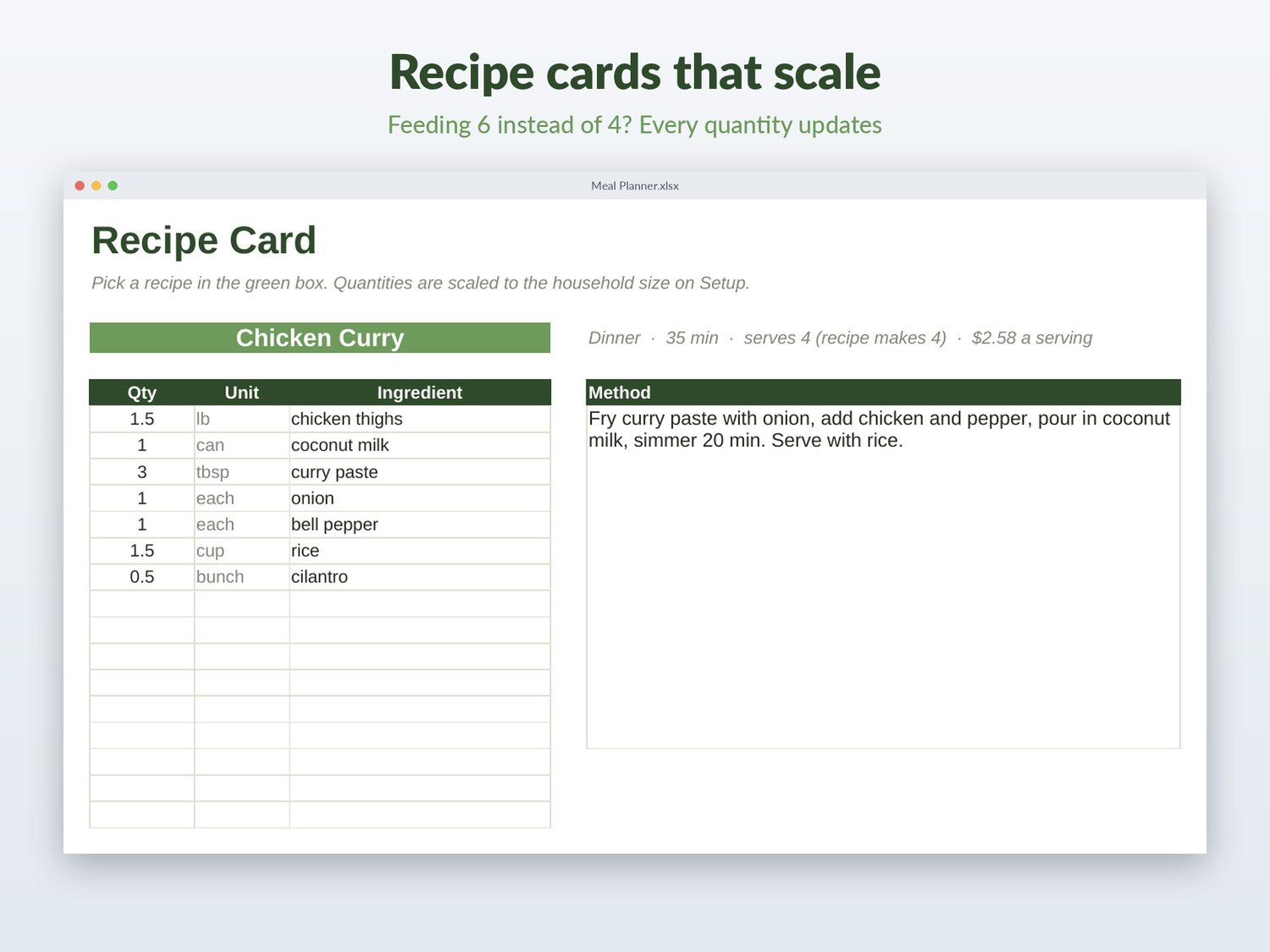
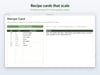
- Recipe Card: pick a recipe, see the ingredients scaled to your household and the method. Prints on one page.
- Setup: people to feed and your store's section order.
INCLUDED
- 22 everyday recipes (fajitas, bolognese, honey garlic salmon, curry, fried rice, overnight oats...) and 60 ingredients with rough US prices, already planned into a sample week. Keep them, edit them or clear them.
DETAILS
- Formulas protected (no password) so you can't break them by accident.
- No macros, no add-ons, no account. Your data stays on your computer or in your own Google Drive.
You get a .zip with the .xlsx file and a quick-start guide. Personal use license. Please don't resell or share the file.