
Red ColorGrades (DaVinci Resolve)
On Sale
$10.00
$10.00
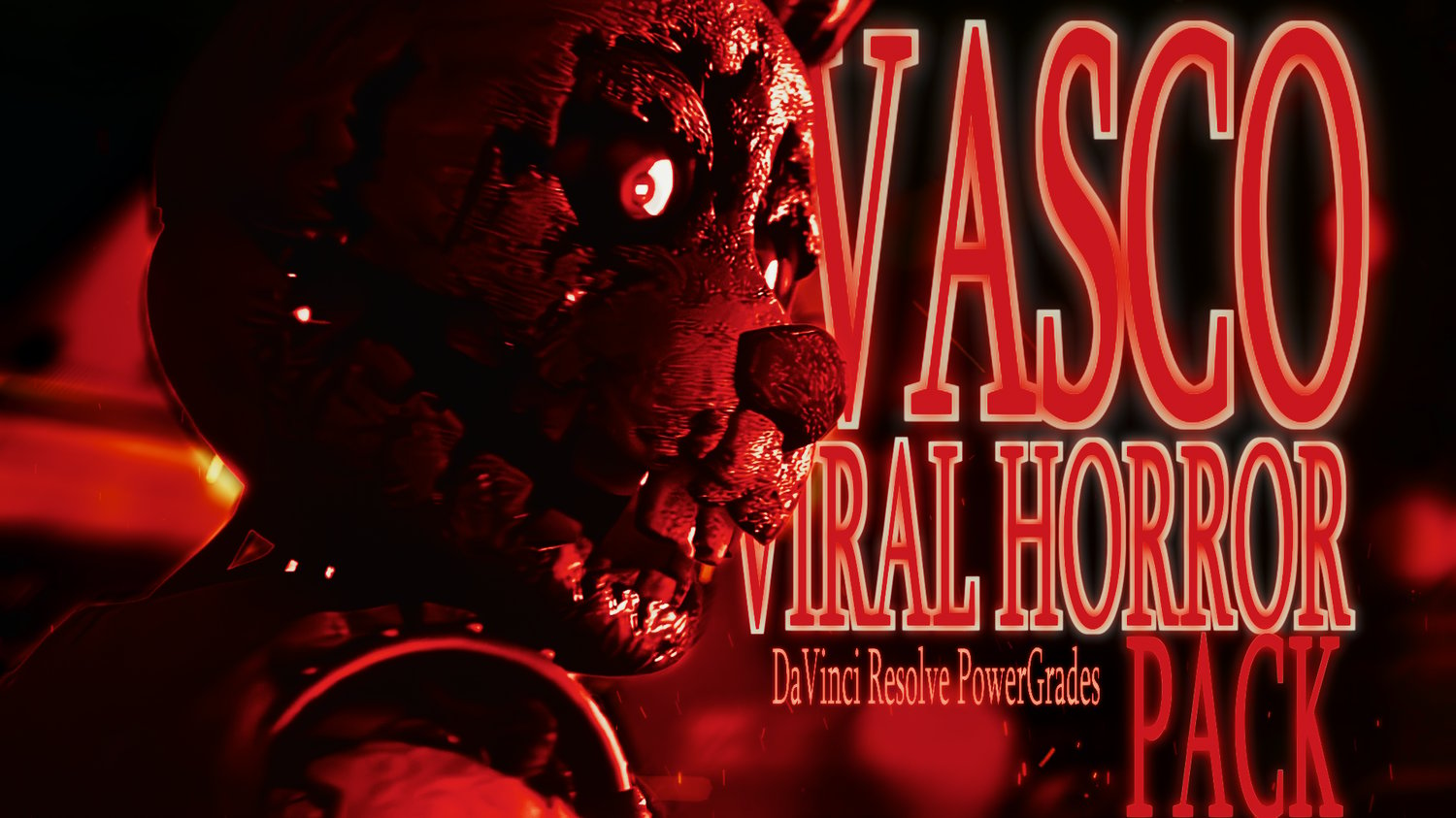
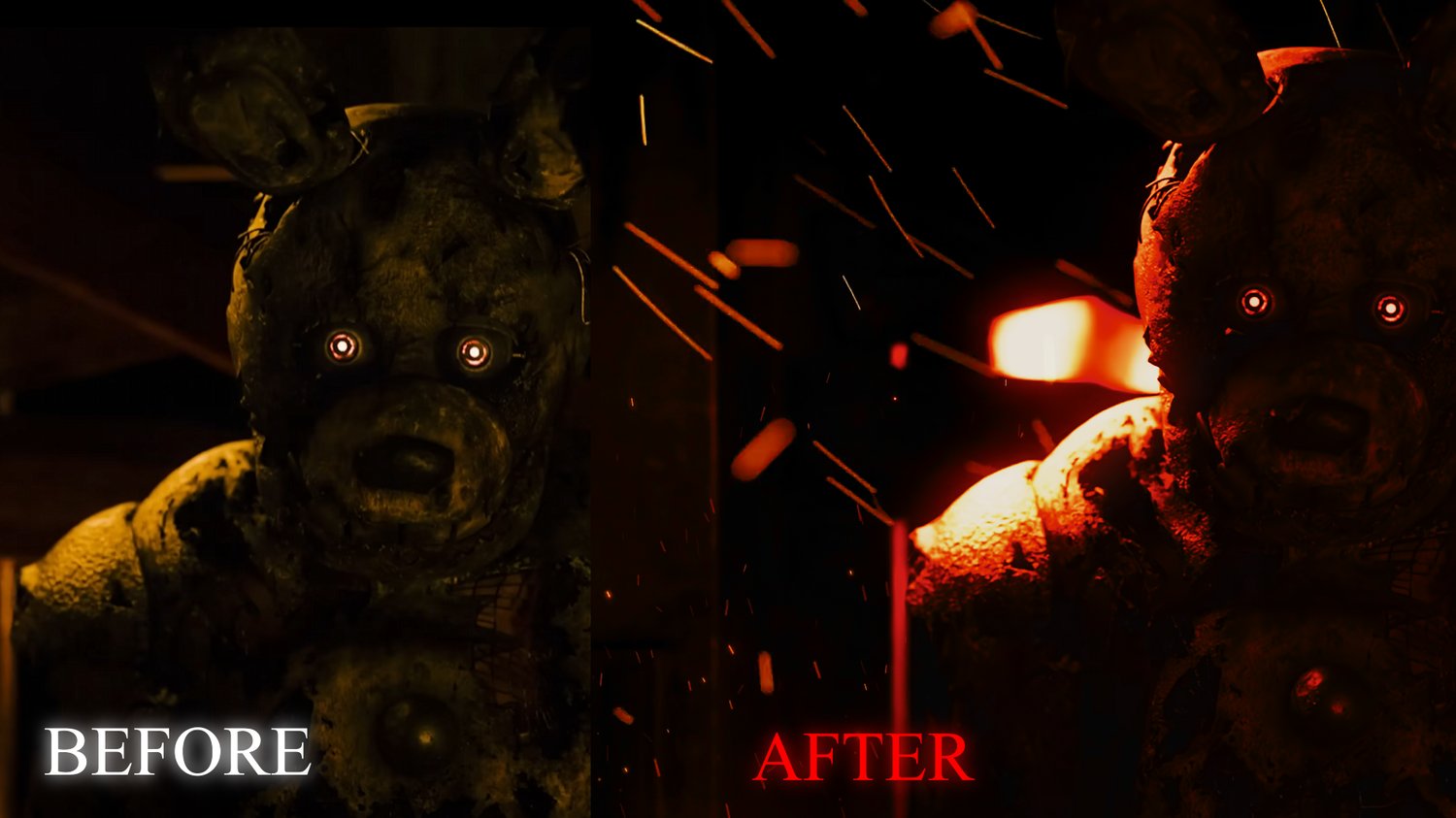
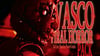
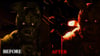
These are the exact color + glow + lighting presets I used on my 15M+ Springtrap edit to get this viral horror look.
Apply to any clip and instantly get the same cinematic red glow, deep shadows, and film contrast.
This pack includes 4 cinematic horror looks:
• Springtrap Red – my viral flagship look
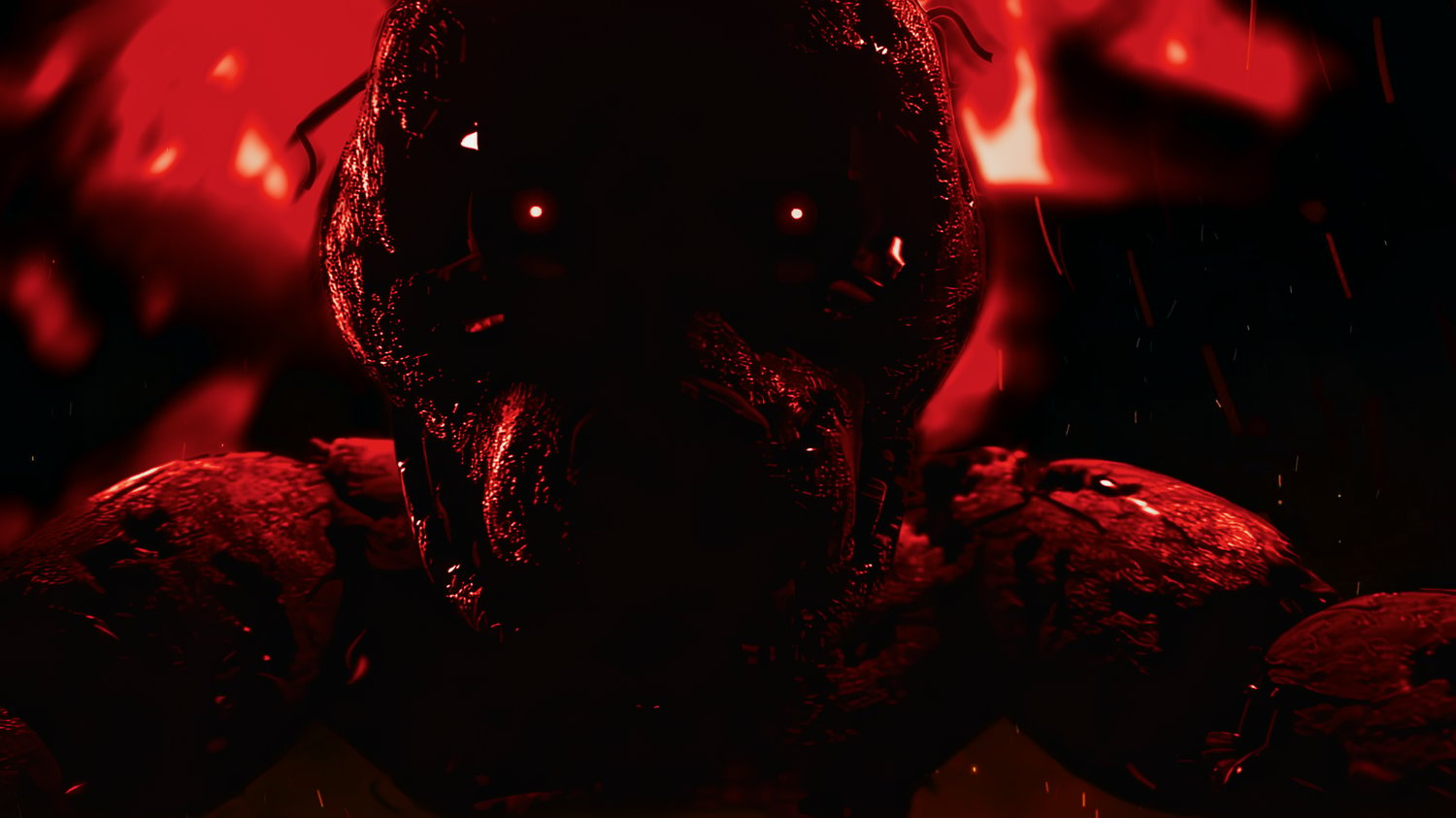
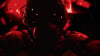
• Dark Horror – deep shadow silhouette
• Glow Horror – neon backlit cinematic
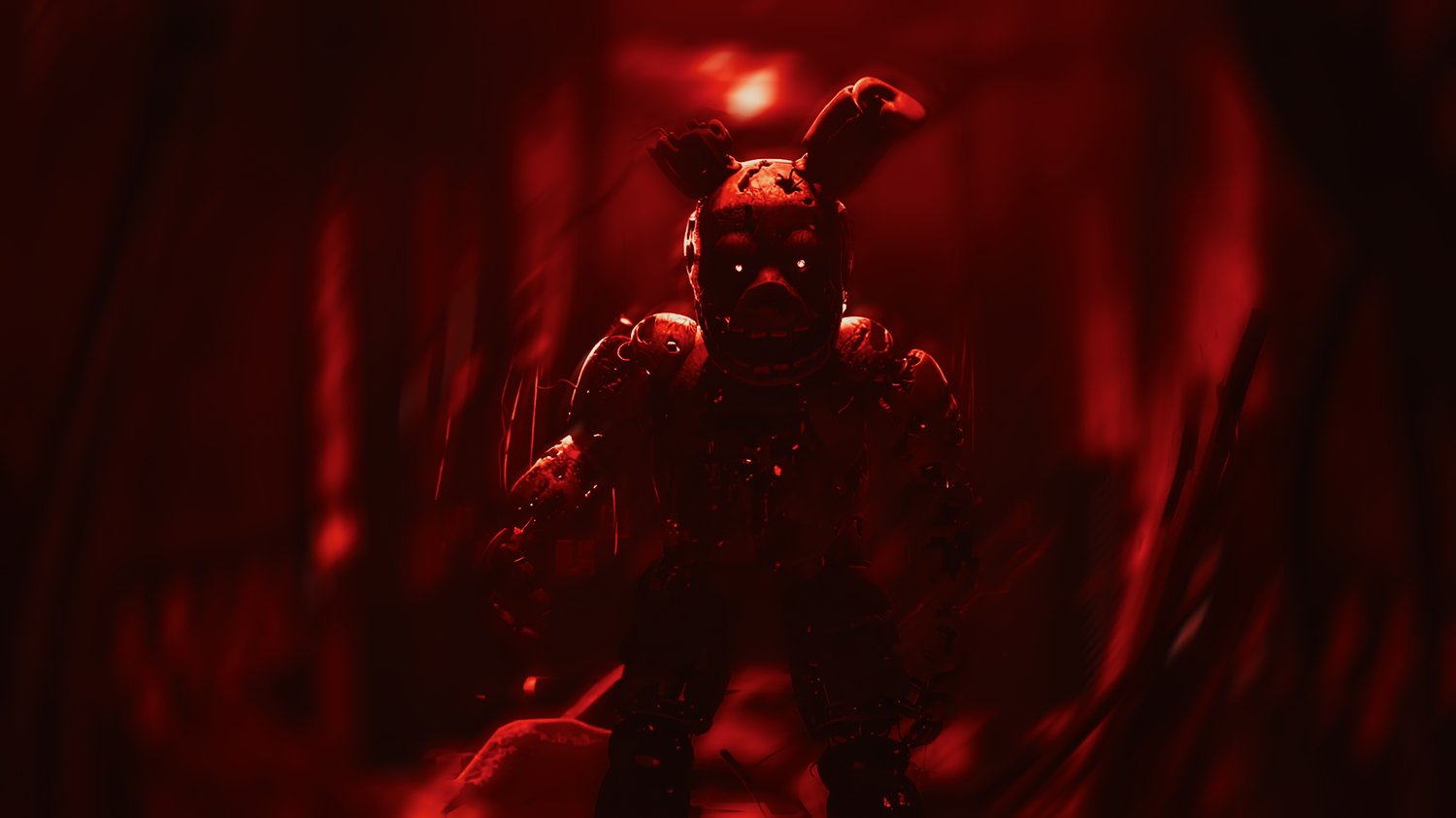
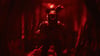
• Cinematic Red – film-grade movie look
These are .DRX PowerGrades, meaning they preserve glow, contrast, curves, and film look.
How to use:
1. Open DaVinci Resolve
2. Go to Color page → Gallery
3. Right-click → Import → select a .drx
4. Apply to any clip
Made for horror, anime edits, TikTok, reels, and cinematic content.