
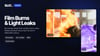
68 Film Burns & Light Leaks for CapCut and Premiere Pro (4K + Vertical)
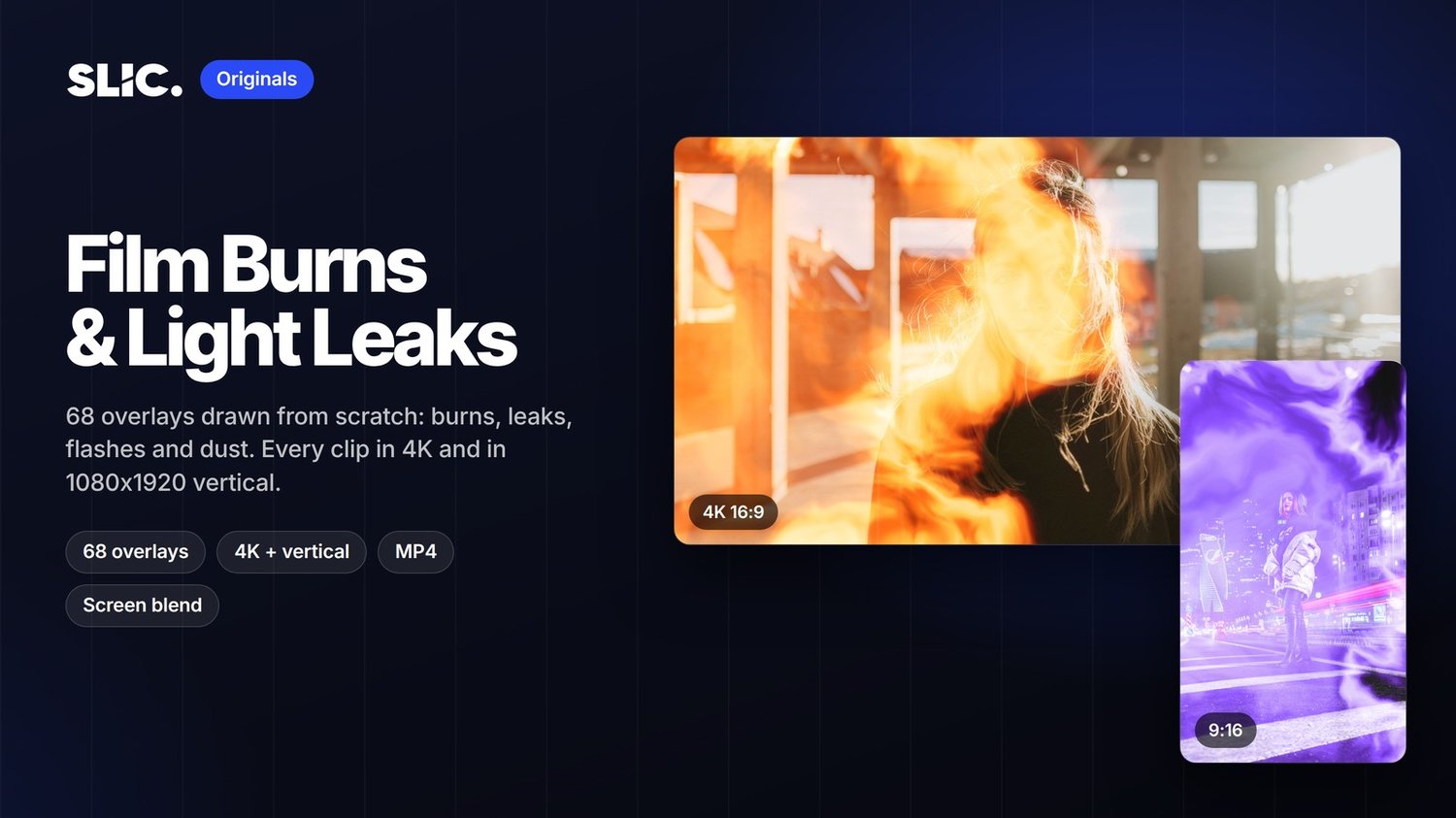
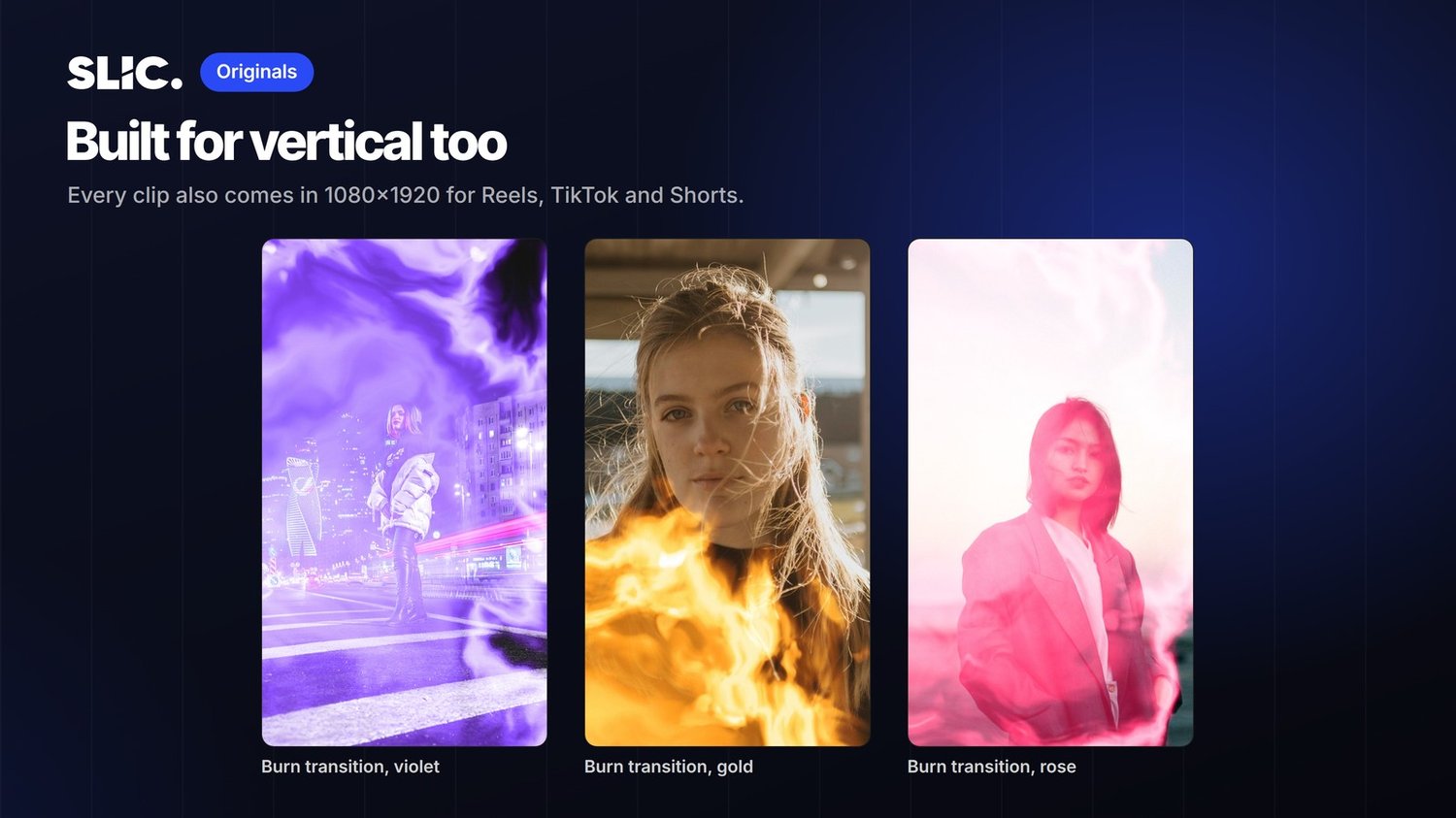
Give any cut a film look in one drag. 68 film burns, light leaks, flash transitions and dust overlays, drawn from scratch by SLIC. Every clip comes twice: 4K for YouTube and ads, and 1080x1920 for Reels, TikTok and Shorts.
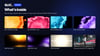
What's inside
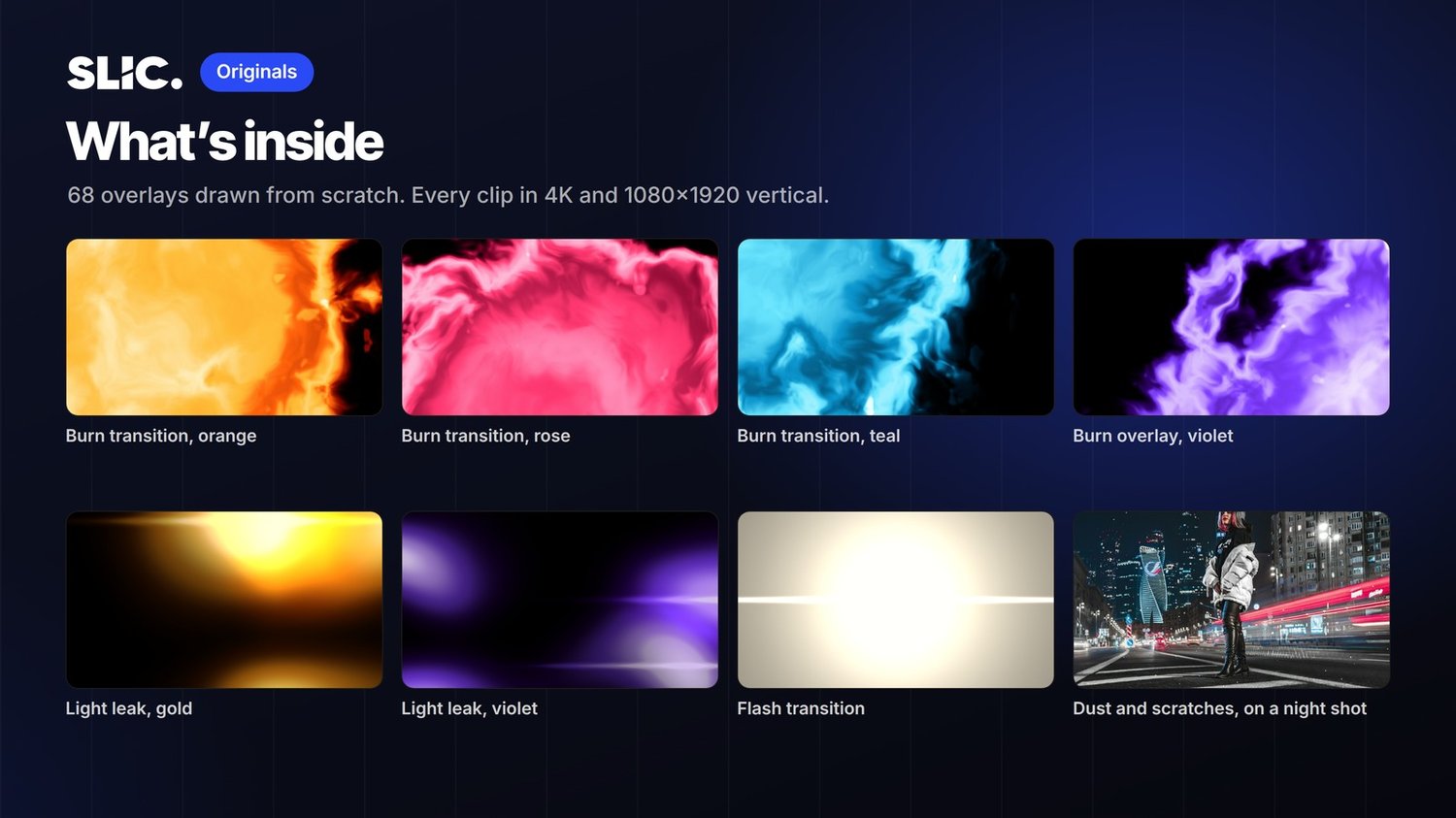
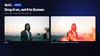
24 film burn transitions. 3 seconds each, they burn in from an edge, peak at full white, then clear. Cut on the white.
12 film burn overlays. 5 seconds each, a burn creeps in from an edge or corner and breathes there.
16 light leaks. 5.5 seconds each, soft glows drifting across the frame.
10 flash transitions. 1.2 seconds each, a fast exposure flash, some with a lens streak.
6 dust and scratches loops. 6 seconds each, for an old film texture under everything.
6 colours across the pack: orange, gold, red, rose, teal and violet.
How to use it
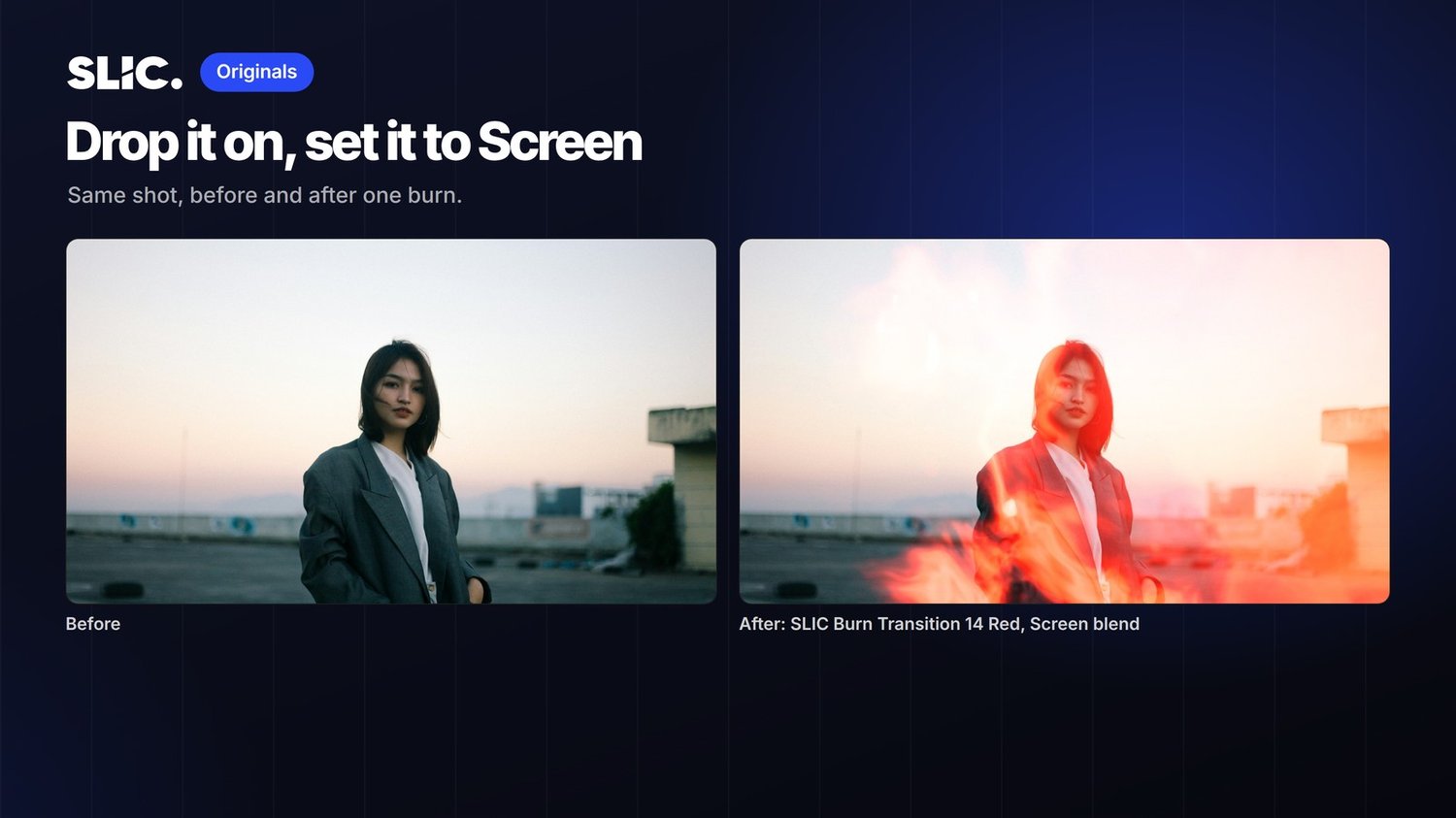
Put a clip on the track above your footage and set its blend mode to Screen. The black disappears and only the light stays.
CapCut: select the overlay, Blend, Screen.
Premiere Pro: Effect Controls, Opacity, Blend Mode, Screen.
DaVinci Resolve: Inspector, Composite Mode, Screen.
Final Cut Pro: Inspector, Compositing, Blend Mode, Screen.
For a transition, line the brightest frame up with your cut.
Files
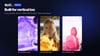
136 MP4 files (H.264, 30 fps): each clip in 3840x2160 and in 1080x1920. One ZIP.
Licence
Use them in personal and client projects, paid ads included. No credit needed. Please don't resell or share the files themselves.
Made by SLIC, a performance video agency.