


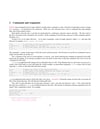
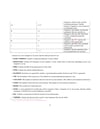
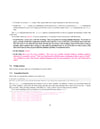
Bash Scripting – Complete Beginner to Admin Level
🐚 Bash Scripting – Complete Beginner to Admin Level
Bash (Bourne Again Shell) scripting is used to automate Linux tasks, manage systems, and support DevOps & cybersecurity workflows.
🔹 1. Your First Bash Script
#!/bin/bash
echo "Hello, Bash Scripting!"
Run:
chmod +x script.sh
./script.sh
🔹 2. Variables
name="Excom"
echo "Welcome $name"
🔹 3. User Input
read -p "Enter your name: " user
echo "Hello $user"
🔹 4. If–Else Conditions
if [ $USER == "root" ]; then
echo "You are root"
else
echo "You are not root"
fi
🔹 5. Loops
For Loop
for i in 1 2 3 4 5
do
echo "Number: $i"
done
While Loop
count=1
while [ $count -le 5 ]
do
echo $count
((count++))
done
🔹 6. Functions
backup() {
tar -czf backup.tar.gz /home/user
echo "Backup completed"
}
backup
🔹 7. Arguments
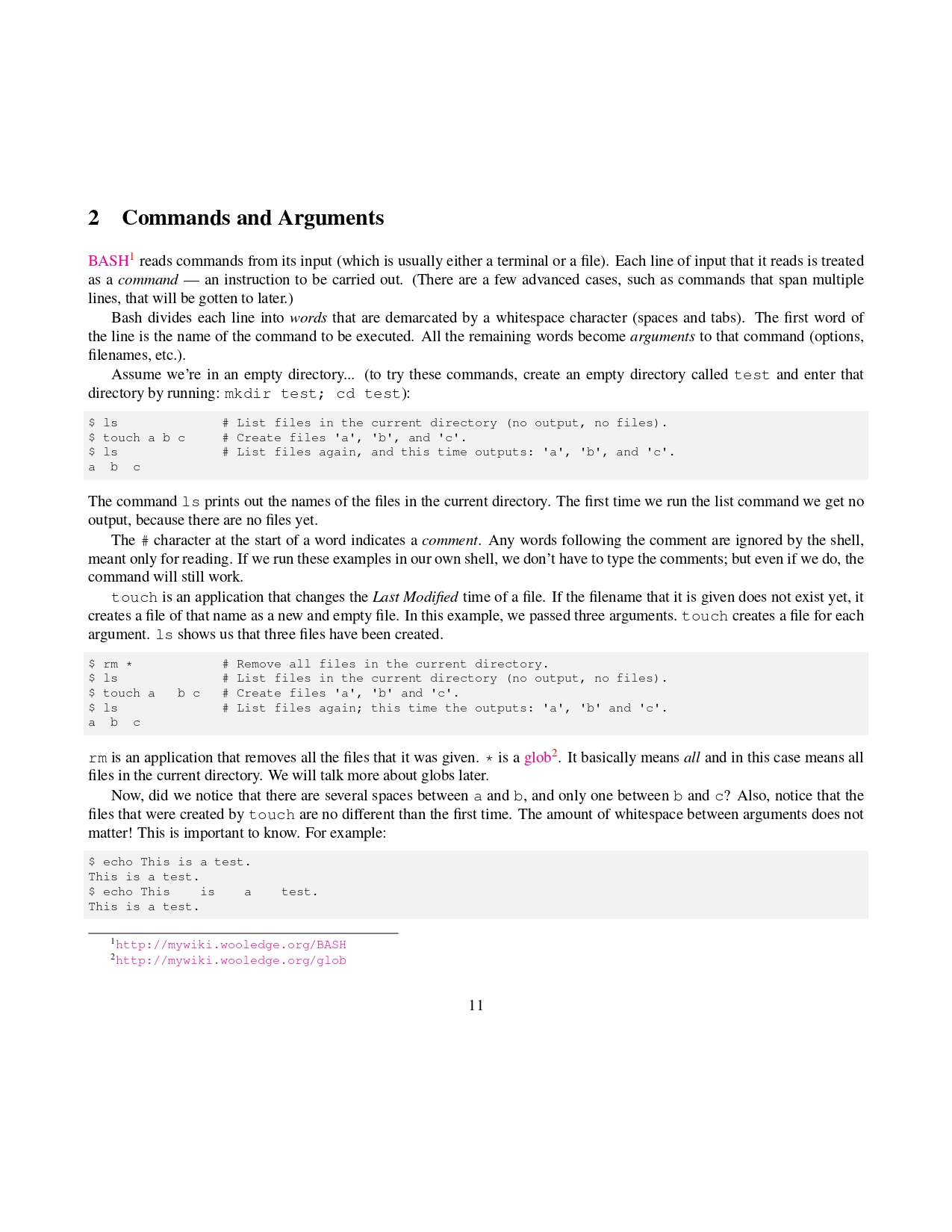
echo "Script name: $0"
echo "First arg: $1"
Run:
./script.sh file.txt
🔹 8. File & Directory Check
if [ -f "$1" ]; then
echo "File exists"
else
echo "File not found"
fi
🔹 9. Exit Status & Error Handling
cp file1 file2
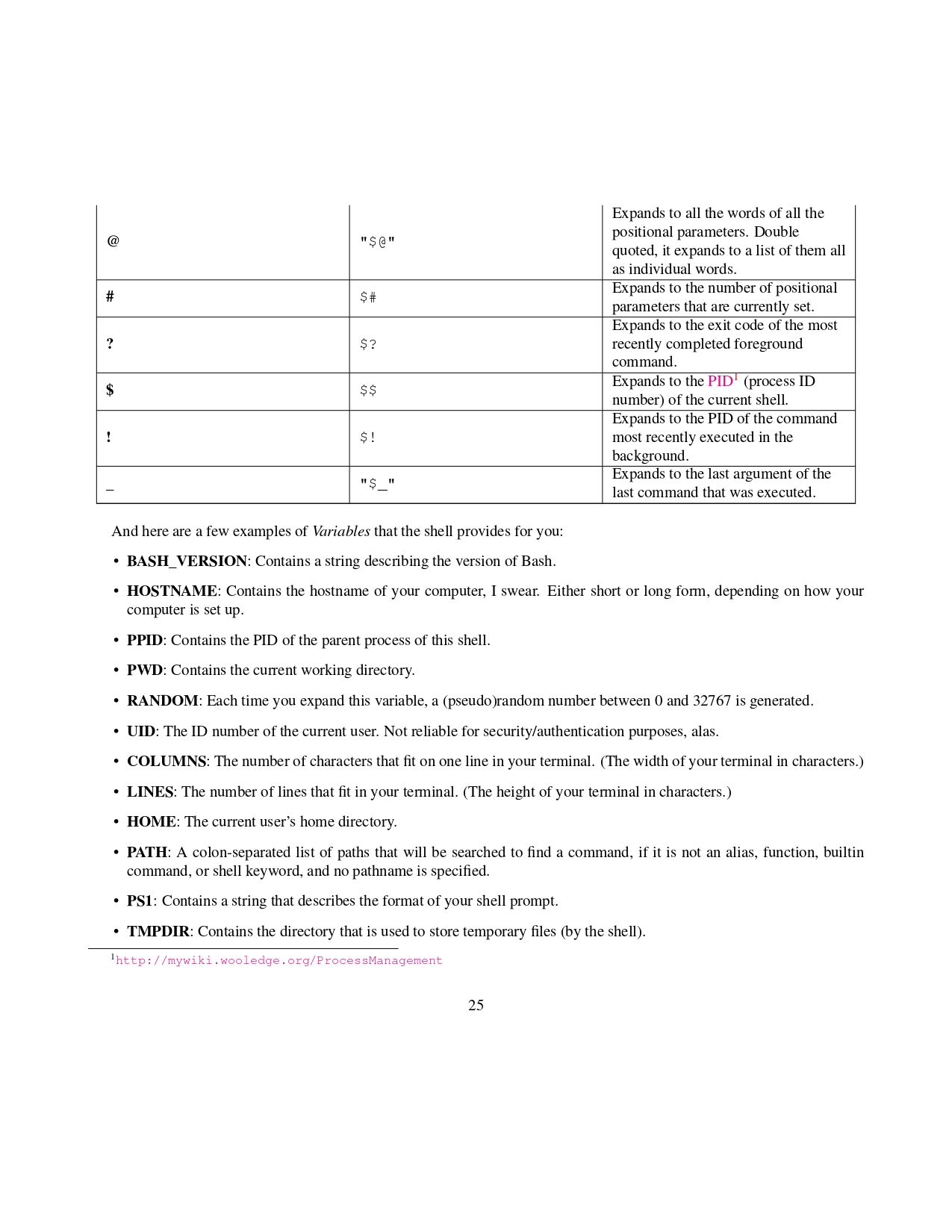
if [ $? -ne 0 ]; then
echo "Copy failed"
fi
🔹 10. Automation with Cron
crontab -e
Example (daily backup at 1 AM):
0 1 * * * /home/user/backup.sh
🔹 11. Real Admin Script Example
Disk Usage Alert
#!/bin/bash
usage=$(df / | awk 'NR==2 {print $5}' | sed 's/%//')
if [ $usage -gt 80 ]; then
echo "Disk usage critical: $usage%" | mail -s "Disk Alert" admin@mail.com
fi
🔹 12. Bash Scripting for Cybersecurity
- Log analysis
- Malware scanning automation
- Port scanning automation
- Backup & forensics scripts
- User audit scripts
🔹 Common Interview Questions
- Difference between $@ and $*
- What is #!/bin/bash
- How cron works
- How to debug script (bash -x script.sh)
- Exit codes in Linux