





Basic Linux Server Setup
🔹 1. Basic Linux Server Setup
🔐 User & Security
adduser admin
passwd admin
usermod -aG sudo admin
Disable root SSH login:
nano /etc/ssh/sshd_config
PermitRootLogin no
systemctl restart sshd
🌐 2. Network Configuration
Check IP
ip a
Set Static IP (Ubuntu – Netplan)
network:
version: 2
ethernets:
eth0:
dhcp4: no
addresses:
- 192.168.1.10/24
gateway4: 192.168.1.1
nameservers:
addresses: [8.8.8.8, 1.1.1.1]
Apply:
netplan apply
🧱 3. Firewall Configuration
UFW (Ubuntu)
ufw allow ssh
ufw allow 80
ufw allow 443
ufw enable
Firewalld (CentOS)
firewall-cmd --add-service=http --permanent
firewall-cmd --reload
📦 4. Package Management
Ubuntu
apt update && apt upgrade -y
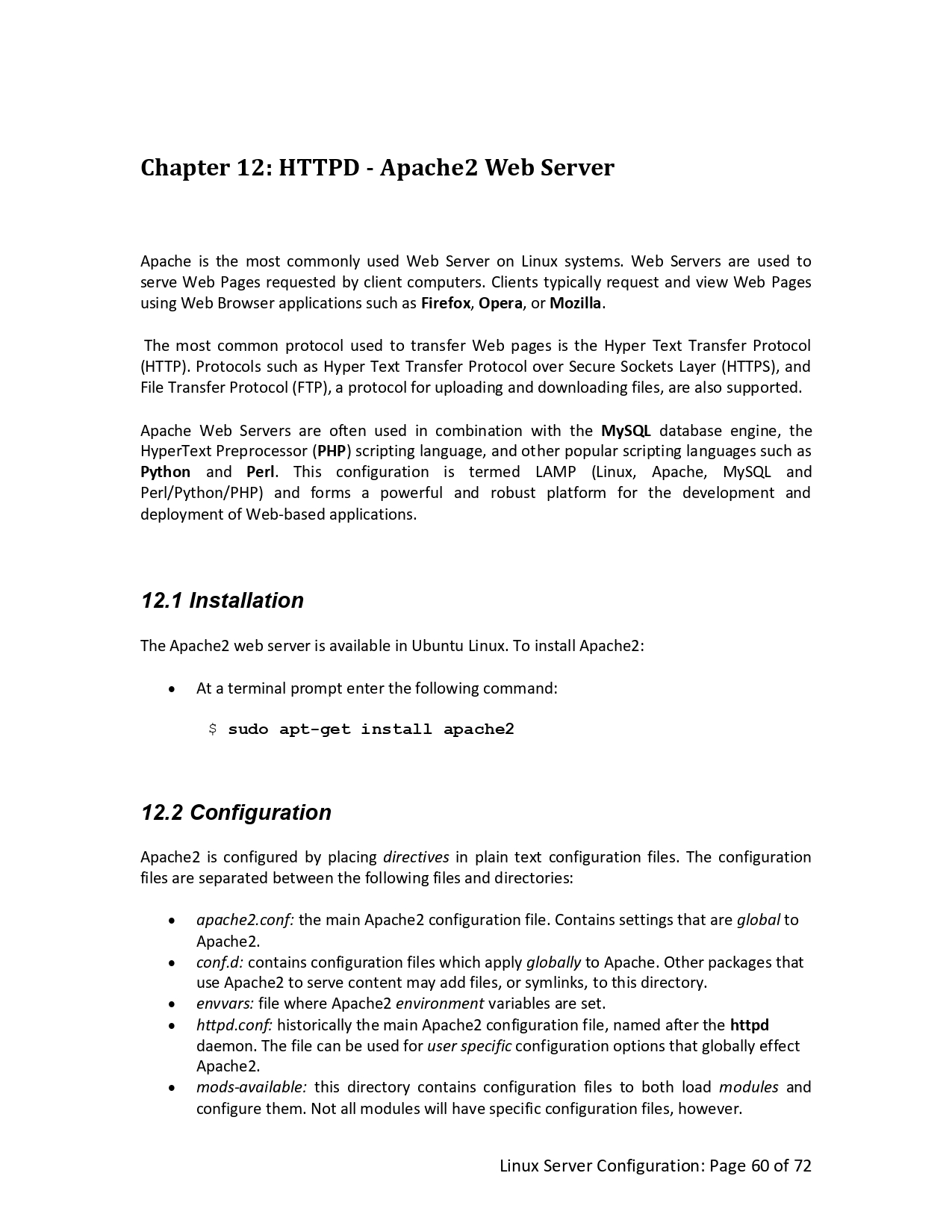
apt install nginx -y
CentOS / RHEL
yum install nginx -y
🌍 5. Web Server Configuration
NGINX
systemctl start nginx
systemctl enable nginx
Check:
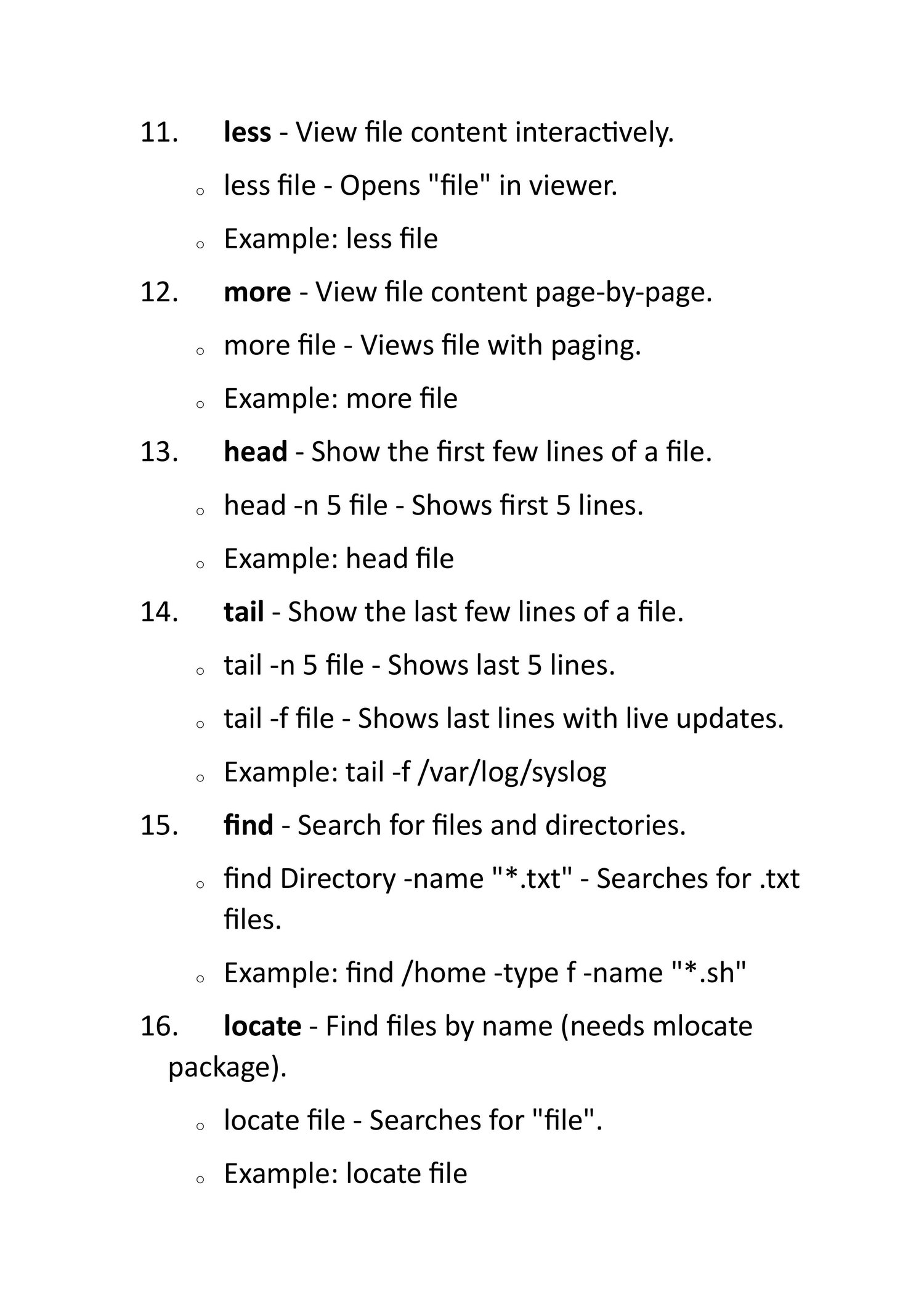
curl localhost
🗄️ 6. Disk & Storage
Check disk
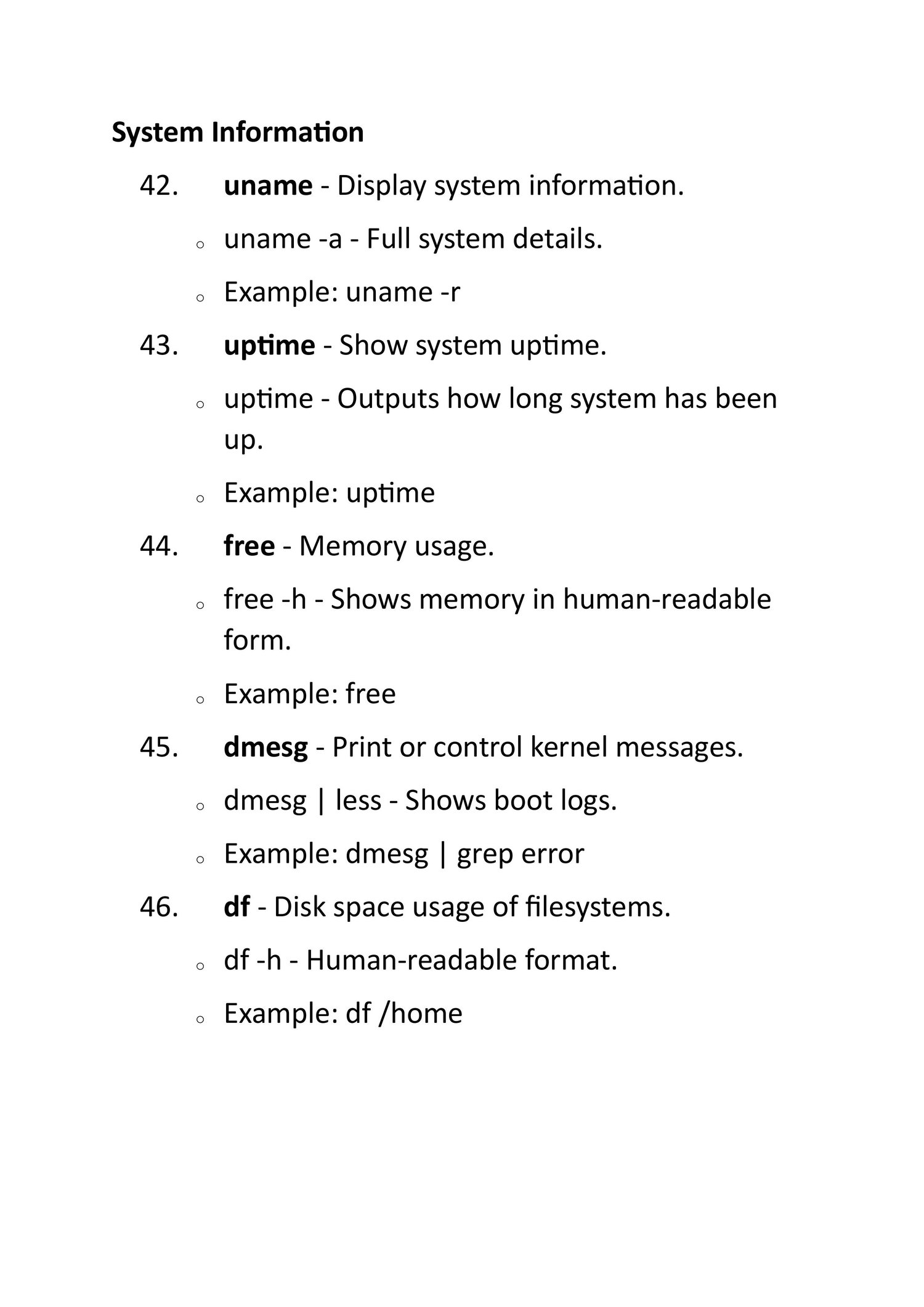
df -h
lsblk
Mount disk:
mount /dev/sdb1 /data
Persistent mount:
nano /etc/fstab
🔄 7. Service Management
systemctl status nginx
systemctl restart nginx
systemctl stop nginx
📜 8. Logs & Monitoring
journalctl -u nginx
top
htop
free -m
``