

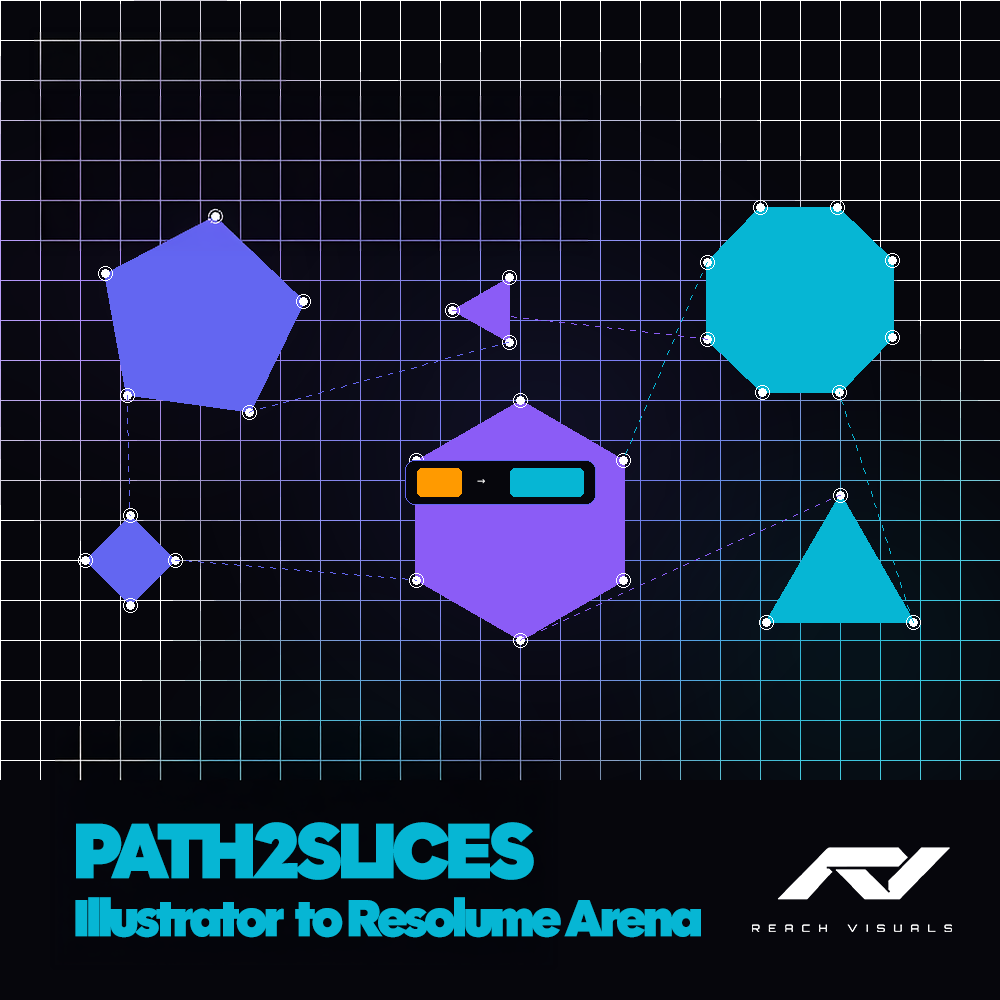
PATH2SLICES
Path2Slices — Illustrator → Resolume Arena
Stop manually tracing polygons in Resolume. Design your slice layout in Illustrator and export it straight into Resolume Arena's Advanced Output — in seconds.
Layers become screens. Shapes become polygon slices. Names carry over. It just works.
HOW IT WORKS
- Design your layout in Adobe Illustrator
- Run the script (File > Scripts > Path2Slices)
- Your XML saves directly to Resolume's Advanced Output presets folder
- Load it in Arena — done
FEATURES
→ Layers become Resolume screens → Shapes become polygon slices → Compound paths supported → Adaptive curve conversion — smooth curves, minimal points → Settings dialog with quality controls → Auto-saves to Resolume's preset folder → One-click installer for Windows and macOS
WHAT'S INCLUDED
→ Path2Slices (Reach Visuals).jsx → Install_Windows.bat → Install_Mac.command → INSTRUCTIONS.txt
If the installer doesn't work, simply copy the .jsx file to your Illustrator Scripts folder manually.
REQUIREMENTS
→ Adobe Illustrator CC 2015 or newer → Resolume Arena 7+ (not compatible with Resolume Avenue)
TIPS
→ Convert text to outlines first (Type > Create Outlines) → Expand appearances first (Object > Expand Appearance) → Name your paths — they carry over to Resolume → Artboard size = Resolume composition size
Created by Andy Godschalk — Reach Visuals Made with the help of Claude AI