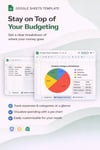
Expense Category Breakdown Dashboard (Google Sheets Template) | Track Spending with Automatic Pie Chart
Take control of your spending with a simple, visual system that shows you exactly where your money is going.
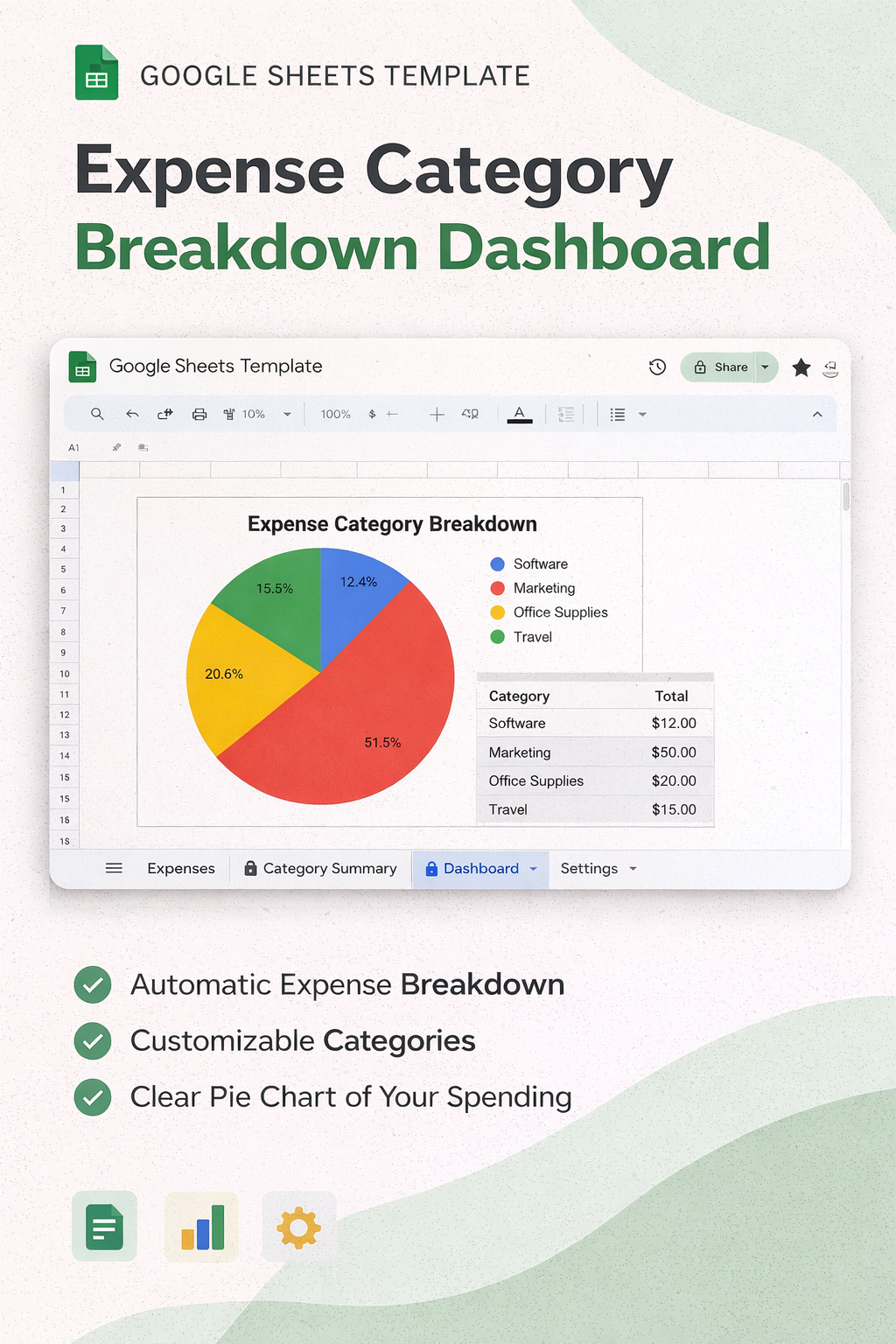
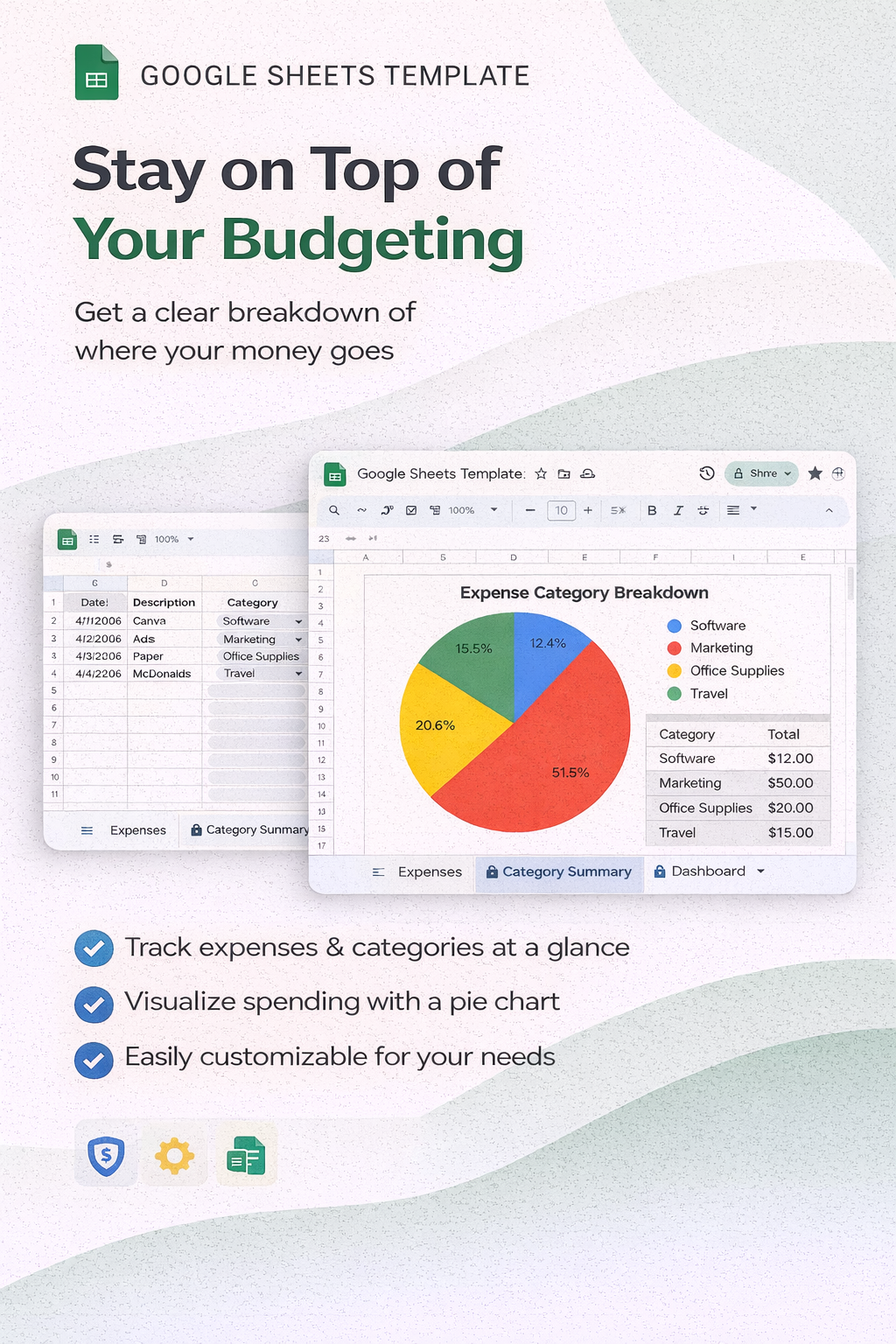
The Expense Category Breakdown Dashboard is a clean, easy-to-use Google Sheets template designed to help you track expenses, organize categories, and instantly see a visual breakdown of your spending — without complicated formulas or software.
If you’re tired of guessing where your money goes or managing messy spreadsheets, this system gives you a clear and structured way to stay organized.
🎯 What This Template Helps You Do
✔ Track all your expenses in one place
✔ Automatically categorize spending
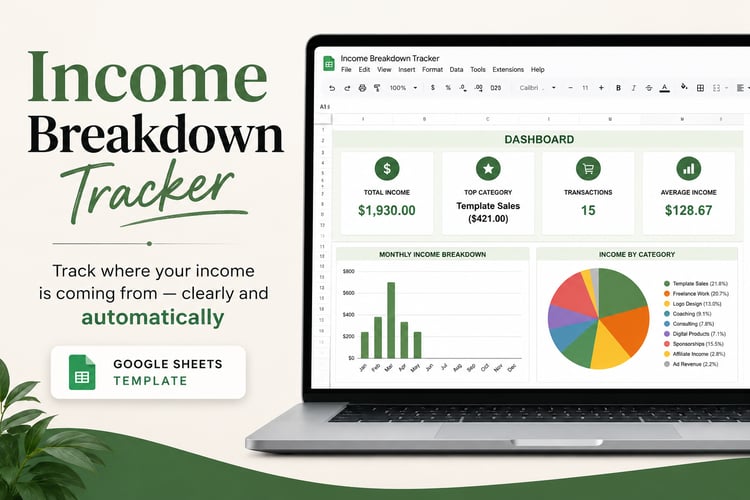
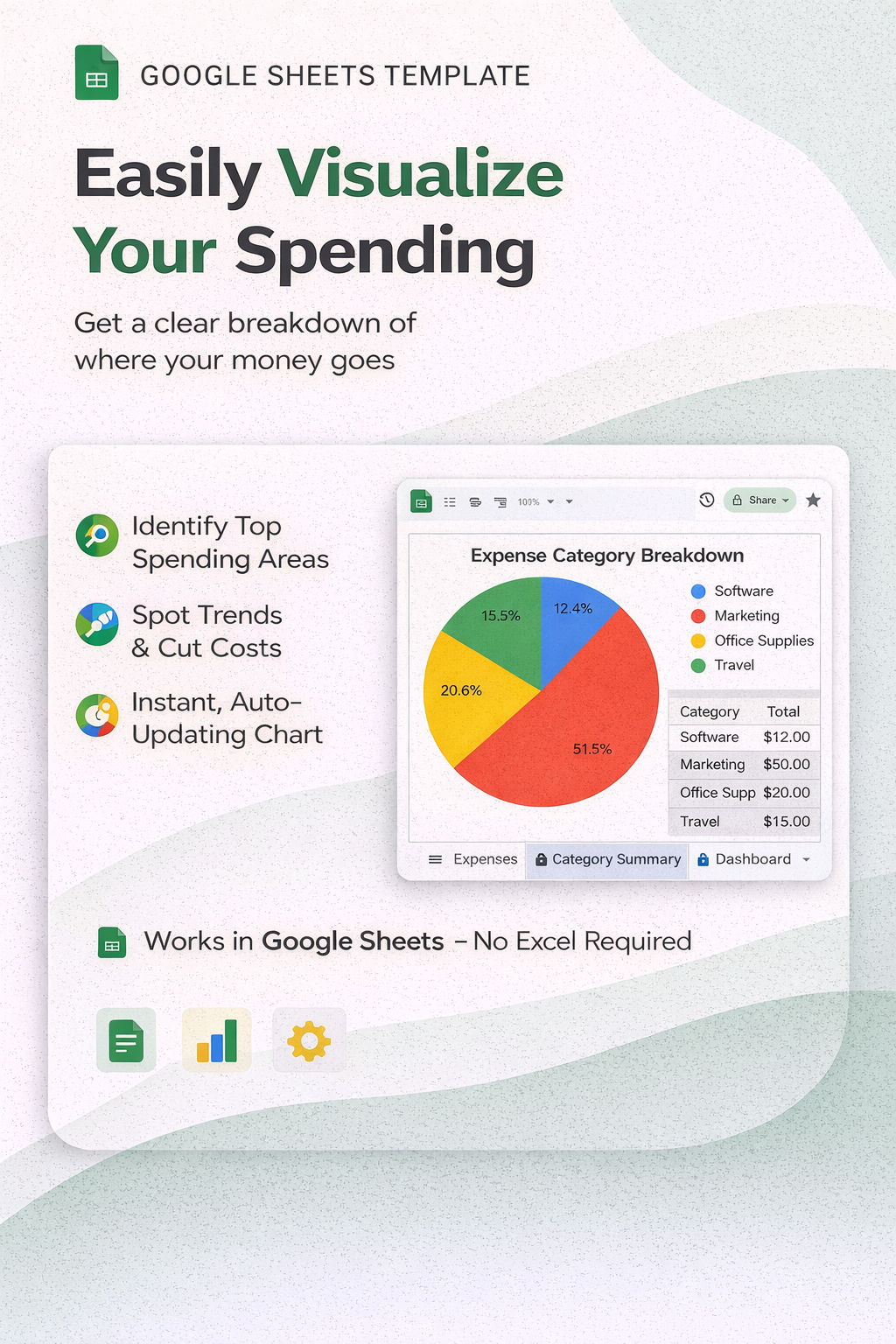
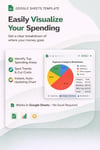
✔ See a visual breakdown with a pie chart
✔ Identify top spending areas
✔ Stay organized without overwhelm
📦 What’s Included
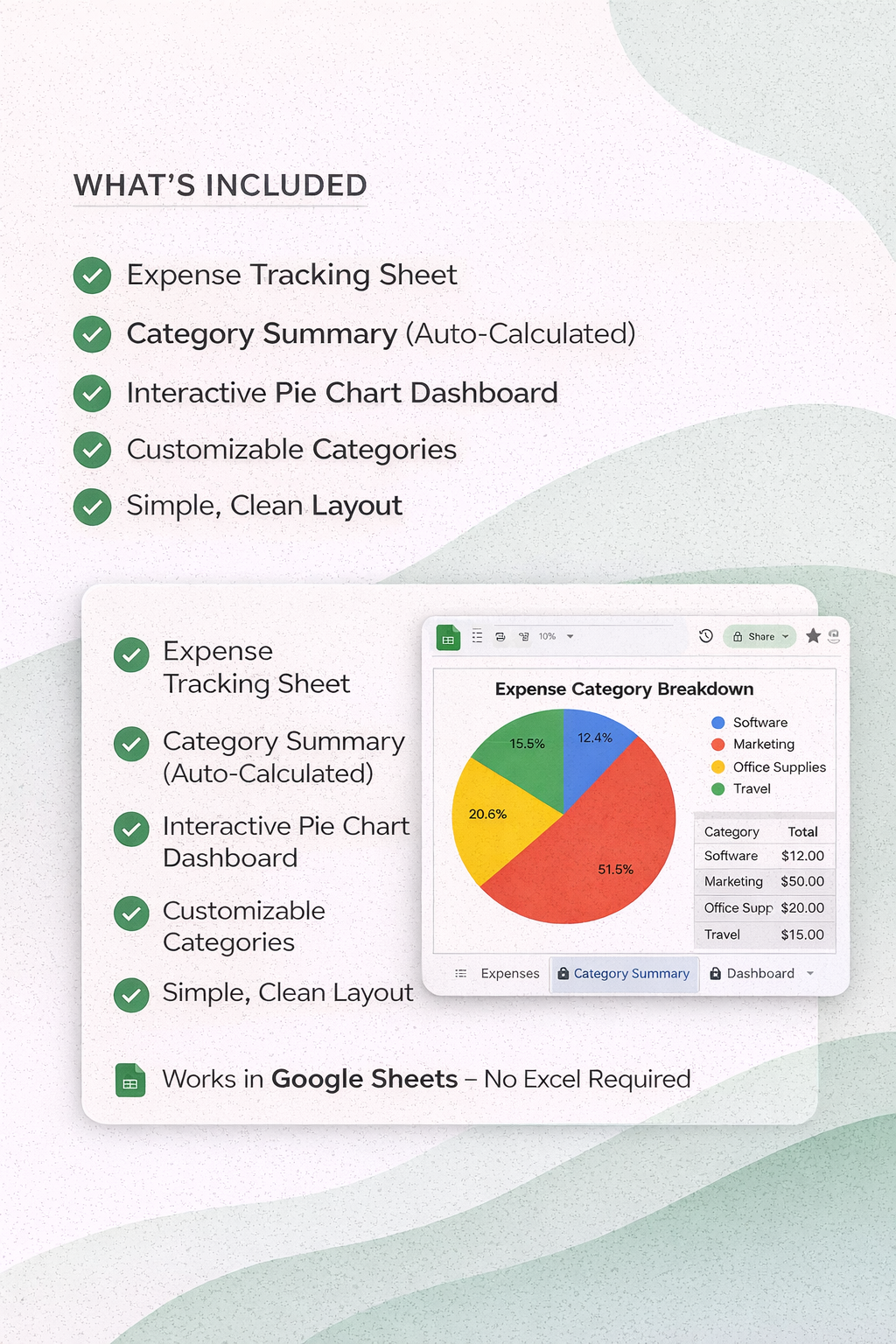
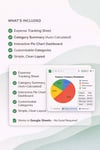
✔ Expense Tracking Sheet
✔ Category Summary (Auto-Calculated)
✔ Interactive Pie Chart Dashboard
✔ Customizable Category List
✔ Simple, Clean Layout
⚙️ How It Works
- Enter your expenses in the Expenses tab
- Select a category from the dropdown
- The summary and dashboard update automatically
👉 No formulas required
👉 No setup needed
⚠️ Important Note
The dashboard chart will appear once you begin entering your expense data.
If the sheet is blank, you may see a message like:
“Column 2 must be numeric”
👉 This is normal and will disappear as soon as data is added.
💻 Requirements
- Google Sheets (Free with Google account)
- Works on desktop or laptop (recommended for best experience)
✨ Perfect For
- Small business owners
- Freelancers
- Solopreneurs
- Digital product sellers
- Anyone who wants a simple way to track spending
🔒 Please Note
- This is a digital product (no physical item will be shipped)
- Due to the nature of digital downloads, all sales are final
💛 Why You’ll Love It
This template removes the guesswork and gives you a clear, visual way to understand your spending — so you can make better financial decisions with confidence.
🧠 STRATEGY NOTE (for you, not customers)
This listing:
- Handles the chart error upfront (less support)
- Keeps it simple (low friction purchase)
- Positions it as a quick win product